





Splashproof and Durable
Computer keyboard is well protected against water spray. Quality keyboard mouse combo is suitable for office and study.

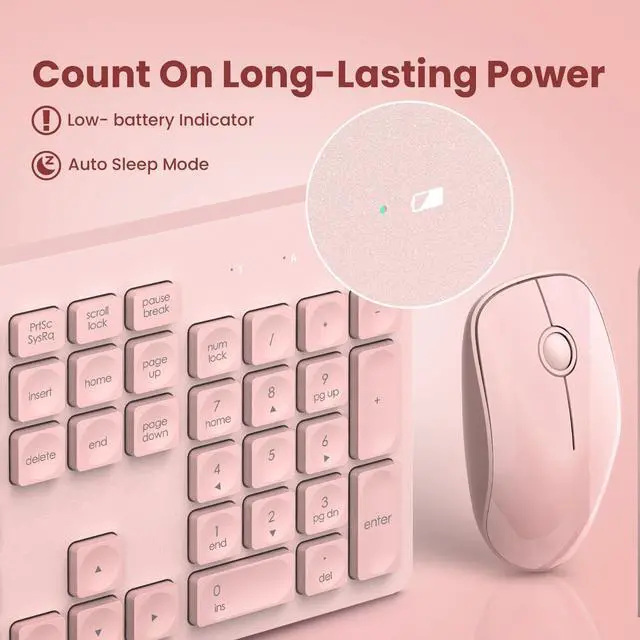
Long Battery Life
Keyboard will last for up to 15 months, and mouse for up to 24 months! Sleep mode for maximum energy savings.

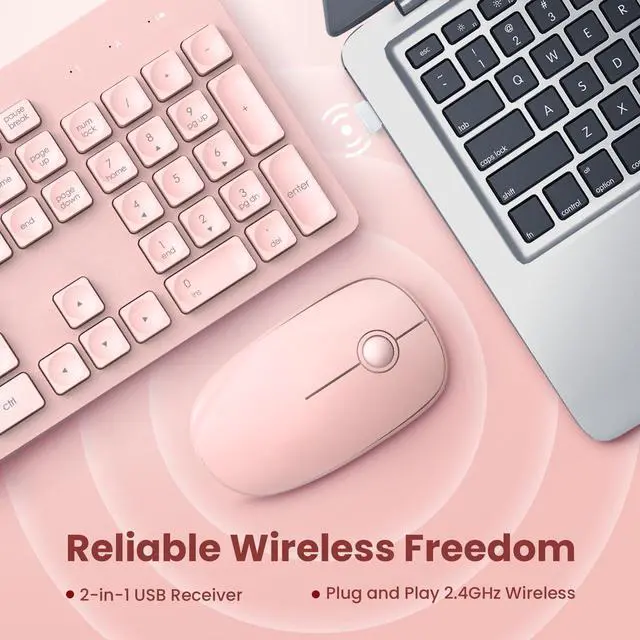
One USB Receiver
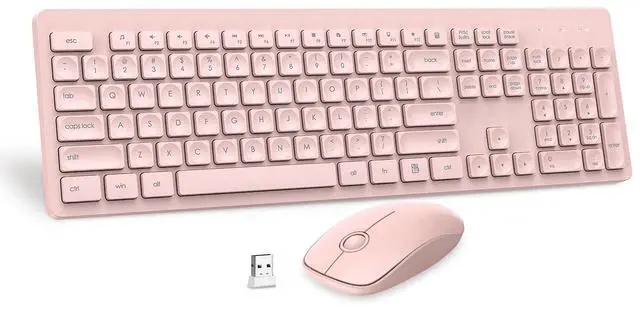
With USB receiver, keyboard and mouse combo makes setup easy. No worry about delays or dropouts when running Windows or MAC.

Comfortable Typing
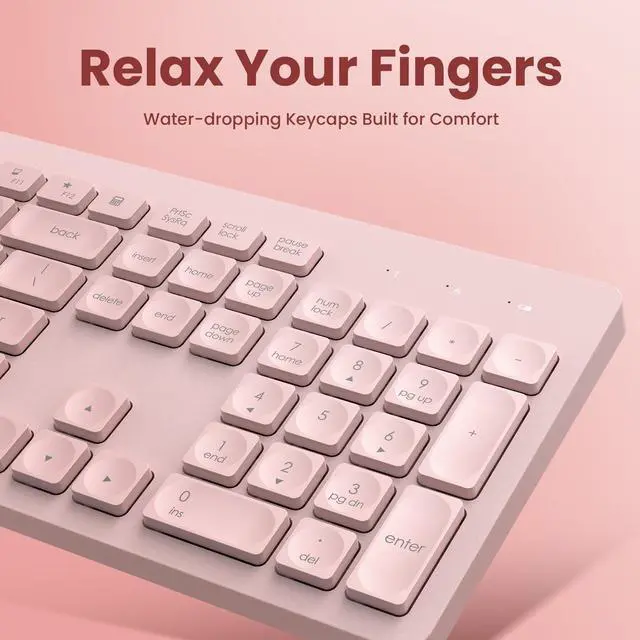
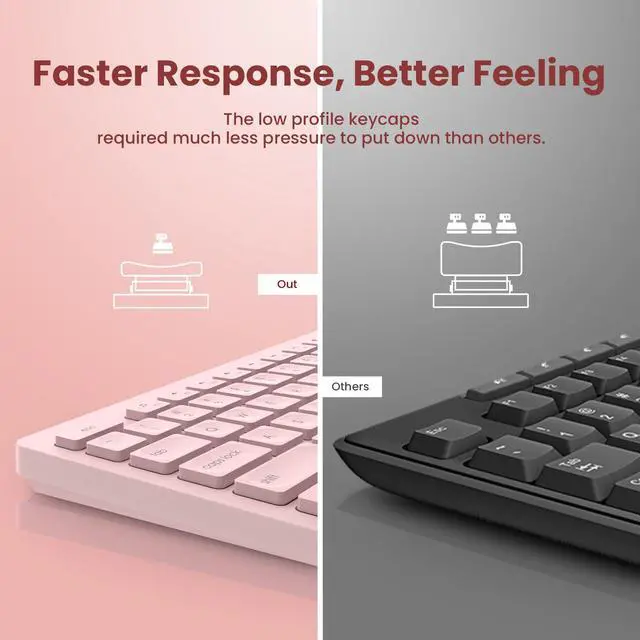
The combo features a gentle slope and contoured shape to help relieve stress on your wrist muscles. Comfortable for both left and right hands.

Keyboard lags or doesn't work, how to fix it?
1.Insert the battery and plug the receiver into the computer.
2.Press the “ESC” and “+/=” simultaneously for over 3s to enter the paring mode until the indicator light on.
3.When the indicator lught goes off within 20s, the pairing is complete.
Mouse lags or doesn't work, how to fix it?
1.Insert the battery and plug the receiver into the computer
2.Press the left button, scroll button and right button simultaneously for over 3s to enter the paring mode
3.If the cursor moves when you move the mouse within 20s, the pairing is complete


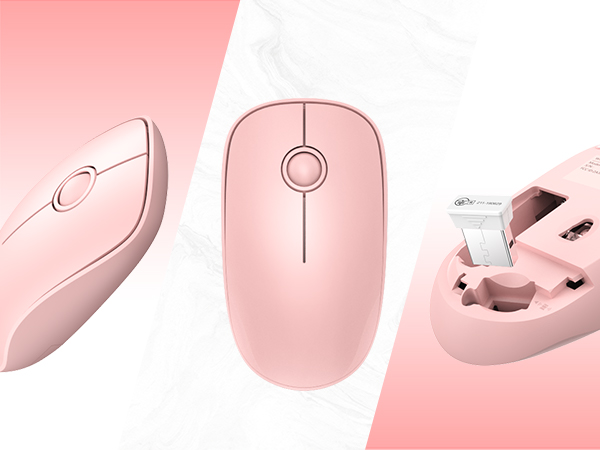
Silent Click
Ambidextrous Design
USB Receiver
Splashproof and Durable
Computer keyboard is well protected against water spray. Quality keyboard mouse combo is suitable for office and study.
Long Battery Life
Keyboard will last for up to 15 months, and mouse for up to 24 months! Sleep mode for maximum energy savings.
One USB Receiver
With USB receiver, keyboard and mouse combo makes setup easy. No worry about delays or dropouts when running Windows or MAC.
Comfortable Typing
The combo features a gentle slope and contoured shape to help relieve stress on your wrist muscles. Comfortable for both left and right hands.

Keyboard lags or doesn't work, how to fix it?
1.Insert the battery and plug the receiver into the computer.
2.Press the “ESC” and “+/=” simultaneously for over 3s to enter the paring mode until the indicator light on.
3.When the indicator lught goes off within 20s, the pairing is complete.
Mouse lags or doesn't work, how to fix it?
1.Insert the battery and plug the receiver into the computer
2.Press the left button, scroll button and right button simultaneously for over 3s to enter the paring mode
3.If the cursor moves when you move the mouse within 20s, the pairing is complete