







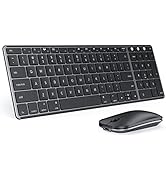
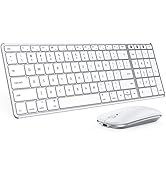
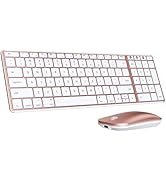
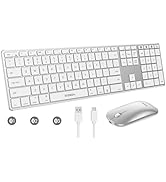
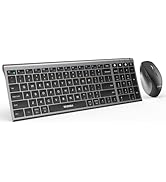
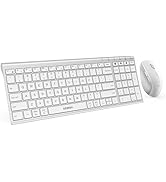
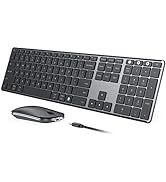
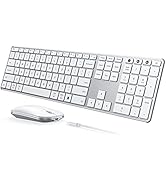
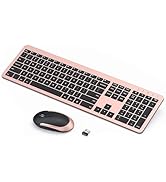
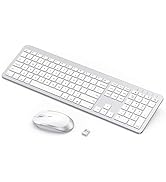
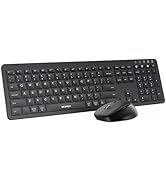
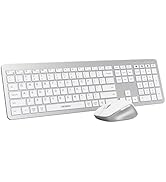

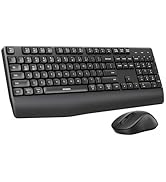
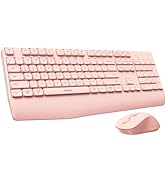
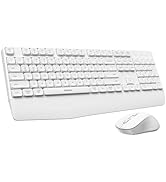
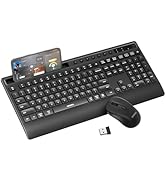


NOTE: Bluetooth Only, No Chip or Dongle Needed | Pairing Guide: [User Manual]
bluetooth keyboard and mouse
Merchant VideoModel: COS500
Please NOTE Before You Buy:
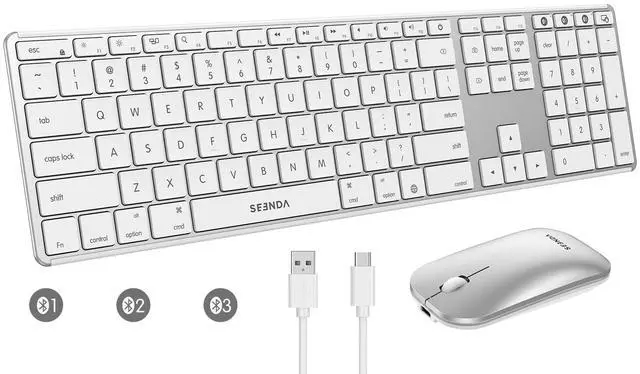
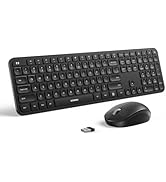
1. This is a Bluetooth-only set, NO connection chip or dongle needed, see user manual for pairing guide. Requires Bluetooth version 4.0+ (NOT come with Bluetooth adapter).
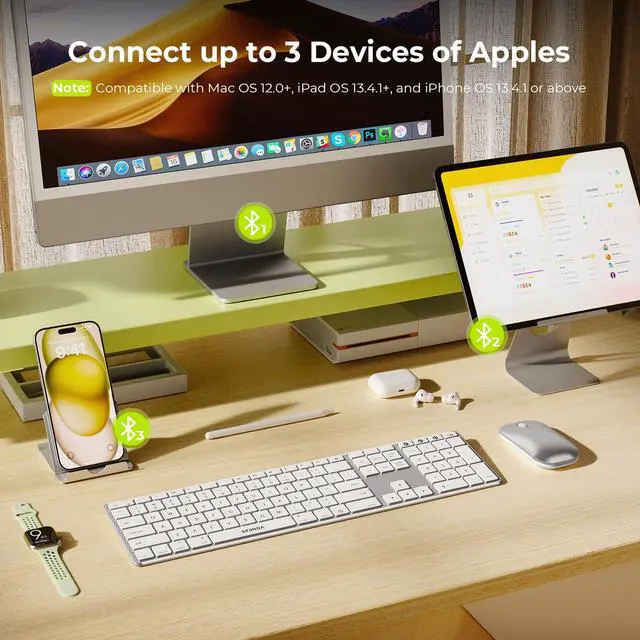
2. This combo is fully compatible with Mac OS 12.0 or above, iPad OS 13.0 or above, and iOS 13.0 or above, some functions are not available for Windows devices.
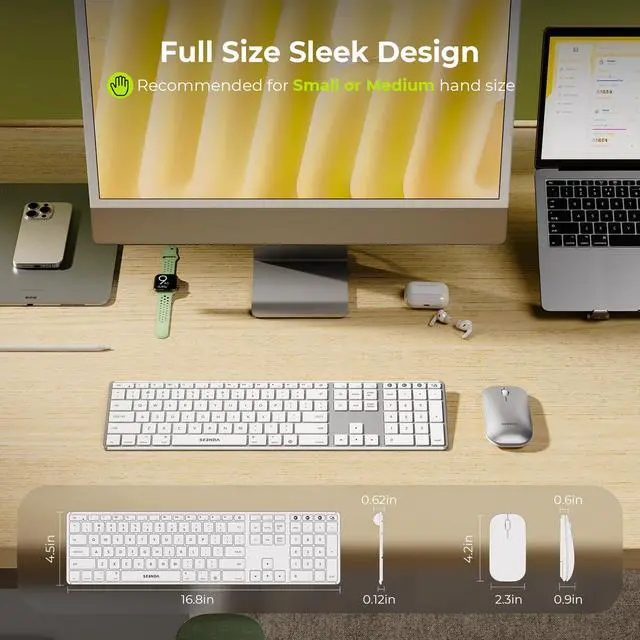
3. We recommended that this sleek keyboard and mouse is suitable for small to medium hands.
4. Please don't hesitate to seek help by your order if anything happens.



Troubleshooting TIPS For You:
QA1: Why is there a slot on the back of Bluetooth mouse if no dongle needed?
This slot serves a dual purpose: it's designed for potential future product upgrades while also providing secure storage for small accessories like USB drives or SIM eject tools.
QA2: How to deal with cracked keyboard edges or dropped keys?
If this happens and it cannot be recovered, please do not hesitate to seek further assistance through your order.
QA3: How to deal with disconnection issues, keys repeating or typing & clicking delay?
1. Please ensure that the keyboard/mouse is fully charged. A low battery can affect the performance of the keyboard/mouse; 2. Delete the Bluetooth name from your device's Bluetooth connection list, and restart your device and re-pair the keyboard/mouse by following the steps in the user manual; 3. lf the issues persist, try to connect the keyboard/mouse to other devices to check if the same issues occur and don't hesitate to seek further assistance through your order.
QA4: How to deal with keyboard/mouse won't turn on or stops working?
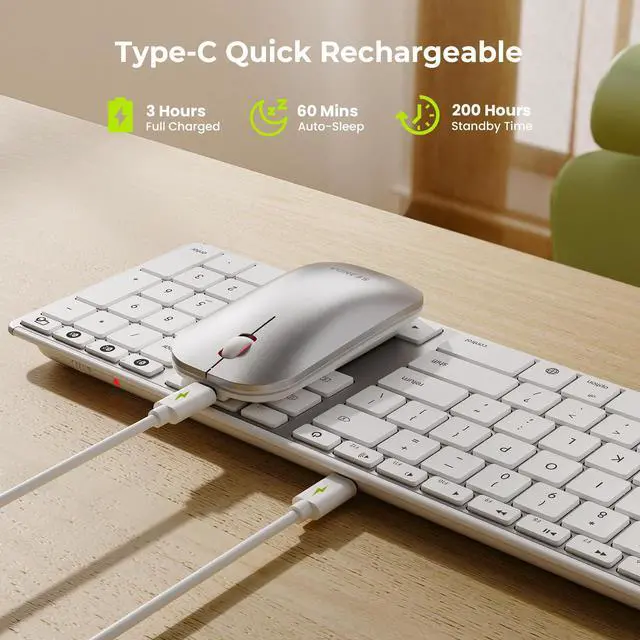
1. The rated charging voltage for the keyboard and mouse is 5V. It is recommended to use the computer's USB port for charging; 2. Try to change another Type-C cable to confirm whether it is a cable issue or a fault with the keyboard and mouse; 3. If the power indicator of the keyboard/mouse does not light up at all, please do not hesitate to seek further assistance through your order.
QA5: How do I confirm that the keyboard/mouse is at low battery?
The white light of the channel button BT1/BT2/BT3 in use flashes when the power is too low, until it is turned off. And problems such as response delaying, keys sticking and cursor drifting may occur when in low battery.

NOTE: Bluetooth Only, No Chip or Dongle Needed | Pairing Guide: [User Manual]
bluetooth keyboard and mouse
Merchant VideoModel: COS500
Please NOTE Before You Buy:
1. This is a Bluetooth-only set, NO connection chip or dongle needed, see user manual for pairing guide. Requires Bluetooth version 4.0+ (NOT come with Bluetooth adapter).
2. This combo is fully compatible with Mac OS 12.0 or above, iPad OS 13.0 or above, and iOS 13.0 or above, some functions are not available for Windows devices.
3. We recommended that this sleek keyboard and mouse is suitable for small to medium hands.
4. Please don't hesitate to seek help by your order if anything happens.
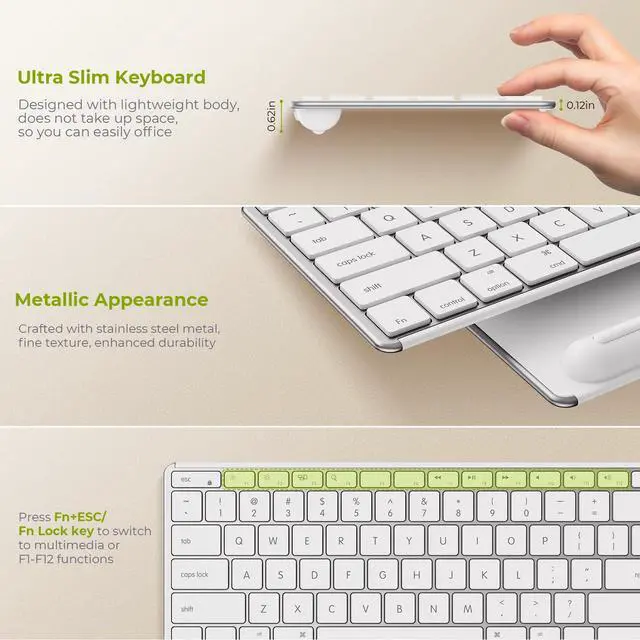
Press Fn + Fn Lock/Esc key to switch the shortcut keys to multimedia or F1-F12 functions.
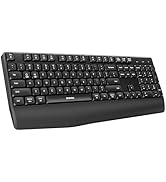
Stay productive with a full-size keyboard featuring number pad and dedicated function keys.
If you are using this flat mouse for the first time, it may take some time to get used to its grip.


Troubleshooting TIPS For You:
QA1: Why is there a slot on the back of Bluetooth mouse if no dongle needed?
This slot serves a dual purpose: it's designed for potential future product upgrades while also providing secure storage for small accessories like USB drives or SIM eject tools.
QA2: How to deal with cracked keyboard edges or dropped keys?
If this happens and it cannot be recovered, please do not hesitate to seek further assistance through your order.
QA3: How to deal with disconnection issues, keys repeating or typing & clicking delay?
1. Please ensure that the keyboard/mouse is fully charged. A low battery can affect the performance of the keyboard/mouse; 2. Delete the Bluetooth name from your device's Bluetooth connection list, and restart your device and re-pair the keyboard/mouse by following the steps in the user manual; 3. lf the issues persist, try to connect the keyboard/mouse to other devices to check if the same issues occur and don't hesitate to seek further assistance through your order.
QA4: How to deal with keyboard/mouse won't turn on or stops working?
1. The rated charging voltage for the keyboard and mouse is 5V. It is recommended to use the computer's USB port for charging; 2. Try to change another Type-C cable to confirm whether it is a cable issue or a fault with the keyboard and mouse; 3. If the power indicator of the keyboard/mouse does not light up at all, please do not hesitate to seek further assistance through your order.
QA5: How do I confirm that the keyboard/mouse is at low battery?
The white light of the channel button BT1/BT2/BT3 in use flashes when the power is too low, until it is turned off. And problems such as response delaying, keys sticking and cursor drifting may occur when in low battery.
Mac Bluetooth Keyboard Mice
USB + Dual Bluetooth Combos
Full-Size Slim Keyboard Mice
Multi-Device Ergo Combos
USB + Bluetooth Mice
