




Discover Your Perfect Fit
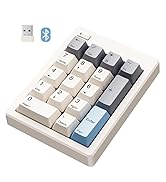
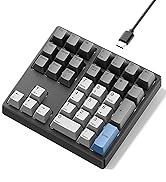
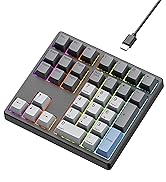
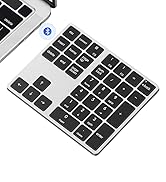
 FD17 Number Keypad |  KN17 Number Keypad |  KN34 Number Pad |  KN300BT Number Pad |  KN300 Number Pad | |
|---|---|---|---|---|---|
Customer Reviews | — | — | — | — | — |
Price | — | — | — | — | — |
Switch Type | Bsun Linear Switch | Outemu Brown Switch | Gateron Brown Switch | X Scissor Switch | X Scissor Switch |
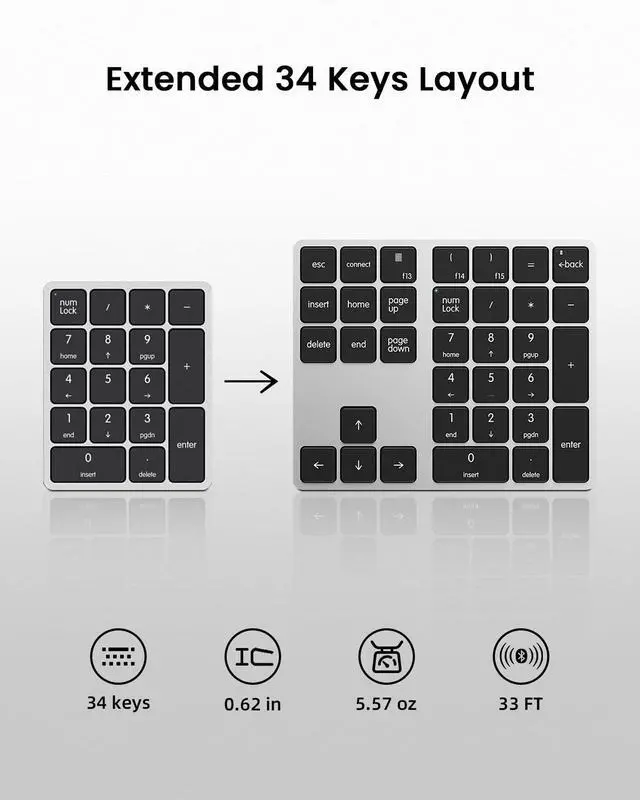
Layout Keys | 17 keys | 17 keys | 34 keys | 34 keys | 34 keys |
Hot-Swappable | ? | ? | ? | X | X |
Backlight | X | White | White | X | X |
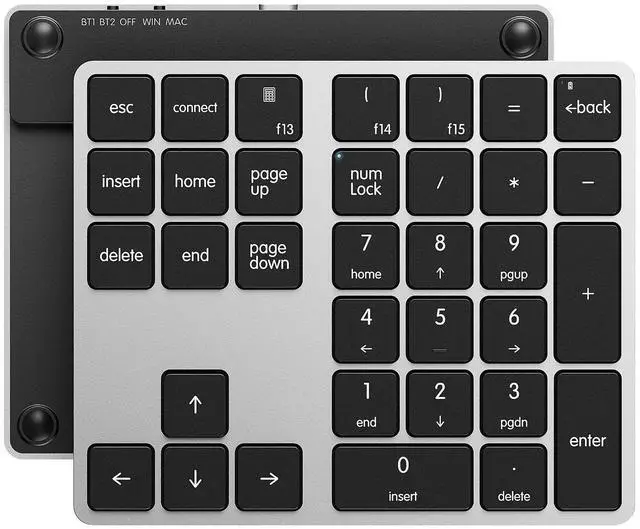
Connection | 2.4G Wireless/Bluetooth5.0 | Detachable Type-c Wired | Detachable Type-c Wired | Bluetooth 5.0 | Type-c Wired |
Programmable | X | X | X | X | X |
Size/Weight | 4.84*3.62*1.61in/0.44lb | 4.41*3.39*1.38in/0.49lb | 5.87*5.28*1.54in/1.12lb | 5.55*4.61*0.62in/0.35lb | 5.55*4.61*0.62 in/0.4lb |

Easy Toggle Win &Mac System

How to Connect Your Device


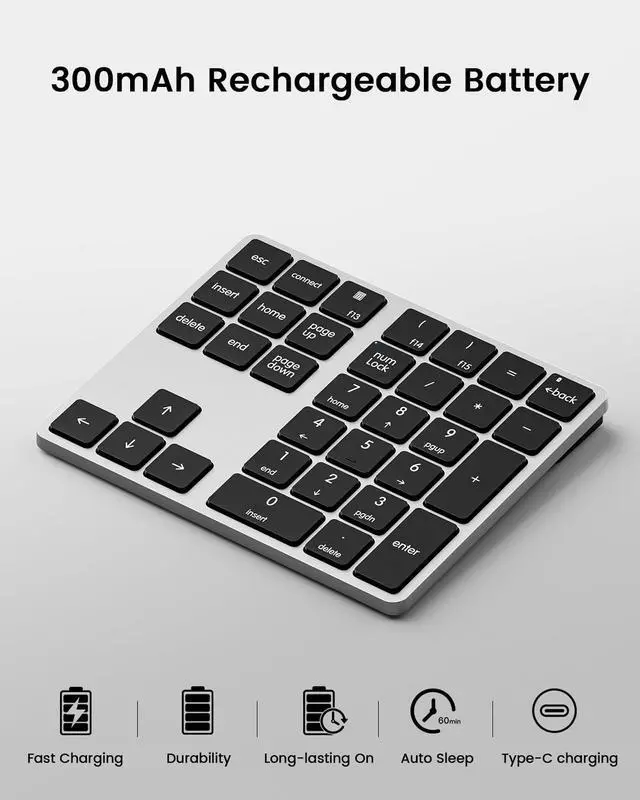
USB-C Rechargeable
With 300mAH lithium battery, the numpad can be charged by USB-A to USB-C cable.

BT1/BT2 Connection
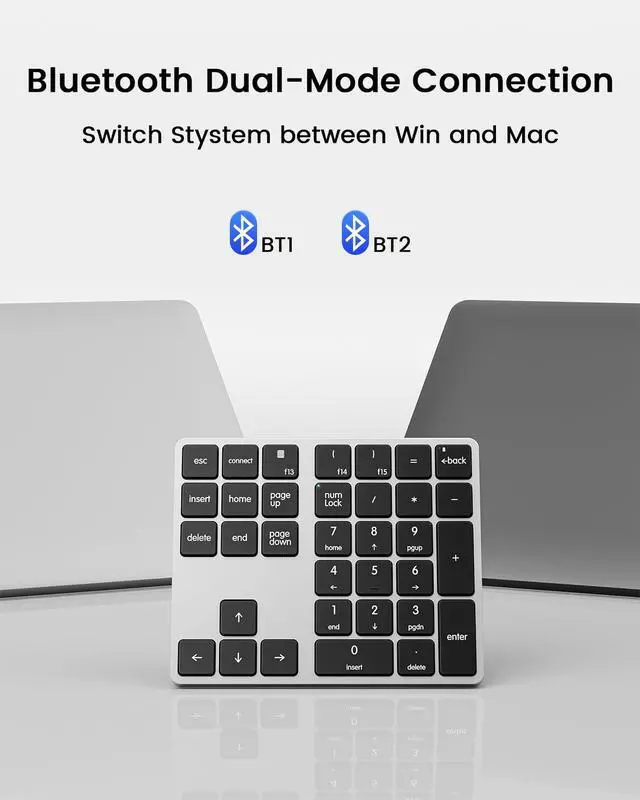
Sync two devices via Bluetooth 5.0, easily to switch between a laptop, tablet, and smartphone.

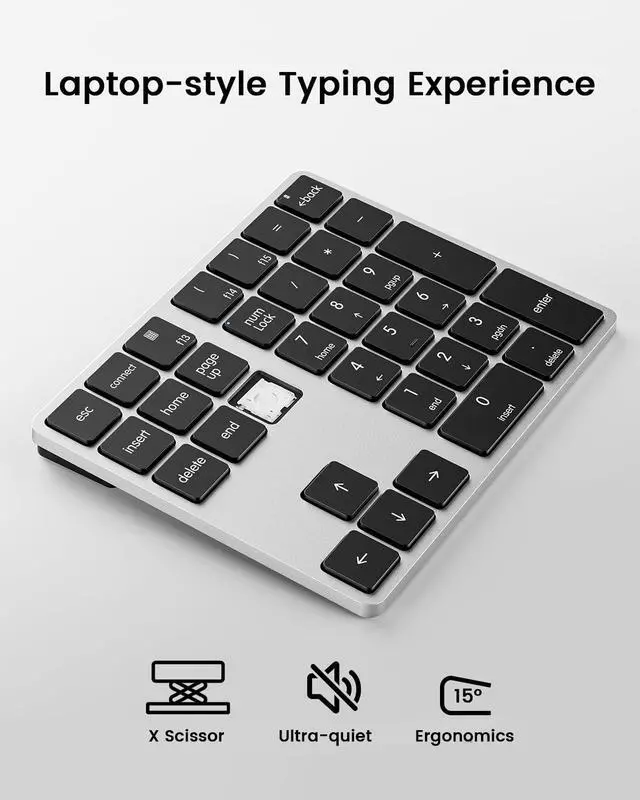
X Scissor Switch
Quiet, responsive, and comfortable, make you feel similar to typing on a macbook!

Slim and Portable
The lightweight numberpad fits seamlessly into your laptop bag, perfect for on the go.
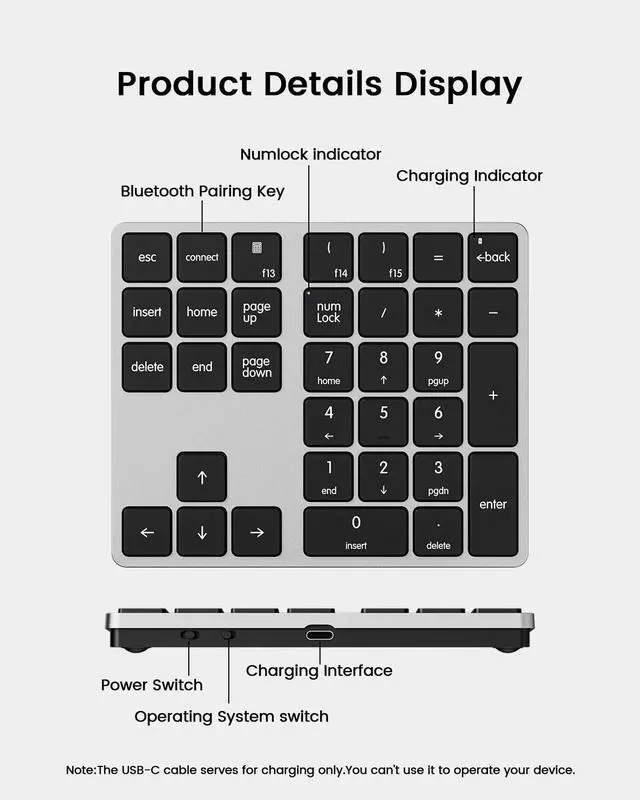
How to pair it with Bluetooth device?
Firstly set the power switch to BT1 / BT2, then Press and hold “connect “for 5 seconds until the Numlock light quickly flashes blue, pair your device with “Numeric Keypad”.
Does the KN300BT have backlighting?
No, it features a minimalist design without backlit keys for pure, efficient input.
Does this keypad have any programmable keys?
No. This 10 key focuses solely on plug-and-play numeric input with fixed key functions, no programming/remapping support.
Calculator key or NumLock key doesn’t work?
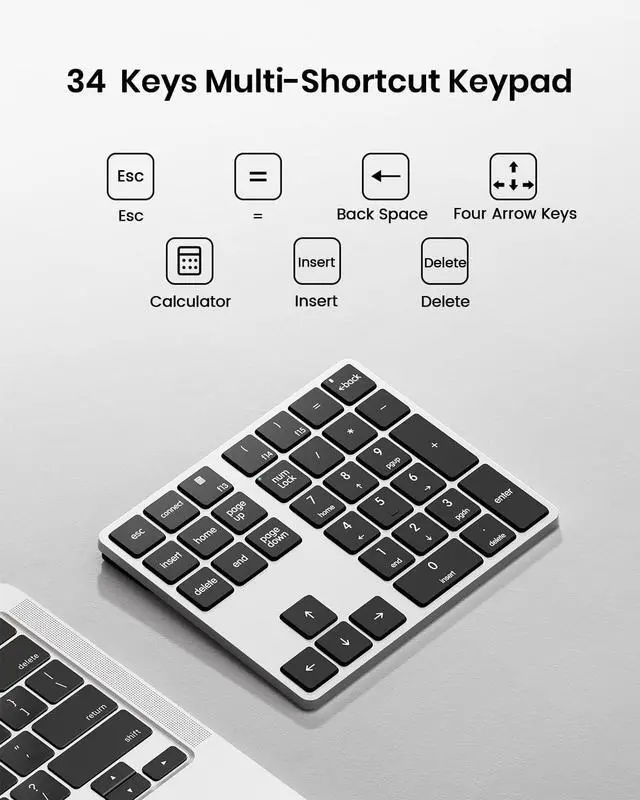
On Windows: Calculator key= Open the Calulator app and NumLock key is standard number lock function.
On Mac: Calculator key=F13 NumLock =“Clear”
Can it be used while charging?
The included USB-C to USB-A cable is for charging only. You must still maintain Bluetooth connectivity to operate the numpad.

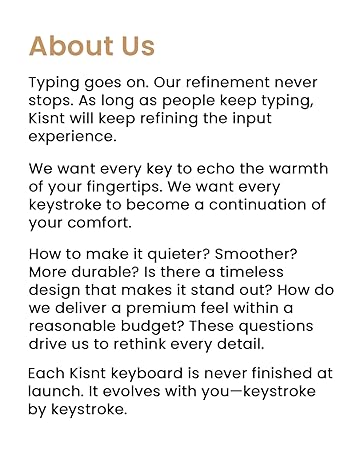
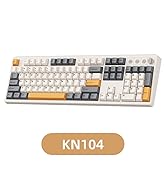
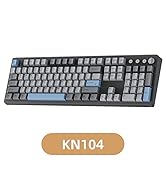
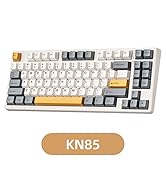
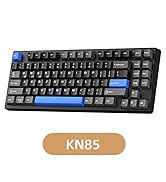
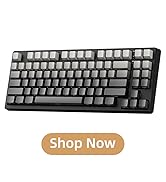
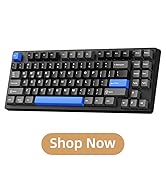
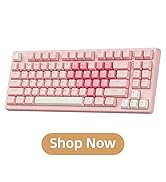
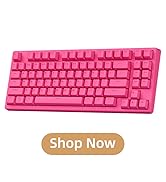
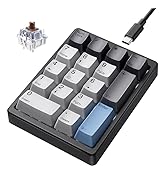
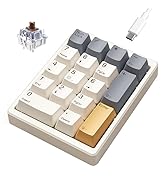
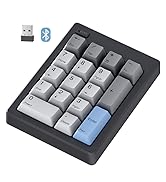
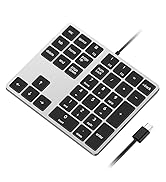
Redefine Your Keyboard Standard
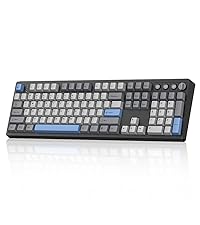 KN104 Mechanical Keyboard | 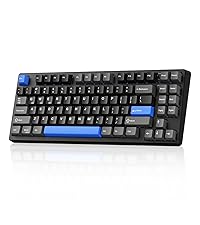 KN85 Mechanical Keyboard | 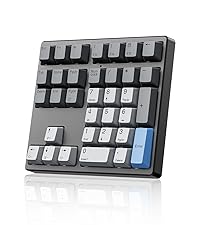 MF34 QMK Number Keypad | 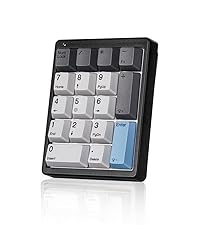 KN17 Number Keypad | FD17 Number Keypad |
|---|---|---|---|---|
| Customer Reviews | ||||
| — | — | — | — | — |
| Price | ||||
| — | — | — | — | — |
| Switch Type | ||||
| Linear Switch | Linear Switch | Linear Switch | Brown Switch | Linear Switch |
| Switch Brand | ||||
| Bsun | Bsun | Bsun | Outemu | Bsun |
| Layout Keys | ||||
| 100% ANSI US, 104 keys | 75% ANSI US, 85 keys | 34 keys | 17 keys | 17 keys |
| Hot-Swappable | ||||
| ? | ? | ? | ? | ? |
| Backlight | ||||
| RGB | RGB | RGB | White | X |
| Connection | ||||
| Wired/2.4G Wireless/Bluetooth | Wired/2.4G Wireless/Bluetooth | Detachable Type-c Wired | Detachable Type-c Wired | 2.4G Wireless/Bluetooth5.0 |
| Programmable | ||||
| KN104 software(WIN only) | KN85 software(WIN only) | QMK/VIA | X | X |
| Size/Weight | ||||
| 17.52*5.55*1.65in/2.41lb | 13.68*5.51*1.77in /1.98lb | 5.87*5.28*1.54in/1.12lb | 4.41*3.39*1.38in/0.49lb | 4.84*3.62*1.61in/0.44lb |

Easy Toggle Win &Mac System

How to Connect Your Device


USB-C Rechargeable
With 300mAH lithium battery, the numpad can be charged by USB-A to USB-C cable.
BT1/BT2 Connection
Sync two devices via Bluetooth 5.0, easily to switch between a laptop, tablet, and smartphone.
X Scissor Switch
Quiet, responsive, and comfortable, make you feel similar to typing on a macbook!
Slim and Portable
The lightweight numberpad fits seamlessly into your laptop bag, perfect for on the go.
How to pair it with Bluetooth device?
Firstly set the power switch to BT1 / BT2, then Press and hold “connect “for 5 seconds until the Numlock light quickly flashes blue, pair your device with “Numeric Keypad”.
Does the KN300BT have backlighting?
No, it features a minimalist design without backlit keys for pure, efficient input.
Does this keypad have any programmable keys?
No. This 10 key focuses solely on plug-and-play numeric input with fixed key functions, no programming/remapping support.
Calculator key or NumLock key doesn’t work?
On Windows: Calculator key= Open the Calulator app and NumLock key is standard number lock function.
On Mac: Calculator key=F13 NumLock =“Clear”
Can it be used while charging?
The included USB-C to USB-A cable is for charging only. You must still maintain Bluetooth connectivity to operate the numpad.
Best Bang for the Buck
KN85 Series
17 Keys Series
34 Keys Series
