




How to use?
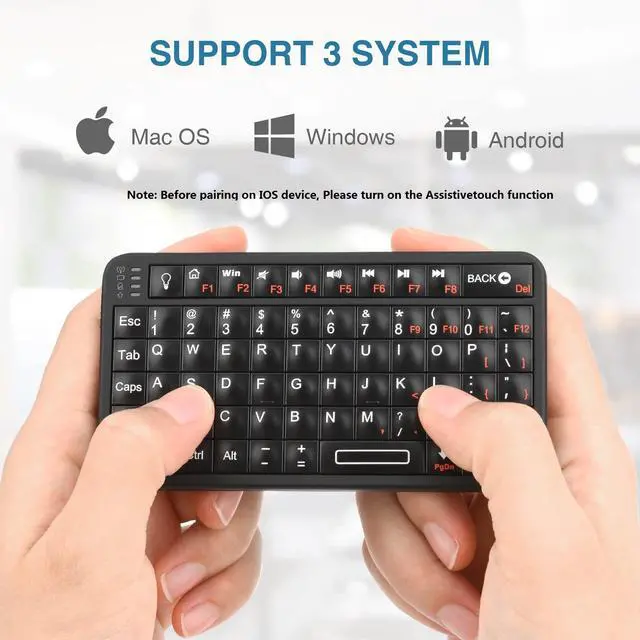
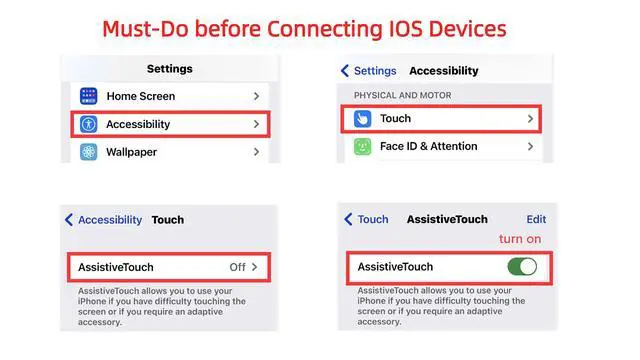
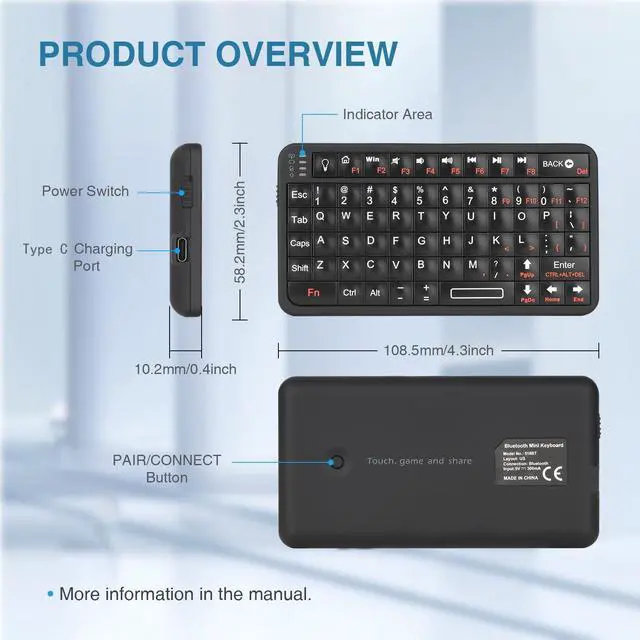
First turn on the switch on the left side, second press and hold the match button on the back for a few seconds and finally search for it on your device.The first time an Apple device connects you need to turn on AssistiveTouch on the device first.
Where to use?
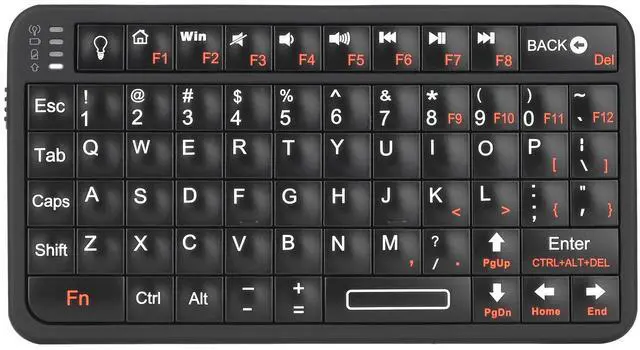
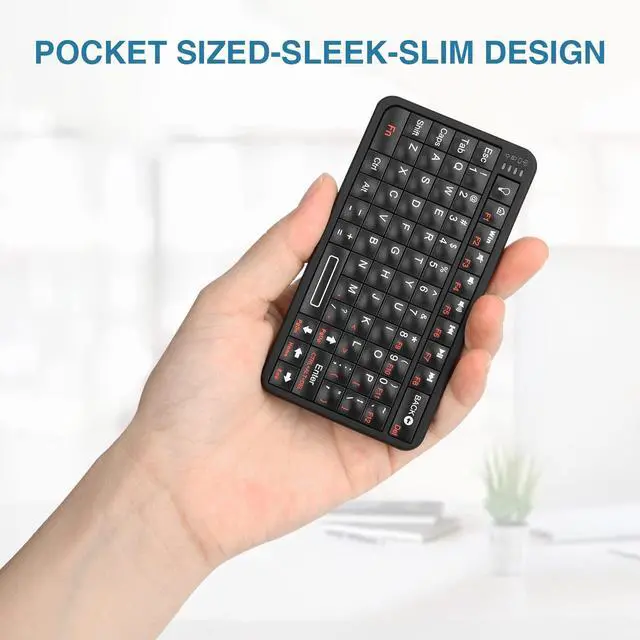
Such as smart phones, TVs, computers, AVP,VR, etc. For example, people have often adapted to typing on a phone that comes with a keyboard like the previous Blackberry, but today's smartphones lack physical keys for this part of the phone.
Can it be connected to VR glasses equipment?
Yes, it can. Virtual glasses such as AVP are currently unable to achieve daily typing speed, so a portable pocket Bluetooth keyboard can make up for this regret. That is to say, it can meet the needs of typing without taking up space.
How to connect to a computer without Bluetooth reception?
Please note that this mini Bluetooth keyboard does not come with a USB receiver, so when connecting to a desktop computer without Bluetooth reception, you need to purchase a USB receiver version 4.0 or above.

Rii keyboard and mouse

Rii aims at providing elegant, fashion and ease-of-use products for all people who need the wireless mouse and keyboard, especially for the young friends and kids with its youthful design
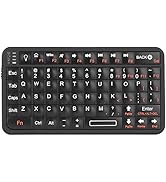
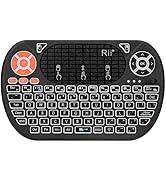
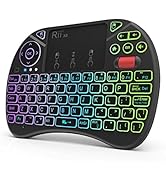
Rii Mini Keyboard
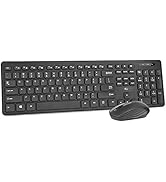
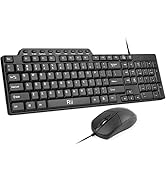
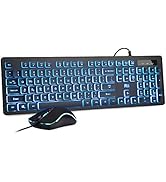
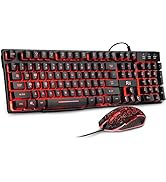
keyboard and mouse combo
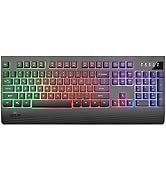
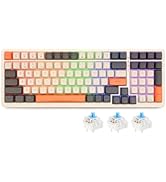
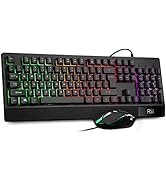
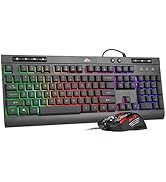
gaming keyboard
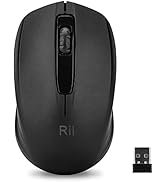
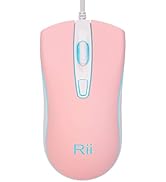
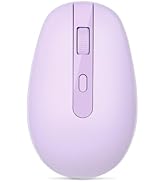
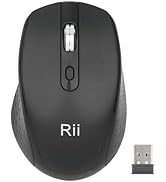
Mouse
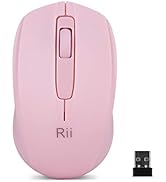
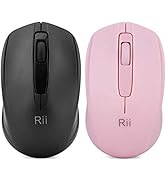

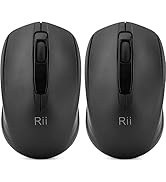
Mouse
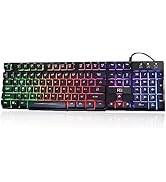
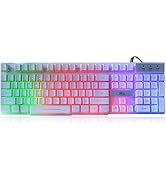
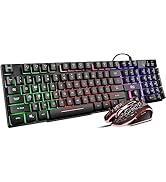
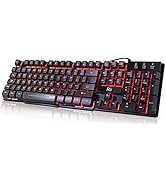
gaming keyboard
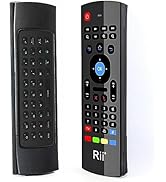
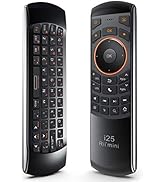
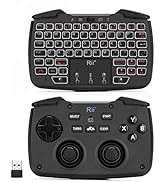
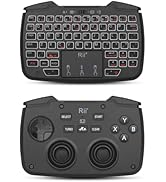
remote ,gaming controller
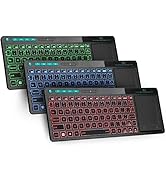
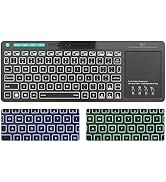
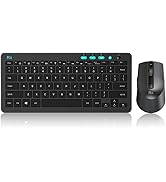
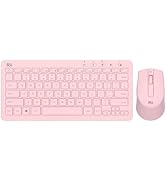
keyboard and mouse


How to use?
First turn on the switch on the left side, second press and hold the match button on the back for a few seconds and finally search for it on your device.The first time an Apple device connects you need to turn on AssistiveTouch on the device first.
Where to use?
Such as smart phones, TVs, computers, AVP,VR, etc. For example, people have often adapted to typing on a phone that comes with a keyboard like the previous Blackberry, but today's smartphones lack physical keys for this part of the phone.
Can it be connected to VR glasses equipment?
Yes, it can. Virtual glasses such as AVP are currently unable to achieve daily typing speed, so a portable pocket Bluetooth keyboard can make up for this regret. That is to say, it can meet the needs of typing without taking up space.
How to connect to a computer without Bluetooth reception?
Please note that this mini Bluetooth keyboard does not come with a USB receiver, so when connecting to a desktop computer without Bluetooth reception, you need to purchase a USB receiver version 4.0 or above.
Rii keyboard and mouse
Rii aims at providing elegant, fashion and ease-of-use products for all people who need the wireless mouse and keyboard, especially for the young friends and kids with its youthful design
Rii Mini Keyboard
keyboard and mouse combo
gaming keyboard
Mouse
Mouse
gaming keyboard
remote ,gaming controller
keyboard and mouse