


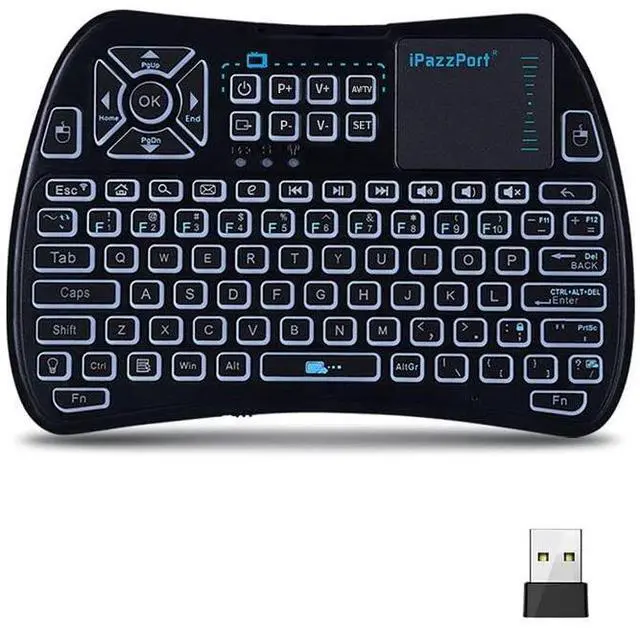
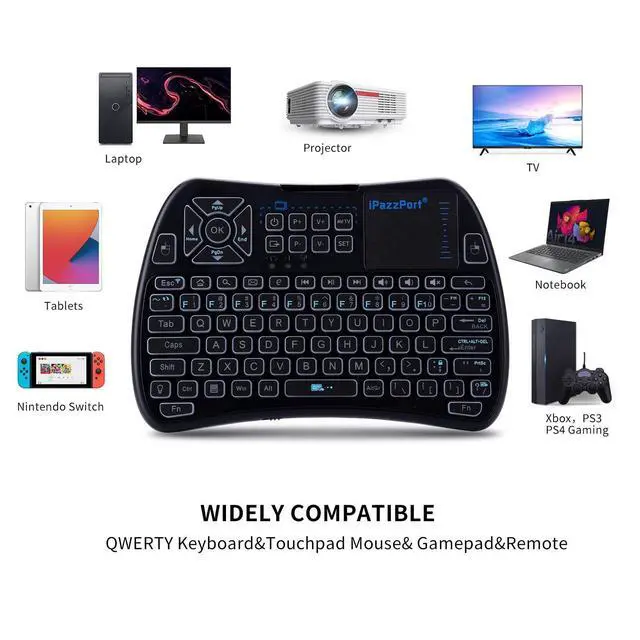
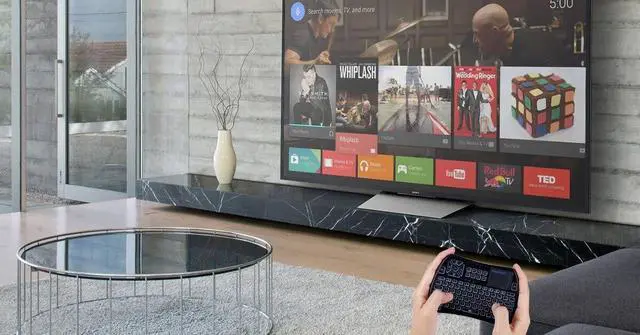


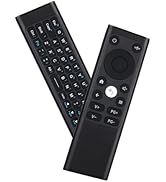
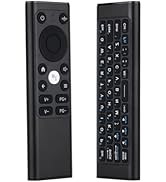
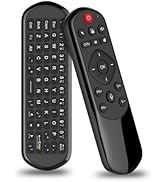
Mini wireless keyboard for Android TV Box, Smart TV, PC, Pad, Fire TV Stick, Fire Stick, Raspberry pi, Xbox 360, PS3, HTPC/IPTV.
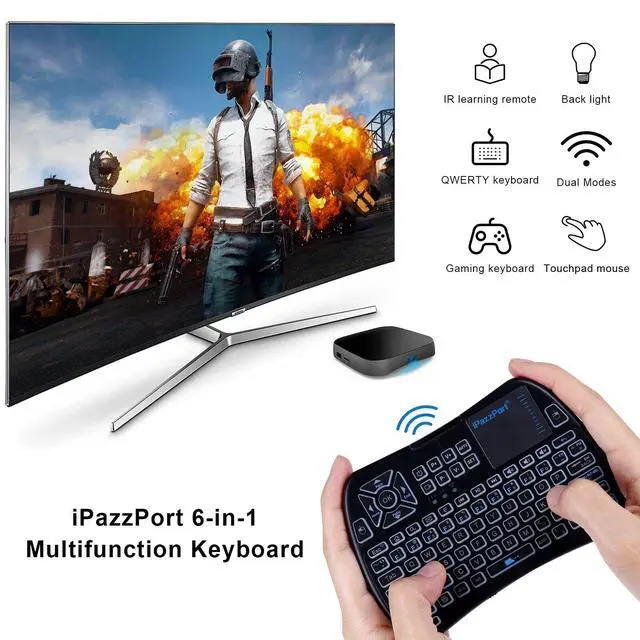
- Support Bluetooth 4.0 & 2.4G wireless connection, It can switch from BT to USB with FN + ~
- 8 programmable IR learning keys, you can learn and control some common functions of your TV with this remote
- Mini Wireless Keyboard with Touchpad supporting multi-touch function
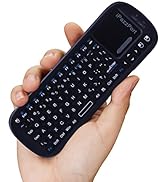
- The portable handheld design is easy to carry and operate
- Built-in rechargeable lithium-ion battery with longer working time and standby time
- Fully featured QWERTY keyboard makes it easier to search or text inputs
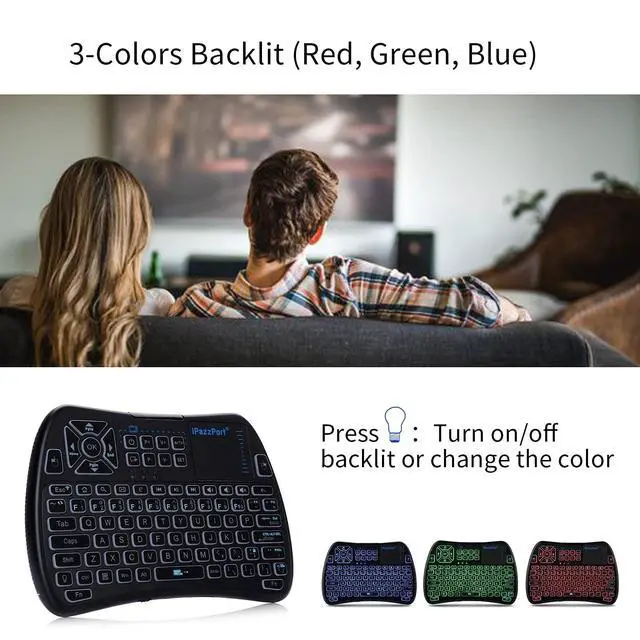
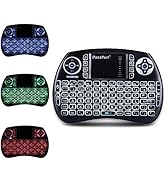
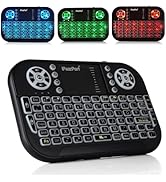
- Red, green and blue backlight, you can operate clearly in the dark room
Note:
- Original remote will be required for setting bluetooth connection
- If you think the mouse moves too fast or too slow, press (FN+Spacebar), the mouse has three speeds for you to choose
- Bluetooth connection: When the keyboard cannot be connected again after closing the keyboard, please delete the device first, then pair it again, it will work well after restart

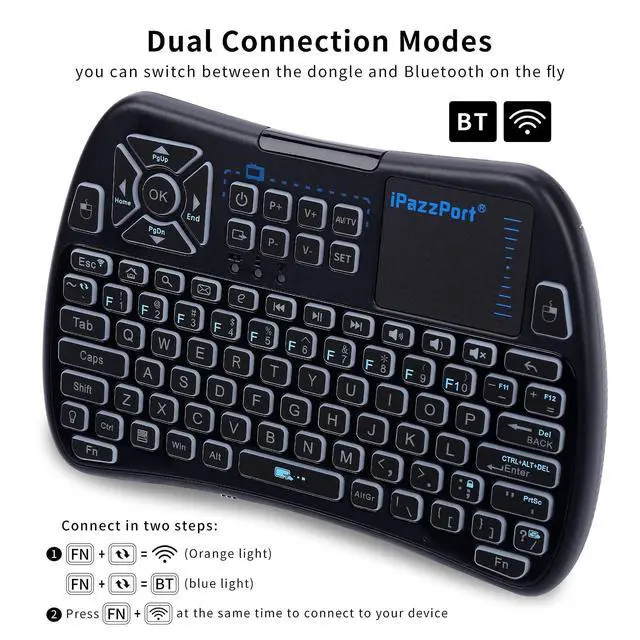
Dual Connection Modes:
Simultaneously press FN+F1, wait for 3-10s, and the indicator light will flash quickly to connect to the devicee
Press FN + ~ to switch between the two modes
2.4g RF mode: FN+~ (orange light)
Bluetooth mode: FN+~ (blue light)

System Requirement:
- - Windows
- - Android
- - Mac
- - Linux
Package:
- 1 x Mini Wireless Keyboard
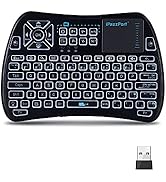
- 1 x USB Receiver
- 1 x User manual
- 1 x USB cable
Specifications:
- Max Distance:10 m (33 ft)
- Number of keys: 88
- Charging Time: 2-2.5 hours
- Charging Port: 5V Micro USB
- Charging current: 800mA
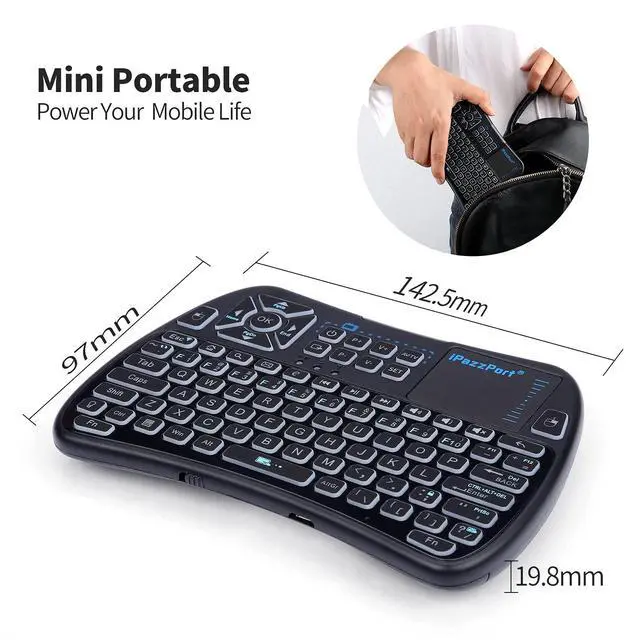
- Dimensions: 14X9.7X1.7cm(5.5x3.7x0.65in)
- Weight: 121g (0.27lb)
- Voltage: 3.7V
- Power Supply: Working Rechargeable Li-ion battery
NOTE:
How to set IR learning function:
Two sets of learning modes can be saved:
press the "AV/TV" button on the keyboard, the LED flashes once (TV learning), and the LED flashes twice (AV learning)
- Hold down the button "SET" on the keyboar until the LED light solid
- Click the button ("V+"for example) on the keyboard, the LED light solid
- Source IR remote and your keyboard remote keep the distance between them within 0.1 feet. facing each other with top ends, then click the button "V+" on TV remote. The LED on the keyboard will blink quickly, indicating a successful learning
- While LED is on (wait 3 seconds), repeat steps 2 & 3 to program the other buttons
- Then press the "SET" button on the keyboard to save and exit learning mode
Note: Please wait for 3 seconds before programming the next button.

Three-color indicator
>Orange light flashes:2.4Ghz RF connection, USB Dongle/Receiver inside of the back cover - no driver needed.Just Plug and Play
>Red light flashing: charge the keyboard through the included USB cable, the light will automatically turn off when the battery is full
>Blue light flashing: Press Fn+Esc to connect to Bluetooth, if you need to switch to RF, press Fn+~

Backlit keyboard and built-in rechargeable battery
LED backlit for convenient operation in dark room, press “light bulb button” to turn on/off backlit or change the colors

Sensitive touchpad
Touchpad supports multi-finger functions,
A single finger click as left mouse
Three or four quick clicks as the right mouse
Note: Cancel scrolling on the right side, hold down and drag up and down with both fingers to scroll the screen

iPazzPort
Professional Mini Keyboard Manufacturer

- iPazzPort is a high-tech enterprise founded in 1996, The company has professional production technology.
- Adheres to customer-oriented, product quality as the foundation, and is committed to creating better mini keyboards.
- We hope to provide you with high-quality products, high-quality service, no matter what time, we are in.
- Every day, the world changes but the iPazzPort business philosophy will never change.
iPazzPort mini keyboard
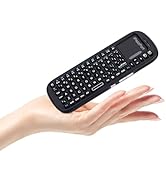
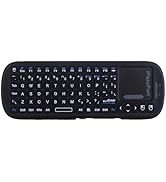
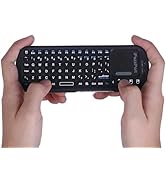
Mini keyboard with touchpad
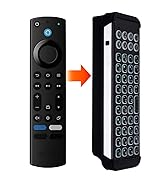
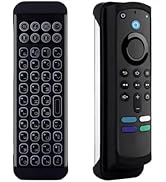
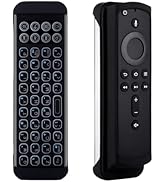
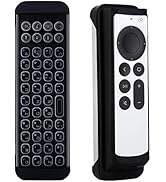
Mini BT keyboard for firestick
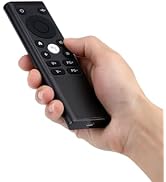
PC Remote Controller
Mini wireless keyboard for Android TV Box, Smart TV, PC, Pad, Fire TV Stick, Fire Stick, Raspberry pi, Xbox 360, PS3, HTPC/IPTV.
- Support Bluetooth 4.0 & 2.4G wireless connection, It can switch from BT to USB with FN + ~
- 8 programmable IR learning keys, you can learn and control some common functions of your TV with this remote
- Mini Wireless Keyboard with Touchpad supporting multi-touch function
- The portable handheld design is easy to carry and operate
- Built-in rechargeable lithium-ion battery with longer working time and standby time
- Fully featured QWERTY keyboard makes it easier to search or text inputs
- Red, green and blue backlight, you can operate clearly in the dark room
Note:
- Original remote will be required for setting bluetooth connection
- If you think the mouse moves too fast or too slow, press (FN+Spacebar), the mouse has three speeds for you to choose
- Bluetooth connection: When the keyboard cannot be connected again after closing the keyboard, please delete the device first, then pair it again, it will work well after restart
Dual Connection Modes:
Simultaneously press FN+F1, wait for 3-10s, and the indicator light will flash quickly to connect to the devicee
Press FN + ~ to switch between the two modes
2.4g RF mode: FN+~ (orange light)
Bluetooth mode: FN+~ (blue light)
System Requirement:
- - Windows
- - Android
- - Mac
- - Linux
Package:
- 1 x Mini Wireless Keyboard
- 1 x USB Receiver
- 1 x User manual
- 1 x USB cable
Specifications:
- Max Distance:10 m (33 ft)
- Number of keys: 88
- Charging Time: 2-2.5 hours
- Charging Port: 5V Micro USB
- Charging current: 800mA
- Dimensions: 14X9.7X1.7cm(5.5x3.7x0.65in)
- Weight: 121g (0.27lb)
- Voltage: 3.7V
- Power Supply: Working Rechargeable Li-ion battery
NOTE:
How to set IR learning function:
Two sets of learning modes can be saved:
press the "AV/TV" button on the keyboard, the LED flashes once (TV learning), and the LED flashes twice (AV learning)
- Hold down the button "SET" on the keyboar until the LED light solid
- Click the button ("V+"for example) on the keyboard, the LED light solid
- Source IR remote and your keyboard remote keep the distance between them within 0.1 feet. facing each other with top ends, then click the button "V+" on TV remote. The LED on the keyboard will blink quickly, indicating a successful learning
- While LED is on (wait 3 seconds), repeat steps 2 & 3 to program the other buttons
- Then press the "SET" button on the keyboard to save and exit learning mode
Note: Please wait for 3 seconds before programming the next button.
Three-color indicator
>Orange light flashes:2.4Ghz RF connection, USB Dongle/Receiver inside of the back cover - no driver needed.Just Plug and Play
>Red light flashing: charge the keyboard through the included USB cable, the light will automatically turn off when the battery is full
>Blue light flashing: Press Fn+Esc to connect to Bluetooth, if you need to switch to RF, press Fn+~
Backlit keyboard and built-in rechargeable battery
LED backlit for convenient operation in dark room, press “light bulb button” to turn on/off backlit or change the colors
Sensitive touchpad
Touchpad supports multi-finger functions,
A single finger click as left mouse
Three or four quick clicks as the right mouse
Note: Cancel scrolling on the right side, hold down and drag up and down with both fingers to scroll the screen
iPazzPort
Professional Mini Keyboard Manufacturer
- iPazzPort is a high-tech enterprise founded in 1996, The company has professional production technology.
- Adheres to customer-oriented, product quality as the foundation, and is committed to creating better mini keyboards.
- We hope to provide you with high-quality products, high-quality service, no matter what time, we are in.
- Every day, the world changes but the iPazzPort business philosophy will never change.
iPazzPort mini keyboard
Mini keyboard with touchpad
Mini BT keyboard for firestick
PC Remote Controller