




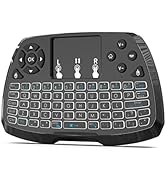
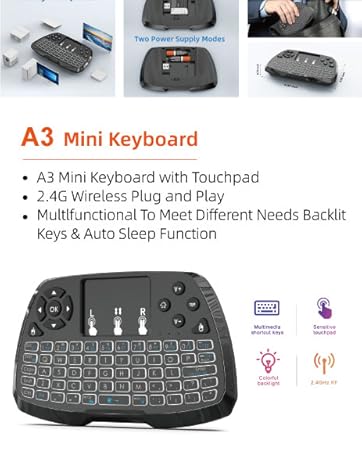
Keyboard Mouse Combo A3 With LED Backlight

Features:
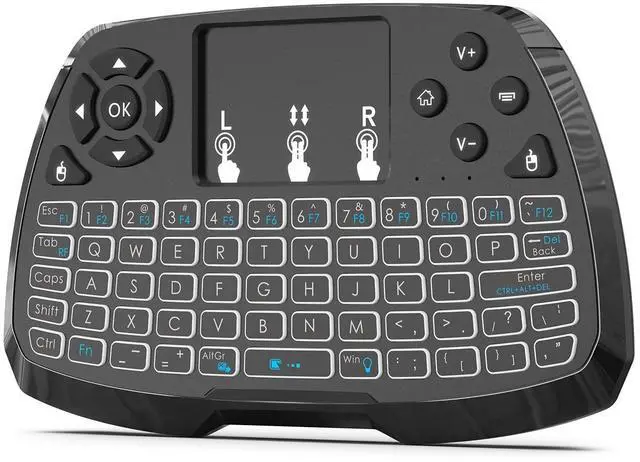
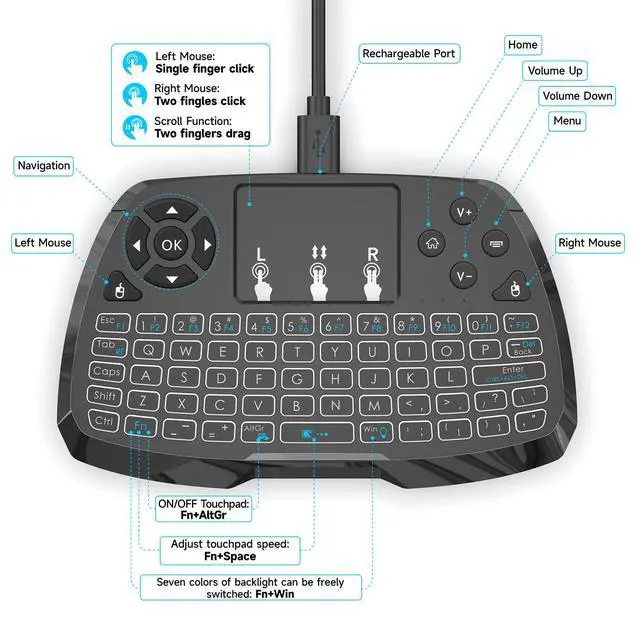
- Multi-function: wireless keyboard + touchpad + mouse + multimedia control keys and PC game control keys.
- Highly advanced RF 2.4G wireless technology provides anti-jamming and reliable connectivity.
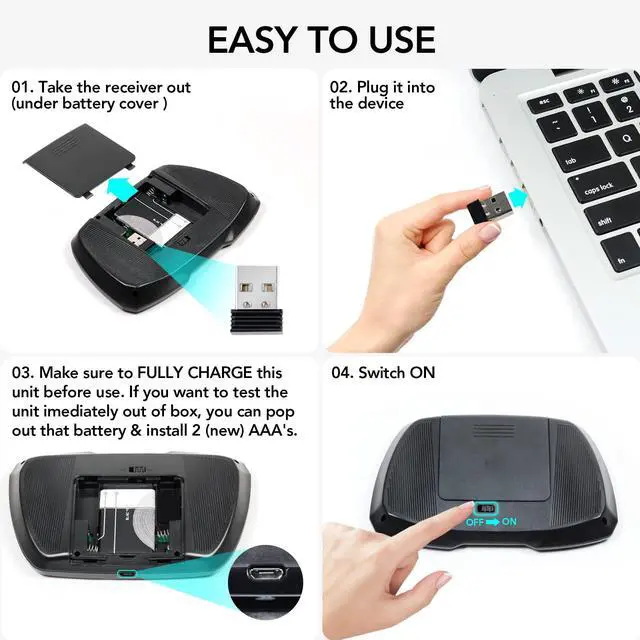
- With USB dongle / receiver, no drivers required. 100% plug and play.

Hand Held Size Keyboard Control
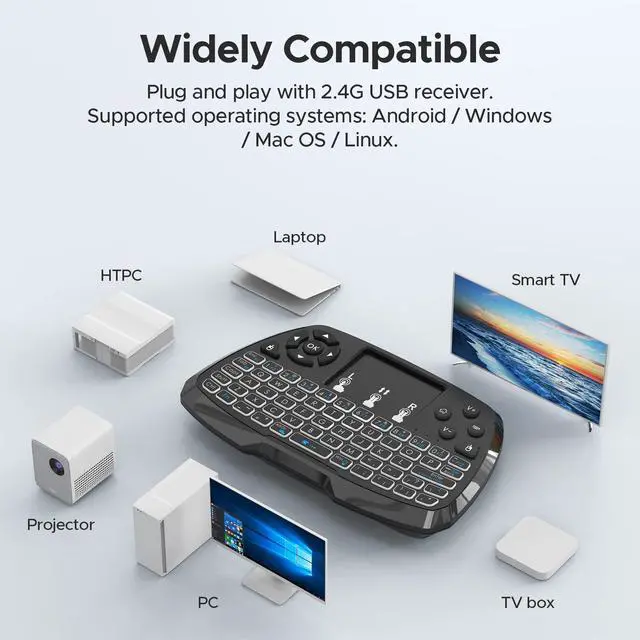
- For PC, laptop, smart TV, HTPC, Android TV BOX
- Multi-media keys design,perfect replacement of original remote control
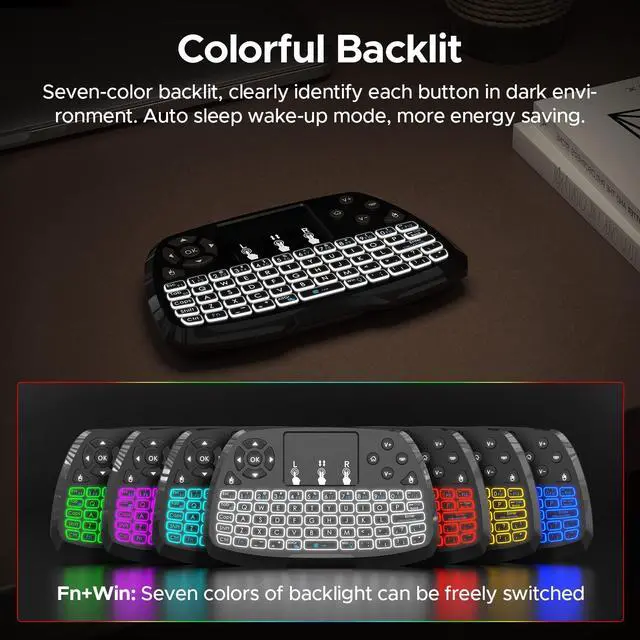
- LED Backlight
- The keyboard automatically goes to sleep and wakes up.
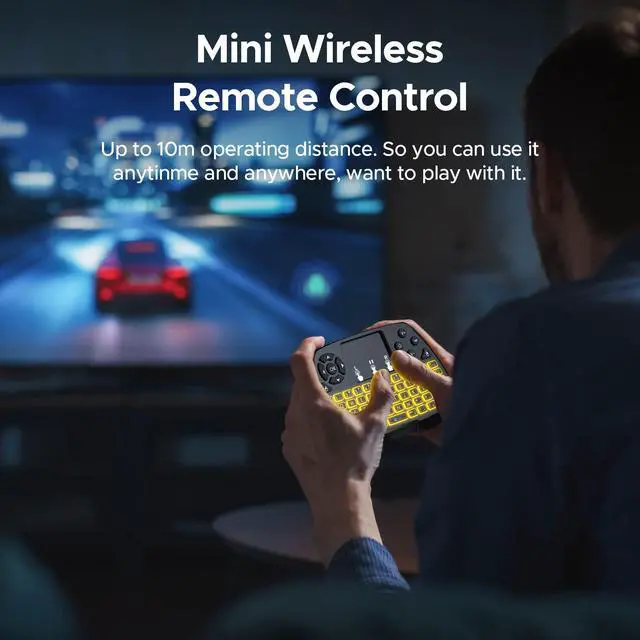
- Working range: 10 meters ( MAX ), no signal interference, no direction limitation

WIRELESS CONNECTION
- With USB Dongle, Plug and Play
- Perfect for Android TV Box, Smart TV,Projector, Laptop,PC etc.
- Advanced 2.4G wireless technology that delivers anti-interference and reliable connection.
- This is a great little addition to some Android TV viewing.

Power Supply Mode

Indicator Light
- Red: Battery charging
- Blue: RF signal reception
- Yellow:Low battery warning
- When the battery is low, the low-voltage light(Yellow) will flash to wam the user. The unit will automatically turn off if the battery has been depleted.
- After 3 minutes without any operating will into sleep mode, which is more power-saving,press any key to wake up. RF in dicator(Blue) will continue to flash and will not power down.
Power Supply Mode
- The unit comes with a rechargeable battery pre-installed,make sure to FULLY CHARGE this unit before use.
- This device can be used when charging ,but will extend the charging time.
- If you want to test the unit immediately out of box,you can pop out that battery & install 2 (new) AAA's.
- Before install "AAA",Then insert two 1.5V cc cu "AAA" batteries by observing the internal polarity (+and -) symbols first.
- When using "AAA" battery,The Micro USB port is not available ,Do not use the micro USB port.
- If you do not intend to use the keyboard for a week or more, remove the battery from the keyboard.
- After finishing using the keyboard, push the switch to the off position.The USB receiver should be plugged out from the PC and then inserted back in the keyboard so it is being kept safely.

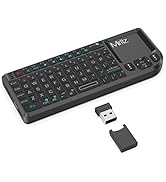
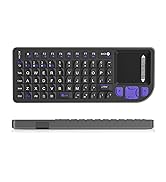
MINI KEYBOARD
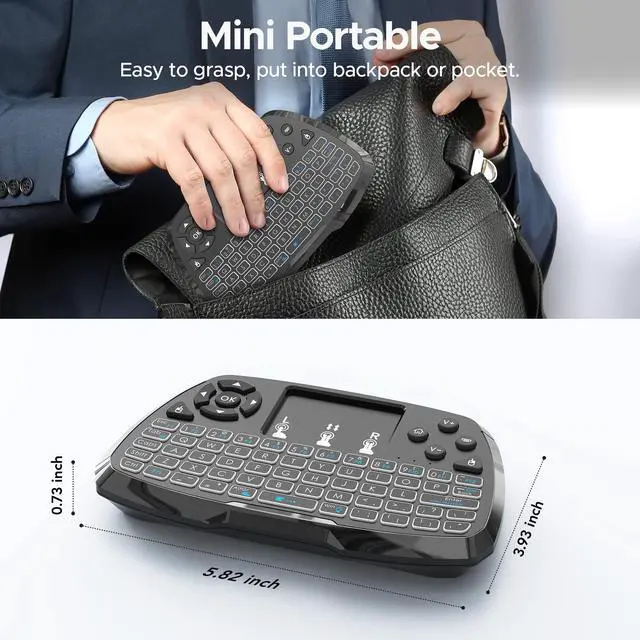
Portable, wireless keyboard with touchpad.
Café, Train, Airport--Unleash Creativity, anywhere

Miritz was founded in 2010 as a creative wireless product company committed to product innovation and developing better solutions to meet the ever-changing needs of our customers.
Over the past decade, we have manufactured remote control products for numerous well-known brands.
Our eternal pursuit is to help our customers enjoy the ultimate in technology.
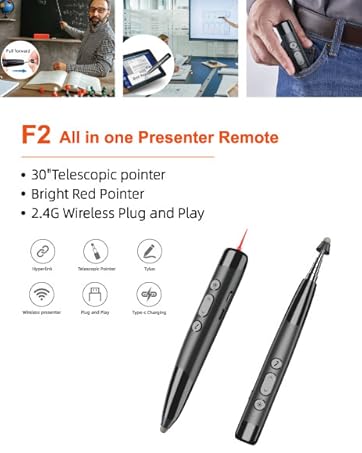
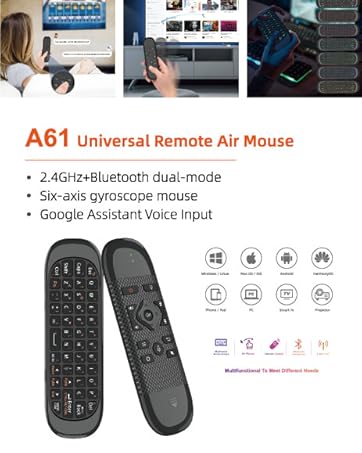
PRODUCT DISPLAY

Keyboard Mouse Combo A3 With LED Backlight
Features:
- Multi-function: wireless keyboard + touchpad + mouse + multimedia control keys and PC game control keys.
- Highly advanced RF 2.4G wireless technology provides anti-jamming and reliable connectivity.
- With USB dongle / receiver, no drivers required. 100% plug and play.
Hand Held Size Keyboard Control
- For PC, laptop, smart TV, HTPC, Android TV BOX
- Multi-media keys design,perfect replacement of original remote control
- LED Backlight
- The keyboard automatically goes to sleep and wakes up.
- Working range: 10 meters ( MAX ), no signal interference, no direction limitation
WIRELESS CONNECTION
- With USB Dongle, Plug and Play
- Perfect for Android TV Box, Smart TV,Projector, Laptop,PC etc.
- Advanced 2.4G wireless technology that delivers anti-interference and reliable connection.
- This is a great little addition to some Android TV viewing.
Power Supply Mode
Indicator Light
- Red: Battery charging
- Blue: RF signal reception
- Yellow:Low battery warning
- When the battery is low, the low-voltage light(Yellow) will flash to wam the user. The unit will automatically turn off if the battery has been depleted.
- After 3 minutes without any operating will into sleep mode, which is more power-saving,press any key to wake up. RF in dicator(Blue) will continue to flash and will not power down.
Power Supply Mode
- The unit comes with a rechargeable battery pre-installed,make sure to FULLY CHARGE this unit before use.
- This device can be used when charging ,but will extend the charging time.
- If you want to test the unit immediately out of box,you can pop out that battery & install 2 (new) AAA's.
- Before install "AAA",Then insert two 1.5V cc cu "AAA" batteries by observing the internal polarity (+and -) symbols first.
- When using "AAA" battery,The Micro USB port is not available ,Do not use the micro USB port.
- If you do not intend to use the keyboard for a week or more, remove the battery from the keyboard.
- After finishing using the keyboard, push the switch to the off position.The USB receiver should be plugged out from the PC and then inserted back in the keyboard so it is being kept safely.
MINI KEYBOARD
Portable, wireless keyboard with touchpad.
Café, Train, Airport--Unleash Creativity, anywhere
Miritz was founded in 2010 as a creative wireless product company committed to product innovation and developing better solutions to meet the ever-changing needs of our customers.
Over the past decade, we have manufactured remote control products for numerous well-known brands.
Our eternal pursuit is to help our customers enjoy the ultimate in technology.
PRODUCT DISPLAY