


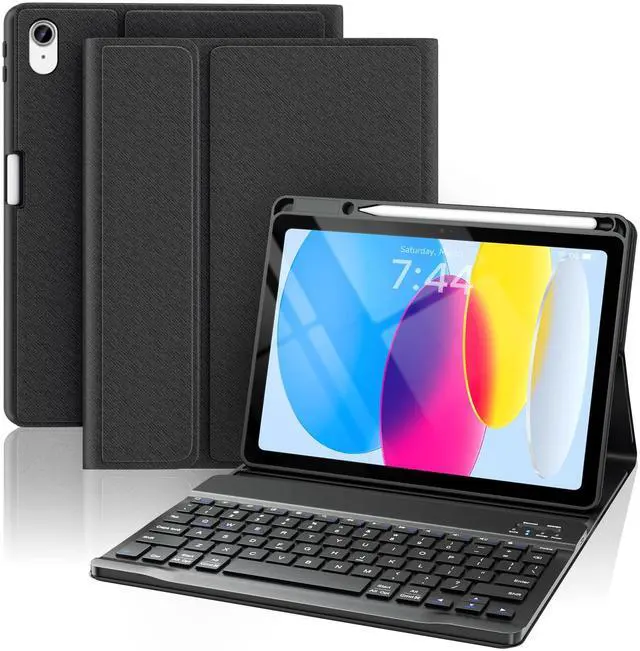
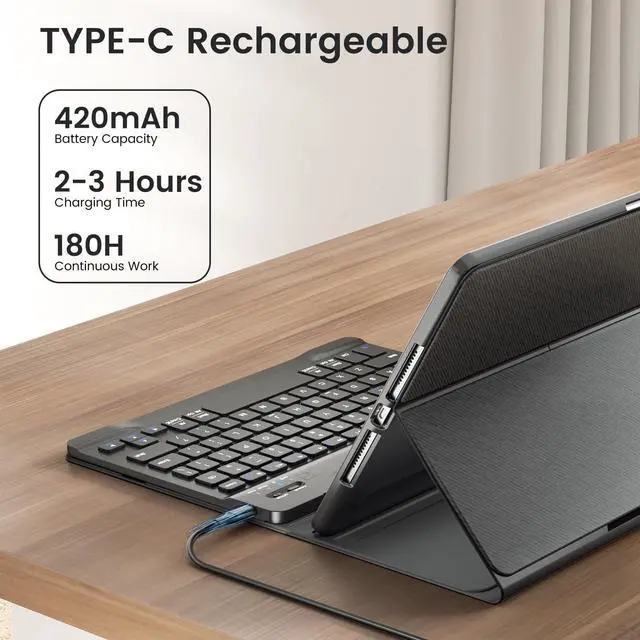



Lightweight and Portable, Convenient for Use on the Go

What You’ll Get

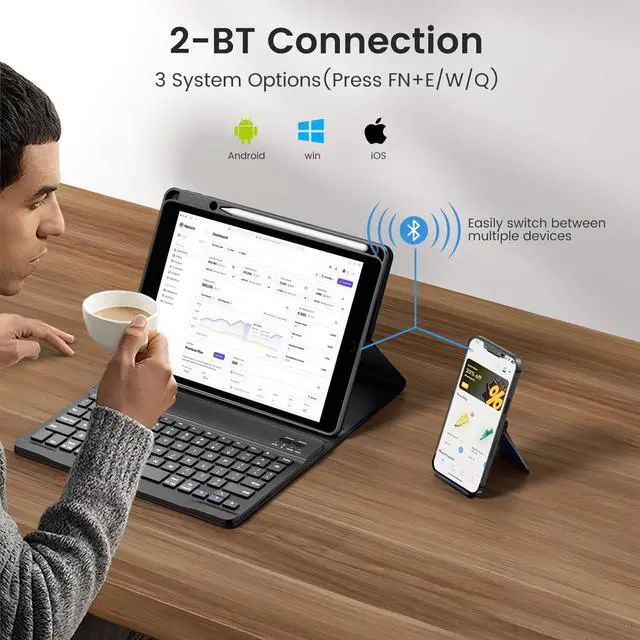
How to Switch Systems?
3 System Options (Press FN+E/W/Q)
How to connect the keyboard?
1.Turn on the keyboard, then press "connect" until the WIFI blue light flashes.
2.Turn on the Bluetooth of your iPad.
3.Choose “Bluetooth Keyboard" option in the searching page to adapt.
What's in the box?
1×Detachable Keyboard
1×Magnetic Case
1×Type-c Cable
1×Product Instructions
1×Packaging Box


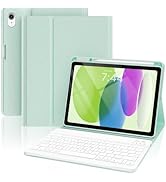
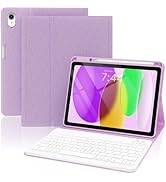
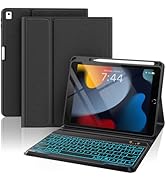
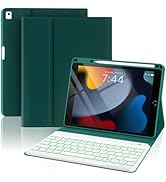
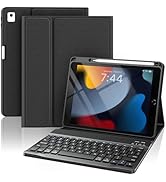
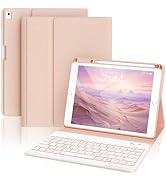
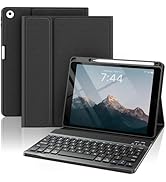
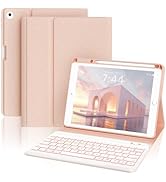
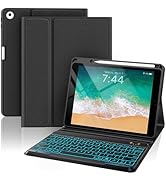
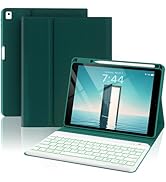
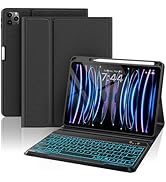
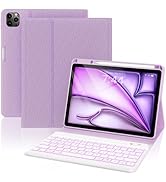
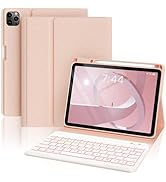
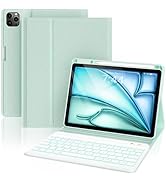
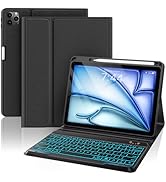
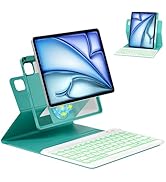

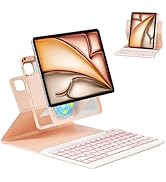
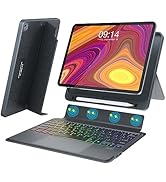
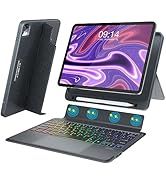
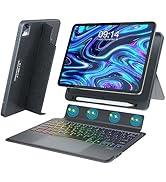
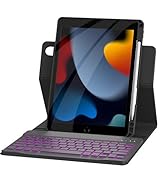


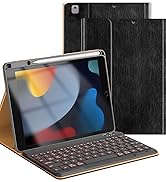
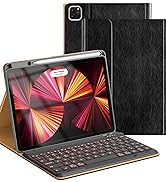
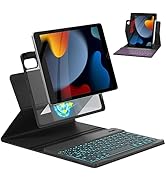
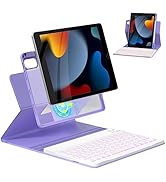
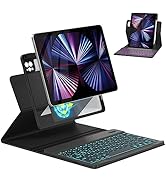
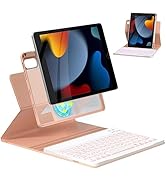



Multiple Usage Methods - Meet Different Usage Needs
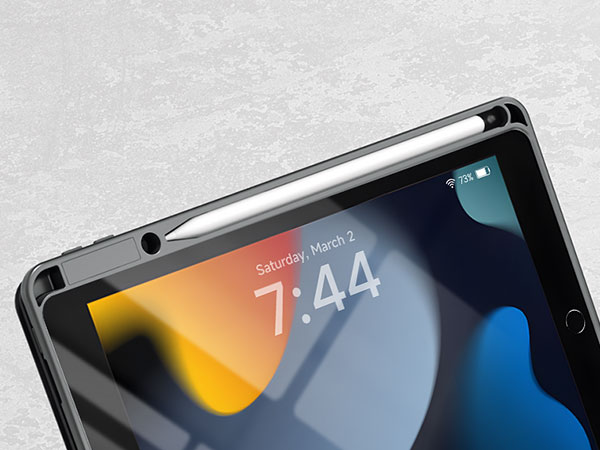
Built-in Pencil Holder
Convenient to carry and store, prevents pen from falling or getting damaged.
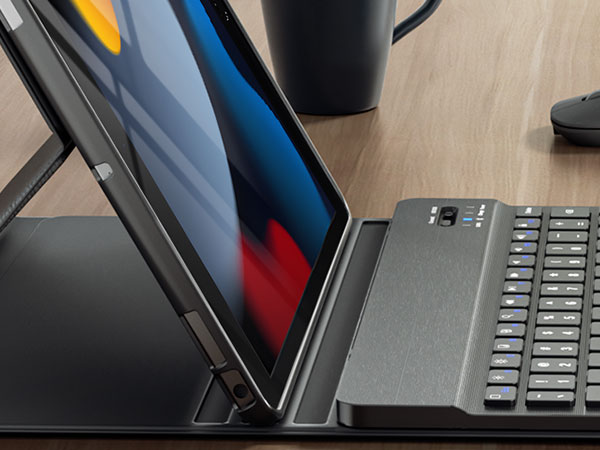
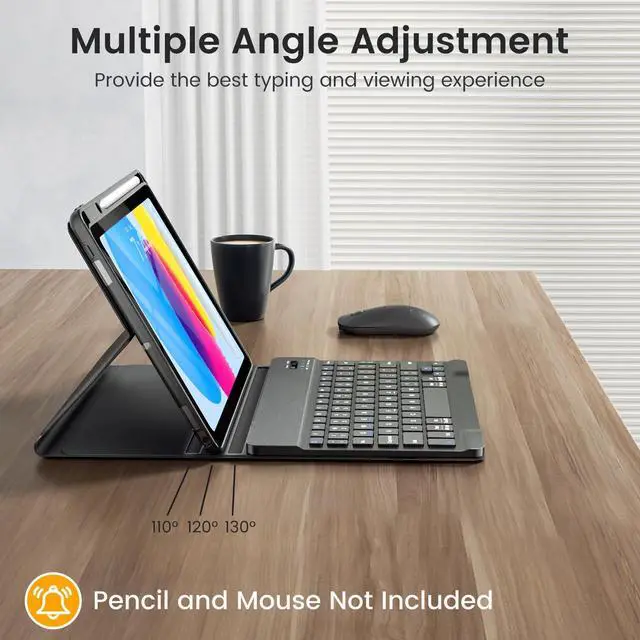
Multiple Angle Adjustments
Stable at different angles, providing the best viewing angle and comfort.

Scissor Keycaps
Provide a faster, more accurate typing experience.
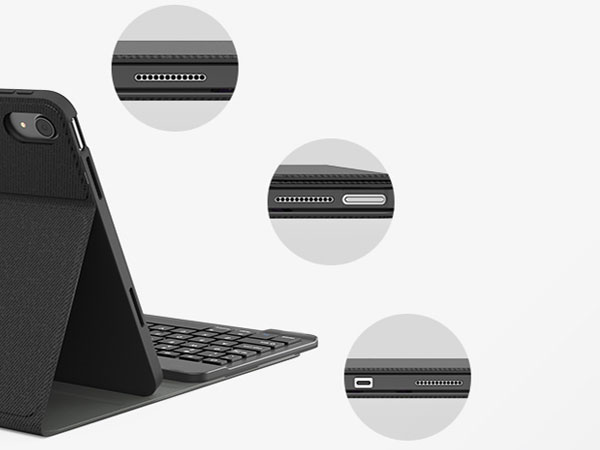
Precise Cutouts
Fits snugly with the device, preventing dust and debris from entering, protecting the device's interior.
Lightweight and Portable, Convenient for Use on the Go

What You’ll Get

How to Switch Systems?
3 System Options (Press FN+E/W/Q)
How to connect the keyboard?
1.Turn on the keyboard, then press "connect" until the WIFI blue light flashes.
2.Turn on the Bluetooth of your iPad.
3.Choose “Bluetooth Keyboard" option in the searching page to adapt.
What's in the box?
1×Detachable Keyboard
1×Magnetic Case
1×Type-c Cable
1×Product Instructions
1×Packaging Box
Non-Backlit Keyboard Case
For iPad 10.2"/iPad Pro 10.5"
For iPad 9.7 inch
For iPad Air 5th/4th 10.9 Inch
For iPad Pro 12.9 Inch
MAGIC-STYLE
BUSINESS SERIES
MAGNETIC SERIES
