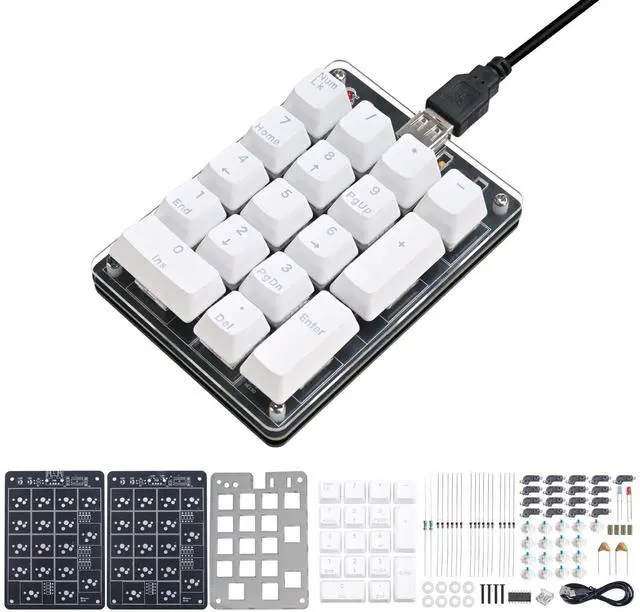
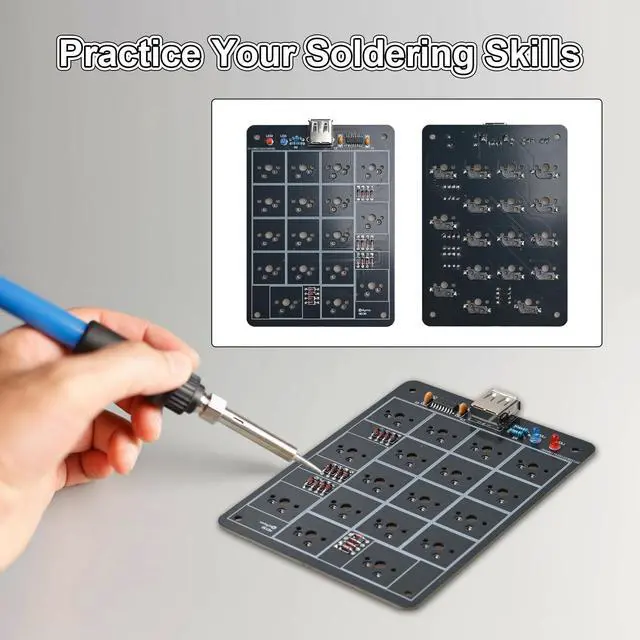
Icstation Numeric Keypad Soldering Practice Kit, 17 Key USB Hot-Swappable Blue Switches Mechanical Number Pad with PBT Keycaps STEM Soldering Project for School Learning Hobbyists Laptop PC Computer
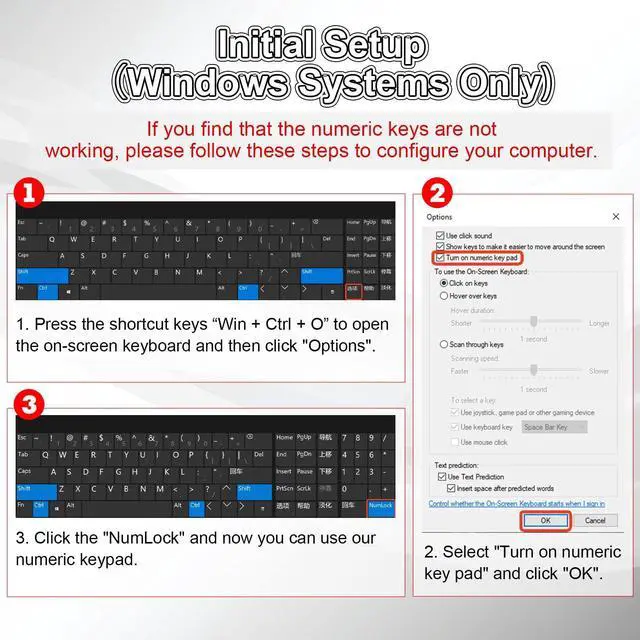
Windows-Only CompatibilityThis numeric keypad works exclusively with Windows PCs and is not compatible with macOS, ChromeOS, or Linux. Before first use, please follow the steps to configure your computer: Press the shortcut keys Win + Ctrl + O to open the on-screen keyboard Click Options Select "Turn on numeric key pad" and click "OK" Click the "NumLock". Once configured, you can use our numeric keypad. Note: Laptops without a built-in numpad require this step.
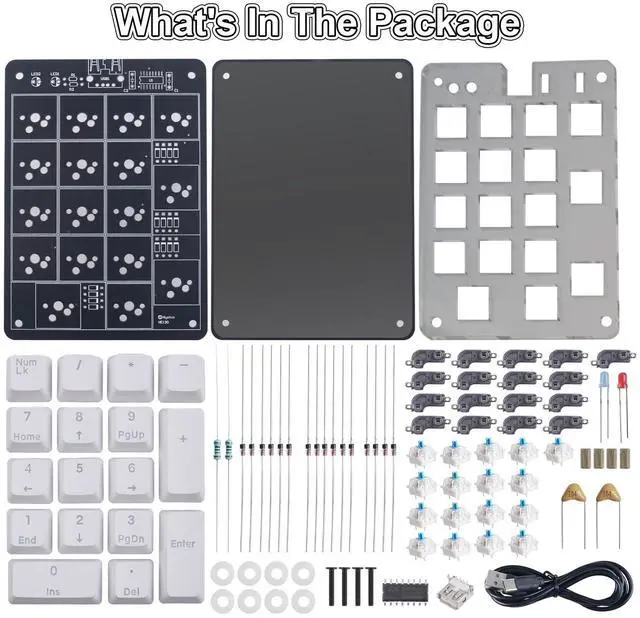
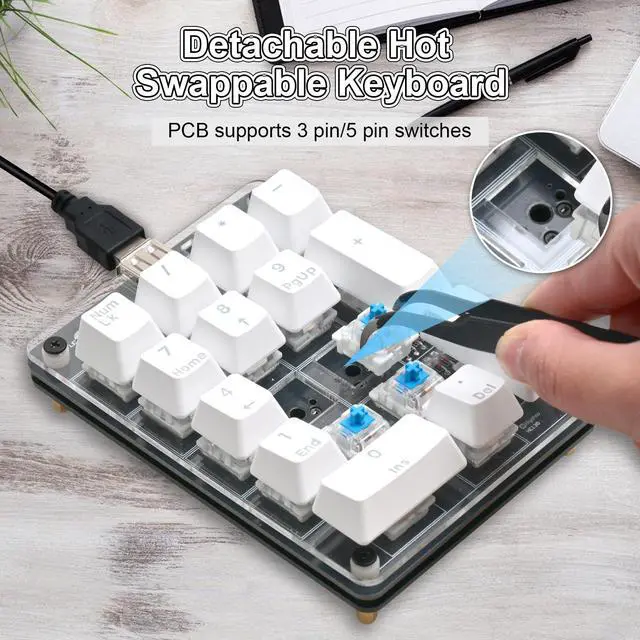
Hot-Swappable Blue SwitchesPre-installed with blue mechanical switches that deliver a crisp, clicky typing feel and immediate tactile feedback. All keys support hot-swappingsimply replace them with standard 3-pin or 5-pin mechanical switches without soldering to easily experiment with different keystroke feels and create your own customized typing experience.
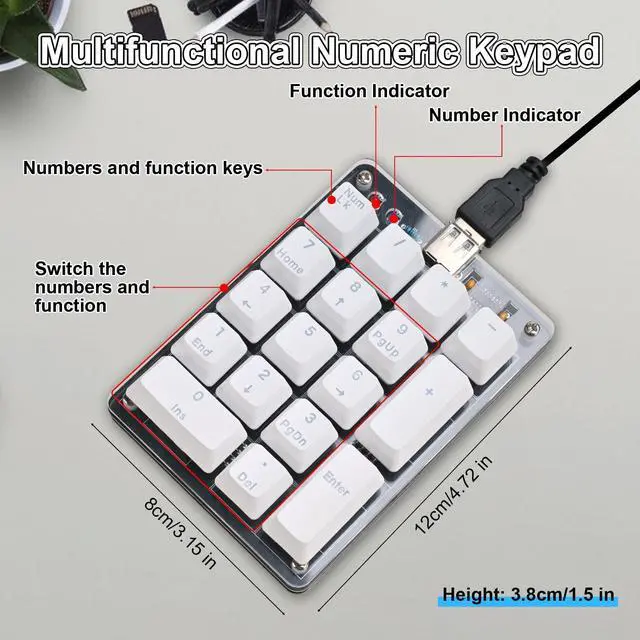
Switch between two modesEquipped with the standard Num Lk function key, it can switch between numeric input mode and arrow key mode. It is suitable for scenarios that require frequent input of numbers or navigation operations, such as spreadsheet editing, programming and data processing, to enhance operational efficiency and reduce hand movement.
+
+
Overview
Specs
Reviews
Any questions? Our AI beta will help you find out quickly.
Try me now
Numeric Keypad Soldering Practice Kit
Numeric Keypad Soldering Practice Kit
Icstation Numeric Keypad Soldering Practice Kit, 17 Key USB Hot-Swappable Blue Switches Mechanical Number Pad with PBT Keycaps STEM Soldering Project for School Learning Hobbyists Laptop PC Computer