




Koiiko Keyboard and Mouse Converter for Nintendo Switch, Xbox Series/One,PS4/PS3


Product Parameters/Compatible Devices/Functions
Can I connect using an unofficial controller?
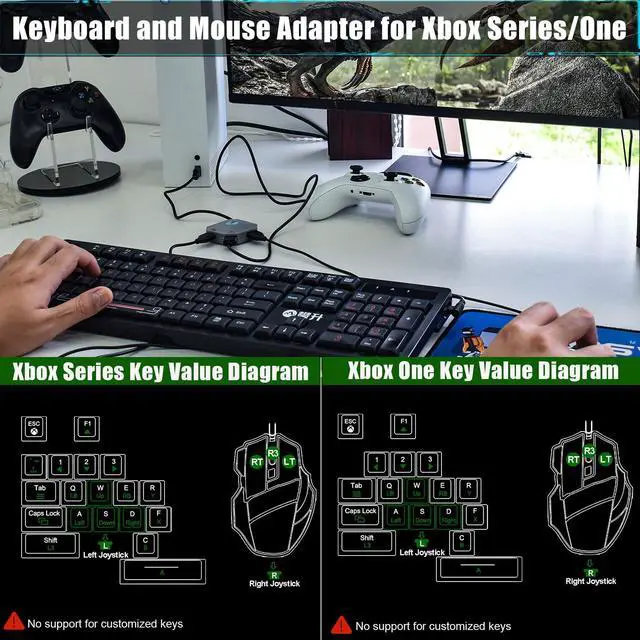
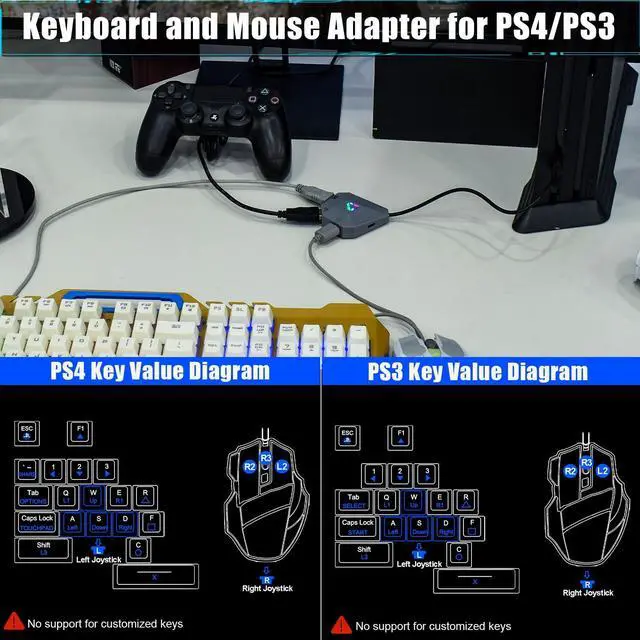
For Xbox and PS players, you must use an official controller connection; third-party controllers are not supported.
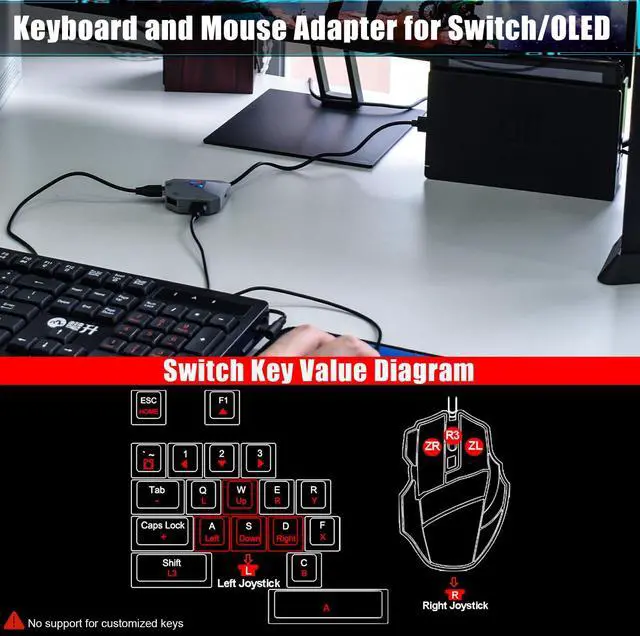
For Switch players, no controller is required for connection.
Why doesn't it work after connecting?
Please remove all devices from the converter and reconnect.
Why does the converter indicator keep flashing or not light up?
1. The power supply may be unstable. Please use a Type-C cable (not included) to power the adapter.
2. Please remove all devices from the converter and reconnect.
Can I customize the key settings?
Customized keys are not supported
Can I connect wired headset to the converter?
No, it is not supported to directly connect headset to the converter. You can connect headset to the games console.

Best Game Accessories Gifts
The perfect gaming gift for your family and friends for Christmas, Thanksgiving, and birthdays.
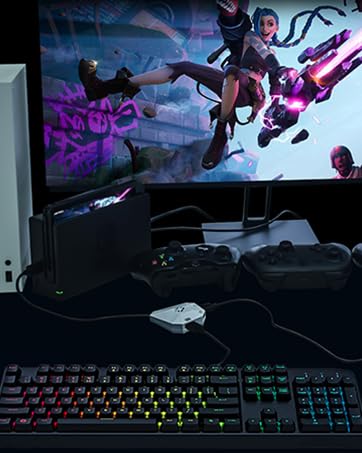
Koiiko Keyboard and Mouse Converter for Nintendo Switch, Xbox Series/One,PS4/PS3

Best Gaming Accessories
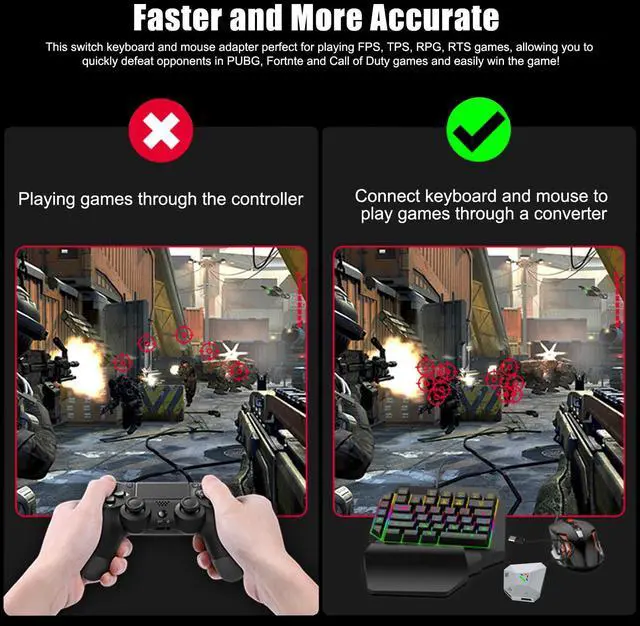
Allowingyou to quickly defeat opponents in PUBG, Fortnte &Call of Duty games and easily win the game
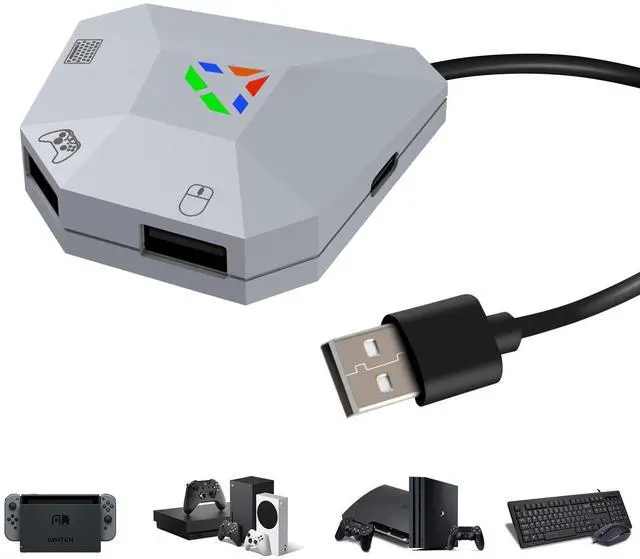
Mouse & Keyboard Converter Interface Introduction
Console/keyboard/mouse not included


Product Parameters/Compatible Devices/Functions
| Name | Mouse and Keyboard Converter for Switch/PS4/PS3/Xbox Series/ONE |
|---|---|
| Sizes | 6.3*2.76*1.02inch |
| Weights | 0.11pounds |
| Voltage | DC5V/15V |
| Current | 2.6A |
| Material | ABS |
| Interface | USB Port x4 ; Type C Port x1 |
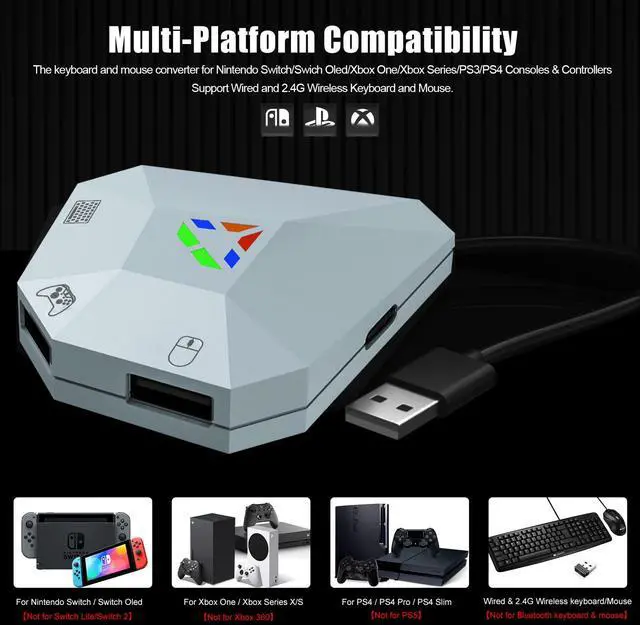
| For Nintendo Switch | Keyboard and mouse converter for Nintendo Switch, Switch Oled [Not fo Switch Lite,Switch 2] |
| For PlayStation | Keyboard and mouse adapter for PS4/PS4 Slim/PS4 Pro/PS3 [NOT for PS5] |
| For Xbox | Keyboard mouse adapter for Xbox One, Xbox One S, Xbox One X, Xbox Series S/Xbox Series X [Not for Xbox 360] |
| Support Keyboard & Mouse Types | Support wired keyboard and mouse; Support 2.4G Wireless keyboard and mouse [Not support Bluetooth Wireless keyboard and mouse] |
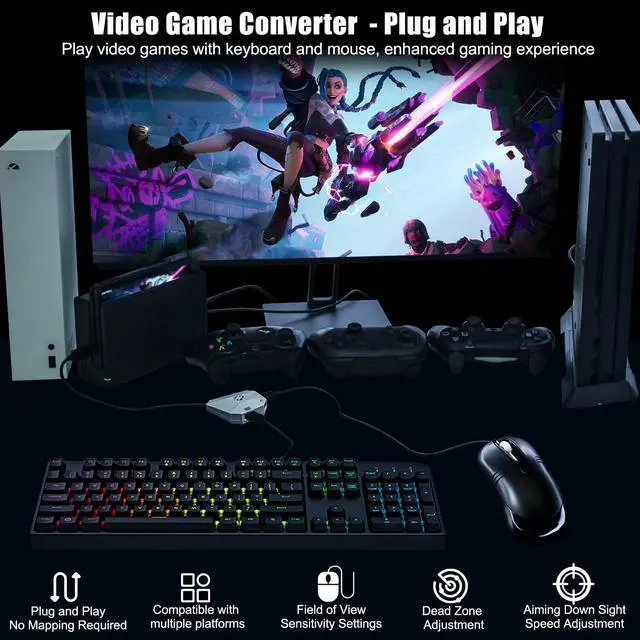
| Mouse Sensitivity Adjustment | (1)Increase View Sensitivity: Press Ctrl + Alt + X to increase sensitivity. (2)Decrease View Sensitivity: Press Ctrl + Alt + Z to decrease sensitivity. *When setting, the LED will blink once for each adjustment pressed, and the LED will not blink again when set to the maximum or minimum. |
| Aiming Speed Adjustment | (1) Increase Aim Sensitivity: Hold the Mouse Left Button, then press Ctrl + Alt + X to increase aim sensitivity. (2)Decrease Aim Sensitivity: Hold the Mouse Left Button, then press Ctrl + Alt + Z to decrease aim sensitivity. *When setting, the LED will blink once for each adjustment pressed, and the LED will not blink again when set to the maximum or minimum. |
| Dead Zone Adjustment | (1) Increase Dead Zone: Press Ctrl + Alt + F4 to increase the dead zone. (2) Decrease Dead Zone: Press Ctrl + Alt + F3 to decrease the dead zone. *When setting, the LED will blink once for each adjustment pressed, and the LED will not blink again when set to the maximum or minimum. |
Can I connect using an unofficial controller?
For Xbox and PS players, you must use an official controller connection; third-party controllers are not supported.
For Switch players, no controller is required for connection.
Why doesn't it work after connecting?
Please remove all devices from the converter and reconnect.
Why does the converter indicator keep flashing or not light up?
1. The power supply may be unstable. Please use a Type-C cable (not included) to power the adapter.
2. Please remove all devices from the converter and reconnect.
Can I customize the key settings?
Customized keys are not supported
Can I connect wired headset to the converter?
No, it is not supported to directly connect headset to the converter. You can connect headset to the games console.
Best Game Accessories Gifts
The perfect gaming gift for your family and friends for Christmas, Thanksgiving, and birthdays.
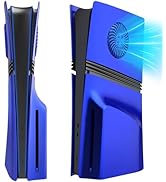
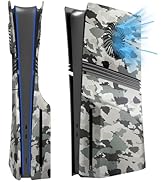
PS5 Pro Digital Edition Cover
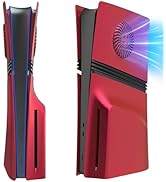
PS5 Pro Disc Edition Faceplate
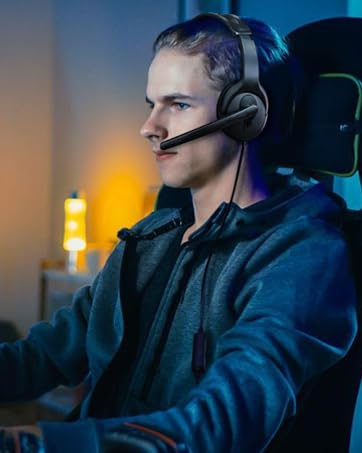
Wired One Ear Headset
For PS5/PS4/Xbox/Nintendo Switch/PC/iPhone/iPad/Mac/Tablet/Android
Keyboard and Mouse Adapter
For Nintendo Switch, Xbox Series S/X, Xbox One, PS4/PS3