




Keyboard and Mouse Adapter Converter for Switch/Xbox One/Xbox Series/PS4/PS3/PC


Enhanced Gaming Experience
Best Gaming Accessories for Shooting Games
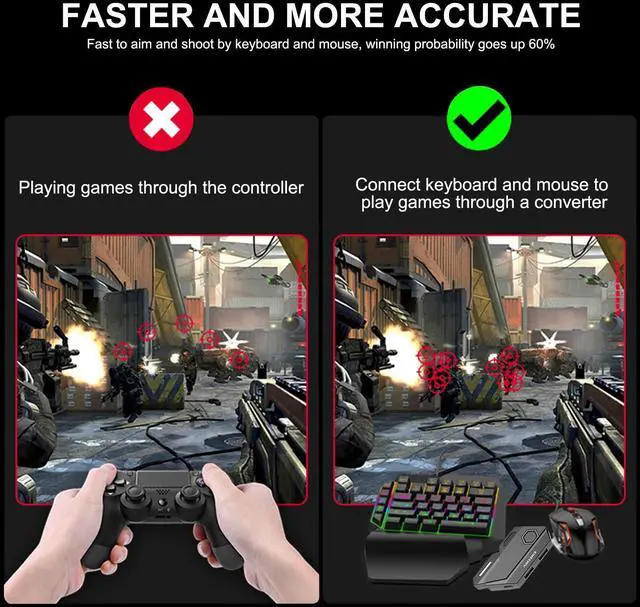
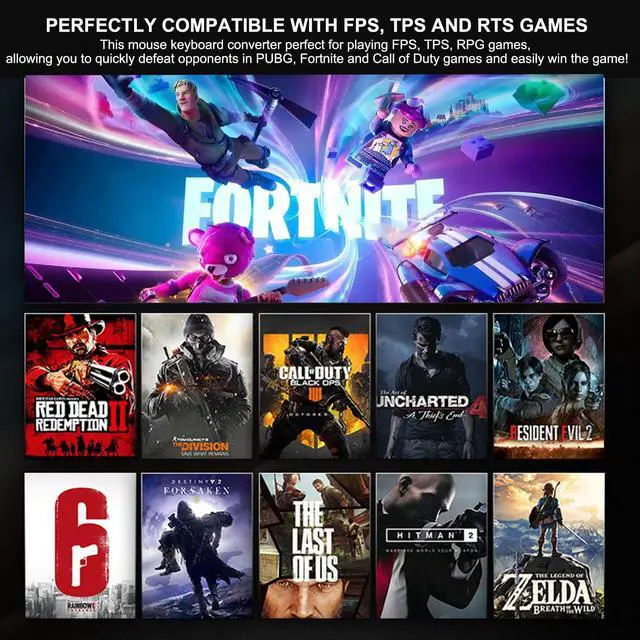
- arVin keyboard mouse converter allows players to use keyboard & mouse instead of a game controller to enjoy games on for PS4/PS3/Xbox/Switch. Plug and play. Perfect for playing FPS, TPS, RPG games, allowing you to quickly defeat opponents in PUBG, Fortnte &Call of Duty games and easily win the game!


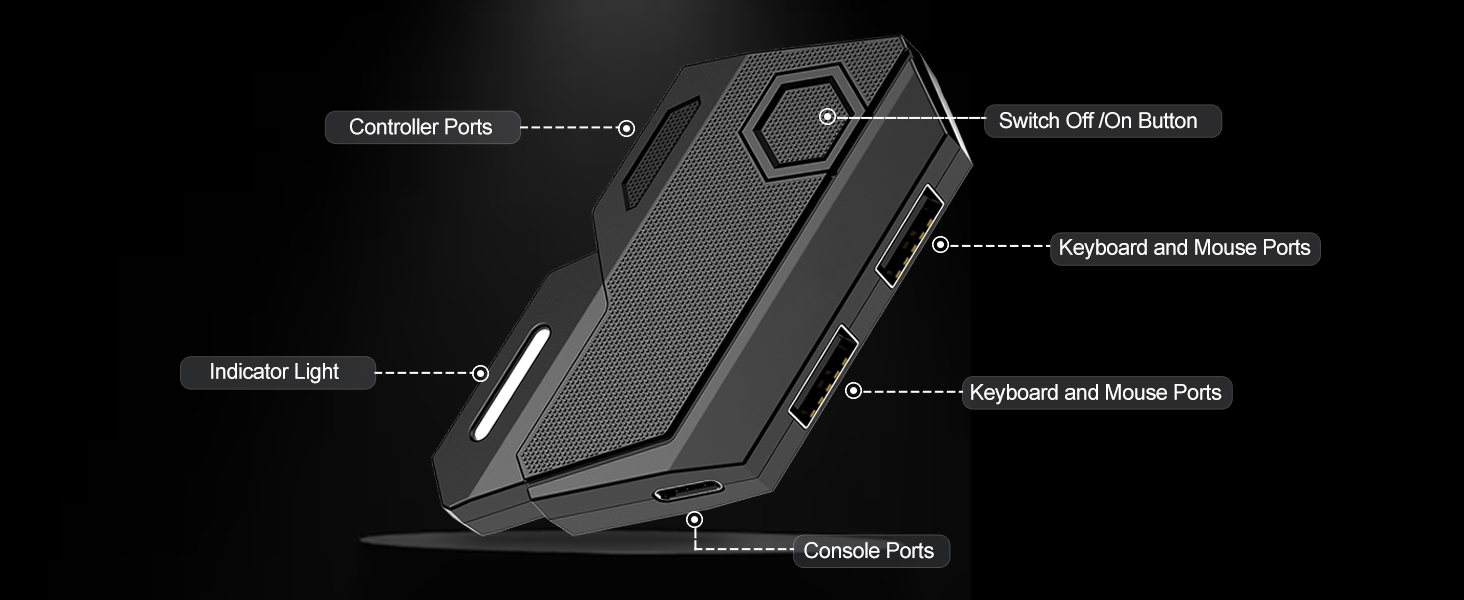
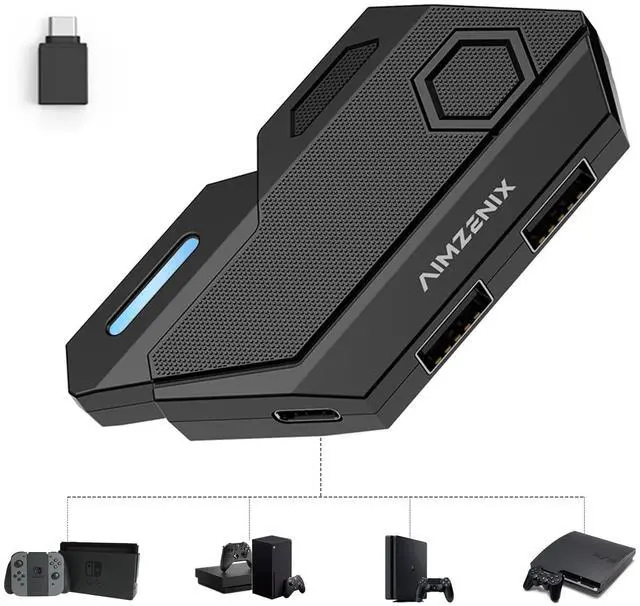
Keyboard Mouse Converter Interface Introduction
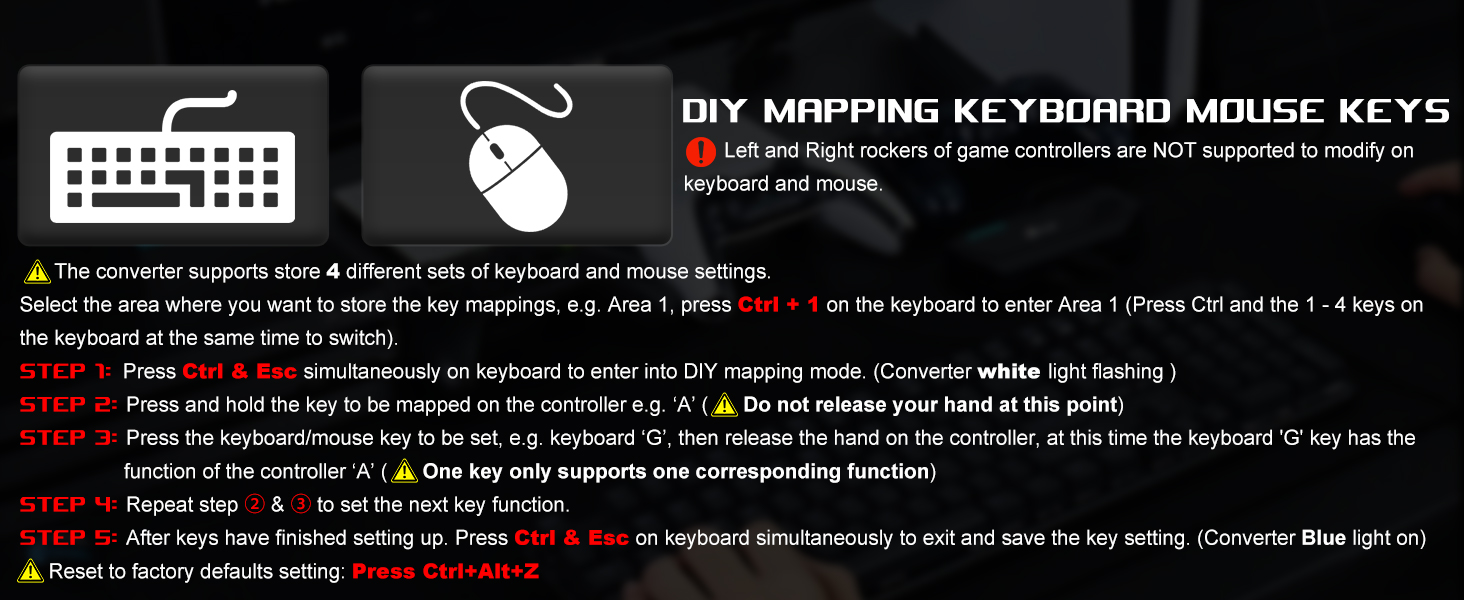
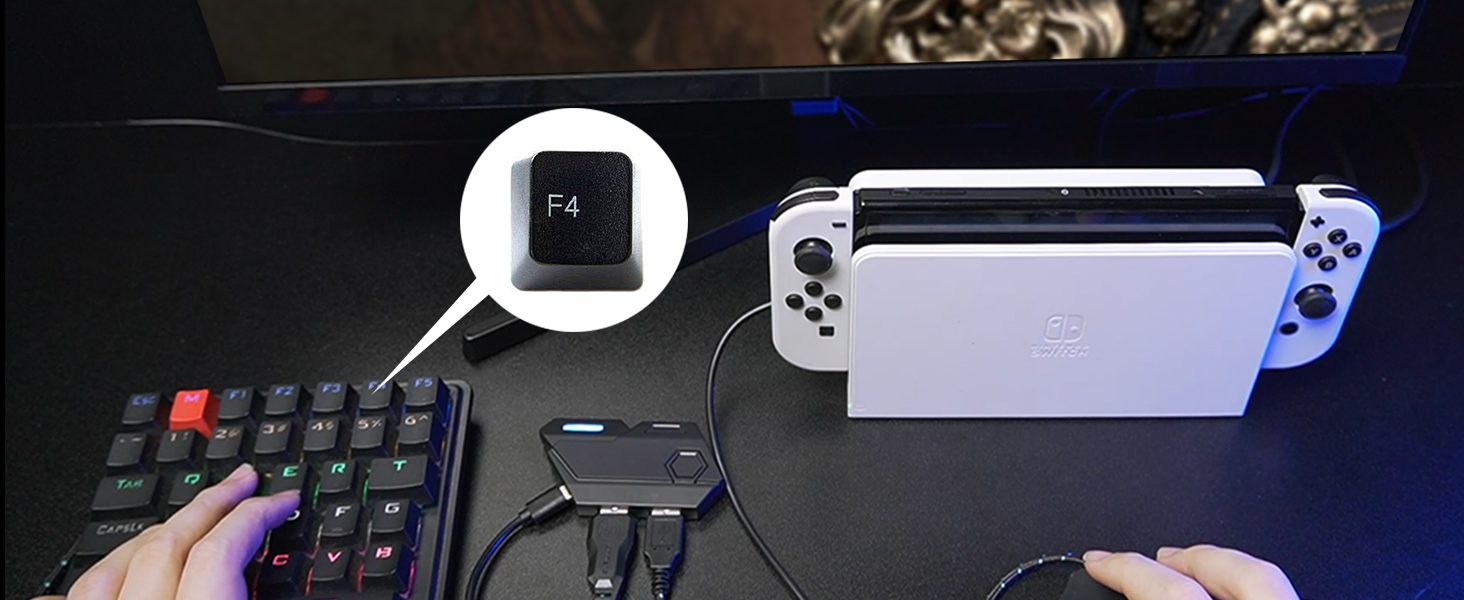
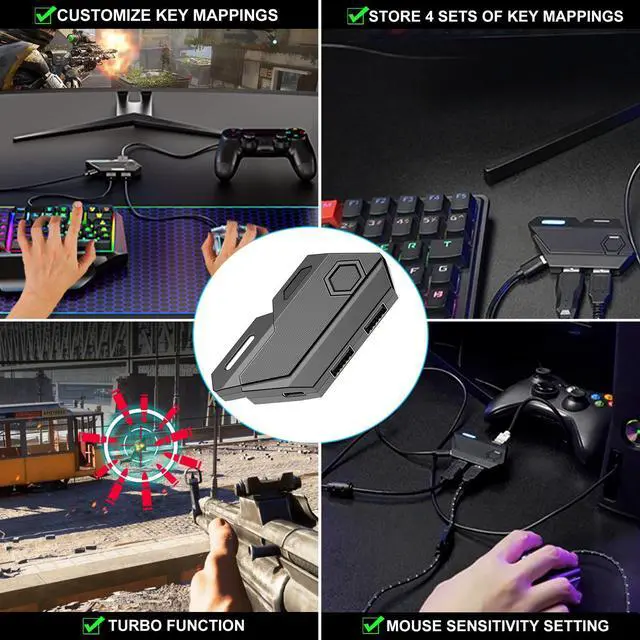
Turbo Setting-After you have setup DIY key mapping
- Press F4 key onec on the keyboard and then press any key on keyboard or mouse to set the TURBO
- Long press this key and the action on game will continuously repeat
- Press F4 key again to cancel the TURBO
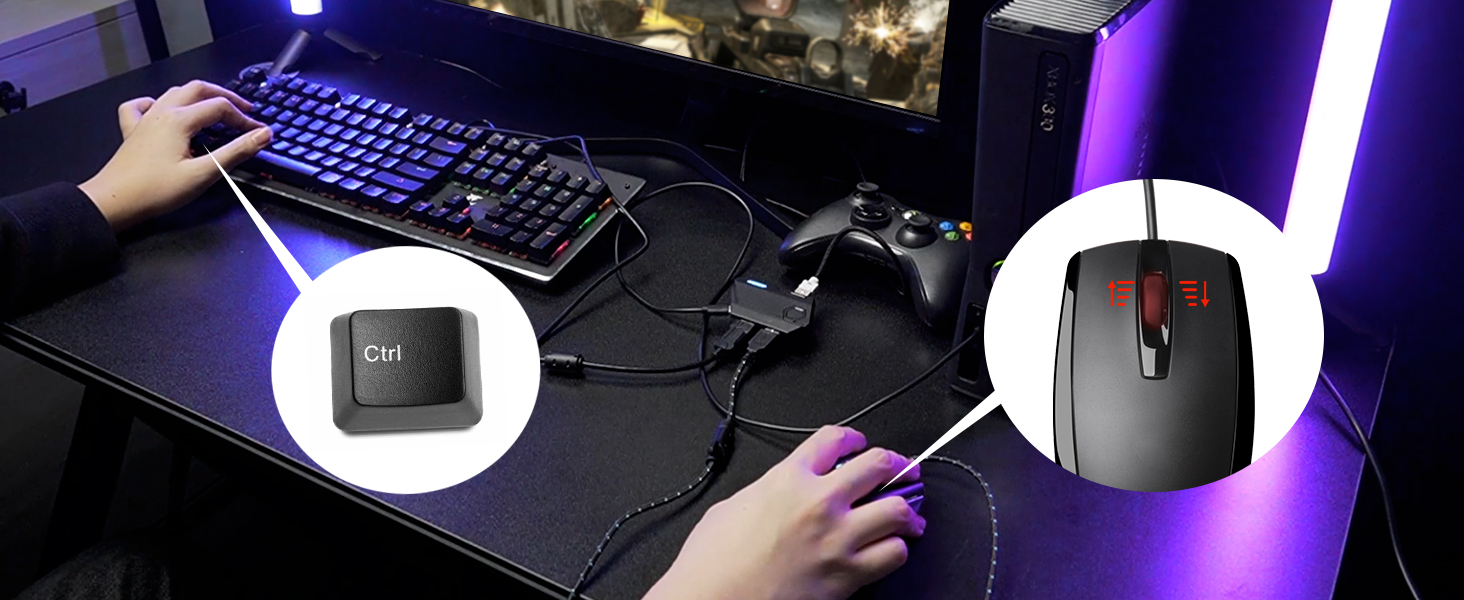
Mouse Sensitivity Adjustment
- Increase or decrease the mouse field of view sensitivity or aiming:
- Increase: Ctrl + Mouse Wheel Up
- Decrease: Ctrl + Mouse Wheel Down
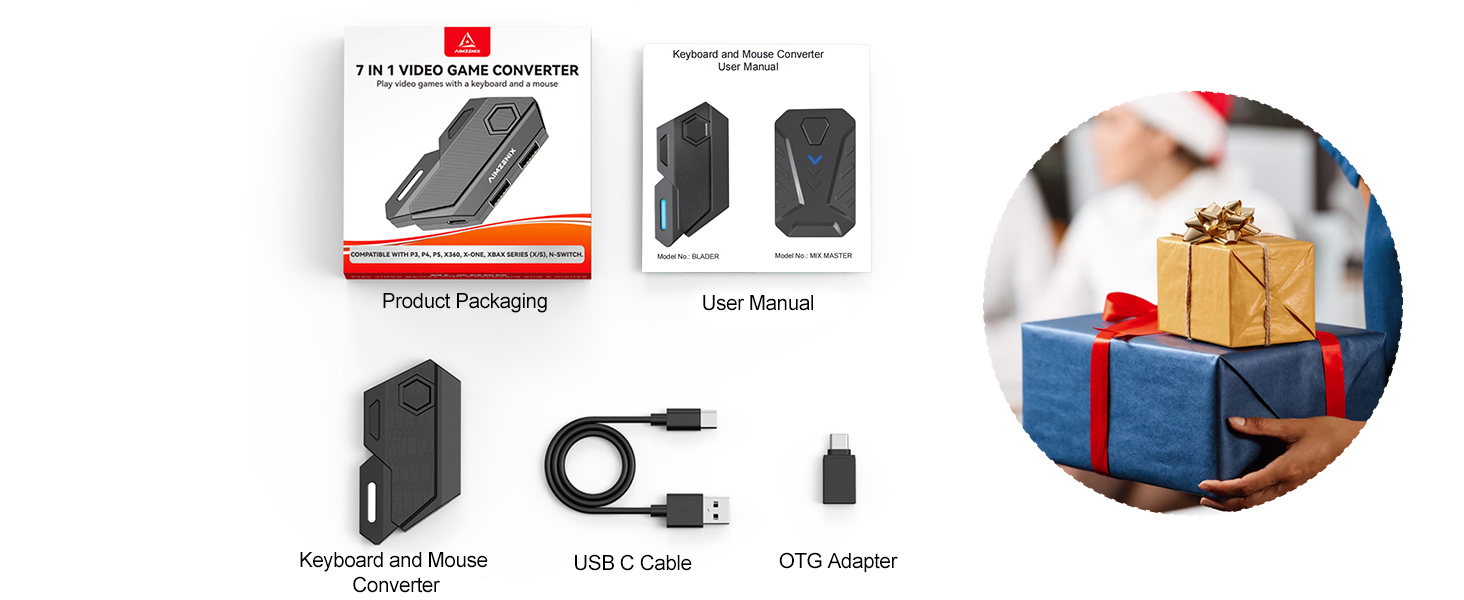
What Will You Get?
- 1x Keyboard Mouse Adapter (Console and keyboard and mouse not included)
- 1x OTG Adapter
- 1x Type C Cable
- 1x Manual
Compatible Devices/Function Settings/Tips
arVin Gaming Accessories
 Keyboard Mouse Converter |  Keyboard Mouse Adapter |  One Ear Headset |  PS4 Controller Keyboard |  Phone Game Controller |  Controller for IPad Pro |  Wireless Controller | |
|---|---|---|---|---|---|---|---|
Customer Reviews | — | — | — | — | — | — | — |
Price | — | — | — | — | — | — | — |
Compatible Devices | Switch1/PS4/3/X-Series/One/360 | Switch 1/PS4/PS3/Xbox One/360 | Switch/Xbox/PS5/4/Phone/PC | For PS4 Controller | iOS/Android/PC | iOS/Android/PC/Switch | iOS/Android/PC/Switch |
Custom Button | ? | ? | ? | ? | ? | ? | ? |
Supports Cloud Gaming | ? | ? | ? | ? | ? | ? | ? |
Supports Streaming | ? | ? | ? | ? | ? | ? | ? |
Material | Plastic | Plastic | Plastic | Plastic | Plastic | Plastic | Plastic |

Give You New Game Experience
Our controller is the best gift for Christmas, Thanksgiving, Birthday to your family, friends, so that they can enjoy the game with you

- Designed for the Best Comfort and Gaming Experience
- Our mission is to bring unforgettable gaming experience and enhance the fun of gaming for players of all levels.
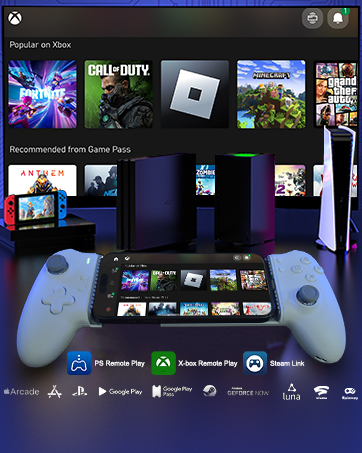
USB C Controller for iPhone 17
USB C Mobile Gaming Controller for Android & iPhone 17/16/15 Series (USB-C)
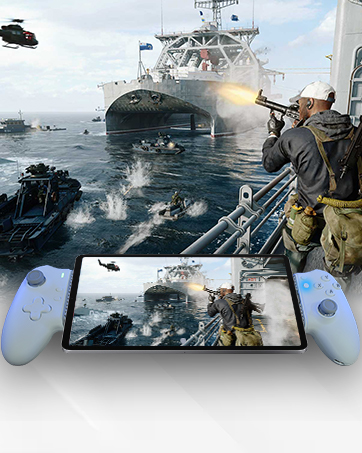
USB C Controller for iPad
USB C Mobile Gaming Controller for Tablet & iPad 6.7-11inch (USB-C)
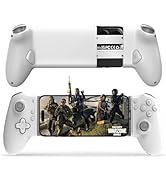
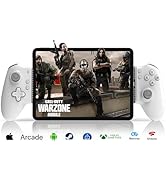
USB C Mobile Gaming Controller
![arVin Mobile Gaming Controller for iPad/Tablet[Within 5-10"] Wireless Gamepad for iPhone/Android/...](//c1.neweggimages.com/sellingpilot/modules/product/a-plus/54aaee0434c3a9782fdfac51ba10319ba7c7c8445c65043e9a56812cacb41b87.jpg)
![arVin Mobile Gaming Controller for iPad/Tablet[Within 5-10"] Wireless Gamepad for iPhone/Android/...](//c1.neweggimages.com/sellingpilot/modules/product/a-plus/519afd9c2cc77a6b5df262365dcc15b6adf384db389f9e17764d0d9f243ae781.jpg)
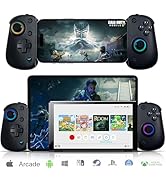
![arVin Wireless Gamepad Controller for iPhone/iPad/iOS/Android/Tablet [Within 5-13"]Support Xbox C...](//c1.neweggimages.com/sellingpilot/modules/product/a-plus/de0c8f68646f0fc3b0a5b9ee1a318a50d64c3304d05dfc99c90a660466fbfa16.jpg)
iPad Gaming Controller
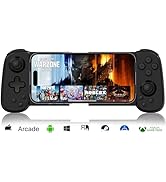
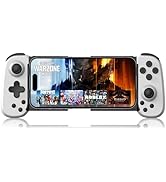
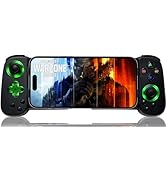
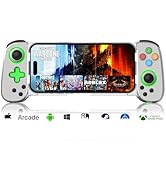
iPhone Gaming Controller
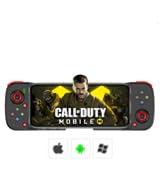
Android Game Controller
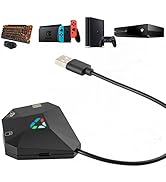
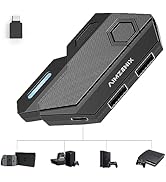
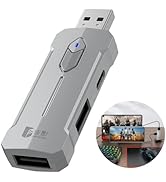
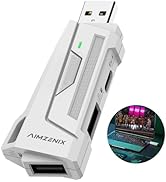
keyboard and Mouse Converter
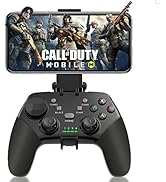
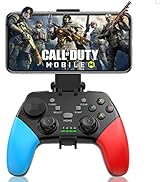
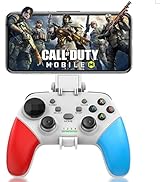
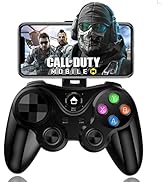
Phone Controller for iPhone
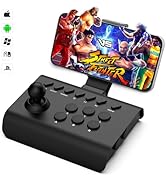
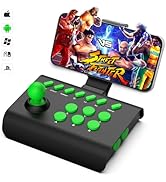
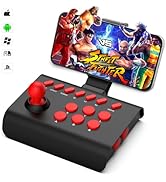
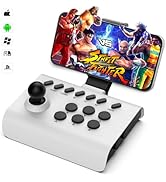
Arcade Fight Joystick
![arVin Mobile Gaming Controller for iPad/Tablet[Within 5-10"] Wireless Gamepad for iPhone/Android/...](http://c1.neweggimages.com/sellingpilot/modules/product/a-plus/54aaee0434c3a9782fdfac51ba10319ba7c7c8445c65043e9a56812cacb41b87.jpg)
![arVin Mobile Gaming Controller for iPad/Tablet[Within 5-10"] Wireless Gamepad for iPhone/Android/...](http://c1.neweggimages.com/sellingpilot/modules/product/a-plus/519afd9c2cc77a6b5df262365dcc15b6adf384db389f9e17764d0d9f243ae781.jpg)
![arVin Wireless Gamepad Controller for iPhone/iPad/iOS/Android/Tablet [Within 5-13"]Support Xbox C...](http://c1.neweggimages.com/sellingpilot/modules/product/a-plus/de0c8f68646f0fc3b0a5b9ee1a318a50d64c3304d05dfc99c90a660466fbfa16.jpg)
Keyboard and Mouse Adapter Converter for Switch/Xbox One/Xbox Series/PS4/PS3/PC


Best Gaming Accessories for Shooting Games
- arVin keyboard mouse converter allows players to use keyboard & mouse instead of a game controller to enjoy games on for PS4/PS3/Xbox/Switch. Plug and play. Perfect for playing FPS, TPS, RPG games, allowing you to quickly defeat opponents in PUBG, Fortnte &Call of Duty games and easily win the game!


Keyboard Mouse Converter Interface Introduction
Turbo Setting-After you have setup DIY key mapping
Mouse Sensitivity Adjustment
What Will You Get?


- Press F4 key onec on the keyboard and then press any key on keyboard or mouse to set the TURBO
- Long press this key and the action on game will continuously repeat
- Press F4 key again to cancel the TURBO
- Increase or decrease the mouse field of view sensitivity or aiming:
- Increase: Ctrl + Mouse Wheel Up
- Decrease: Ctrl + Mouse Wheel Down
- 1x Keyboard Mouse Adapter (Console and keyboard and mouse not included)
- 1x OTG Adapter
- 1x Type C Cable
- 1x Manual
Switch Keyboard and Mouse Adapter
Switch, Switch Oled, Switch Lite Connection Guideline
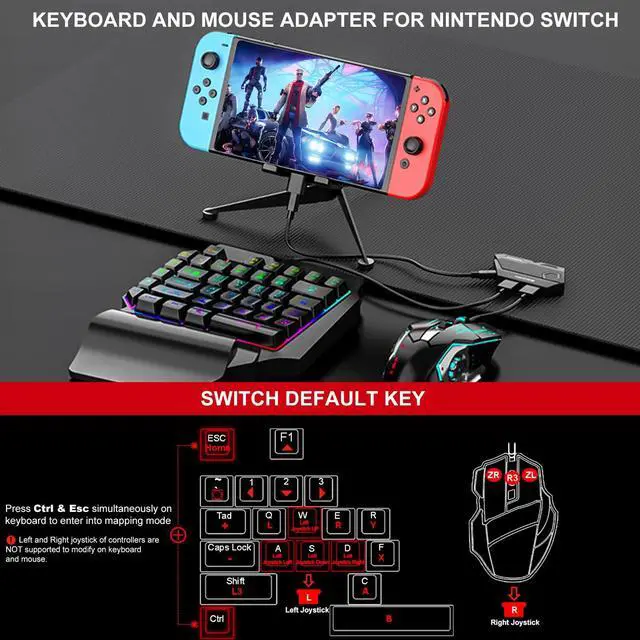
1. Open the Switch game console, click "System Settings” - "Controllers and Sensors" - "Pro Controller Wired Communication" to set to "on".
2. Connect the type c cable to the "Console Port" of the converter and the USB interface of the Switch dock. The indicator light on the converter Blue light is on.
3. Connect keyboard & mouse to the ‘Keyboard Port’ & ‘Mouse Port’.
Keyboard and Mouse Converter for Xbox
Adapter for Xbox 360/Xbox One/Xbox Series Connection Guideline
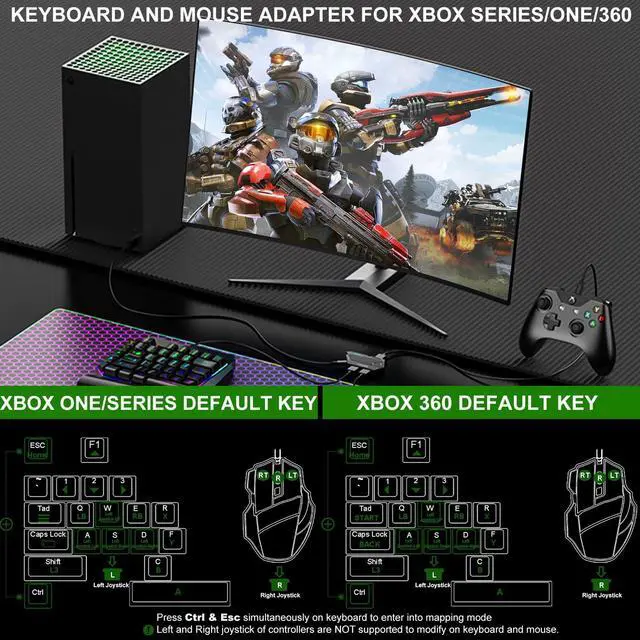
1. Before starting the connection, please turn off the original controller.
2. Connect the type c cable (included in package) to the "Console Port" of the converter and the USB interface of the gaming console. The indicator light on the converter Blue light is on.
3.Connect Original Xbox wired controller to the “Controller Port” of the converter.
4. Connect keyboard & mouse to the “Keyboard Port” &“Mouse Port”.
Keyboard and Mouse Converter for PS4/PS3
Adapter for PS4, PS3 Connection Guideline
1. Open the game console, click "Settings” - "Devices" - "Controllers" - "Communication Method" - "Use USB Cable"
2. Connect the type c cable to the “Console Port” of the converter and the USB interface of the gaming console. The indicator light on the converter Blue light flashes
3. Connect Original PS3/PS4 wired controller to the “Controller Port” of the converter. The indicator light on the converter Blue light will be keeps on
4. Connect keyboard & mouse to the “Keyboard Port” & “Mouse Port”
Keyboard and Mouse Converter for PC
PC Connection Guideline
1. Required Steam software Installed in PC. On Steam, go to ‘Settings - Controller, Go to game ‘LIBRARY’, right click the game you wish to play, select ‘Properties...’. Select ‘Controller’. Select ‘Enable Steam Input’.
2. Connect the type c cable to the "Console Port" of the converter and the USB interface of the PC. The indicator light on the converter Blue light is on.
3. Connect keyboard & mouse to the ‘Keyboard Port’ & ‘Mouse Port’.
Compatible Devices/Function Settings/Tips
| Name | Keyboard and Mouse Converter for Switch/PS4/PS3/Xbox One/Xbox Series/PC |
|---|---|
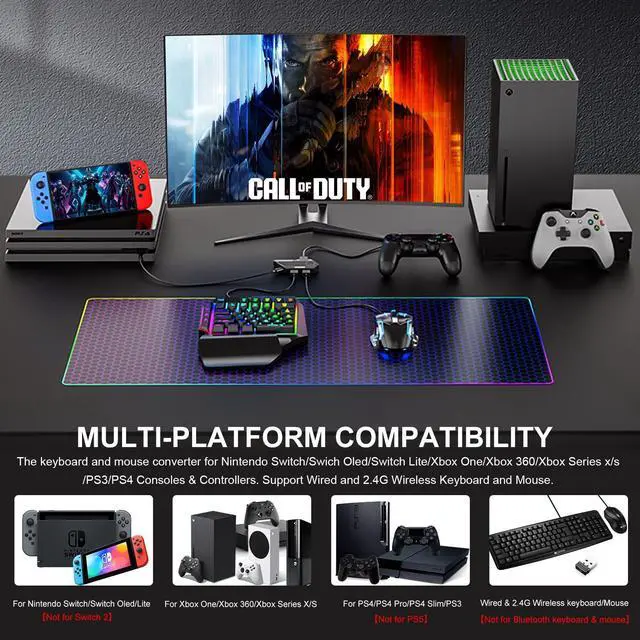
| For Nintendo Switch | Keyboard and mouse adapter for Nintendo Switch, Switch Oled, Switch Lite [ NOT for Nintendo Switch 2] |
| For PlayStation | Keyboard and mouse adapter for PS4, PS4 Slim, PS4 Pro, PS3 [Compatible with PS5 consoles, but can only be connected to this converter with a PS4 controller and can only play PS4 games, PS5 controllers and PS5 games are not supported!] |
| For Xbox | Keyboard and mouse adapter for Xbox Series S, Xbox Series X, Xbox 360, Xbox One, Xbox One S, Xbox One X |
| Support Keyboard & Mouse Types | Wired keyboard and mouse, 2.4G Wireless keyboard and mouse [Not support Bluetooth keyboard and mouse] |
| keyboard mouse mapping storage | Supports 4 keyboard and mouse keys mapping storage, press Ctrl and 1-4 keys on keyboard simultaneously to switch. |
| Customized Key Mapping | Press Ctrl & Esc simultaneously on keyboard to enter into DIY mapping mode. |
| Adjust Mouse Sensitivity | Press 'Ctrl + Mouse Wheel UP/Down' 1. In the game, hold down Ctrl and use the Mouse Wheel to adjust the mouse sensitivity. (include the mouse field of view sensitivity and the mouse sensitivity for aiming)(for non-ADS sensitivity) 2. Release Ctrl to close the adjustment. Please note : "Aim Down Sights" sensitivity is adjusted separately and should be done while aiming down sights. |
| Mouse Y-axis Switching | In some games, the Y-axis control may have the opposite direction to the default setting. You can press 'Ctrl + R' in the game to toggle the direction. |
| Adjust Curve Sensitivity | Shift+ Mouse Wheel Up/Down: 1. In the game, hold down Shift and Mouse Wheel to adjust the sensitivity of curve. 2. Release Shift to close the adjustment. |
| Turbo Function Settings | Press the 'F4' key onec on the keyboard and then press any key on keyboard or mouse to set the TURBO function |
| Lock Key Function | Press ’Ctrl + F5' to activate look key function, the green light is on |
| Restore Factory Settings | Press ’Ctrl+Alt+Z' Restore current configuration to default configuration |
| Tips for PlayStation users | {1)Must use the Original PS3/PS4 controller to connect the converter, third party controller connections are not supported. (2) Compatible with PS5 consoles, but can only be connected to this converter with a PS4 controller and can only play PS4 games, PS5 controllers and PS5 games are not supported! |
| Tips for Xbox users | {1)Must use the Original xbox controller to connect the converter, third party controller connections are not supported. (2) If you want to use a wired headset, please connect the wired headset directly to the Xbox console, using a wired headset in an Xbox controller is not supported. |
| Tips for Switch users | (1) Original switch pro controller is required for mapping keys, third party controller connections are not supported |
arVin Gaming Accessories
Keyboard Mouse Converter | Keyboard Mouse Adapter | One Ear Headset | PS4 Controller Keyboard | Phone Game Controller | Controller for IPad Pro | Wireless Controller |
|---|---|---|---|---|---|---|
| Customer Reviews | ||||||
| — | — | — | — | — | — | — |
| Price | ||||||
| — | — | — | — | — | — | — |
| Compatible Devices | ||||||
| Switch1/PS4/3/X-Series/One/360 | Switch 1/PS4/PS3/Xbox One/360 | Switch/Xbox/PS5/4/Phone/PC | For PS4 Controller | iOS/Android/PC | iOS/Android/PC/Switch | iOS/Android/PC/Switch |
| Custom Button | ||||||
| ? | ? | ? | ? | ? | ? | ? |
| Supports Cloud Gaming | ||||||
| ? | ? | ? | ? | ? | ? | ? |
| Supports Streaming | ||||||
| ? | ? | ? | ? | ? | ? | ? |
| Material | ||||||
| Plastic | Plastic | Plastic | Plastic | Plastic | Plastic | Plastic |
Give You New Game Experience
Our controller is the best gift for Christmas, Thanksgiving, Birthday to your family, friends, so that they can enjoy the game with you
- Designed for the Best Comfort and Gaming Experience
- Our mission is to bring unforgettable gaming experience and enhance the fun of gaming for players of all levels.
USB C Controller for iPhone 17
USB C Mobile Gaming Controller for Android & iPhone 17/16/15 Series (USB-C)
USB C Controller for iPad
USB C Mobile Gaming Controller for Tablet & iPad 6.7-11inch (USB-C)
USB C Mobile Gaming Controller
iPad Gaming Controller
iPhone Gaming Controller
Android Game Controller
keyboard and Mouse Converter
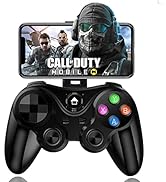
Phone Controller for iPhone
Arcade Fight Joystick
