


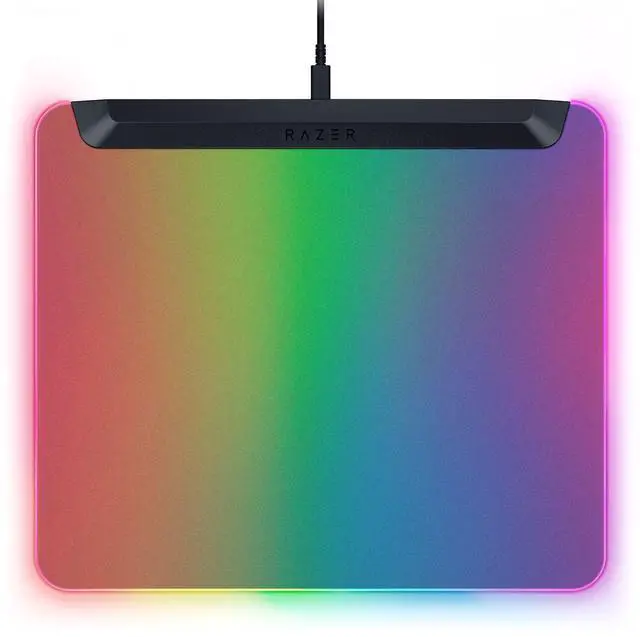



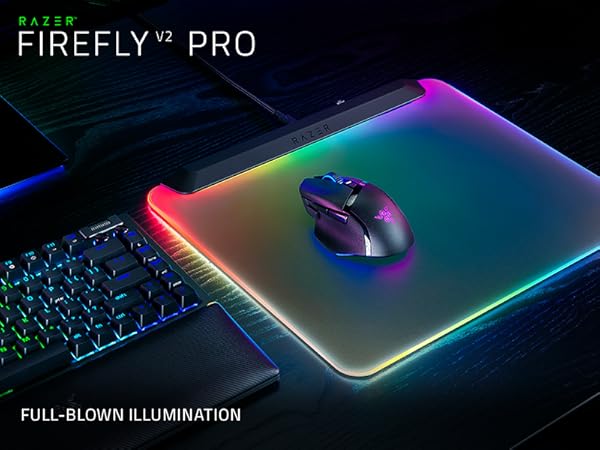
The First LED Backlit Gaming Mouse Mat
Witness a vivid RGB spectacle that spreads to every corner of the canvas
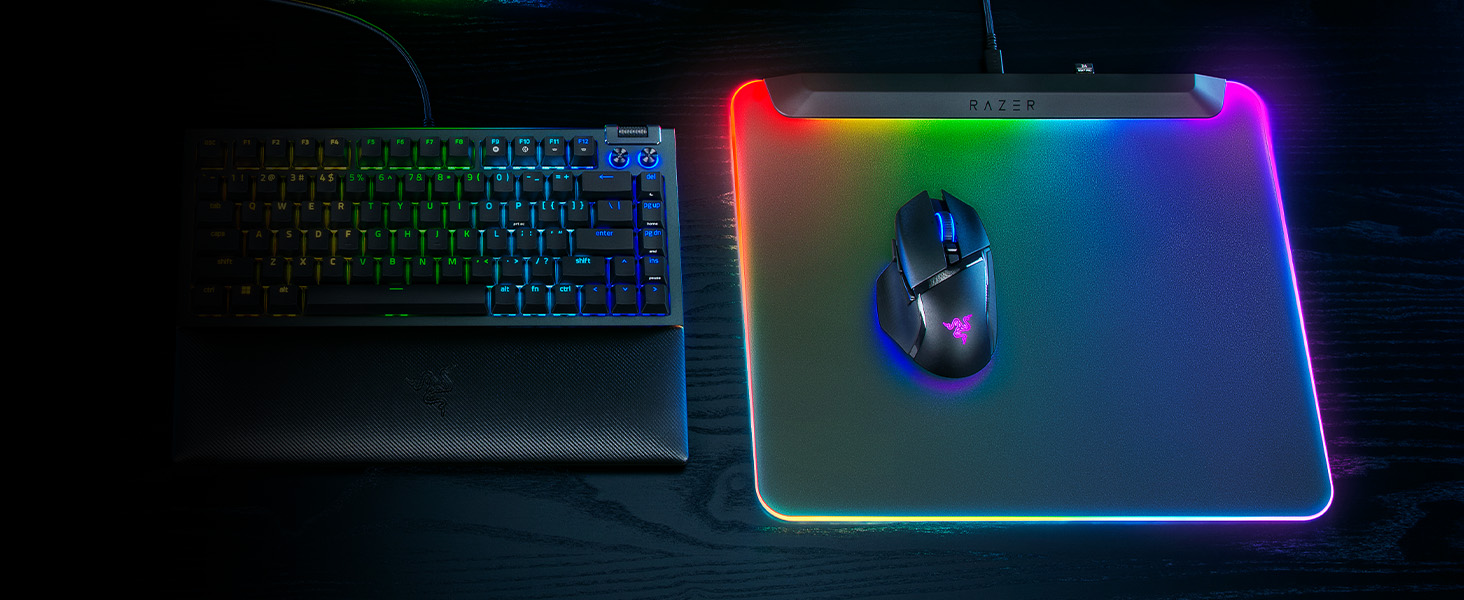
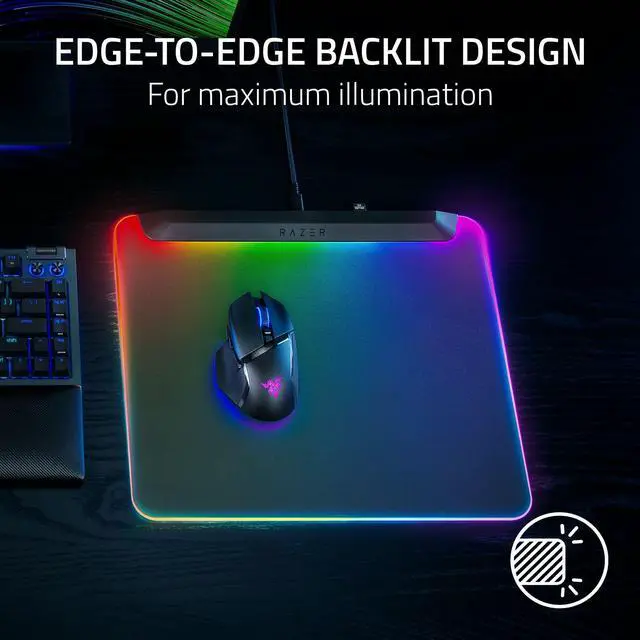
Maximum Illumination
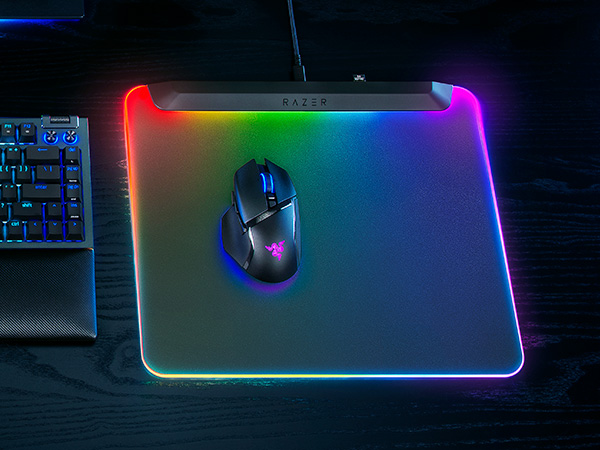
The mat’s frosted surface catches and amplifies the glow of its powerful LED strip

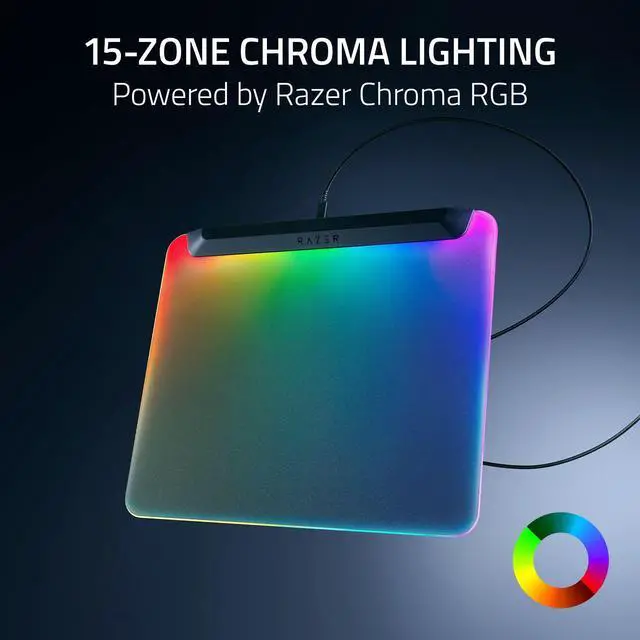
Powered by Razer Chroma RGB
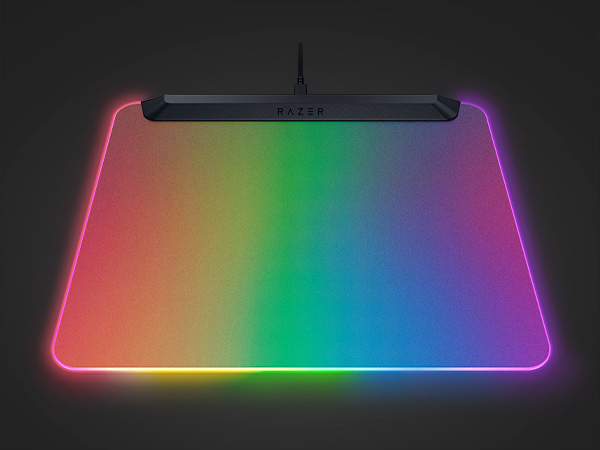
Create brilliant designs with customizable zones. Be immersed with dynamic game effects
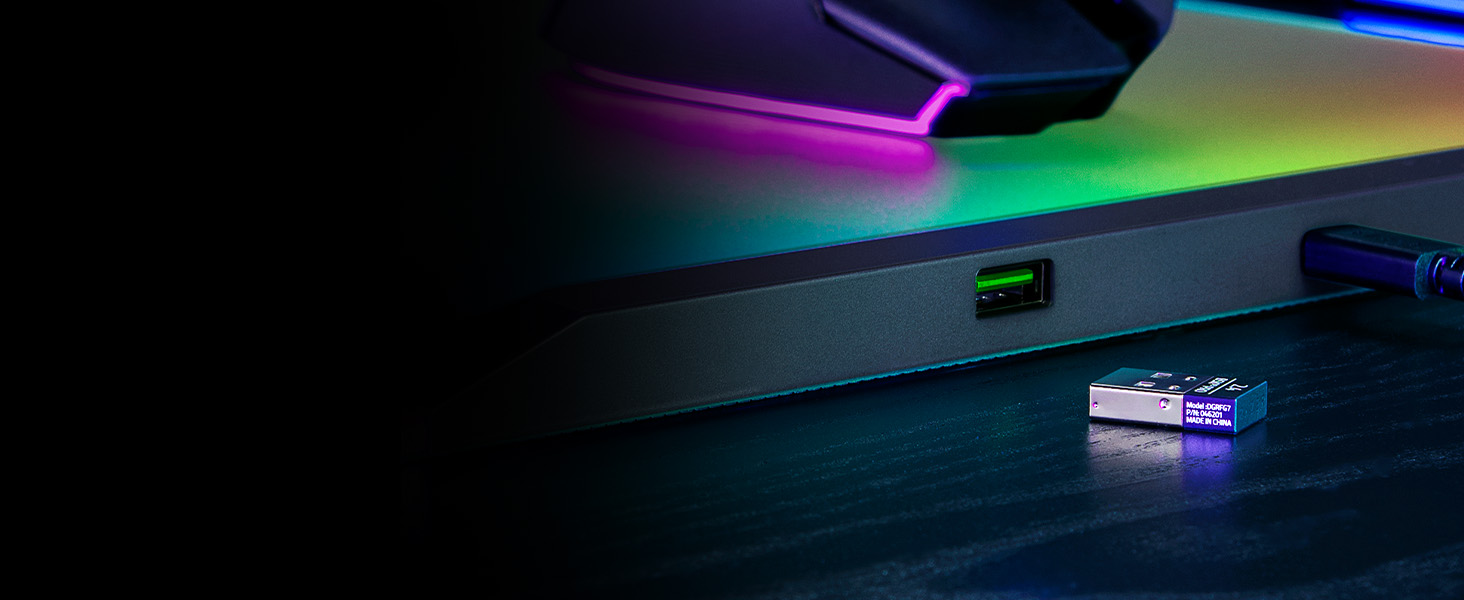
Optimized Wireless Mouse Connectivity
Allows your mouse dongle to be plugged in just inches away from your mouse
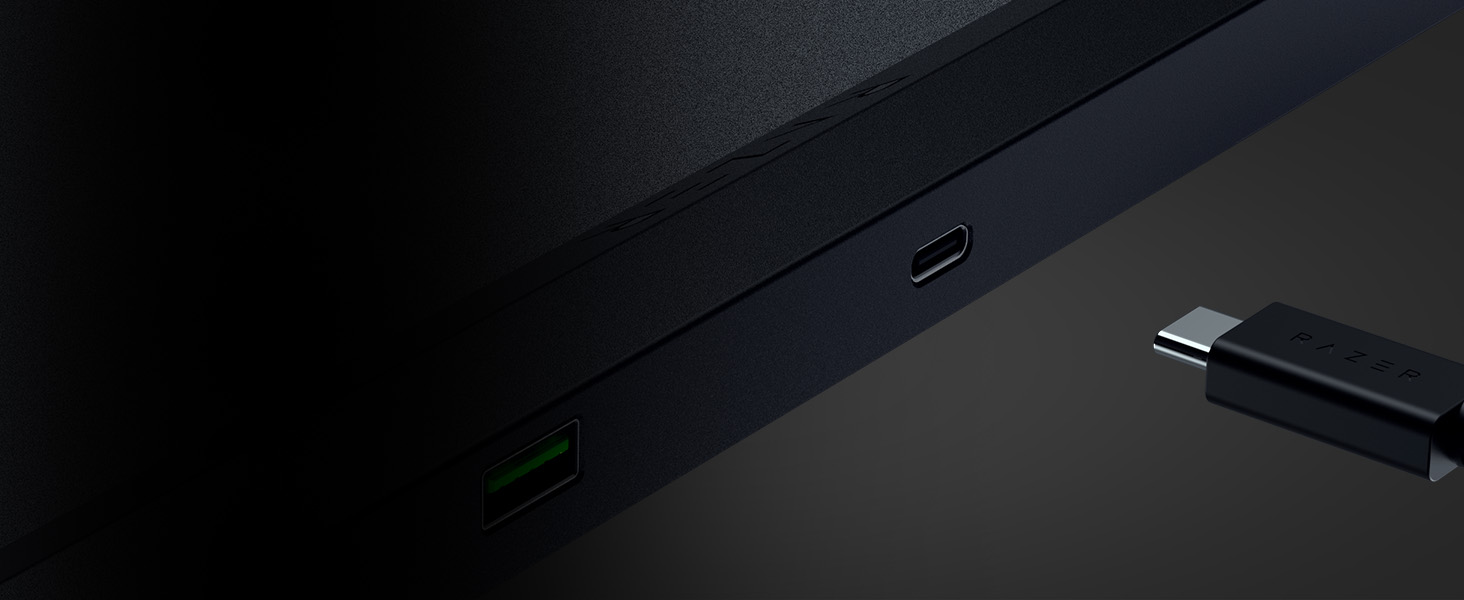
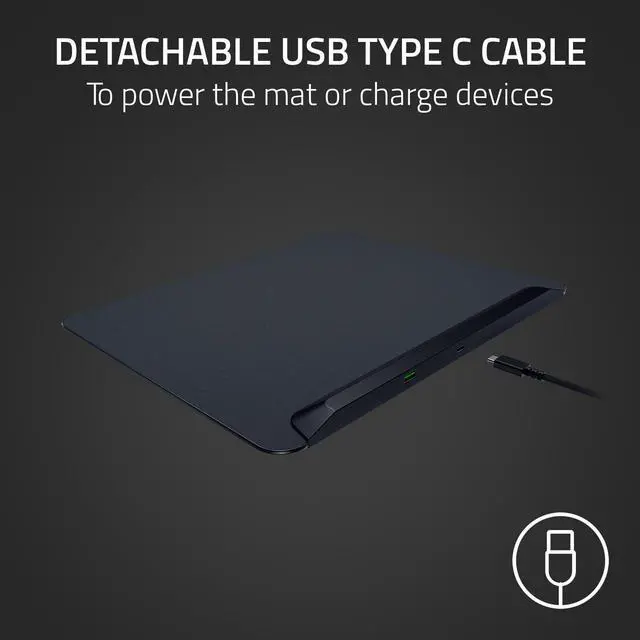
Convenient Power & Charging
Quickly switch between powering the mouse mat and charging your wireless mouse
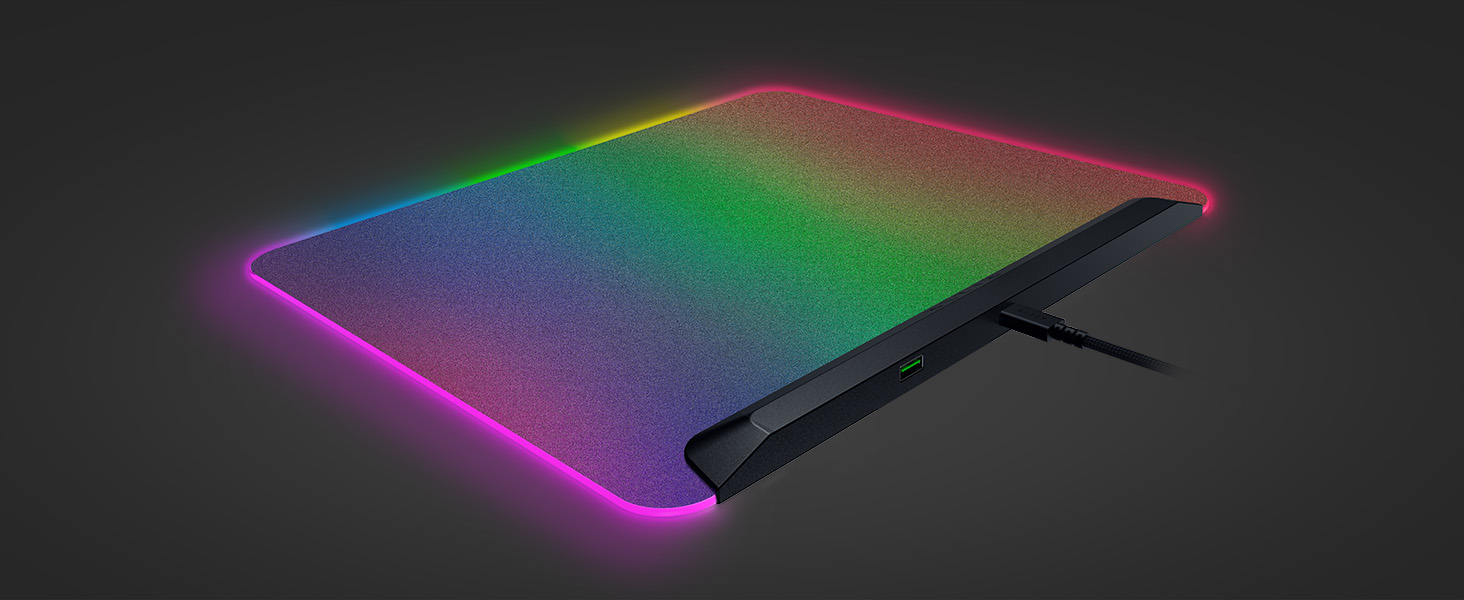
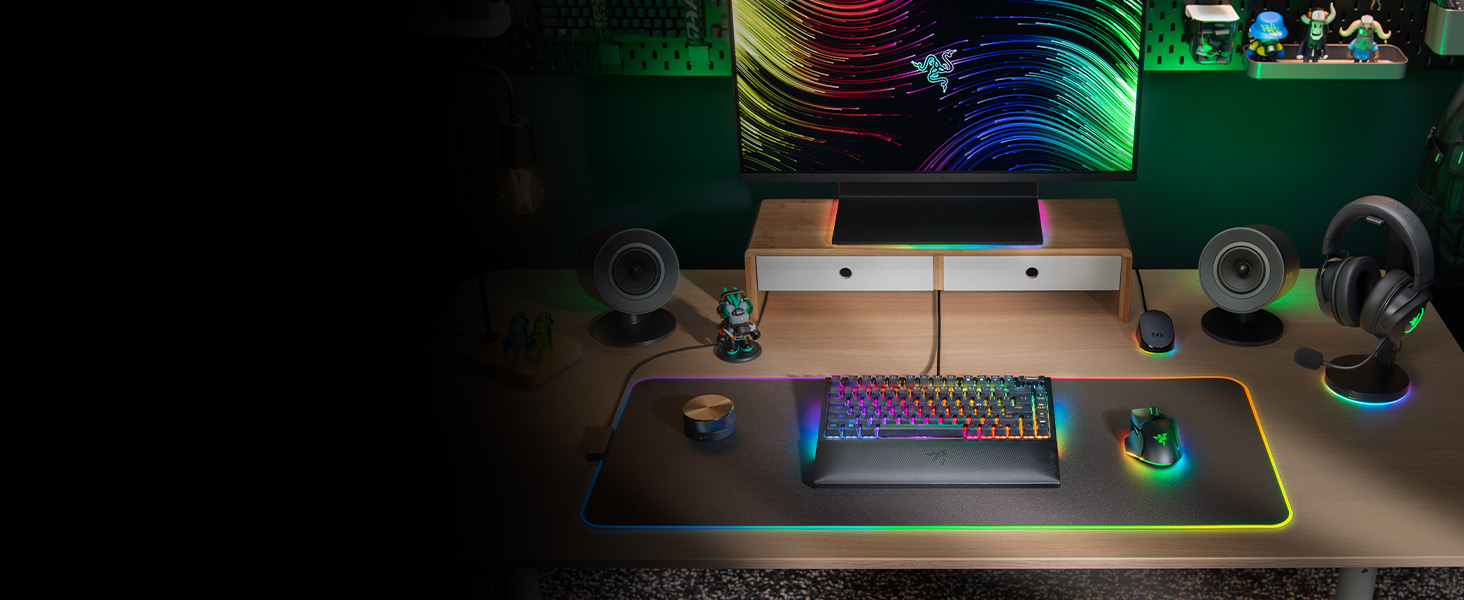
Explore Our Immersive Setup
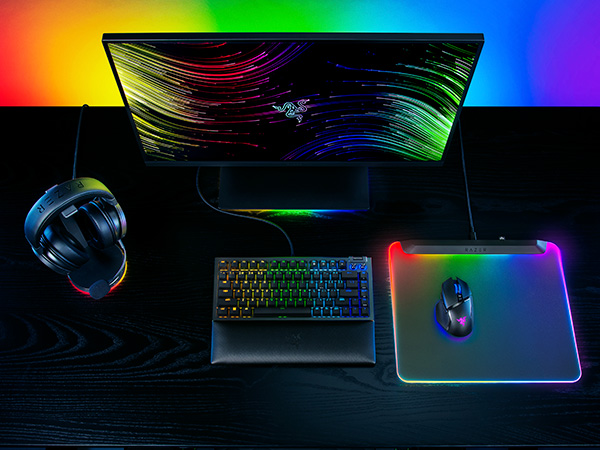
Complete your Chroma upgrade by pairing it with the perfect RGB gaming peripherals. Explore our finest selection of immersive products, designed for maximum illumination and immersion
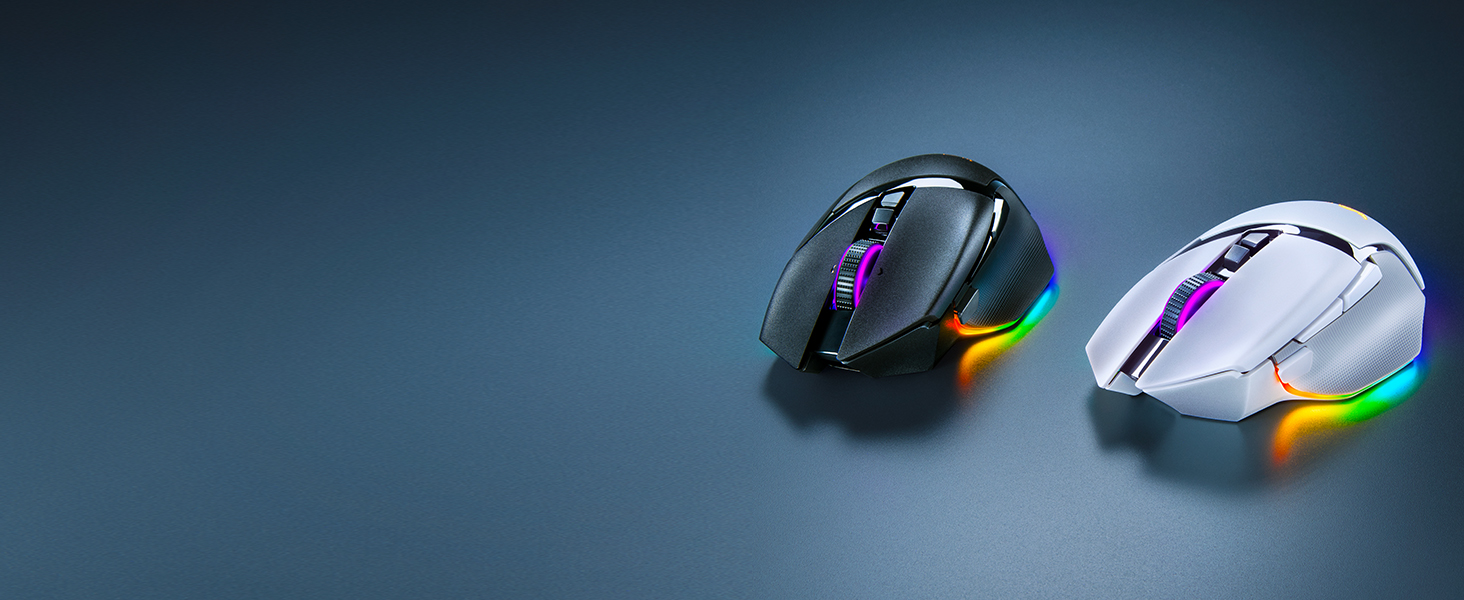
Razer Basilisk V3 Pro
Armed to the teeth with industry-leading technology, unlock your maximum potential with our best RGB mouse pushes the known limits of performance, customization, connectivity, and control
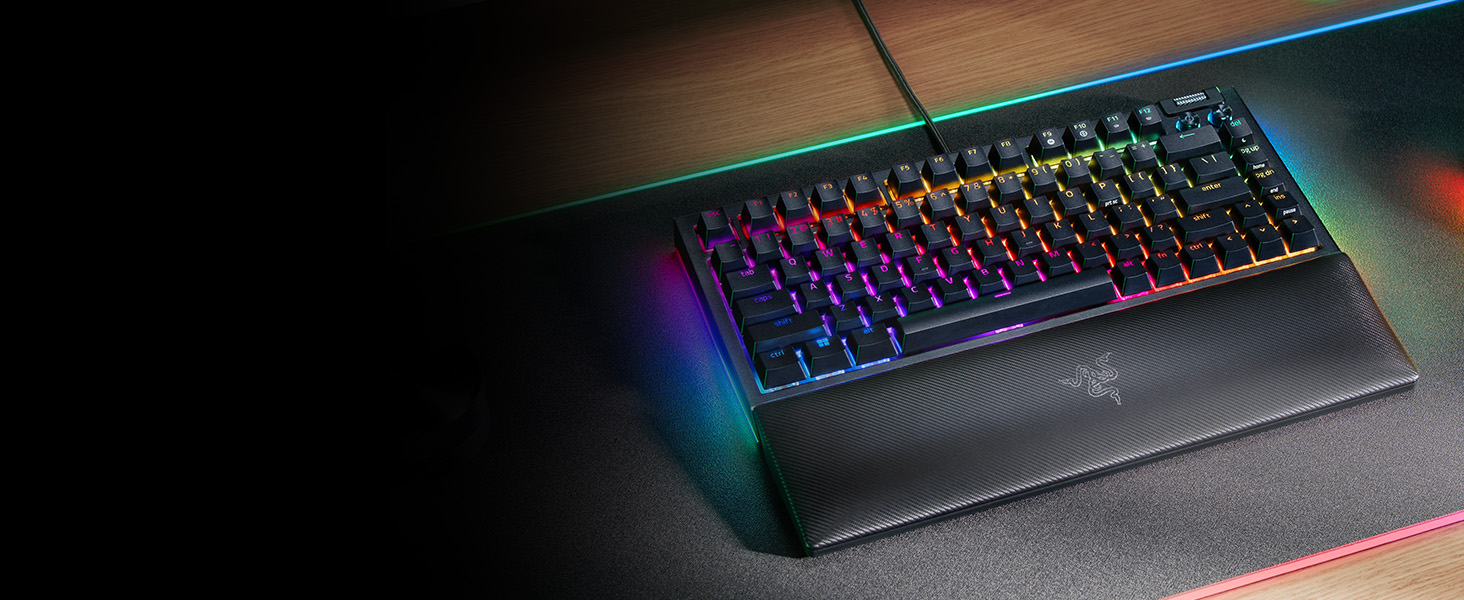
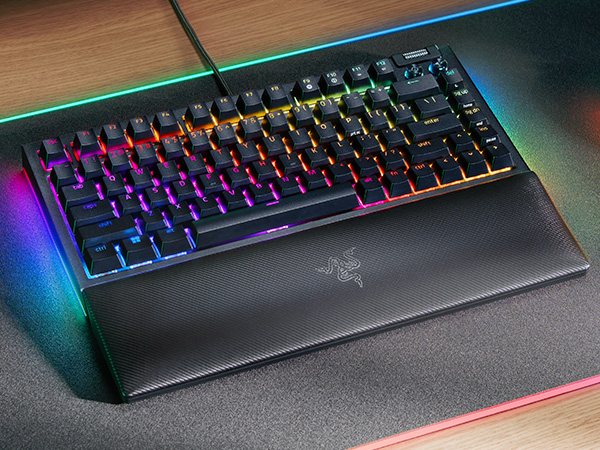
Razer BlackWidow V4 75%
For those who crave greater customization and immersion, satisfy your enthusiast needs with the Razer BlackWidow V4 75%—a compact, hot-swappable mechanical keyboard powered by Razer Chroma RGB
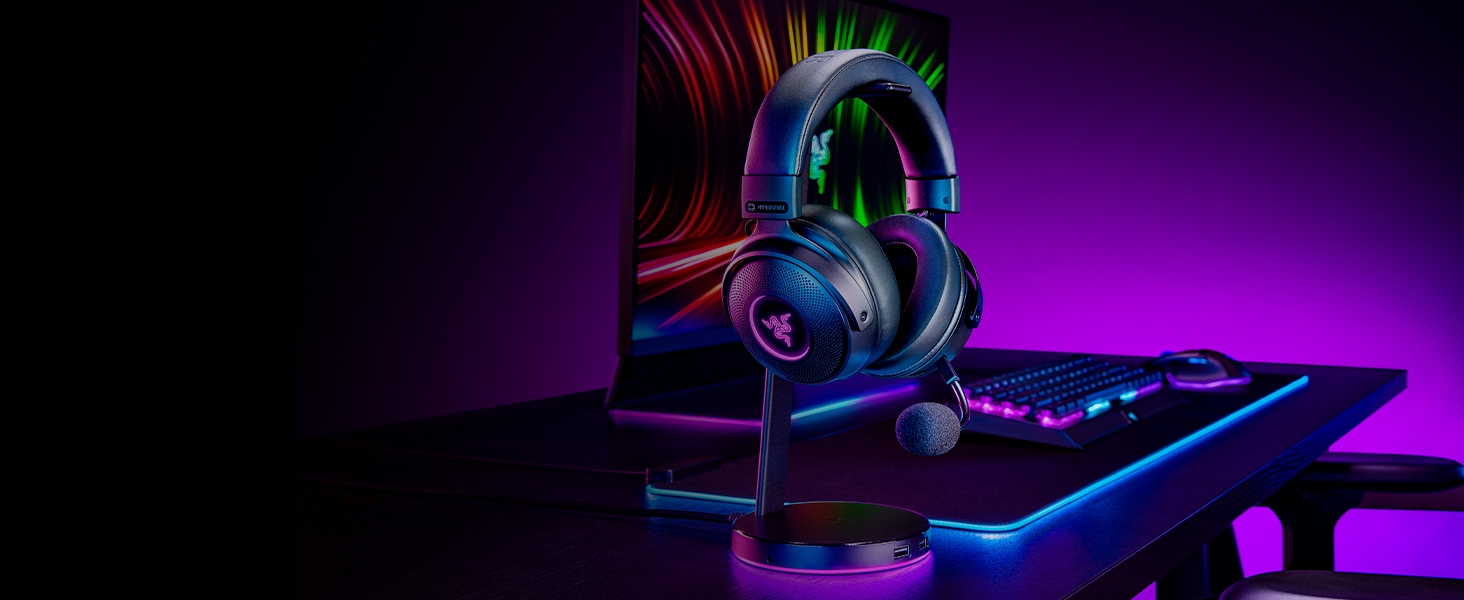
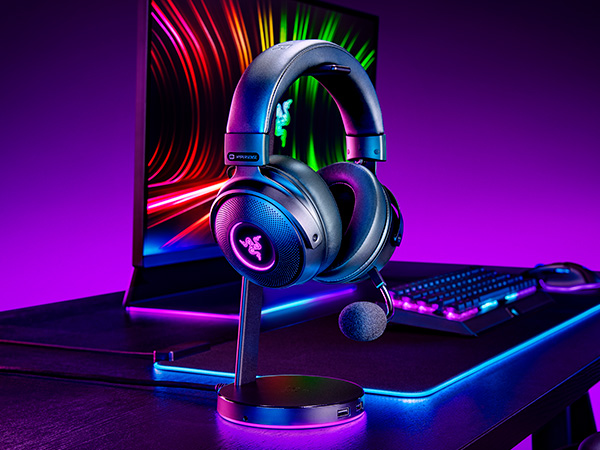
Razer Kraken V3 Pro
Be immersed beyond sight and sound with the Razer Kraken V3 Pro, a wireless RGB gaming headset powered by Razer HyperSense haptic technology
Is the Razer Firefly V2 Pro a hard or soft mat?
The Razer Firefly V2 Pro is a hard mat.
Will the mat’s RGB backlit surface interfere with a mouse’s optical sensor?
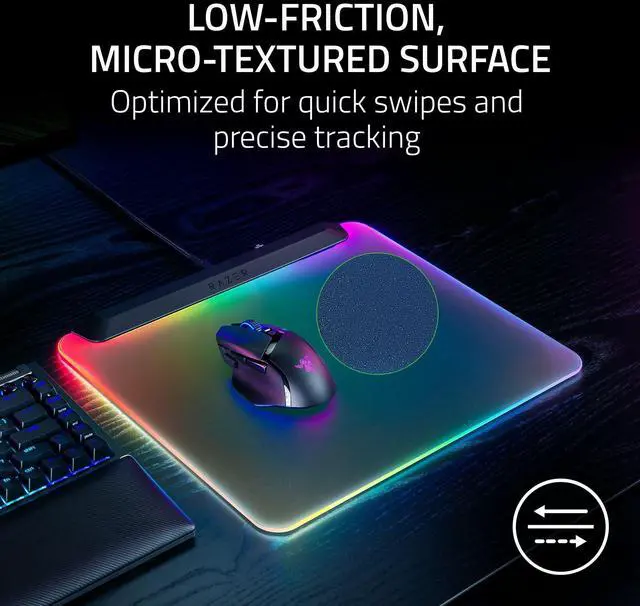
No. The Razer Firefly V2 Pro comes equipped with a micro-textured surface that is optimized for optical sensors, allowing for quick swipes and precise tracking at all times.
How do I customize the lighting zones on the Razer Firefly V2 Pro?
The Razer Firefly V2 Pro’s lighting zones can be customized via Chroma Studio in Razer Synapse. Choose from a selection of preset effects or customize individual RGB zones with numerous profiles and settings to your liking.
How does the Razer Firefly V2 Pro differ from the Razer Firefly V2?
The Razer Firefly V2 Pro has an edge-to-edge backlit design that illuminates the whole mat, whereas the Razer Firefly V2 features all-round edge lighting.
How do I care for the Razer Firefly V2 Pro?
We recommend cleaning the mat periodically by gently wiping it with a warm damp cloth. Ensure that the mat is always placed on a flat leveled surface to prevent accidental damage and avoid getting water into the USB ports.
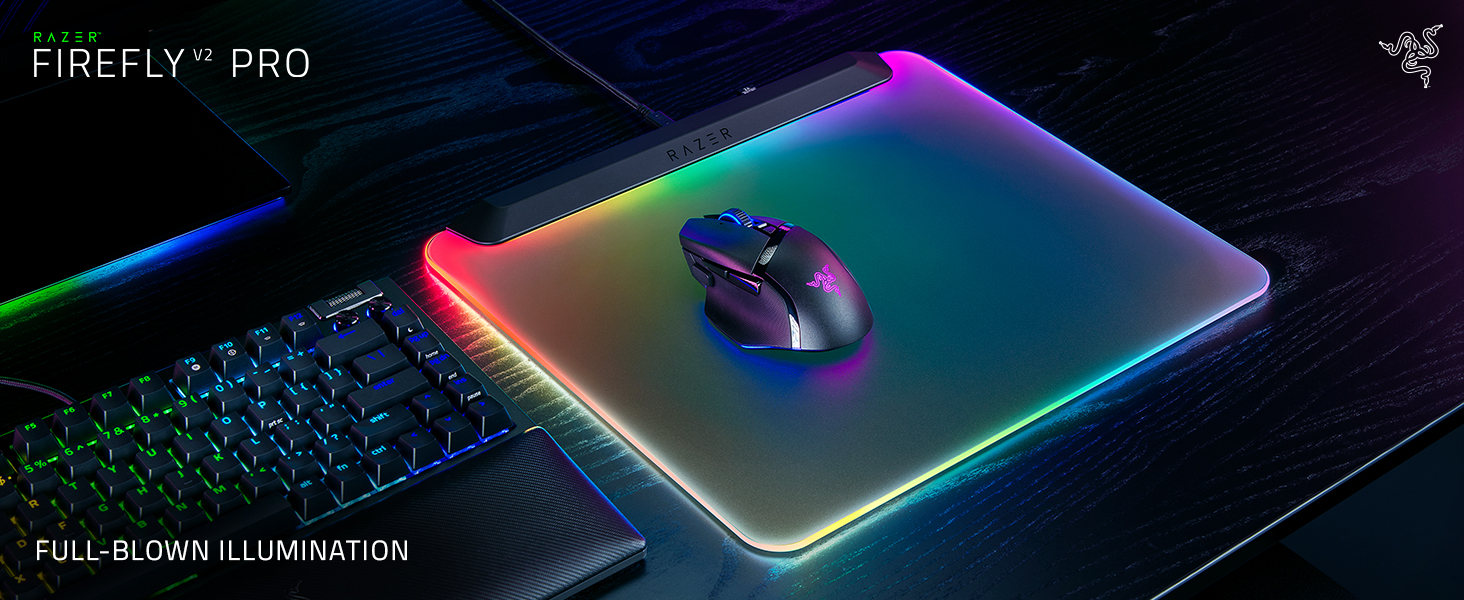
The First LED Backlit Gaming Mouse Mat
Witness a vivid RGB spectacle that spreads to every corner of the canvas
Maximum Illumination
The mat’s frosted surface catches and amplifies the glow of its powerful LED strip
Powered by Razer Chroma RGB
Create brilliant designs with customizable zones. Be immersed with dynamic game effects
Optimized Wireless Mouse Connectivity
Allows your mouse dongle to be plugged in just inches away from your mouse
Convenient Power & Charging
Quickly switch between powering the mouse mat and charging your wireless mouse
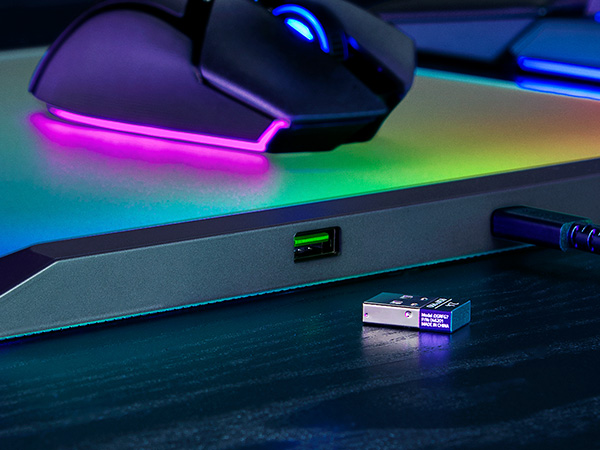
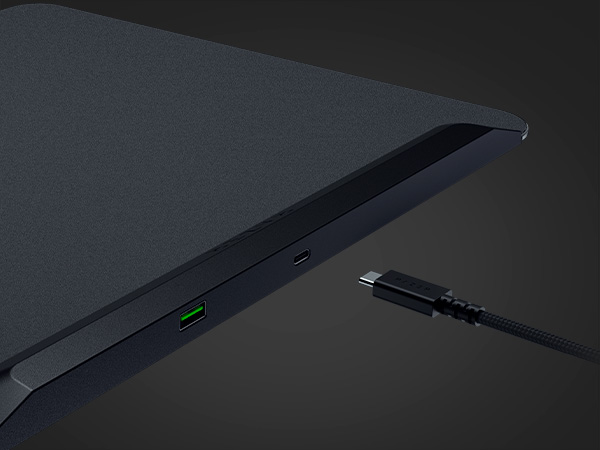
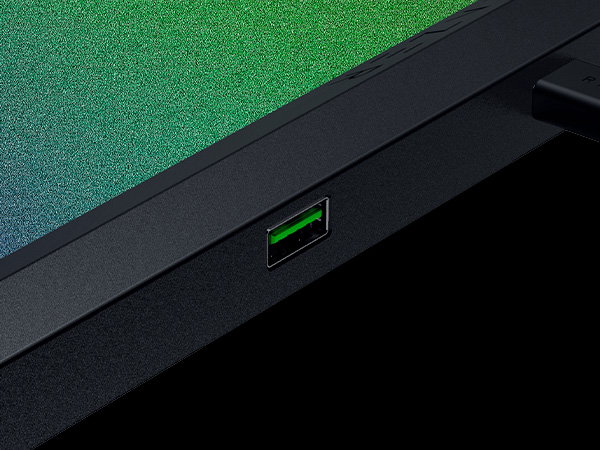
Integrated USB 2.0 Port
Works as a passthrough for your mouse dongle, so it stays close to your mouse for maximum wireless performance
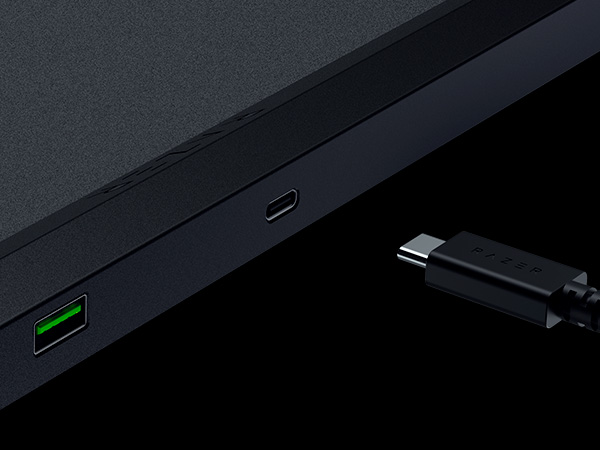
Detachable USB Type C Cable
Use it to power the mouse mat or charge your wireless mouse
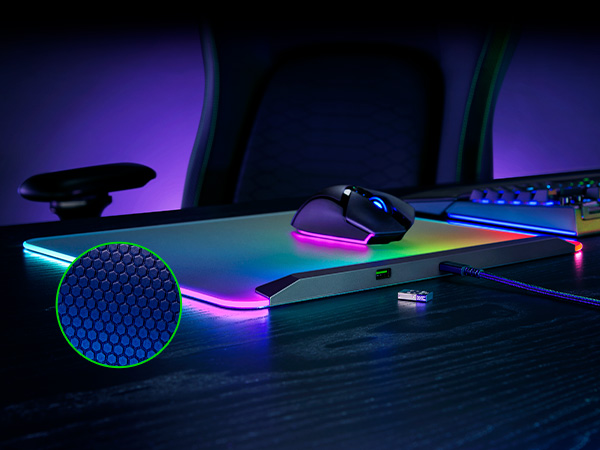
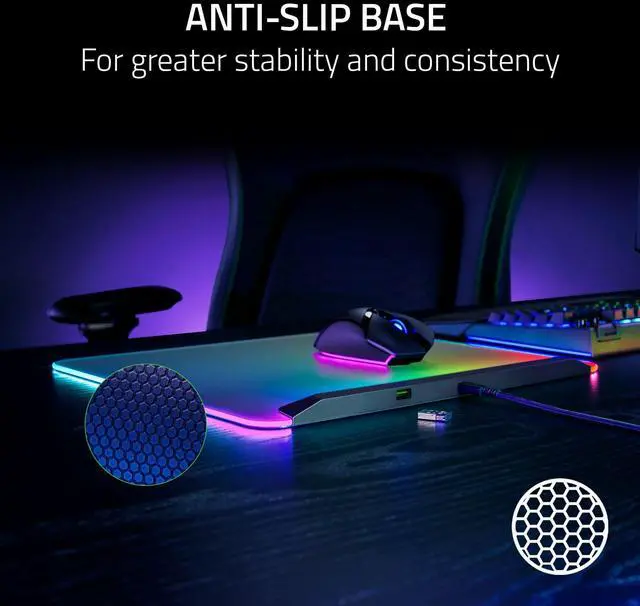
Anti-slip base
Keeps the mouse mat anchored to your desk through the most intense gaming sessions
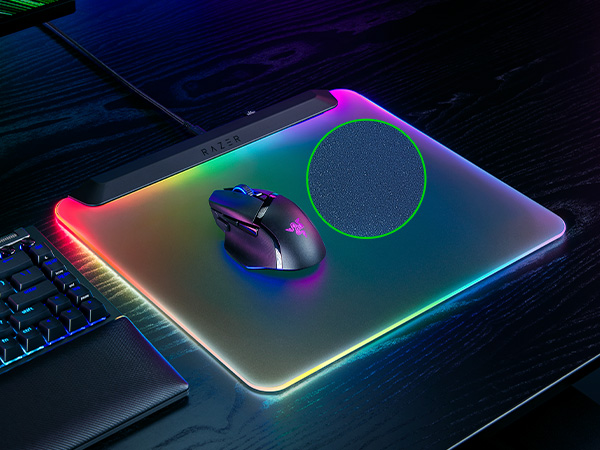
Low-Friction, Micro-Textured Surface
Offers the perfect balance of speed and control for quick swipes and ultra-precise tracking
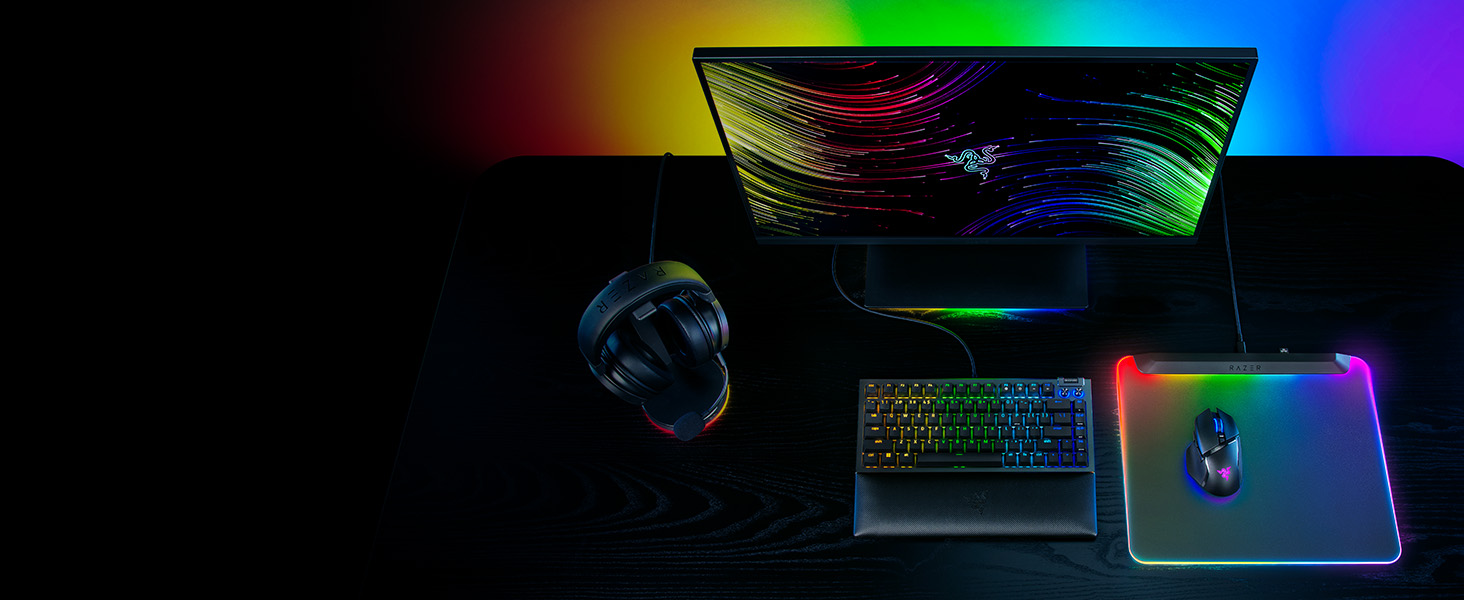
Explore Our Immersive Setup
Razer Basilisk V3 Pro
Razer BlackWidow V4 75%
Razer Kraken V3 Pro
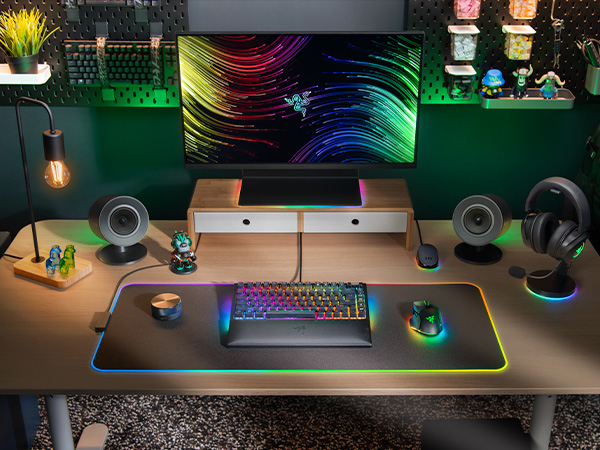
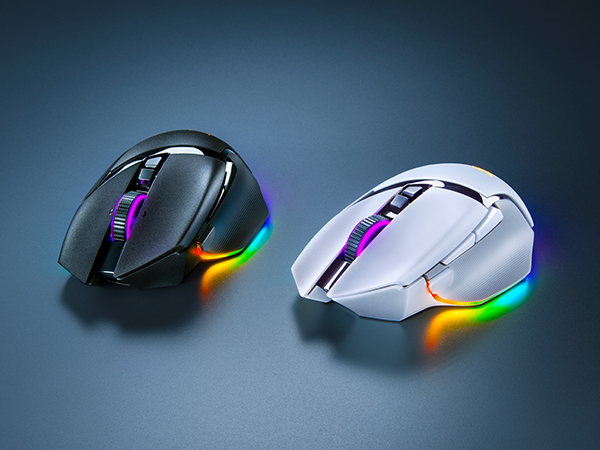
Complete your Chroma upgrade by pairing it with the perfect RGB gaming peripherals. Explore our finest selection of immersive products, designed for maximum illumination and immersion
Armed to the teeth with industry-leading technology, unlock your maximum potential with our best RGB mouse pushes the known limits of performance, customization, connectivity, and control
For those who crave greater customization and immersion, satisfy your enthusiast needs with the Razer BlackWidow V4 75%—a compact, hot-swappable mechanical keyboard powered by Razer Chroma RGB
Be immersed beyond sight and sound with the Razer Kraken V3 Pro, a wireless RGB gaming headset powered by Razer HyperSense haptic technology
Is the Razer Firefly V2 Pro a hard or soft mat?
The Razer Firefly V2 Pro is a hard mat.
Will the mat’s RGB backlit surface interfere with a mouse’s optical sensor?
No. The Razer Firefly V2 Pro comes equipped with a micro-textured surface that is optimized for optical sensors, allowing for quick swipes and precise tracking at all times.
How do I customize the lighting zones on the Razer Firefly V2 Pro?
The Razer Firefly V2 Pro’s lighting zones can be customized via Chroma Studio in Razer Synapse. Choose from a selection of preset effects or customize individual RGB zones with numerous profiles and settings to your liking.
How does the Razer Firefly V2 Pro differ from the Razer Firefly V2?
The Razer Firefly V2 Pro has an edge-to-edge backlit design that illuminates the whole mat, whereas the Razer Firefly V2 features all-round edge lighting.
How do I care for the Razer Firefly V2 Pro?
We recommend cleaning the mat periodically by gently wiping it with a warm damp cloth. Ensure that the mat is always placed on a flat leveled surface to prevent accidental damage and avoid getting water into the USB ports.