


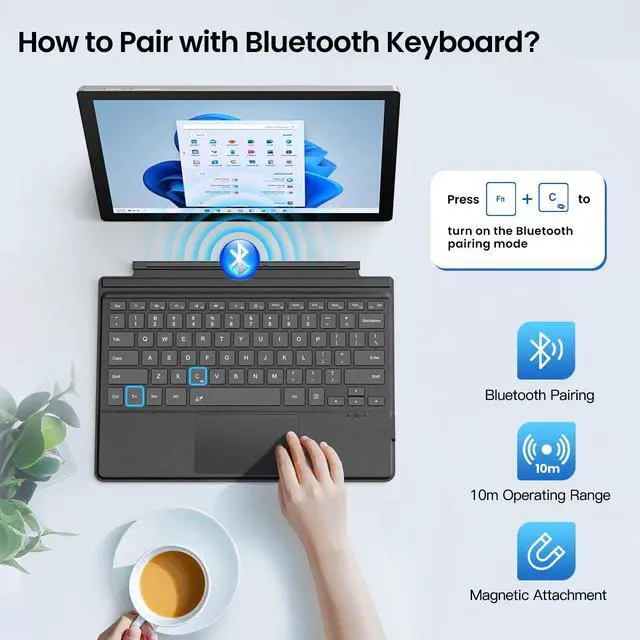


How to make a Bluetooth connection between the keyboard and the device?
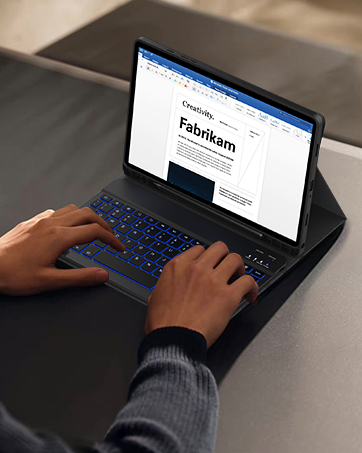
1. Press "Fn+C" together. The PAIR light shows blue and keeps flashing.
2. Open Windows Settings-Devices-Bluetooth & Other Devices-Add Bluetooth or Other Devices-Bluetooth. Search for "Bluetooth Keyboard" and click to connect.
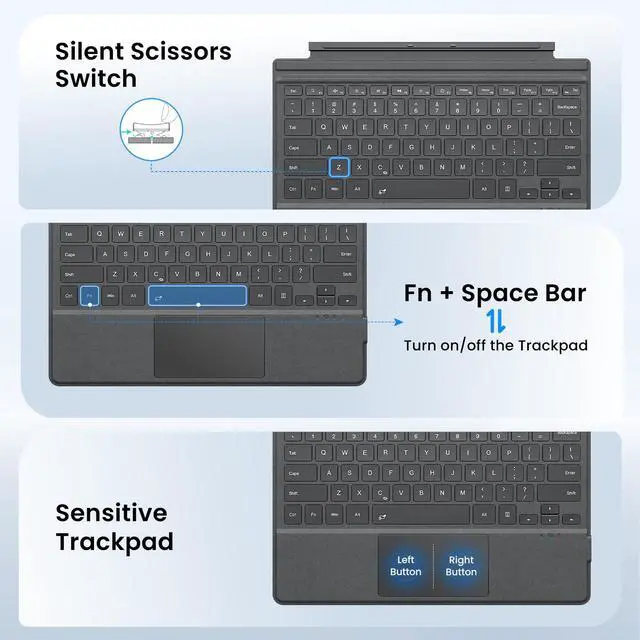
How to use the trackpad?
If the trackpad does not work, press FN + space together.
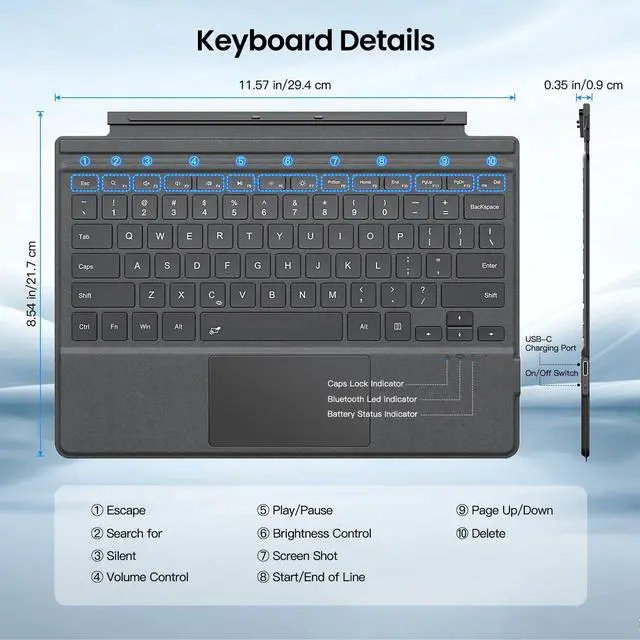
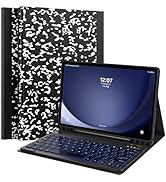
Keyboard Size, Layout and Applicable Models
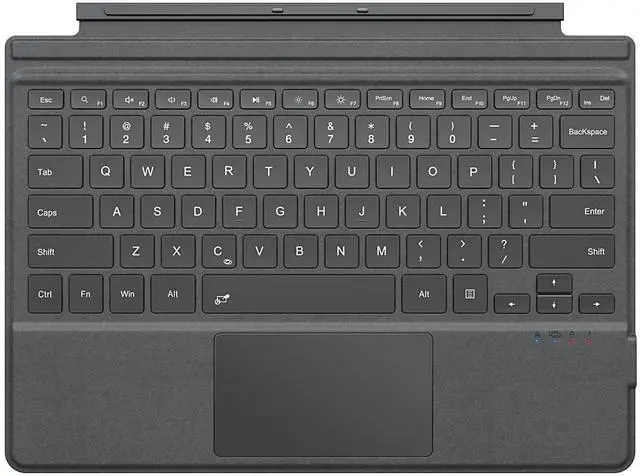
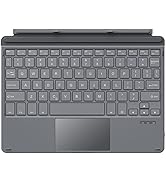
1. The keyboard size is(L×W×H): 11.57×8.54×0.35 in (29.4×21.7×0.9 cm).
2. The layout of the keyboard is QWERT.
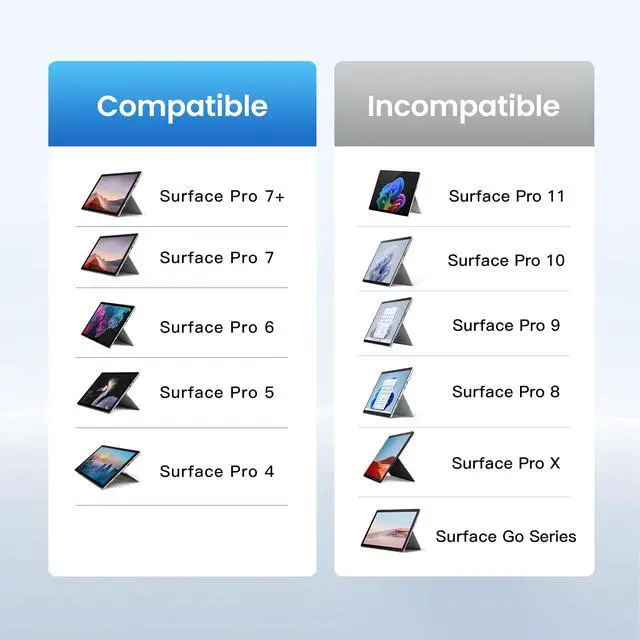
3. Compatible with Surface Pro 7 Plus/Pro 7/ Pro 6/ Pro 5/Pro 4/Pro 3.
What about typing delays or not being able to connect to the keyboard?
1. Fully charge the keyboard for 3-4 hours.
2. Remove all BT connections from the tablet and reopen the tablet.
3. Reopen the keyboard. Press “Fn+C” to open the keyboard BT.
4. Open the tablet BT and reconnect to the keyboard.
More Related Surface Pro Accessories are on Sale!
 Bluetooth Keyboard |  Wireless Pairing Keyboard |  Hand Strap Rugged Cover |  All-in-One Rugged Case |  Capacitive Case Holder | |
|---|---|---|---|---|---|
Customer Reviews | — | — | — | — | — |
Price | — | — | — | — | — |
Compatibility | For Surface Pro 7+/7/6/5/4/3 | For Surface Pro 7+/7/6/5/4/3 | For Surface Pro 7+/7/6/5/4/LTE | For Surface Pro 7+/7/6/5/4/LTE | For Surface Slim Pen/Pen 2 |
Material | PC | PC | TPU+PC Shell | TPU+PC Shell | PU |
Multiple Use Angles | ? | ? | ? | ? | ? |
Connect Keyboard | ? | ? | ? | ? | ? |
Features | Ergonomic, Wireless Pairing | 7-Color Backlight, Magnetic | Hand Strap, Raised Edge Design | Raised Edge Design, Shockproof | Anti-scratch, Wear-resistant |

Bring Tech to Your Life
Born to power up your tablets, MoKo has every factor you need to live a productive while flexible work-life.


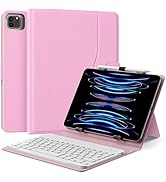
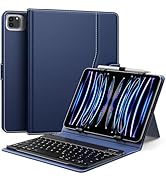
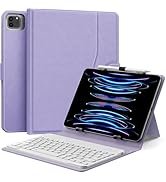
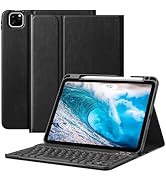
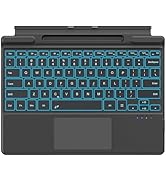
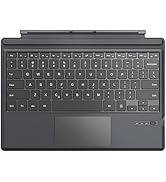
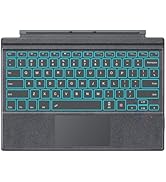



How to make a Bluetooth connection between the keyboard and the device?
1. Press "Fn+C" together. The PAIR light shows blue and keeps flashing.
2. Open Windows Settings-Devices-Bluetooth & Other Devices-Add Bluetooth or Other Devices-Bluetooth. Search for "Bluetooth Keyboard" and click to connect.
How to use the trackpad?
If the trackpad does not work, press FN + space together.
Keyboard Size, Layout and Applicable Models
1. The keyboard size is(L×W×H): 11.57×8.54×0.35 in (29.4×21.7×0.9 cm).
2. The layout of the keyboard is QWERT.
3. Compatible with Surface Pro 7 Plus/Pro 7/ Pro 6/ Pro 5/Pro 4/Pro 3.
What about typing delays or not being able to connect to the keyboard?
1. Fully charge the keyboard for 3-4 hours.
2. Remove all BT connections from the tablet and reopen the tablet.
3. Reopen the keyboard. Press “Fn+C” to open the keyboard BT.
4. Open the tablet BT and reconnect to the keyboard.
More Related Surface Pro Accessories are on Sale!
Bluetooth Keyboard | Wireless Pairing Keyboard | Hand Strap Rugged Cover | All-in-One Rugged Case | Capacitive Case Holder |
|---|---|---|---|---|
| Customer Reviews | ||||
| — | — | — | — | — |
| Price | ||||
| — | — | — | — | — |
| Compatibility | ||||
| For Surface Pro 7+/7/6/5/4/3 | For Surface Pro 7+/7/6/5/4/3 | For Surface Pro 7+/7/6/5/4/LTE | For Surface Pro 7+/7/6/5/4/LTE | For Surface Slim Pen/Pen 2 |
| Material | ||||
| PC | PC | TPU+PC Shell | TPU+PC Shell | PU |
| Multiple Use Angles | ||||
| ? | ? | ? | ? | ? |
| Connect Keyboard | ||||
| ? | ? | ? | ? | ? |
| Features | ||||
| Ergonomic, Wireless Pairing | 7-Color Backlight, Magnetic | Hand Strap, Raised Edge Design | Raised Edge Design, Shockproof | Anti-scratch, Wear-resistant |
Bring Tech to Your Life
Born to power up your tablets, MoKo has every factor you need to live a productive while flexible work-life.
iPad 11th/10th Keyboard Case
Universal Tablet Keyboard Case
iPad Air 11 Inch Keyboard Case
iPad Air 13 Inch Keyboard Case
iPad Pro 13 Inch Keyboard Case
Microsoft Surface Keyboard
Samsung Galaxy Keyboard Case
Facilitate Your Digital Life