


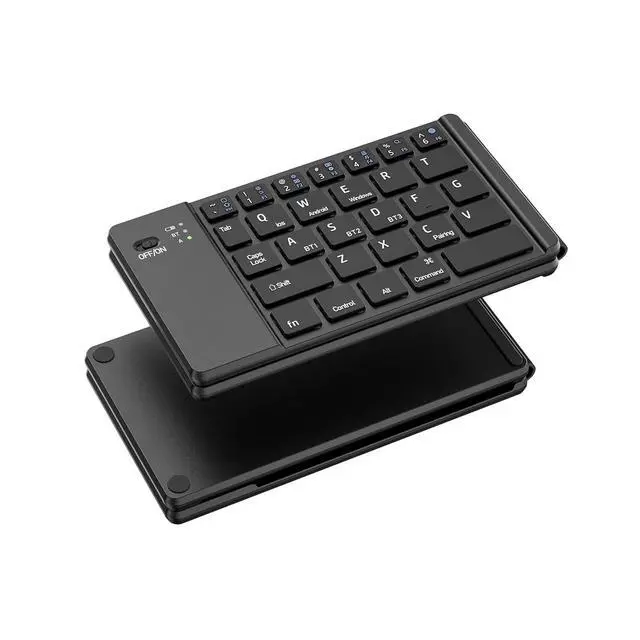
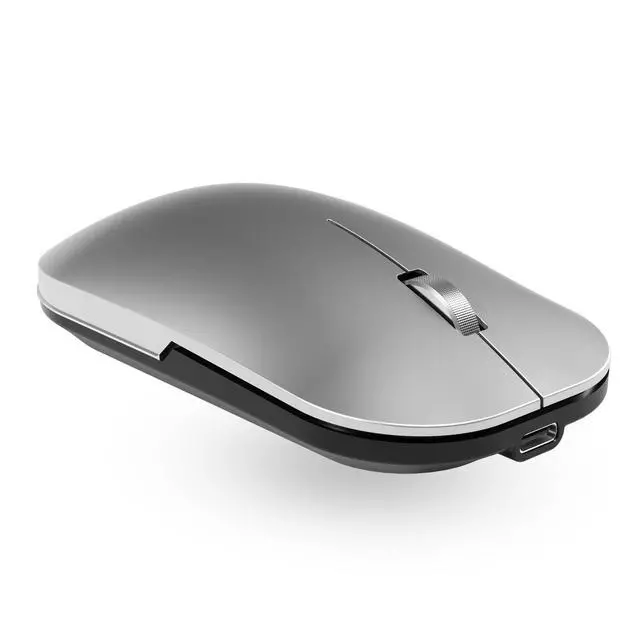
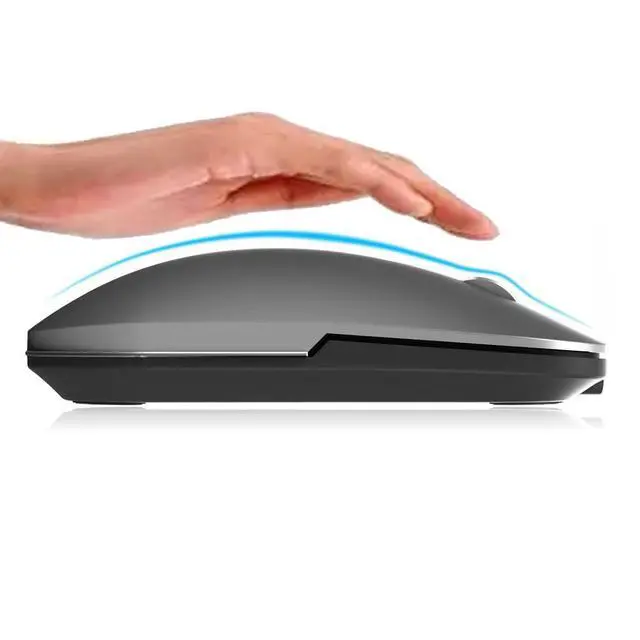


Comeic Foldable Bluetooth Wireless Keyboard and Mouse Combo Portable Set
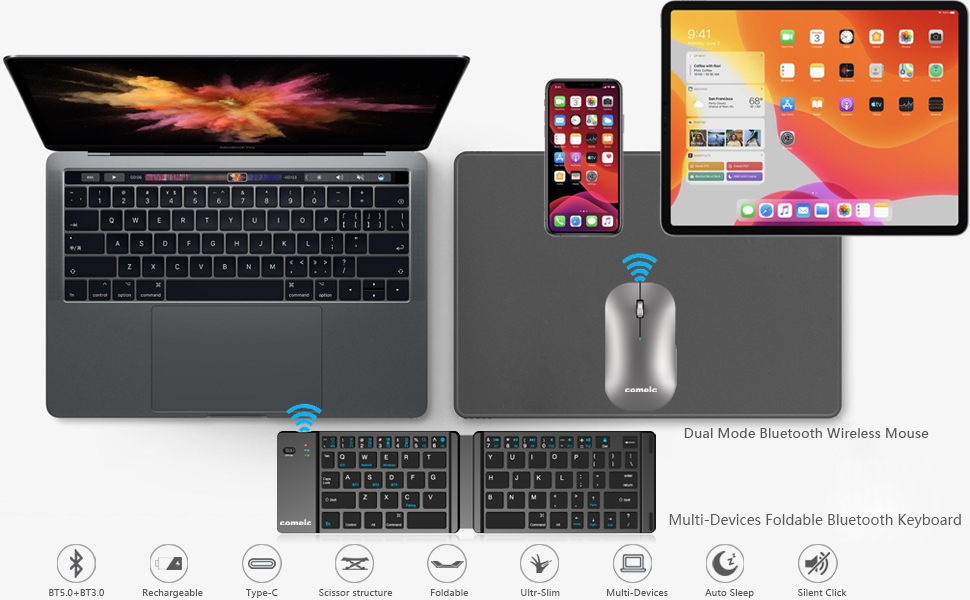
Portable Keyboard, Compact and easy to carry.
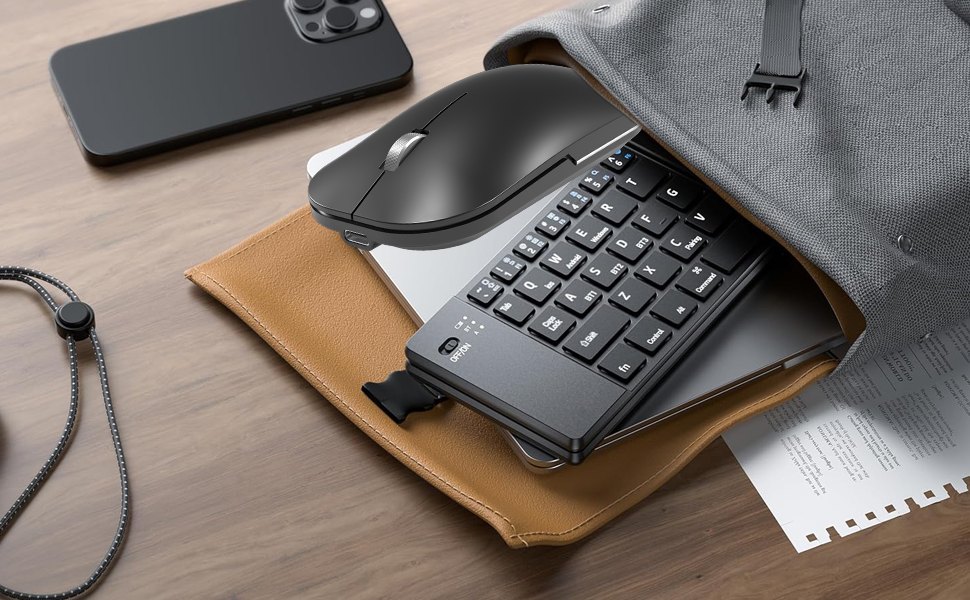
Portable Set good for travel using.
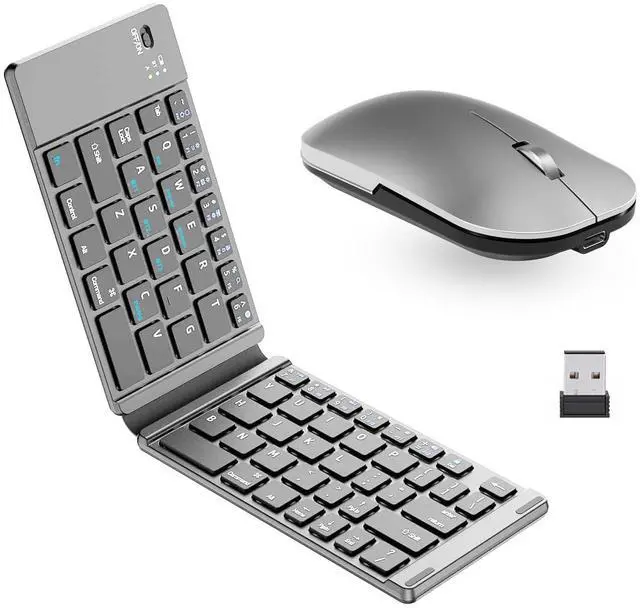
A perfect keyboard and mouse set for travel and on-the-go use. Well-designed scissor-keys and ergonomic layout ensure comfortable, efficient and quiet typing. Bluetooth technology provides a cable-free connection within 10m operating range.
Keyboard High-Light
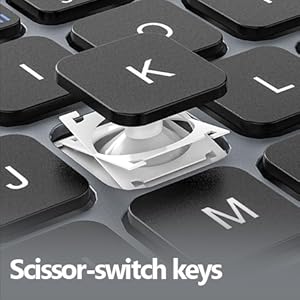
Scissor-switch Keys
The keyboard's Scissor-switch keys make typing stable, durable, and accurate, while also offering a satisfying and responsive experience that reduces wobbling.
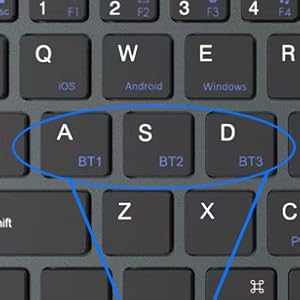
Multi-channel Connection
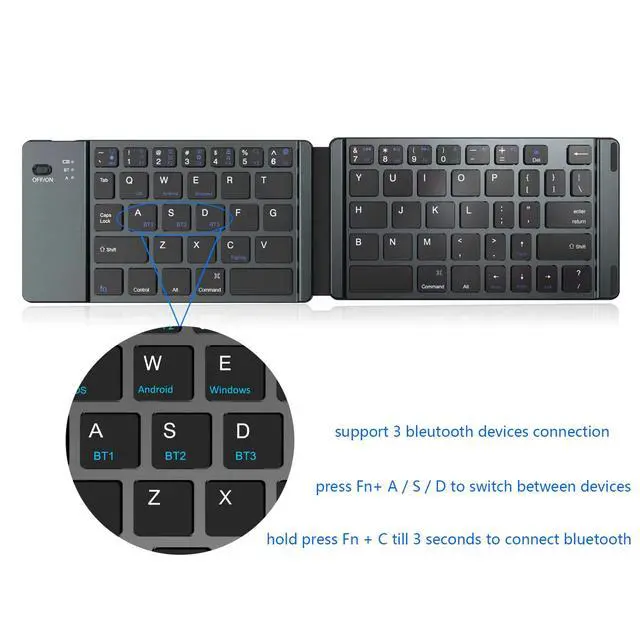
This bluetooth keyboard has 3 Bluetooth connection channels, can simultaneously connect to three devices.
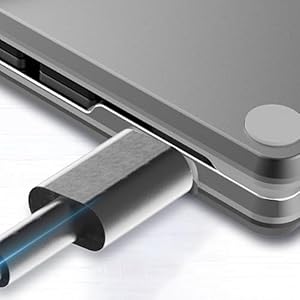
Rechargeable Keyboard
This foldable keyboard comes with a built-in rechargeable battery, charge it by USB-Type-c cable, offering 40 hours of continuous usage and up to 180 days of standby time.
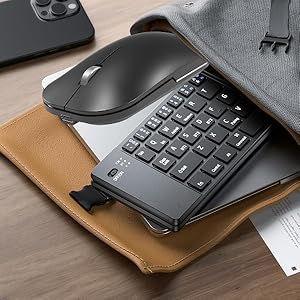
Ultra Thin Design
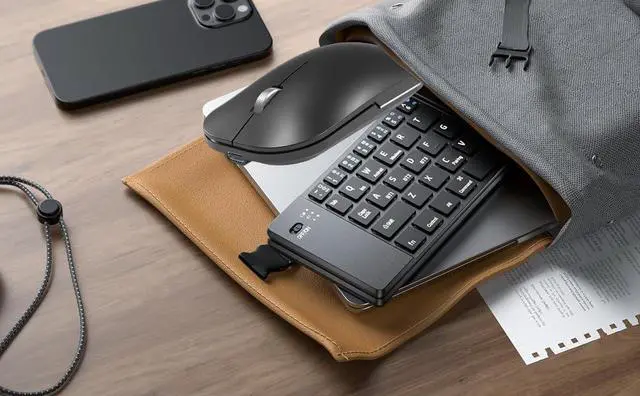
This bluetooth keyboard is ultra thin design, very user-friendly, and convenient for you to carry.
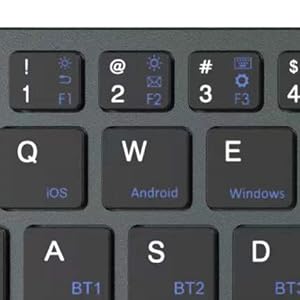
Widely Compatible
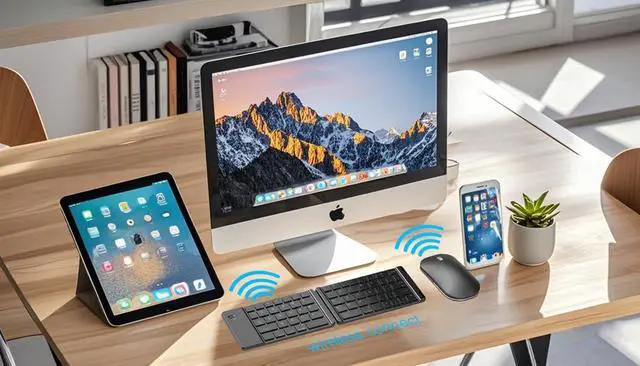
This Bluetooth Keyboard works flawless with iOS, Android and windows system. It can be widely used in Bluetooth phones, desktop computer, laptops and Tablets.
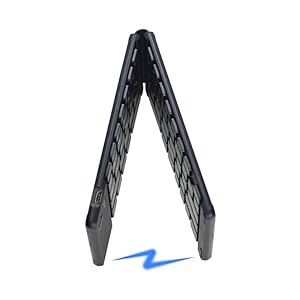
Foldable Design
This foldable keyboard is a stylish folding design that can be conveniently stored and carried.
Mouse High-Light
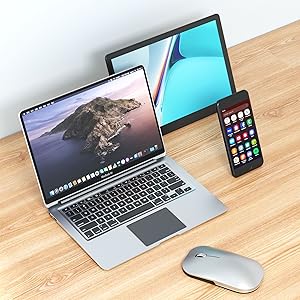
Wide Compatibility
This Bluetooth Mouse works flawless with iOS, Android and windows system. It can be widely used in Bluetooth phones, desktop computer, laptops and Tablets.
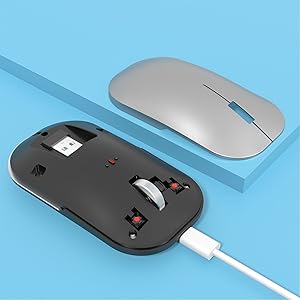
Rechargeable battery
Built-in rechargeable battery provides up to 6 months standby and 40 hours operation. Both the portable keyboard and mouse can be easily recharged using the included Type-C cable, ensuring convenient and sustainable power.

Metallic materials
The Mouse has Matel Wheel scoller,Made by CNC process, the metal roller has excellent
antiskid texture.
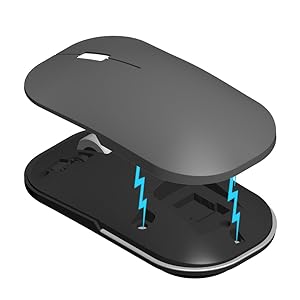
Magnetic Attraction
The mouse top case design as Magnetic Attraction, easy to take and keep the USB dongle.

Silent Key
This mouse button use silent key, work noiselessly. You can use it freely without worrying about disturbing the people around you, even when working late at night.
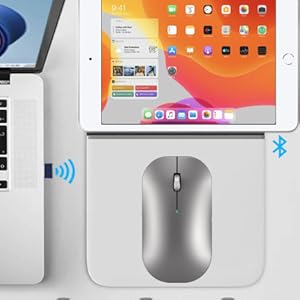
Dual Mode Wireless Mouse
It works with bluetooth and 2.4G wireless Dual mode, support for Windows/ios/Mac/Android devices.
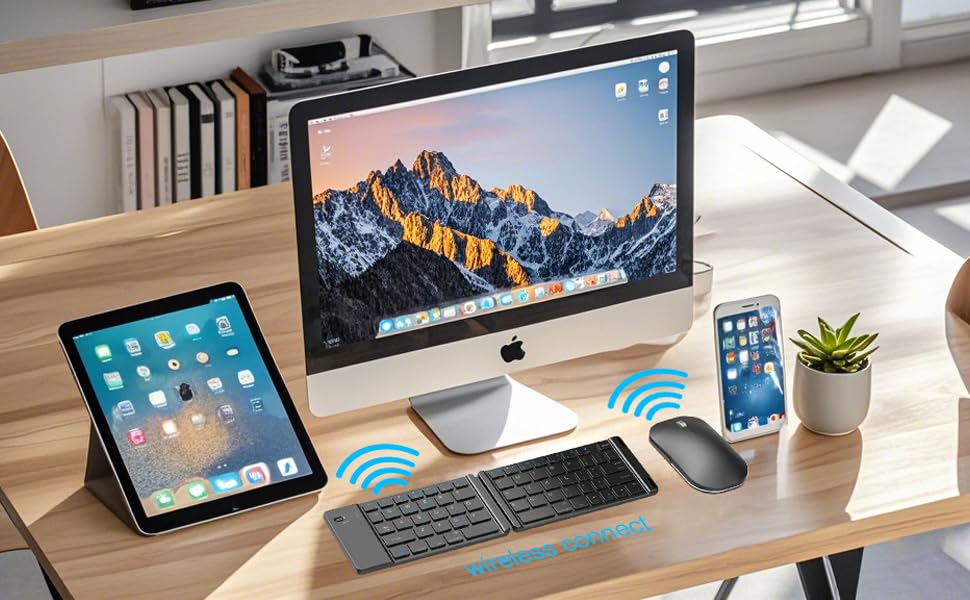
Usage Guide for the Bluetooth Wireless Keyboard and Mouse Combo
How to use Keyboard:
1. Turn on the keyboard, light up, press Fn + A/S/D to select the channel, press the Fn+C for 3 seconds, the blue indicator light twinkles.
2. Open tablet's setting, turn on Bluetooth , click the Add Bluetooth or other devices.
3. You will find the "BT5.0 keyboard" or "BT3.0 Keyboard" and then click the pairing name to connect.
4. There is a tip of connecting successfully, you can use your keyboard comfortable.
*To use multiple devices at the same time, press Fn + A/S/D to switch to the connected devices freely . green light flash 3 times.
How to use Mouse:
-- 2.4G Mode:
1. Plug & Play: open the top case of mouse, take out the USB receiver, insert the USB receiver into your device‘s usb port, turn on the mouse to 2.4G mode (”2.4G”), you can use it now.
2. Pair method: hold press the left button and middle button on the mouse, turn on mouse to 2.4G mode,green light flash,insert the USB receiver into usb port, light off, pair done. (normally you don't need to pair it, because it's defualt paired in factory.)
-- Bluetooth Mode:
Turn on the mouse to Bluetooth Mode(“BT”), hold pressing the DPI button for 2-3 seconds, the blue ligh flash, mouse into pairing mode, open your device's bluetooth option, search till see "BT 5.2 Mouse" or "BT3.0 Mouse" , seclect one and click to connect, light off, connect done.
-- Switch DPI:
Press the DPI button in the buttom of the mouse one time, light flash, switch succeeded.
3 levels DPI (800/1200/1600) cycle switching, press one time, switch one level.
Comeic Foldable Bluetooth Wireless Keyboard and Mouse Combo Portable Set
Portable Keyboard, Compact and easy to carry.
Portable Set good for travel using.
A perfect keyboard and mouse set for travel and on-the-go use. Well-designed scissor-keys and ergonomic layout ensure comfortable, efficient and quiet typing. Bluetooth technology provides a cable-free connection within 10m operating range.
Keyboard High-Light
Scissor-switch Keys
The keyboard's Scissor-switch keys make typing stable, durable, and accurate, while also offering a satisfying and responsive experience that reduces wobbling.
Multi-channel Connection
This bluetooth keyboard has 3 Bluetooth connection channels, can simultaneously connect to three devices.
Rechargeable Keyboard
This foldable keyboard comes with a built-in rechargeable battery, charge it by USB-Type-c cable, offering 40 hours of continuous usage and up to 180 days of standby time.
Ultra Thin Design
This bluetooth keyboard is ultra thin design, very user-friendly, and convenient for you to carry.
Widely Compatible
This Bluetooth Keyboard works flawless with iOS, Android and windows system. It can be widely used in Bluetooth phones, desktop computer, laptops and Tablets.
Foldable Design
This foldable keyboard is a stylish folding design that can be conveniently stored and carried.
Mouse High-Light
Wide Compatibility
This Bluetooth Mouse works flawless with iOS, Android and windows system. It can be widely used in Bluetooth phones, desktop computer, laptops and Tablets.
Rechargeable battery
Built-in rechargeable battery provides up to 6 months standby and 40 hours operation. Both the portable keyboard and mouse can be easily recharged using the included Type-C cable, ensuring convenient and sustainable power.
Metallic materials
The Mouse has Matel Wheel scoller,Made by CNC process, the metal roller has excellent
antiskid texture.
Magnetic Attraction
The mouse top case design as Magnetic Attraction, easy to take and keep the USB dongle.
Silent Key
This mouse button use silent key, work noiselessly. You can use it freely without worrying about disturbing the people around you, even when working late at night.
Dual Mode Wireless Mouse
It works with bluetooth and 2.4G wireless Dual mode, support for Windows/ios/Mac/Android devices.
Usage Guide for the Bluetooth Wireless Keyboard and Mouse Combo
How to use Keyboard:
1. Turn on the keyboard, light up, press Fn + A/S/D to select the channel, press the Fn+C for 3 seconds, the blue indicator light twinkles.
2. Open tablet's setting, turn on Bluetooth , click the Add Bluetooth or other devices.
3. You will find the "BT5.0 keyboard" or "BT3.0 Keyboard" and then click the pairing name to connect.
4. There is a tip of connecting successfully, you can use your keyboard comfortable.
*To use multiple devices at the same time, press Fn + A/S/D to switch to the connected devices freely . green light flash 3 times.
How to use Mouse:
-- 2.4G Mode:
1. Plug & Play: open the top case of mouse, take out the USB receiver, insert the USB receiver into your device‘s usb port, turn on the mouse to 2.4G mode (”2.4G”), you can use it now.
2. Pair method: hold press the left button and middle button on the mouse, turn on mouse to 2.4G mode,green light flash,insert the USB receiver into usb port, light off, pair done. (normally you don't need to pair it, because it's defualt paired in factory.)
-- Bluetooth Mode:
Turn on the mouse to Bluetooth Mode(“BT”), hold pressing the DPI button for 2-3 seconds, the blue ligh flash, mouse into pairing mode, open your device's bluetooth option, search till see "BT 5.2 Mouse" or "BT3.0 Mouse" , seclect one and click to connect, light off, connect done.
-- Switch DPI:
Press the DPI button in the buttom of the mouse one time, light flash, switch succeeded.
3 levels DPI (800/1200/1600) cycle switching, press one time, switch one level.