• $45.99
  • Free 30-day Returns
  • Shipped by Shizer Esports

    Price alert
    Shop it at NeweggBusiness.

    Meet Your Seller

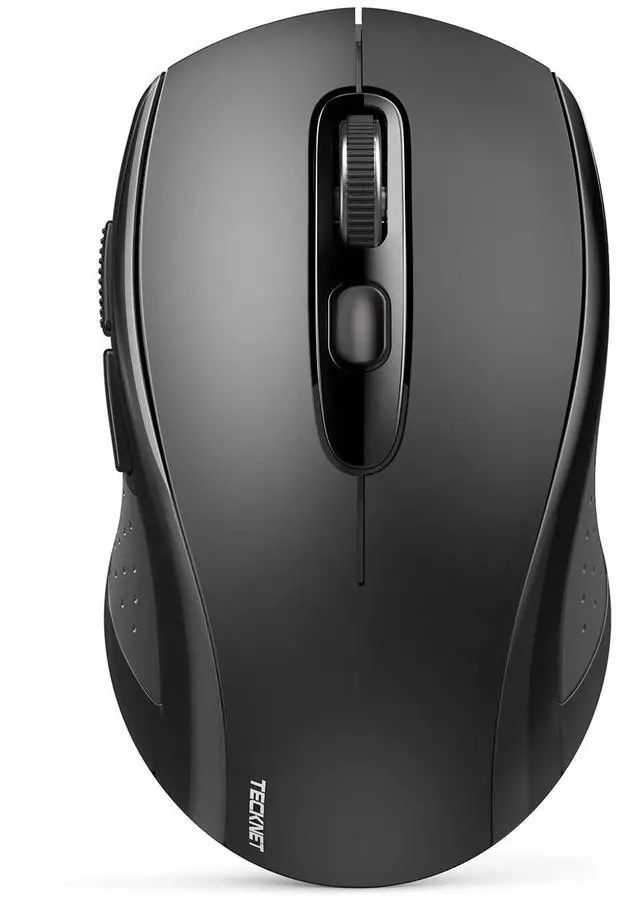
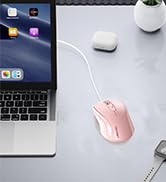
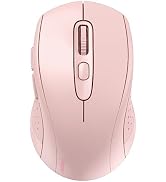
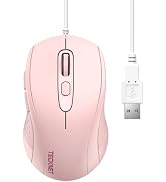
    =Bluetooth Mouse, 4000DPI Wireless Mouse Bluetooth for Laptop 2-in-1(BT 5.0/3.0+2.4Ghz) Computer Mouse, Portable PC Mouse Wireless with USB Receiver for Mac, Compatible with MacBook Chromebook

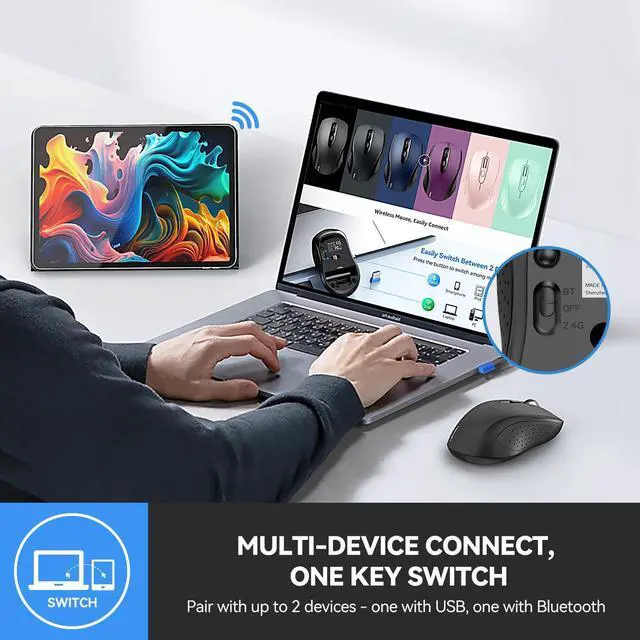
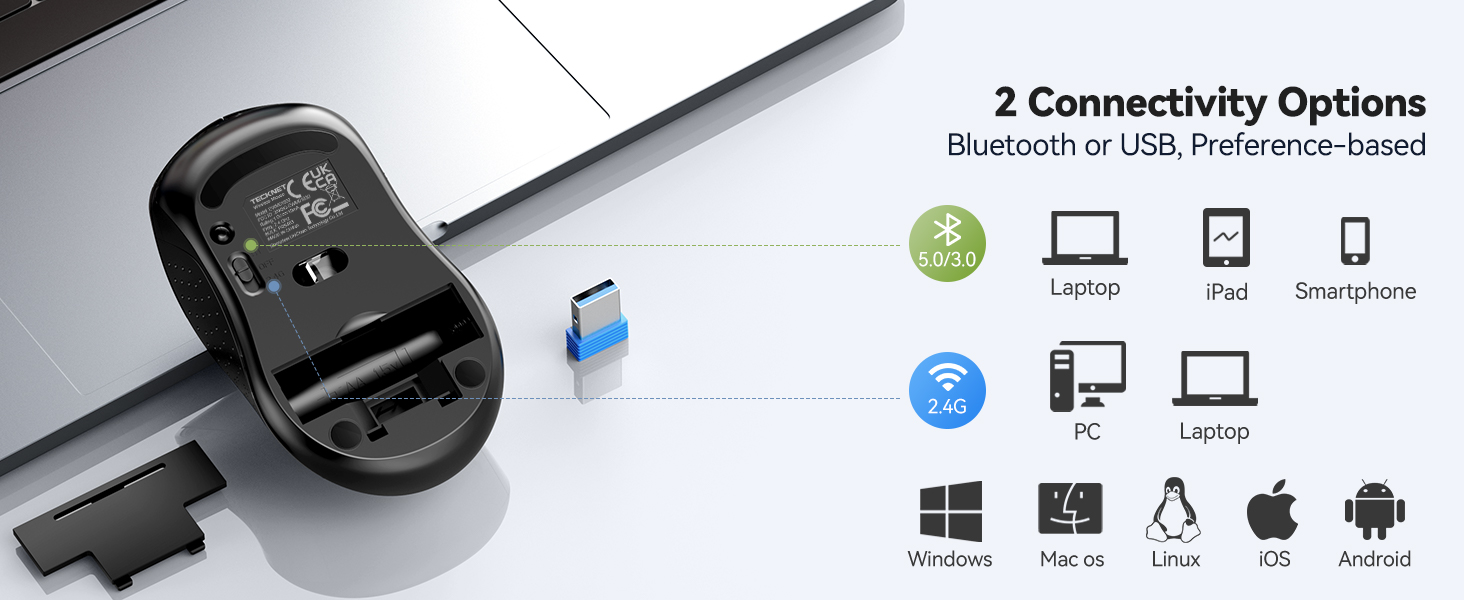
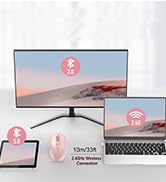
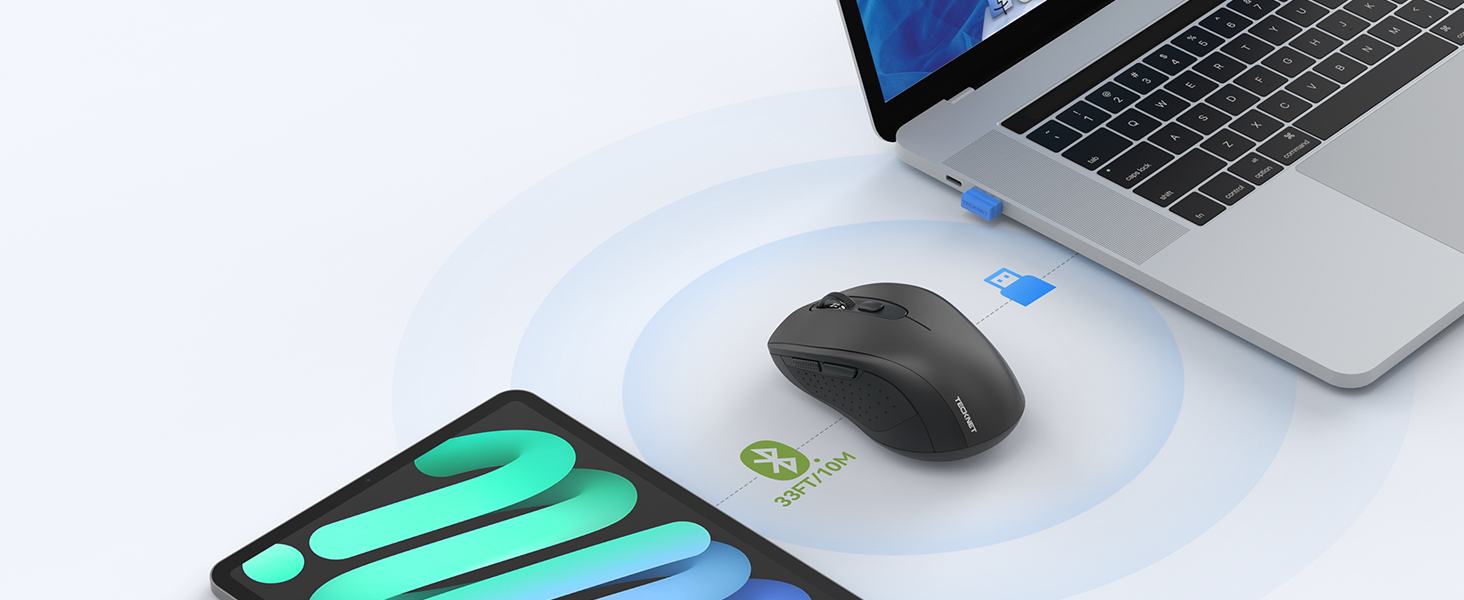
    • Multi-Mode ConnectivityStop unplugging and re-pairing. This wireless mouse keeps two devices connected at once (BT5.0/3.0/2.4GHz) just press a button on the computer mouse to switch between your laptop/tablet/MacBook/PC. As a Bluetooth mouse, it also offers a 2.4GHz USB receiver that stores inside. No Wi-Fi needed.
    • 2 in 1 Connection OptionsNo need to choose between Bluetooth and USB. This pc mouse connects via Bluetooth (Windows/macOS/Android) or 2.4GHz receiver just store the adapter inside the mouse. No Wi-Fi required.
    • Dual-Device ControlNo more plugging and re-pairing. This wireless mouse controls two devices at once one via USB-A, one via Bluetooth. Switch between laptop and tablet instantly. For MacBooks (no USB-A port), just use Bluetooth mode.
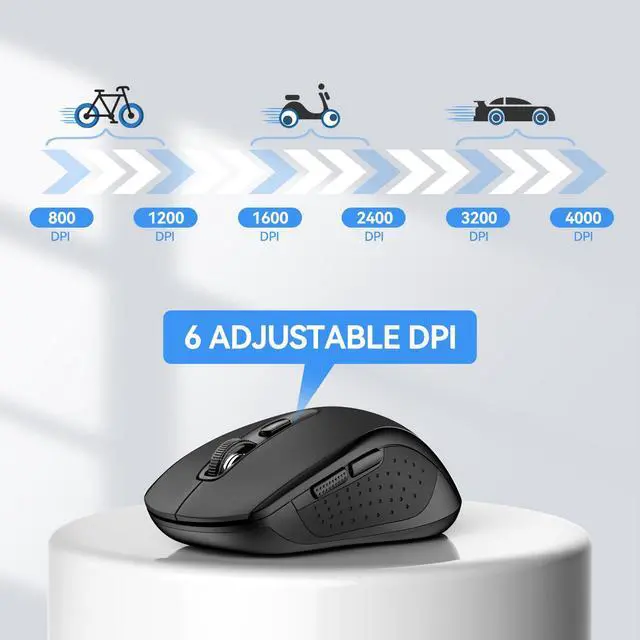
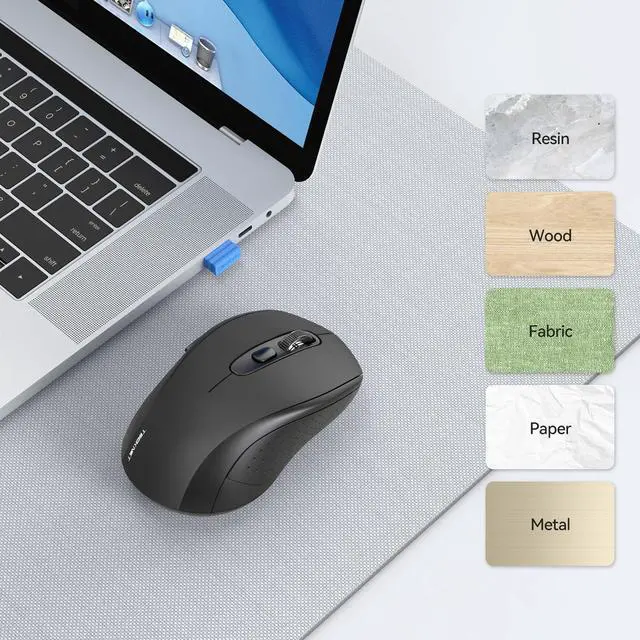
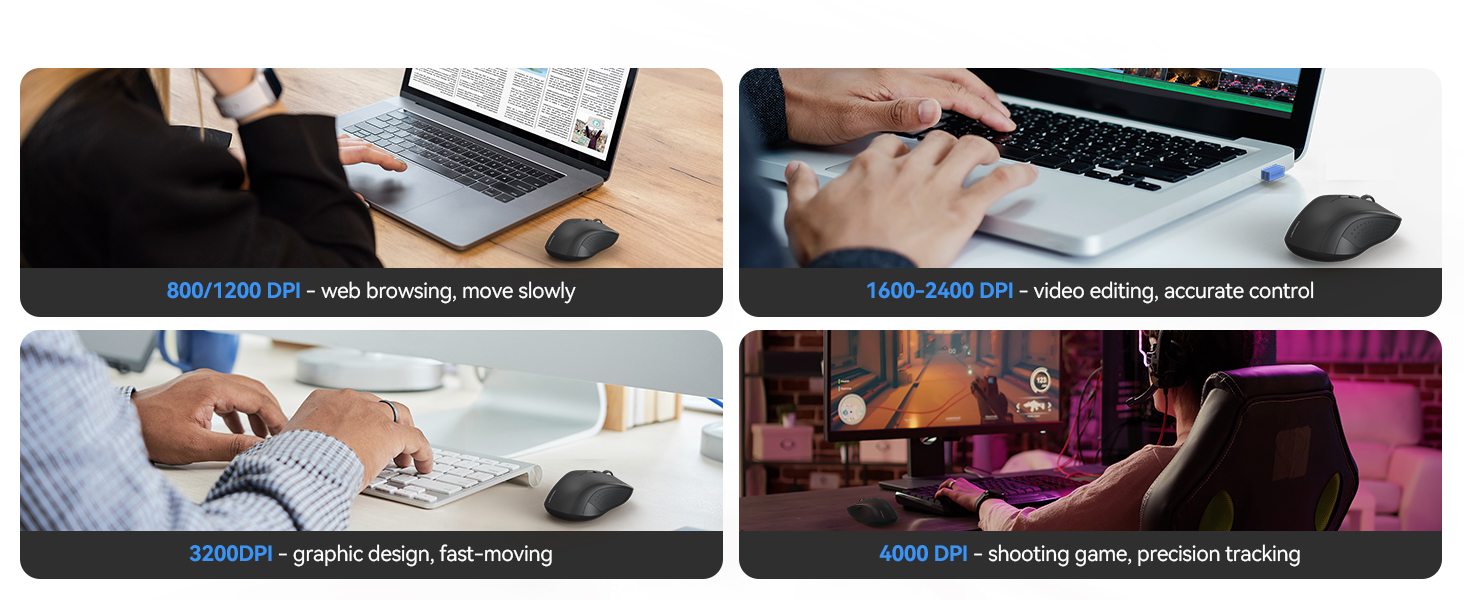
    • Customizable DPINo more sluggish cursor. 6 adjustable levels (800/1200/1600/2400/3200/4000). Tru-Wave tracking works on most surfaces. Plug-and-play with Nano receiver storage (stored in the back of the wireless mouse for laptop)
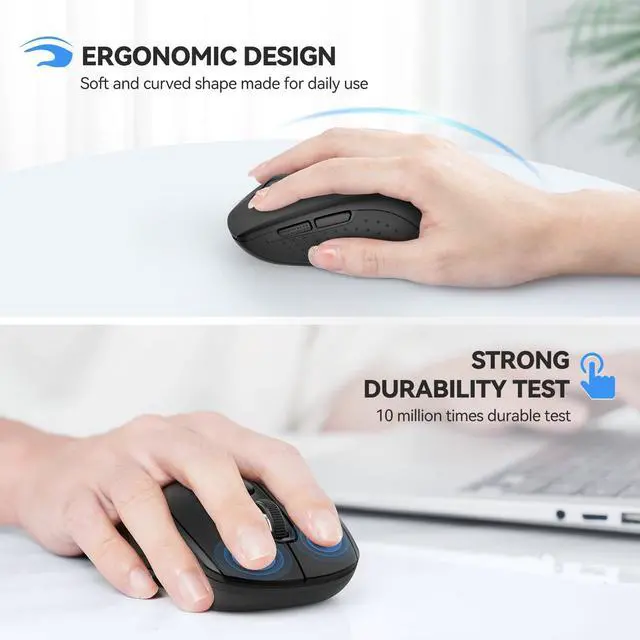
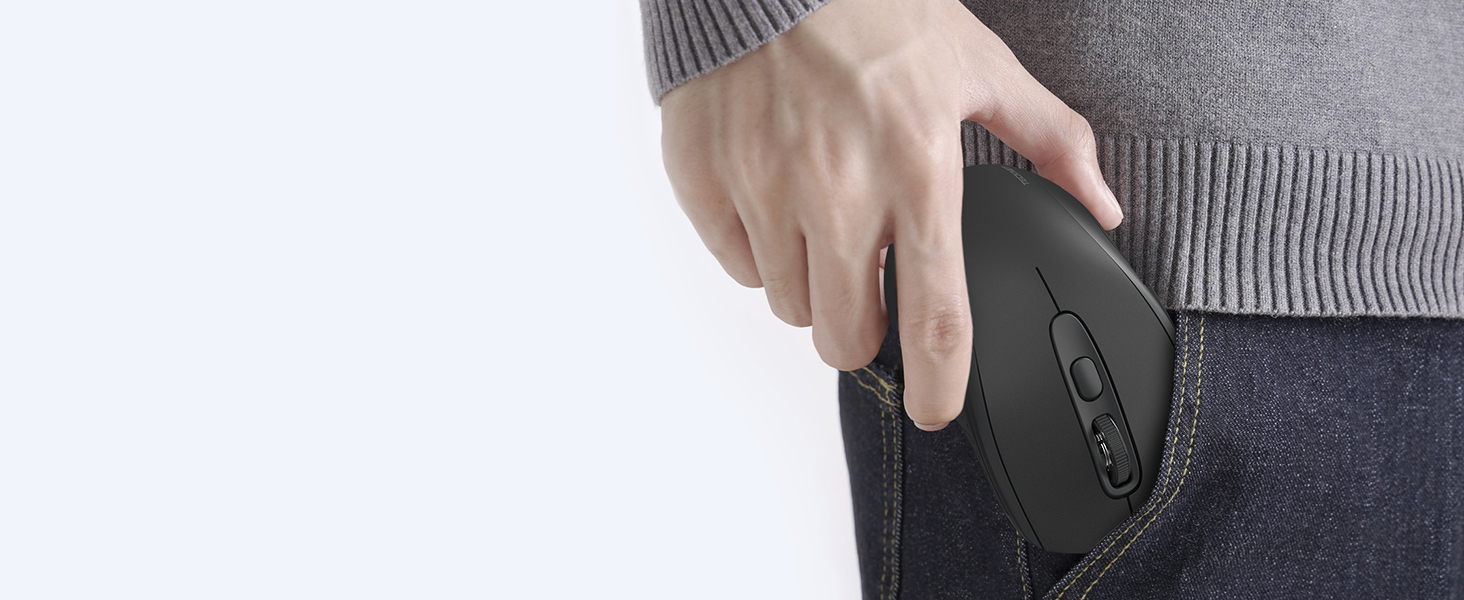
    • Ergonomic BuildComfort for long hours. This Ergonomic mouse features a contoured ergonomic design, 10 million clicks durability, and compact size for travel. Note: not ideal for large hands.
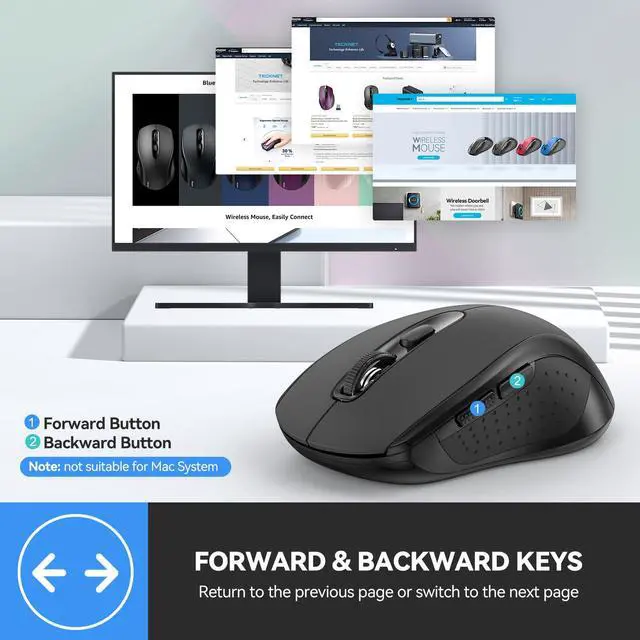
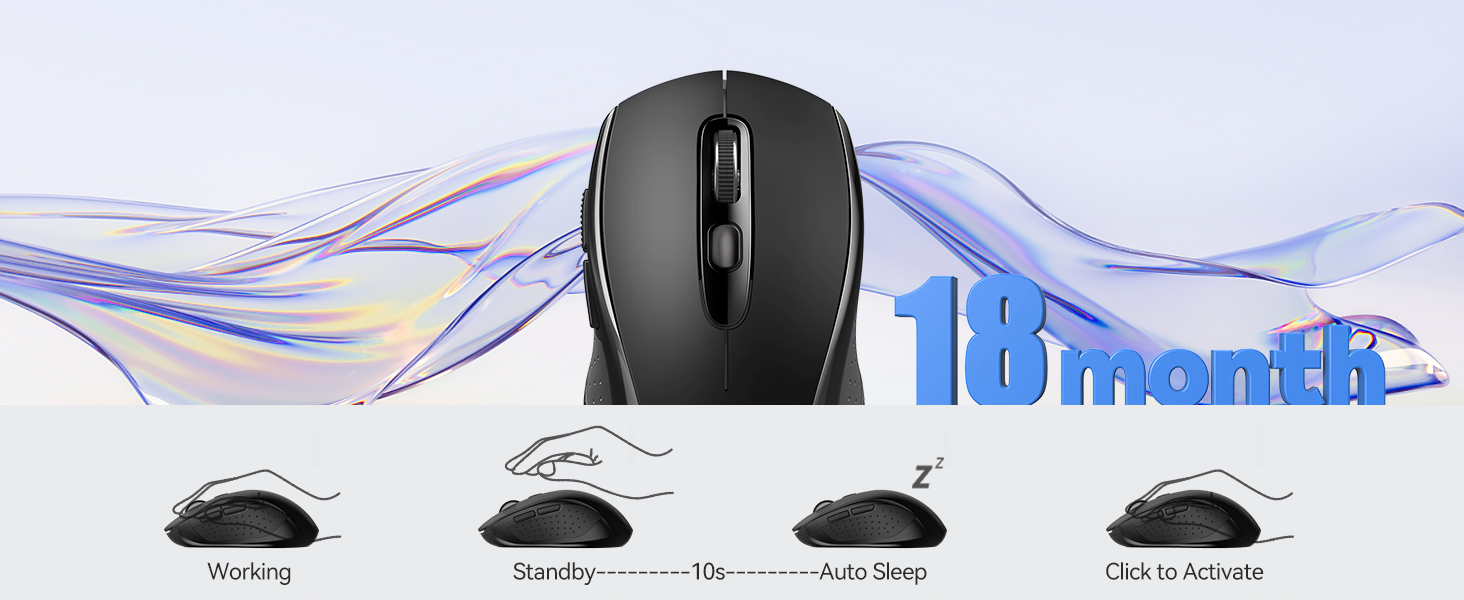
    • Smart FeaturesSave battery and browse faster. This wireless mouse auto-sleeps for 18 months of battery life (2 AA required). Back/Forward buttons let you quickly move between documents or websites works on Windows/Android, not on Mac.
    +
    +
    Overview
    Specs
    Reviews

    Any questions? Ask CelesteSM will help you find out quickly.
    Computer Wireless Mouse Compatible with Laptop Macbook Air Pro

    Computer Wireless Mouse

    How to Connect Device Correctly - troubleshooting & connect steps

    How to Connect Device Correctly

    Q1 Is it rechargeable or need a battery ?Does this compatible with 2021 MacBook Air/Pro M1?
    Answer This non-rechargeable wireless mouse needs AA batteries (NOT INCLUDED). If still need to purchase a rechargeable mouse. You can choose other styles of TECKNET rechargeable mice, or express your needs to us.Yes, it’s compatible with the 2021 MacBook Air/Pro M1. Exclusively connects via Bluetooth and doesn’t support USB-A receiver connection, these models only have USB-C ports unless you have ethernet adapter, which can provide USB-A port.
    Q2 The package came with an adapter, but the link mentions a Bluetooth mouse. Is this a USB mouse then?
    Answer This 2-in-1 wireless mouse offers USB-A and Bluetooth connection. BT mode supports Mac Book/Chrome Book, USB-A mode supports desktops/laptops and devices with USB-A port, cannot connect though WiFi.
    Q3 What should I do if the device cannot connect or is disconnected after connecting?
    Answer If the device cannot be connected, please check the accompanying manual or the multiple videos/step diagrams on our homepage and follow the above steps; The reason for disconnection after connection is this mouse will enter sleep mode after 10 minutes of inactivity. Press any key to wake, then click a second time can be used normally. NOTE: this is not a disconnect, just going into power-saving sleep mode
    Q4 What is DPI? Can the wireless mouse pointer speed be adjusted if it's too slow or too fast, and how can it be adjusted?
    Answer DPI (Dots Per Inch) measures mouse sensitivity. Wireless mouse has 6 levels DPI to adjust: 800-4000DPI. Recommend 800/1200 for browsing, 1600/2400 for precision, and 3200/4000 for gaming. Adjust DPI with the button located under the scroll wheel.
    Q5 Does this wireless mouse for laptop have a sleep mode, and how do you wake the mouse from sleep? What is the size?
    Answer Yes, the laptop's wireless mouse features an auto-sleep mode for power conservation (if idle for over 10 seconds). It wakes up instantly upon pressing any key. The computer mouse's dimensions are 4.21 x 2.48 x 1.54 inches, akin to the size of a pear.
    Q6 The bluetooth mouse cursor bounces around on the screen, not stable, how to solve it?
    Answer For USB connection, unplug the USB from the device, switch the mouse to OFF, then back to USB, and plug in the USB again. For Bluetooth connection, turn off the device's Bluetooth, switch the mouse to OFF, then to BT, turn on the device's Bluetooth again, long-press the mouse for Bluetooth pairing mode, and re-pair the devices
    Q7 The Bluetooth mouse comes with a USB adapter, providing an alternative to Bluetooth connection. However, the package received does not include the adapter. How can this issue be resolved?
    Answer Through buyer support, we will handle it within 24 hours
    Q8 When connecting to a Windows 7/XP system, does the driver installation require manual operation?
    Answer Yes. When connecting to a Windows 7 or XP system, the system may pop up a driver installation prompt, requiring the user to manually allow the installation. Other operating systems (such as Windows 10/11, macOS, or Linux) usually complete the driver installation automatically without manual operation.

    Computer Wireless Mouse Compatible with Laptop Macbook Air Pro

    Computer Wireless Mouse

    How to Connect Device Correctly - troubleshooting & connect steps

    How to Connect Device Correctly

    Q1 Is it rechargeable or need a battery ?Does this compatible with 2021 MacBook Air/Pro M1?
    Answer This non-rechargeable wireless mouse needs AA batteries (NOT INCLUDED). If still need to purchase a rechargeable mouse. You can choose other styles of TECKNET rechargeable mice, or express your needs to us.Yes, it’s compatible with the 2021 MacBook Air/Pro M1. Exclusively connects via Bluetooth and doesn’t support USB-A receiver connection, these models only have USB-C ports unless you have ethernet adapter, which can provide USB-A port.
    Q2 The package came with an adapter, but the link mentions a Bluetooth mouse. Is this a USB mouse then?
    Answer This 2-in-1 wireless mouse offers USB-A and Bluetooth connection. BT mode supports Mac Book/Chrome Book, USB-A mode supports desktops/laptops and devices with USB-A port, cannot connect though WiFi.
    Q3 What should I do if the device cannot connect or is disconnected after connecting?
    Answer If the device cannot be connected, please check the accompanying manual or the multiple videos/step diagrams on our homepage and follow the above steps; The reason for disconnection after connection is this mouse will enter sleep mode after 10 minutes of inactivity. Press any key to wake, then click a second time can be used normally. NOTE: this is not a disconnect, just going into power-saving sleep mode
    Q4 What is DPI? Can the wireless mouse pointer speed be adjusted if it's too slow or too fast, and how can it be adjusted?
    Answer DPI (Dots Per Inch) measures mouse sensitivity. Wireless mouse has 6 levels DPI to adjust: 800-4000DPI. Recommend 800/1200 for browsing, 1600/2400 for precision, and 3200/4000 for gaming. Adjust DPI with the button located under the scroll wheel.
    Q5 Does this wireless mouse for laptop have a sleep mode, and how do you wake the mouse from sleep? What is the size?
    Answer Yes, the laptop's wireless mouse features an auto-sleep mode for power conservation (if idle for over 10 seconds). It wakes up instantly upon pressing any key. The computer mouse's dimensions are 4.21 x 2.48 x 1.54 inches, akin to the size of a pear.
    Q6 The bluetooth mouse cursor bounces around on the screen, not stable, how to solve it?
    Answer For USB connection, unplug the USB from the device, switch the mouse to OFF, then back to USB, and plug in the USB again. For Bluetooth connection, turn off the device's Bluetooth, switch the mouse to OFF, then to BT, turn on the device's Bluetooth again, long-press the mouse for Bluetooth pairing mode, and re-pair the devices
    Q7 The Bluetooth mouse comes with a USB adapter, providing an alternative to Bluetooth connection. However, the package received does not include the adapter. How can this issue be resolved?
    AnswerThrough buyer support, we will handle it within 24 hours
    Q8 When connecting to a Windows 7/XP system, does the driver installation require manual operation?
    Answer Yes. When connecting to a Windows 7 or XP system, the system may pop up a driver installation prompt, requiring the user to manually allow the installation. Other operating systems (such as Windows 10/11, macOS, or Linux) usually complete the driver installation automatically without manual operation.
    =Bluetooth Mouse, 4000DPI Wireless Mouse Bluetooth for Laptop 2-in-1(BT 5.0 / 3.0 + 2.4G hz) Computer Mouse, Portable PC Mouse Wireless with USB Receiver for Mac, Compatible with MacBook Chromebook

    Warranty & Returns

    Warranty, Returns, And Additional Information

    Warranty

    • Please contact the Seller directly for warranty information. Warranty information may also be found on the Manufacturer's website.
    • CONTACT

    Return Policies

    Manufacturer Contact Info

    LOADING...