Out of stock
  • $35.99
  • Free 30-day Returns
Most customers receive within 5-7 days.
Price alert
Shop it at NeweggBusiness.

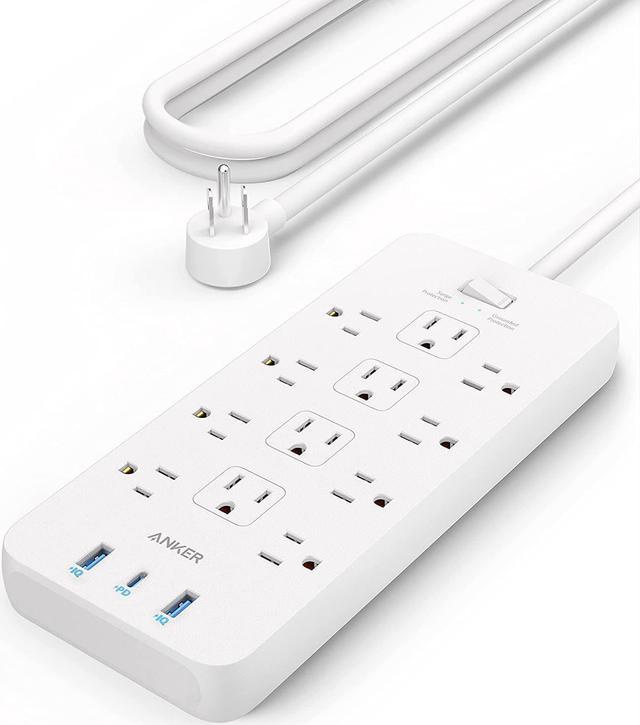
Anker Power Strip Surge Protector (2100J), 12 Outlets with 2 USB A and 1 USB C Port for Multiple Devices, 5ft Extension Cord, 20W Power Delivery Charging for Home, Office, Dorm Essential, TUV Listed

  • Black
  • White
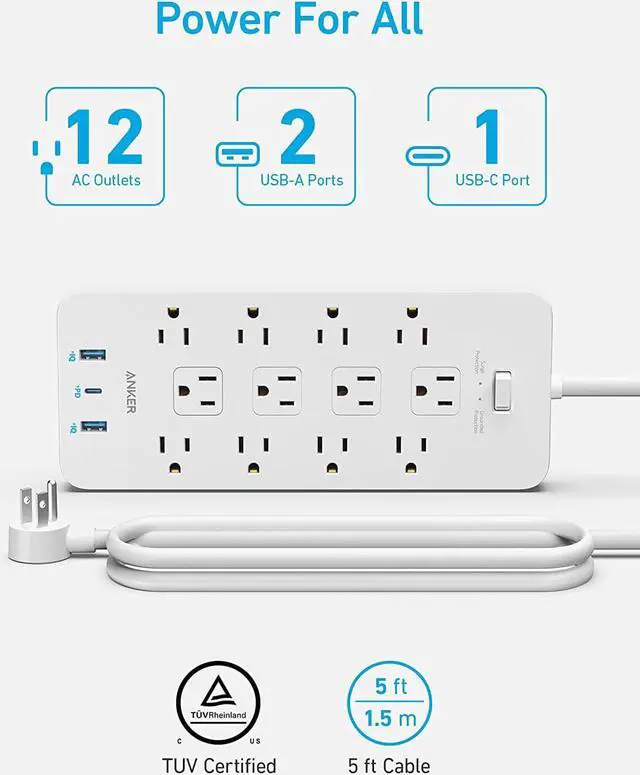
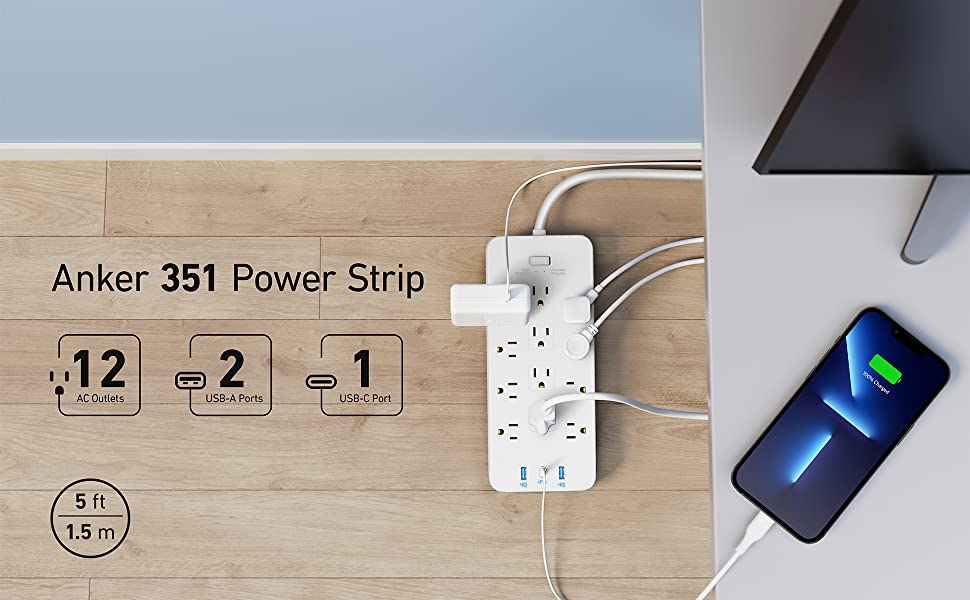
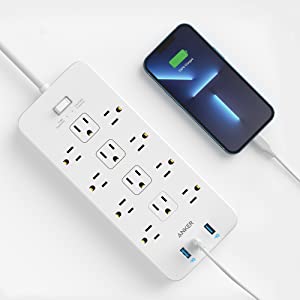
  • All the Power You Need: Features 12 AC outlets, 1 USB-C port, and 2 USB-A ports to give you everything you need to power up all of your appliances and mobile devices.
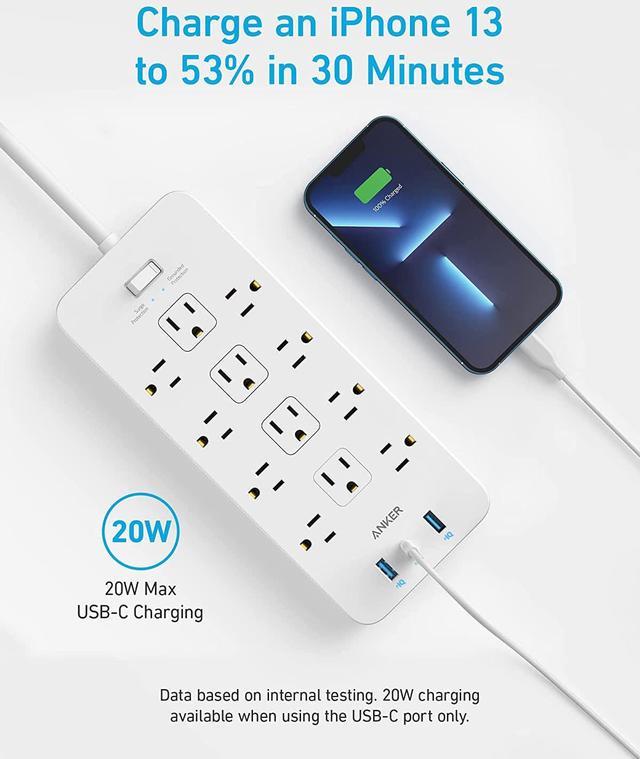
  • Fast Charge Your iPhone: Use the 20W USB-C port to give your iPhone 13 a high-speed charge from 0-53% in just 30 minutes.
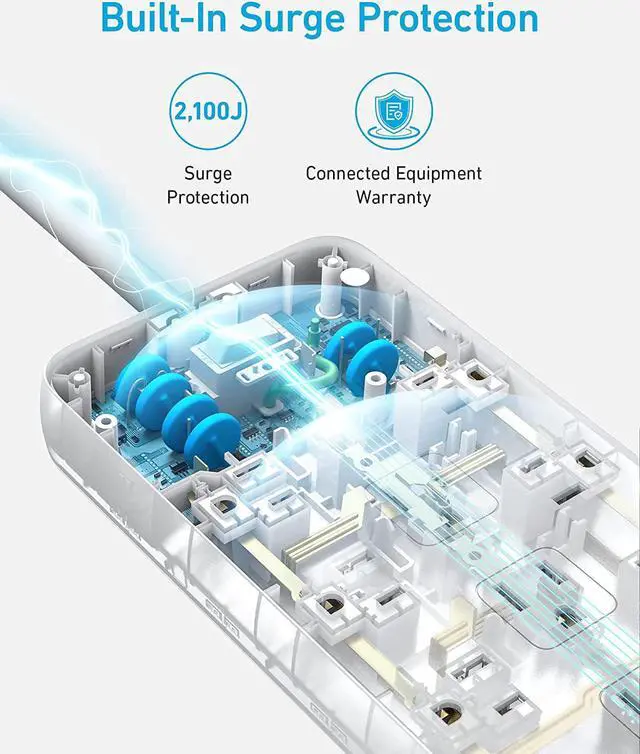
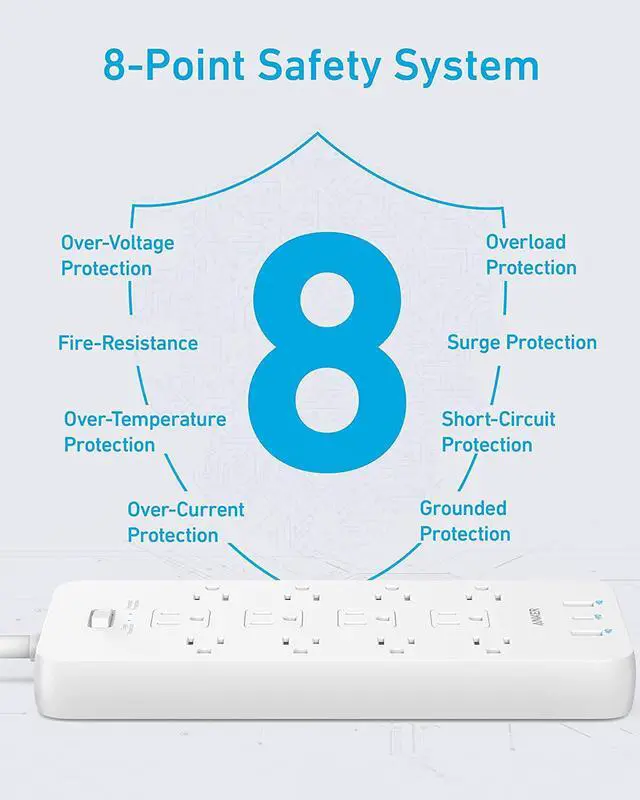
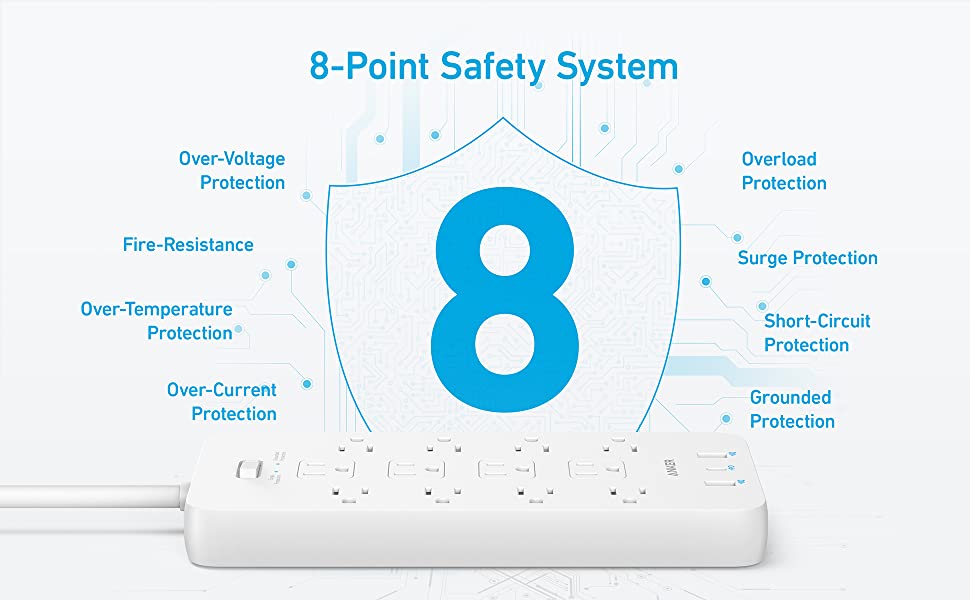
  • 8-Point Safety System: Combines surge protection, fire resistance, overload protection, temperature control, and more to protect you and your devices.
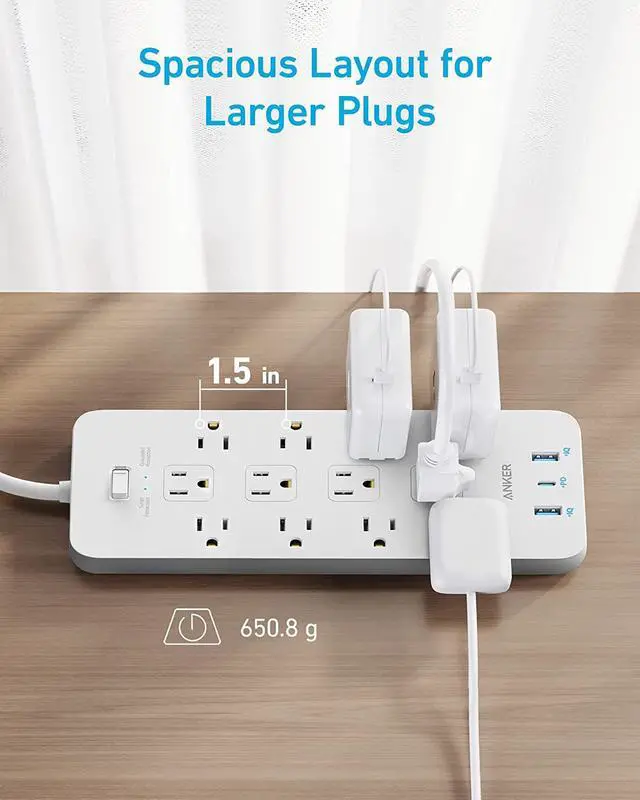
  • Optimized Layout: Designed with extra space between outlets to accommodate even the largest plugs.
  • What You Get: Anker 351 Power Strip, 2 mounting screws, welcome guide, our worry-free 18-month warranty, lifetime* $200,000 connected equipment warranty, and friendly customer service.
+
+
Overview
Specs
Reviews (9)
avatar

Any questions? Our AI mode will help you find out quickly.

image for this item
image for this item
image for this item
image for this item
20W USB-C Fast Charging

Connect your iPhone 13 to the USB-C port to charge up to 53% in 30 minutes.
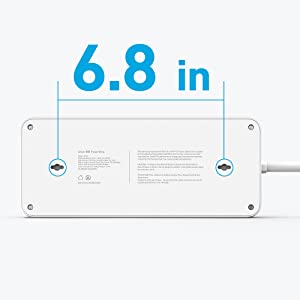
image for this item
Easy Wall Mounting

Equipped with 2 keyhole mounting slots on the back, so you can easily mount the power strip to your wall.

image for this item
Space for Larger Plugs

The outlets on the outer edges of the power strip are 1.5 in apart so you can plug in larger adapters with ease.

Anker 351 Power Strip

Power All Your Essentials

Huge Expansion

Turn a single outlet into 12 AC outlets, 1 USB-C port, and 2 USB-A ports to power up a wide range of appliances and mobile devices.

Power Your Mobile Devices:

Use the 20W USB-C port to charge up your iPhone at high-speed, or use the 2 USB-A ports to power up your earbuds and other accessories.

Superior Safety

Our 8-Point Safety System safeguards your connected devices with a range of safety features including surge protection, grounded protection, fire resistance, and more.

For Large and Small Plugs

Some power bricks are so big that they can block other outlets, but not with Anker 351 Power Strip. We've added extra space between outlets to make room for all your plugs, both large and small.


Note:

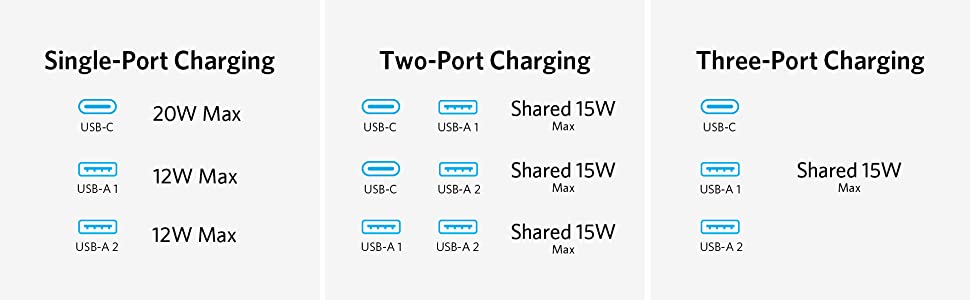
20W USB-C charging is only available when the 2 USB-A ports are not in use.

Specs

USB-C and USB-A Output:

USB-C: 5V 3A/9V 2.22A/12V 1.67A (20W max)

USB-A: 5V 3A (2.4A max per port)

2 USB-A ports and 1 USB-C port share 5V 3A

Dimensions: 24.5 × 10.6 × 2.6 cm

Weight: 650.8 g

Note:

1. If you have a USB-A to Lightning or USB-A to MagSafe cable connected to the USB-A port, please disconnect and then reconnect the cable before charging.

Anker 351 Power Strip


Power All Your Essentials


Huge Expansion


Turn a single outlet into 12 AC outlets, 1 USB-C port, and 2 USB-A ports to power up a wide range of appliances and mobile devices.


Power Your Mobile Devices:


Use the 20W USB-C port to charge up your iPhone at high-speed, or use the 2 USB-A ports to power up your earbuds and other accessories.


Superior Safety


Our 8-Point Safety System safeguards your connected devices with a range of safety features including surge protection, grounded protection, fire resistance, and more.


For Large and Small Plugs


Some power bricks are so big that they can block other outlets, but not with Anker 351 Power Strip. We've added extra space between outlets to make room for all your plugs, both large and small.


Note:


20W USB-C charging is only available when the 2 USB-A ports are not in use.


Specs


USB-C and USB-A Output:


USB-C: 5V 3A/9V 2.22A/12V 1.67A (20W max)


USB-A: 5V 3A (2.4A max per port)


2 USB-A ports and 1 USB-C port share 5V 3A


Dimensions: 24.5 × 10.6 × 2.6 cm


Weight: 650.8 g


Note:


If you have a USB-A to Lightning or USB-A to MagSafe cable connected to the USB-A port, please disconnect and then reconnect the cable before charging.

Warranty & Returns

Warranty, Returns, And Additional Information

Warranty

  • Please contact the Seller directly for warranty information. Warranty information may also be found on the Manufacturer's website.
  • CONTACT

Return Policies

Manufacturer Contact Info

LOADING...