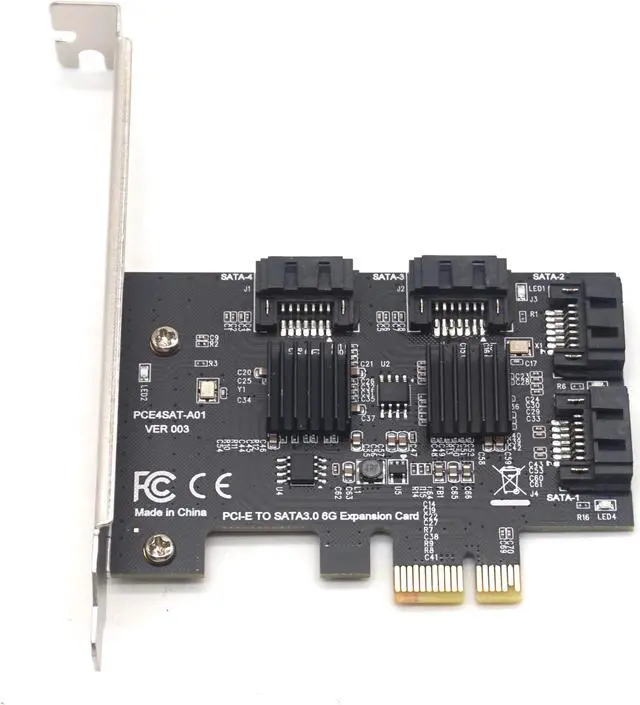
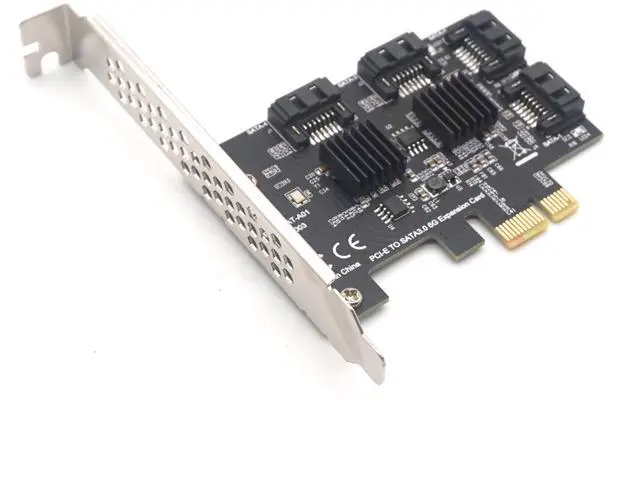
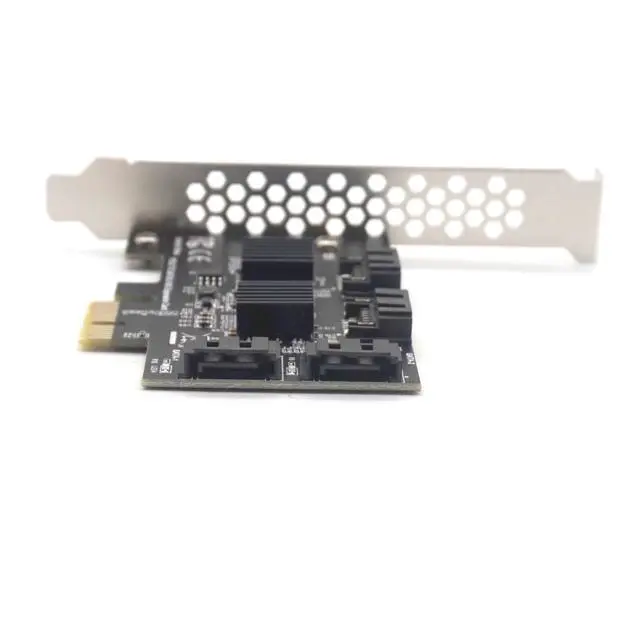
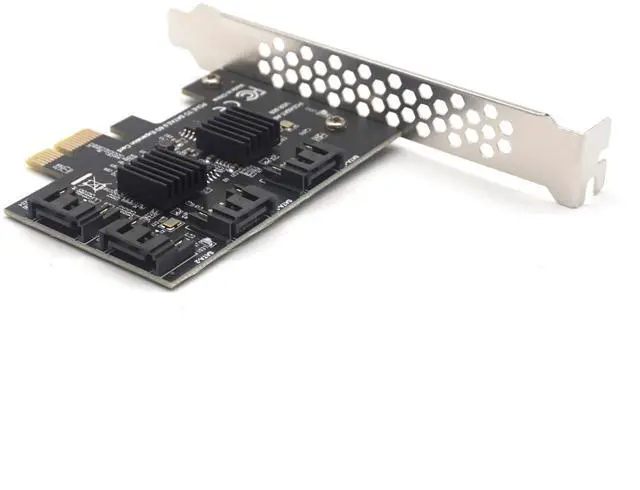
Features:
Meets Serial ATA 3.0 specification, backward compatible with SATA2.0 SATA1.0
Compliant with PCI-Express v2.0 specification, backward compatible with PCI-Express v1.0.
Supports communication speeds of 6.0 Gbps, 3.0 Gbps, and 1.5 Gbps
Support Gen 1i, Gen 1x, Gen 2i, Gen 2m, Gen 2x, and Gen 3i.
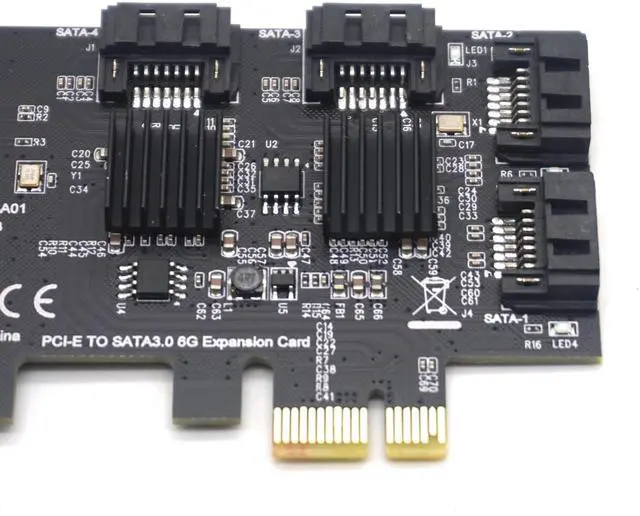
Supports Four SATA
Support AHCI1.0 mode and IDE mode
Support native command queue (NCQ)
Supports FIS based on port multiplier switches or command switches.
Hot-swappable and hot-swappable.
Compatible with SATA6G, 3G and 1.5G Hard Drives
Bus interface: PCI-Express x1 slot(Compatible PCI-E X2 X4 X8 X16 )
Extension ports: 4 SATA3.0 interfaces
Feature: with two heat sinks for long time safe working.
System Requirements:
Windows 10/8/7 (32/64 bit) / Vista (32/64 bit) / XP/2003/2008/linux
The method of using PCIE to SATA3.0 adapter card is as follows:
1. Connection conditions and solutions of system disk and PCIE to SATA3.0 adapter card:
a. The SATA interface mode of PCIE to SATA3.0 is AHCI mode. If you want to insert the system disk on our card, the premise is that your system disk must be installed in AHCI mode when installing the system on the motherboard. Otherwise, you can't start the system through our card transfer card.
b. If we confirm that the SATA interface installation system is AHCI mode, we can insert the hard disk directly into our card, and then enter the main board BIOS to set the system disk as the first boot.
c. Both of the above conditions are available. If the hard disk interface of the motherboard can not be started or restarted repeatedly, it may be due to the conflict between the motherboard's hard disk interface and our adapter card. The solution is to enter the motherboard BIOS, set the motherboard's hard disk interface option as Disabled, and save the restart to start the system.
2. Connection conditions and solutions of common disk and PCIE to SATA3.0:
a. When the system disk is plugged into the motherboard and the ordinary disk is plugged into the PCIE to SATA3.0 card, then only the information of the adapter card and the model of the ordinary disk need to be detected when starting.
b. If 1 condition holds, or can not start the system, then to enter the motherboard BIOS, the system can be set as the first boot.
3. Connecting system disk with common disk and PCIE to SATA3.0 and solving methods:
a. The premise is that if the system with the original motherboard installed is an AHCI model test, the following method can be used to achieve. If the system is installed in IDE mode, then only through PCIE to SATA3.0 can the system be reinstalled.
b After the conditions of 2 and 1 are established, the system can't start and need to enter the motherboard BIOS. Set the first boot as the system disk.
c, 1.2 conditions are satisfied, or can not start, then it may be the integration of SATA interface total sudden, please enter the motherboard BLOS to set SATA as Disabled.
Warm hint: PCI-E slot must support PCI-E 2.0 or more. If it is PCI-E 1.0, the speed will be slow. Only (more than 100 M) speed is related to many factors: computer configuration, slot bandwidth, hard disk itself, platform environment, speed measurement software will have an impact on speed. Please know and understand.
Package included:
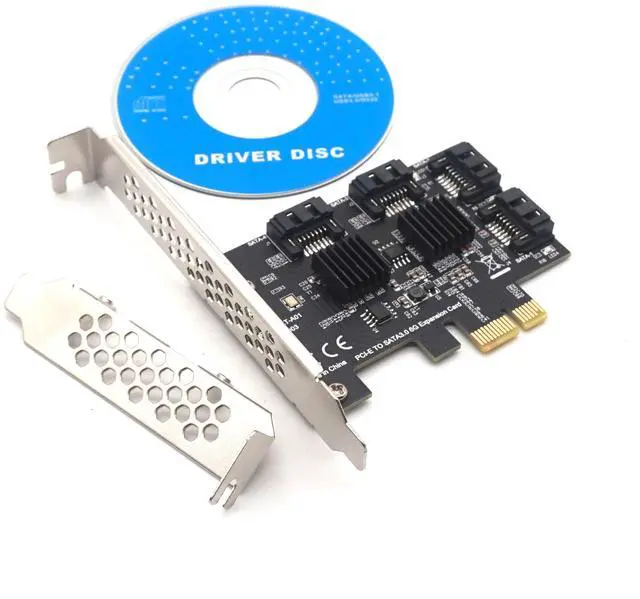
1 x PCI-E TO 4 SATA Expansion Card