





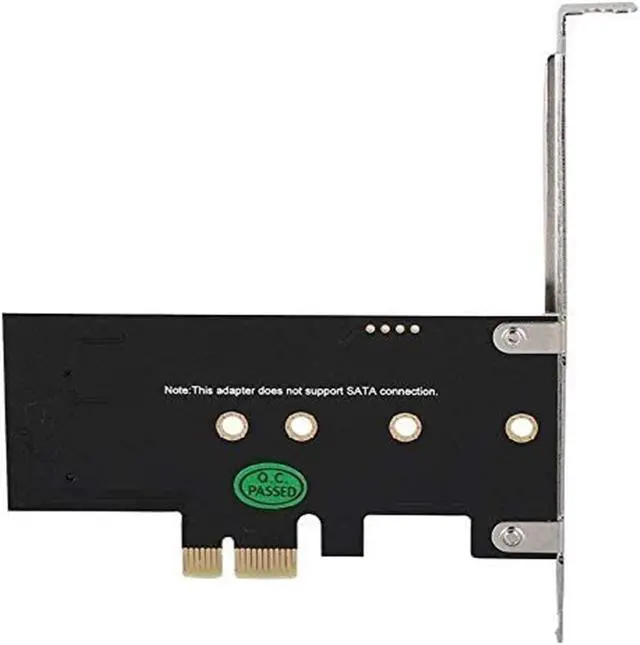


Product Description
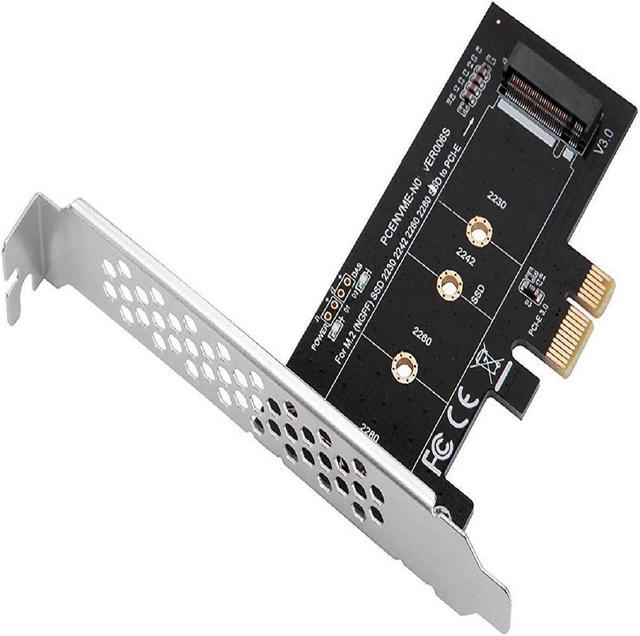
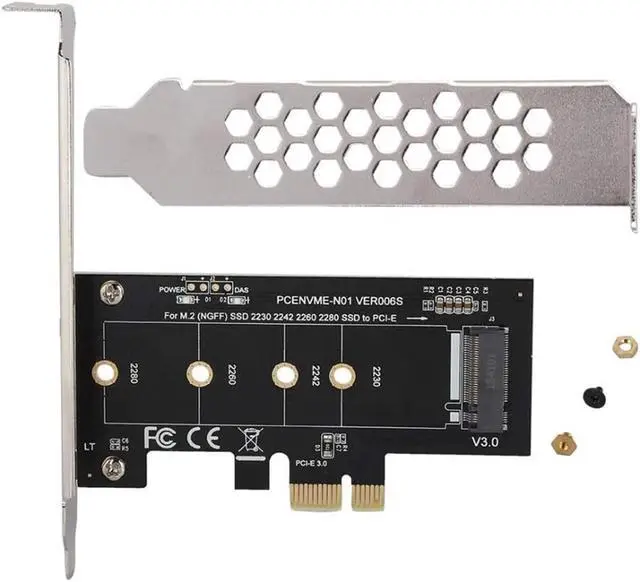
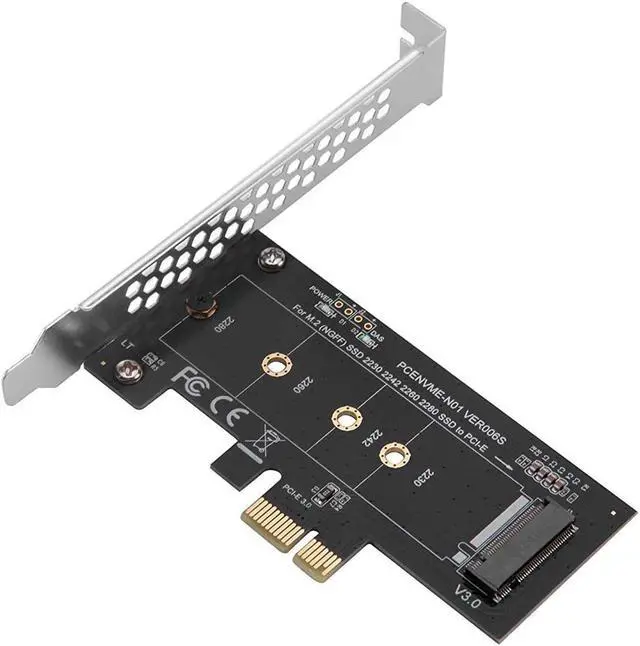
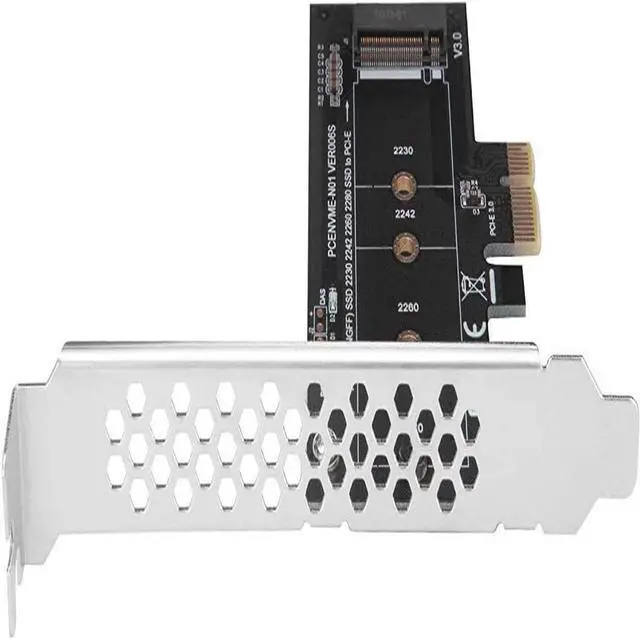
M.2 NGFF SSD PCIe Card Desktop Adapter with a PCIe adds M.2 PCIe SSD (M button) to improve performance and speed. The M.2 SSD PCIe adapter suitable for different dimensions of high-performance M.2 PCIe (M-key) SSD, have a variety of mounting options.
Suitable conditions:
1. 1x PCI-E over the socket (note 1x PCI-E interface speed of 3.0 or more is halved, but still faster than SATA)
2. To the WIN10 system
3. The motherboard that does not support the NVME protocol cannot be used as a system hard drive, but only as a storage hard drive
INTEL motherboard chipset:
B250 B150 H170 Z170, provided that the motherboard with M.2 interface is generally supported by NVME. Z97 part of the support, especially on the official website
B85 Z87 must update the BIOS support, part of the conscience of the manufacturer's support NVME have provided the BIOS, such as Asus and ASRock etc., when the official is not, on their own difficult to change BIOS, especially the online Search tutorial requires some skill, there is damage to the motherboard risk. (Most B85 do not offer an M.2 interface. You can use our M.2 to PCI-E adapter card.) The older motherboard can basically give up or find a customer service method for installation, the computer is redirected to white.
AMD motherboard chipset:
B350 X370 X399 A320 support, the former is not support, which only needs to be used to support NVME RYZEN the CPU board.
Support PCI-E and NVME standard M2.SSD, does not support the older SATA M2.SSD important things to say once, does not support SATA M2 SSD, on the UEFI BIOS to the latest version before cleaning old-fashioned BIOS only as storage disk, not system disk.
More product information can be viewed on the product display picture.
Please feel free to contact us if you have any questions about the product.