

Your Browsing History

Meet Your Seller

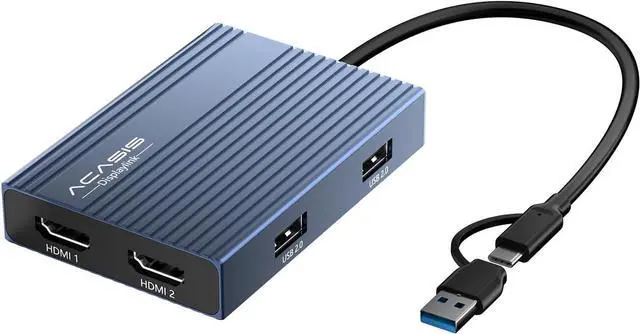
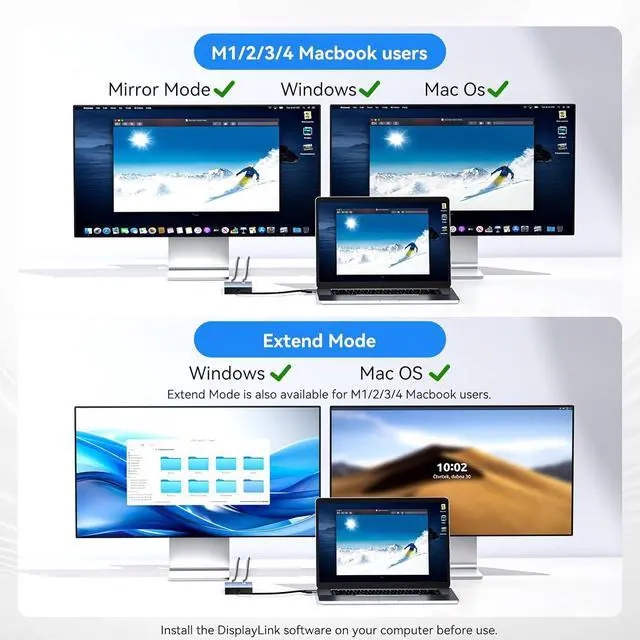


ACASIS USB C to Dual HDMI DisplayLink Adapter for Mac M1/M2/M3/M4/Windows
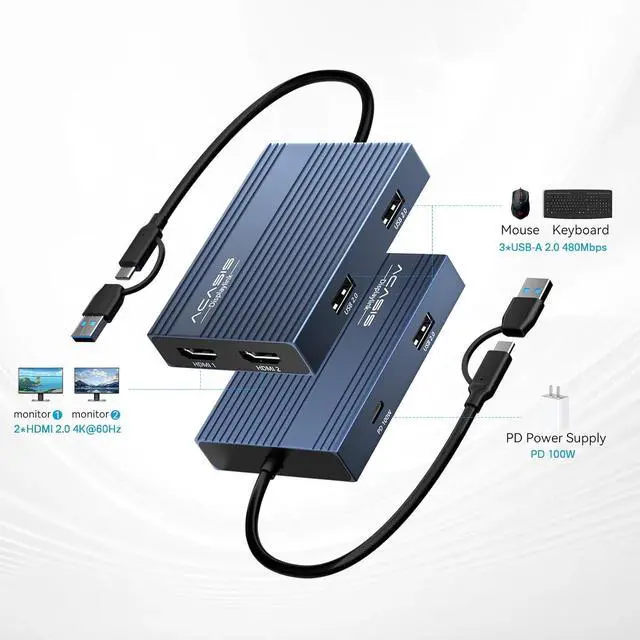
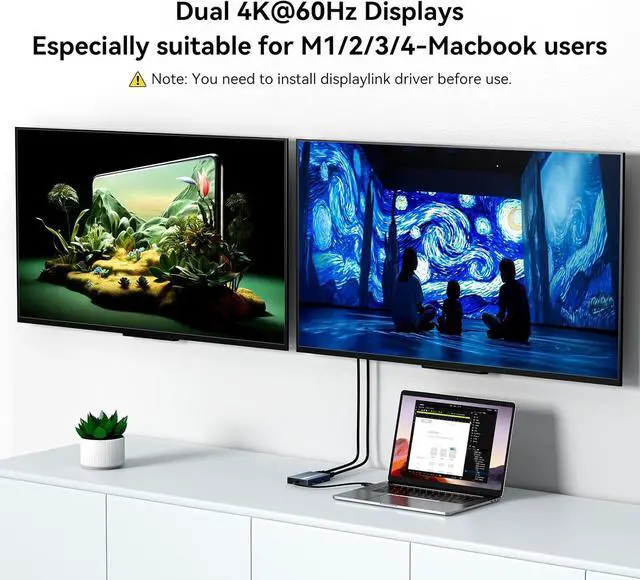
- Dual 4K@60Hz Extended DisplaysMonitor splitter for dual monitor display, transform your laptop into a productivity powerhouse,! This USB-to-HDMI adapter adds two crystal-clear 4K monitors (up to 60Hz) via a single USB-C/USB-A port. Perfect for multitasking, office work, or codingseamlessly compatible with Mac M1/M2/M3/M4/M5/Neo and Windows PCs. (Note: This displaylink adapter Not for gaming/HDCP content.)
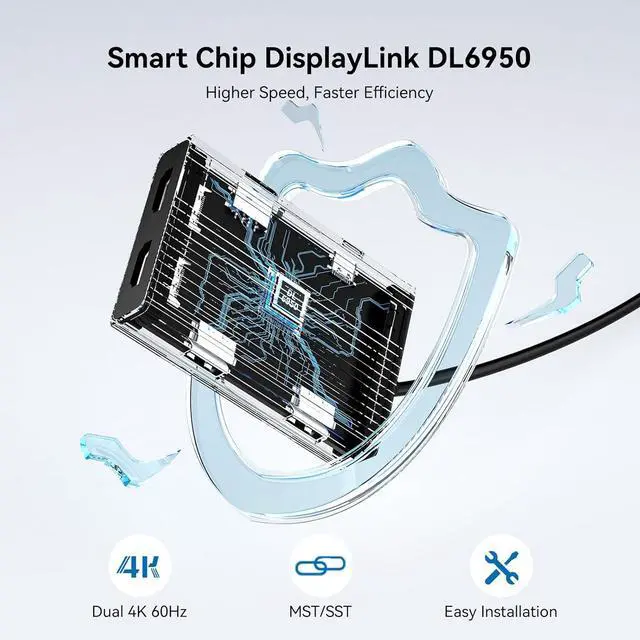
- DisplayLink Technology + Driver RequiredUnlike basic HDMI adapters, this display link dock uses advanced HDMI dual monitor adapter tech to extend screens without relying on your laptops native video output. Works with macOS & Windowsjust install the driver (download link included). Note: Unplug only when the computer is off.
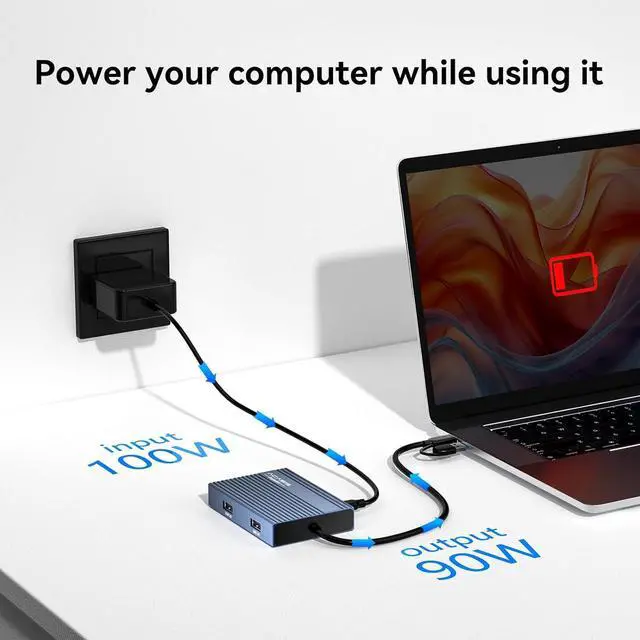
- 100W PD Fast Chargingusb to hdmi adapter Keep your MacBook Pro/Air (M1/M2/M3/M4/M5/Neo) or Dell/HP laptop powered up while working! The 100W USB-C PD port delivers high-speed charging, so you wont drain your battery during long sessions.
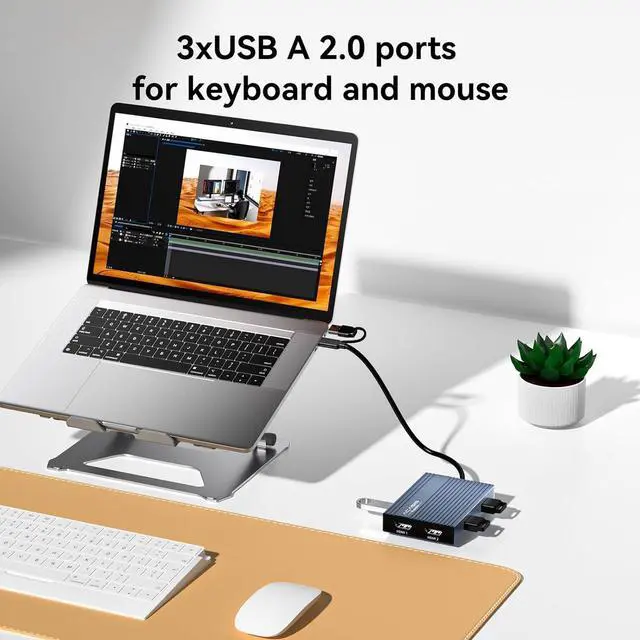
- 3x USB-A Po
+
+
Overview
Specs
Reviews

Any questions? Our AI mode will help you find out quickly.
Try me now
1User2Programmer3Accountant4
Q: Why does my system ask for permission to record my screen?
A: This is a standard security prompt for DisplayLink. The permission is required because the technology transmits video signals via USB. It needs to capture your screen content to display it on the external monitor.
Q: Is this screen recording process safe?
This is a legitimate functional requirement, not privacy theft. The process is secure when using official drivers, and you maintain full control over this permission in your system settings.
Q: If the monitor is not displaying after installing DisplayLink software, please follow these steps:
A: 1.Try using another HDMI port on the dock.
2.Try using a different HDMI cable.
3.Test with another monitor.
If the issue persists, please contact our support team.
Q: Why does my system ask for permission to record my screen?
Q: Is this screen recording process safe?
Q: If the monitor is not displaying after installing DisplayLink software, please follow these steps:
HDMI&DPDisplayLink Dock Dual HDMI Video Display Ports Dual DP Grey Color Grey 3 USB A 3 PD 100W PD 100W PD 100W(Video Ready) Dual HDMI Video Display Ports Dual HDMI Grey Color Black 3 USB A 3 PD 100W PD 100W PD 100W Dual HDMI Video Display Ports Dual HDMI Grey Color Silver 3 USB A 3 PD 100W PD 100W PD 100W
Warranty & Returns
Warranty, Returns, And Additional Information
Warranty
- Please contact the Seller directly for warranty information. Warranty information may also be found on the Manufacturer's website.
- CONTACT
Return Policies
- Return for refund within: 30 days
- Return for replacement within: 30 days
- This item is covered by PartsPro Store Return Policy
Manufacturer Contact Info
- For a directory of all our manufacturers, please click below.
- Manufacturers Directory
LOADING...