Your Browsing History
Meet Your Seller
KCEVE KVM Switch 2 Monitors for 2 Laptops 1 Desktop HDMI 4K@60Hz
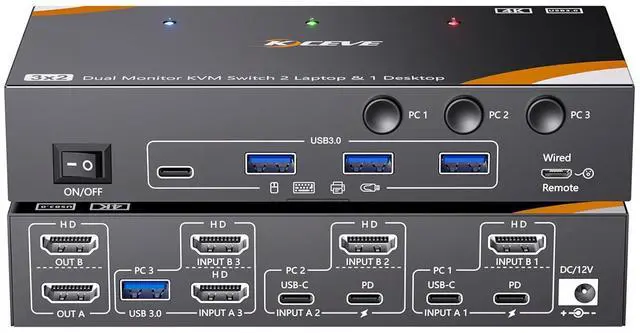
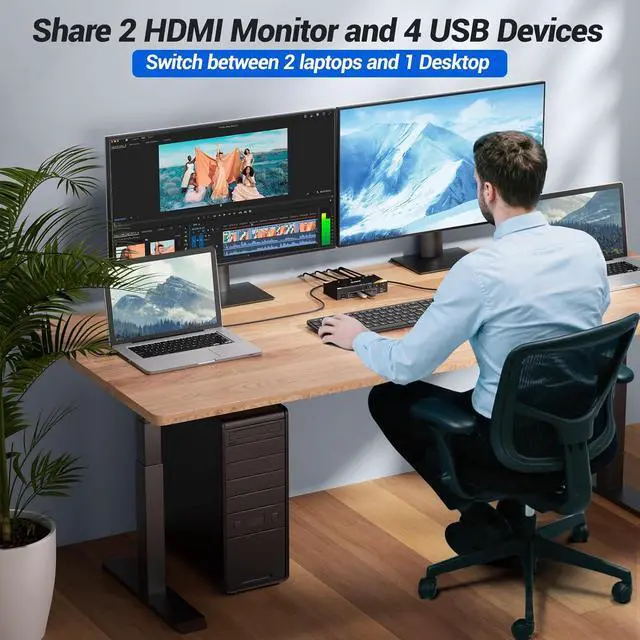
- KCEVE Dual Monitor KVM Switch for 2 Laptops & 1 DesktopTake control of your entire setup with this KVM Switch 2 Monitors 3 Computers USB C. This KVM Switch Dual Monitor for 2 Laptop 1 Desktop enables you to manage three computers using just one keyboard, mouse, and two HDMI monitors. A key requirement for the KVM Switch 2 monitor 2 laptop 1 desktop to function is that make sure your laptop's USB C port and HDMI can output video at the same time
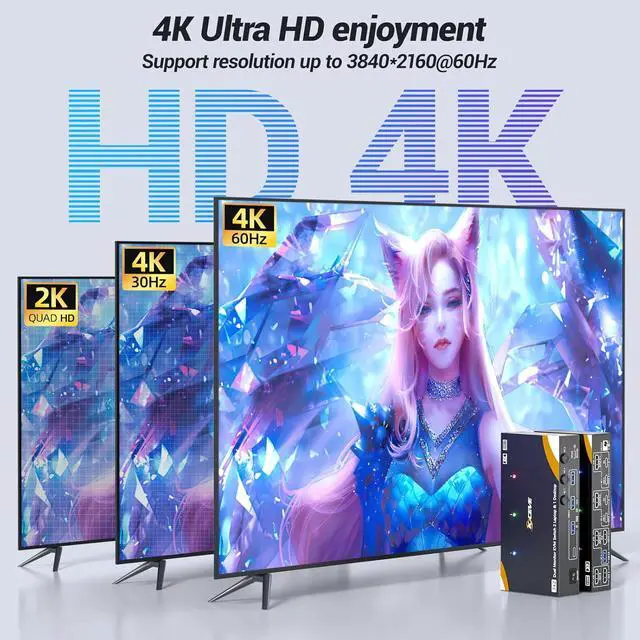
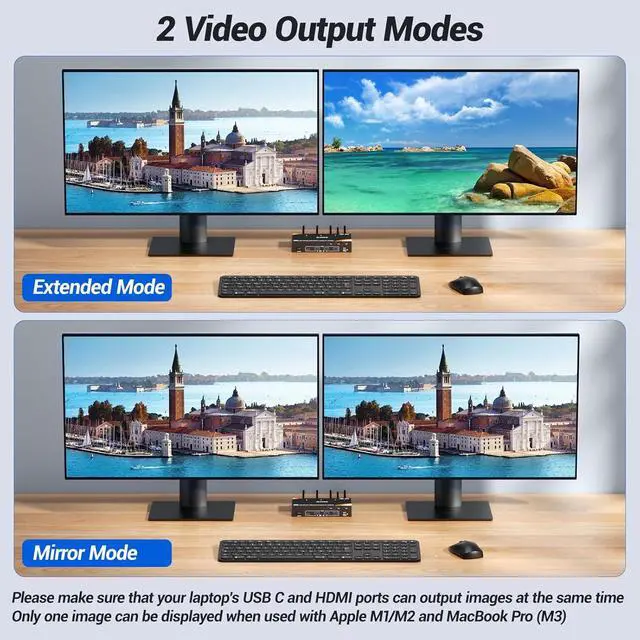
- 4K@60Hz Visuals & Critical Compatibility NotesEnjoy crisp, high-resolution visuals with this KVM-Switch 3 PC 2 Monitore HDMI, supporting 4K@60Hz and 2K@144Hz. Use "Windows+P" to configure your display mode. Note: This KVM switch Dual Monitor setup requires laptops that support simultaneous video output from USB-C and HDMI ports. Most Apple Silicon MacBooks (M1/M2/M3) do not support dual-output mode, so these customers are not recommended to use this USB-C KVM switch for 3 computers 2 monitor
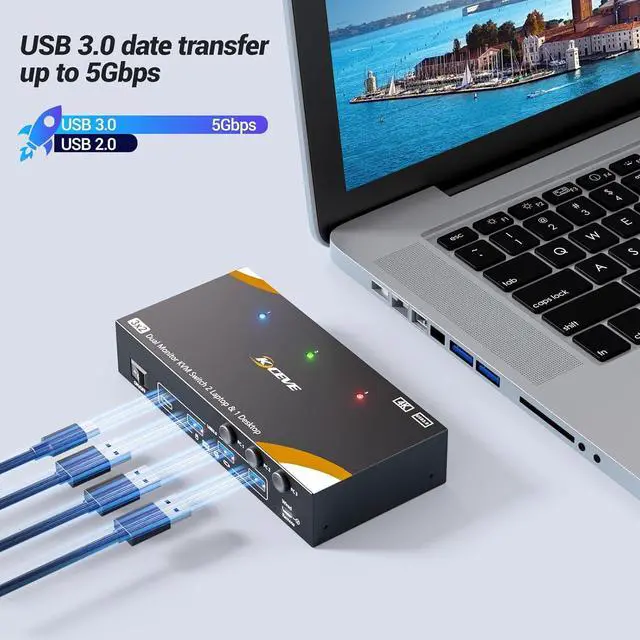
- High-Speed 5Gbps USB Hub for Shared DevicesSi
+
+
Overview
Reviews
Any questions? Our AI mode will help you find out quickly.
Try me now
KCEVE USB 3.0 KVM Switch USB C for 2 Laptops and 1 Desktop Share 2 HDMI Monitor and 4 USB 3.0 Devices. Plug and play. No additional driver software required. A set of mouse, keyboard controls 3 computers sharing 2 HDMI monitors.(Don't support bluethooh)
The Desktop needs 2 HDMI + 1 USB cable to plug into the KVM. Each Laptop needs 1 HDMI cable + 1 USB C cable to plug into the KVM. Please make sure your laptop's USB C port and HDMI can output video at the same time
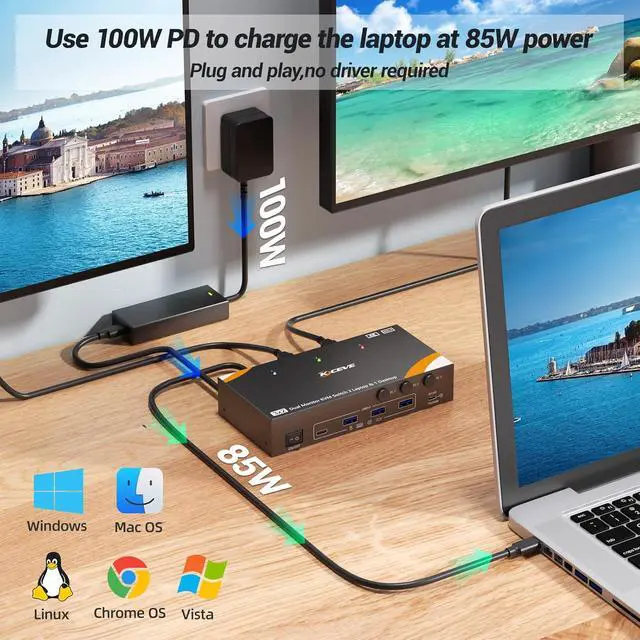
Please use a PD 100W charger connected to the KVM "PD" port to provide PD 85W charging for your laptop. Each laptop requires a separate PD 100W charger.
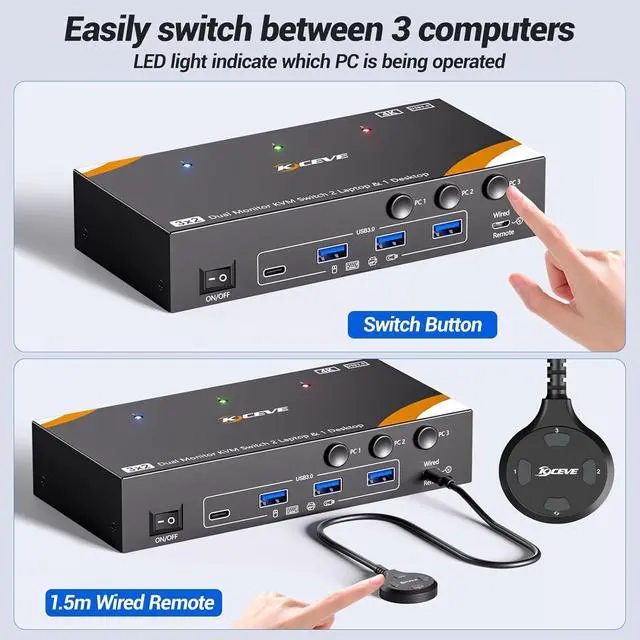
2 Switching Methods: button switch & 1.5m wired remote control. LED light indicate which computers is active. USB 3.0 port supports ultra-fast 5Gbps data transfer speeds
Support 4K@60Hz, 2K@144Hz.
Please Note: Using 8K cables will solve the problem of flickering and black screen.
Press Windows + P to select Mirror mode or extended Mode.
Compatible with Windows11/10 / 8 / XP / Vista / Chrome / Mac OS / Linux system,etc

The Desktop needs 2 HDMI + 1 USB cable to plug into the KVM. Each Laptop needs 1 HDMI cable + 1 USB C cable to plug into the KVM. Please make sure your laptop's USB C port and HDMI can output video at the same time
Please use a PD 100W charger connected to the KVM "PD" port to provide PD 85W charging for your laptop. Each laptop requires a separate PD 100W charger.
2 Switching Methods: button switch & 1.5m wired remote control. LED light indicate which computers is active. USB 3.0 port supports ultra-fast 5Gbps data transfer speeds
Support 4K@60Hz, 2K@144Hz.
Please Note: Using 8K cables will solve the problem of flickering and black screen.
Press Windows + P to select Mirror mode or extended Mode.
Compatible with Windows11/10 / 8 / XP / Vista / Chrome / Mac OS / Linux system,etc
Warranty & Returns
Warranty, Returns, And Additional Information
Warranty
- Please contact the Seller directly for warranty information. Warranty information may also be found on the Manufacturer's website.
- CONTACT
Return Policies
- Return for refund within: 30 days
- Return for replacement within: 30 days
- This item is covered by PartsPro Store Return Policy
Manufacturer Contact Info
- For a directory of all our manufacturers, please click below.
- Manufacturers Directory
LOADING...