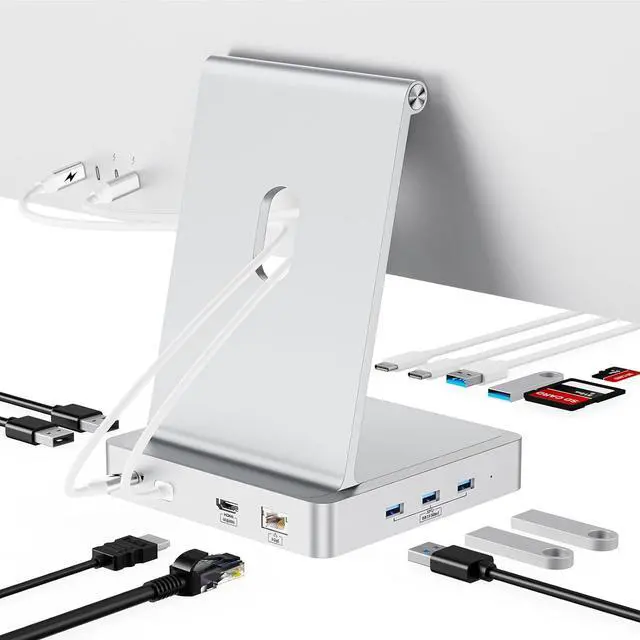
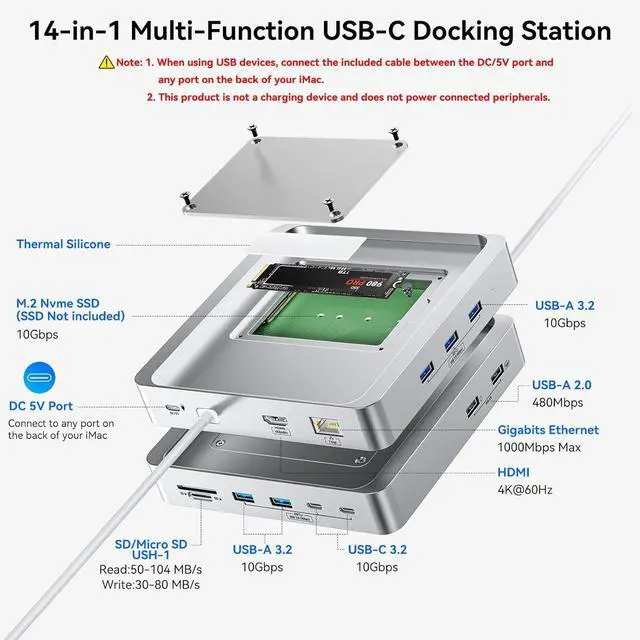
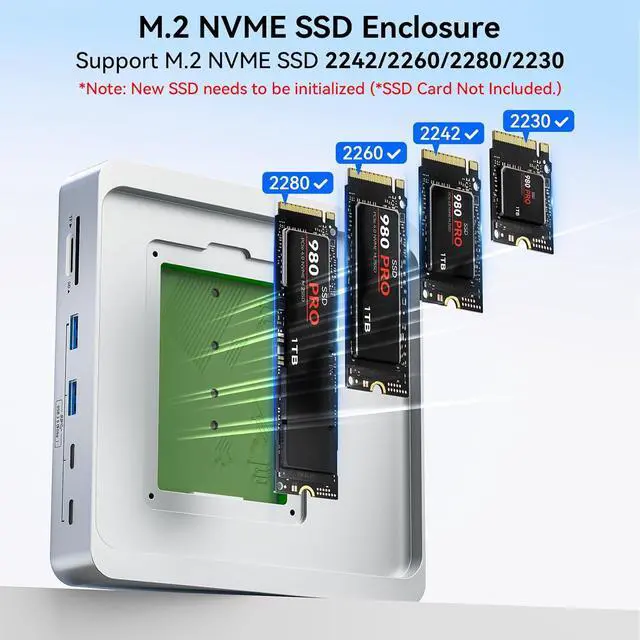
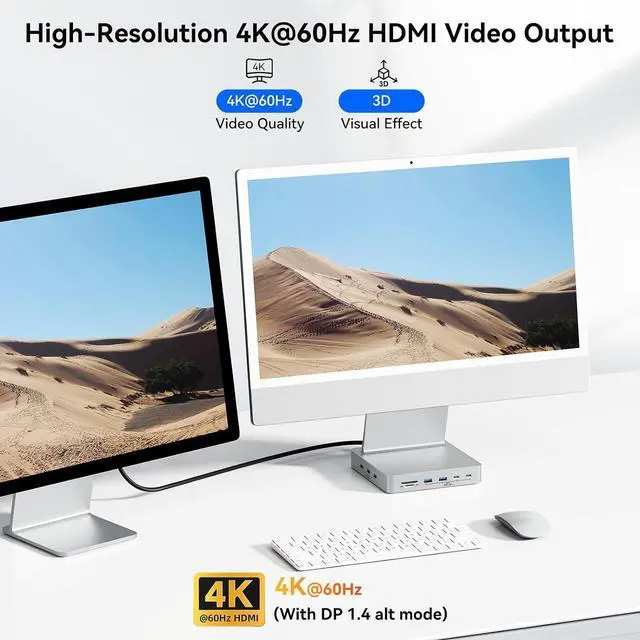
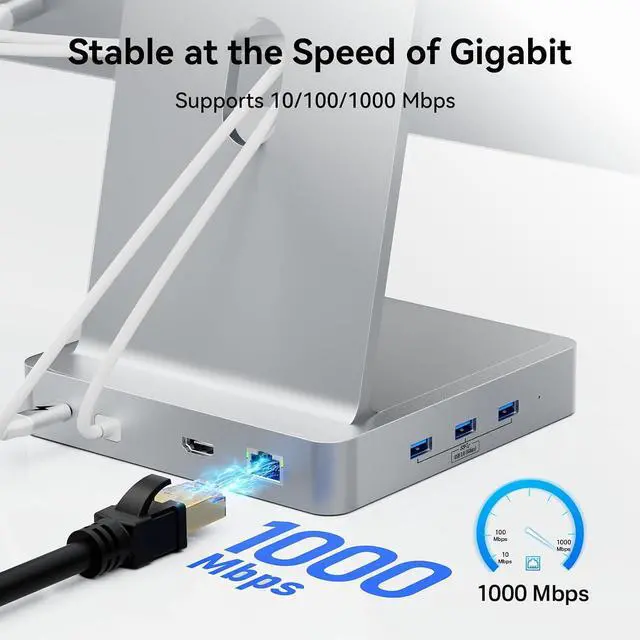
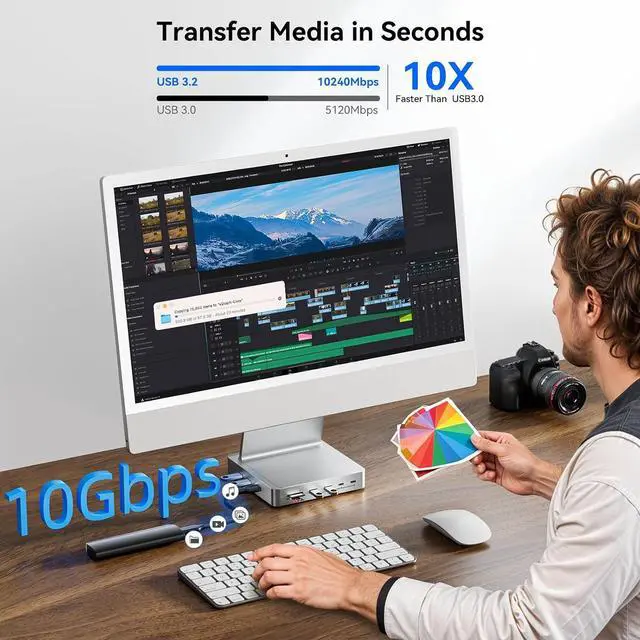
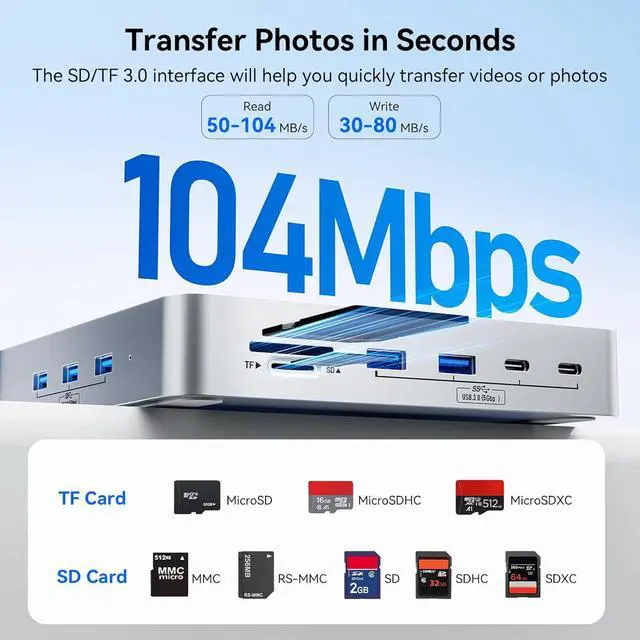
All-in-One Solution: With high-speed data transfer, SSD storage, and video output, this docking station is built for professionals in design, media, engineering, or any field where performance and multitasking are crucial. It is the ideal companion for iMac users who rely on a multitude of devices.
1M.2 NVME SSD Enclosure2SSD Installation Steps1Perfect for iMac 24 inch2What's in the Box3iMac's Upstream Interface4DC 5V Power Supply
Does this product support DisplayPort?
No, it only supports HDMI.
Is it compatible with the 2020 iMac?
No, it only supports the iMac 24 inch 2021/2023/2024.
Does it support SATA SSDs?
No, it only supports M.2 NVMe SSDs. When using SSD, it is advisable to insert the SSD into the product first and then connect the cable to the iMac interface. When removing the SSD, it is better to unplug the cable first and then remove the SSD.
What is the function of the charging cable in the package? And how to use it?
If you're connecting multiple or high-power USB devices, please use the included cable to connect the hub's DC 5V input port to any USB-C port on the back of your iMac. This provides supplemental power to ensure stable operation.
Why can the upstream port of the DS005 only be connected to the thunderbolt interface at the back of the iMac?
Because only the Thunderbolt interface can provide video signal transmission, ensuring that the HDMI and other functions of the DS005 work properly.
Does this product support DisplayPort?
Is it compatible with the 2020 iMac?
Does it support SATA SSDs?
What is the function of the charging cable in the package? And how to use it?
Why can the upstream port of the DS005 only be connected to the thunderbolt interface at the back of the iMac?





 here!
here!