

Your Browsing History

Meet Your Seller

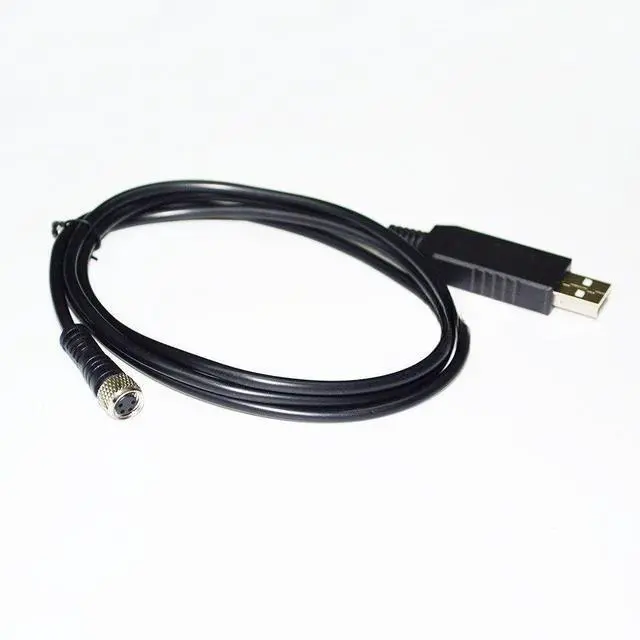
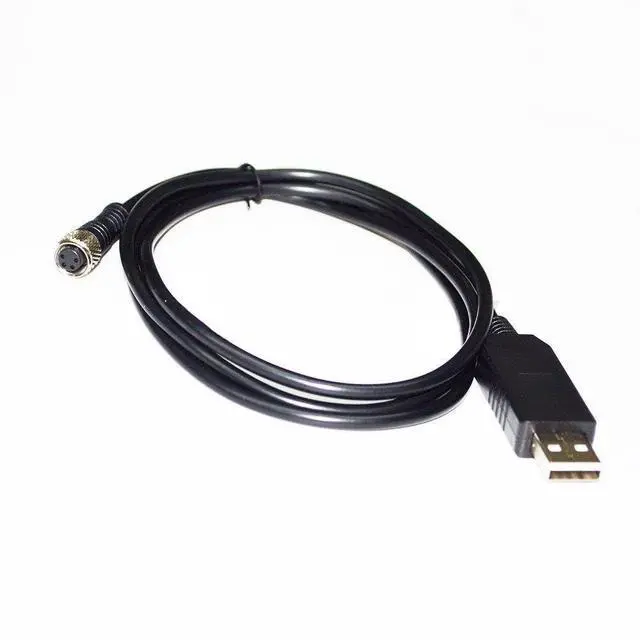
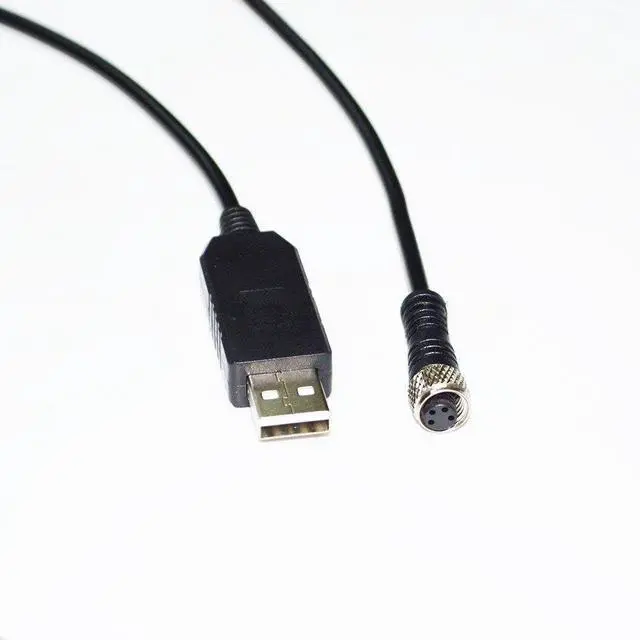


USB to M8 4-Pin Female Cable for Vaisala HMM100 Transmitter, 1.8m RS232 Communication Cable
- Dedicated Interface for Vaisala HMM100 Humidity & Temperature Transmitter: This USB to M8 4-pin female aviation cable is specifically designed to connect a standard computer to the communication port of the Vaisala HMM100 series humidity and temperature transmitter. It establishes a reliable data link for device configuration, real-time monitoring, and data logging.
- Standard RS232 Serial Communication for Stable Data Acquisition: Utilizing the standard RS232 serial communication protocol, this cable ensures stable and reliable point-to-point data transmission. It is designed for sending configuration commands to the transmitter and receiving precise humidity and temperature readings, along with diagnostic information, for processing on a connected PC.
- Rugged M8 4-Pin Female Connector with Threaded Coupling: The cable is terminated with an industrial-grade, threaded M8 4-pin female aviation connector, designed to mate securely with the male port on the HMM100 transmitter. This rob
+
+
Overview
Specs
Reviews

Any questions? Our AI mode will help you find out quickly.
Try me now
Package includes: 1pcs
Kindly reminder:
1. Before placing an order, please ensure the device model matches the product title. If unsure, contact us. While these serial cables carry identical signals, their pinout sequences differ across devices and are not universally compatible.
2. Upon use, immediately check your computer's Device Manager to verify if the port requires driver installation. A yellow exclamation mark indicates driver installation is needed.
Note:
Windows 10 and later systems include drivers that install automatically upon USB insertion. If automatic installation fails, contact us for a driver link.
Kindly reminder:
1. Before placing an order, please ensure the device model matches the product title. If unsure, contact us. While these serial cables carry identical signals, their pinout sequences differ across devices and are not universally compatible.
2. Upon use, immediately check your computer's Device Manager to verify if the port requires driver installation. A yellow exclamation mark indicates driver installation is needed.
Note:
Windows 10 and later systems include drivers that install automatically upon USB insertion. If automatic installation fails, contact us for a driver link.
Warranty & Returns
Warranty, Returns, And Additional Information
Warranty
- Please contact the Seller directly for warranty information. Warranty information may also be found on the Manufacturer's website.
- CONTACT
Return Policies
- Return for refund within: 30 days
- Return for replacement within: 30 days
- This item is covered by PartsPro Store Return Policy
Manufacturer Contact Info
- For a directory of all our manufacturers, please click below.
- Manufacturers Directory
LOADING...