

Your Browsing History

Meet Your Seller

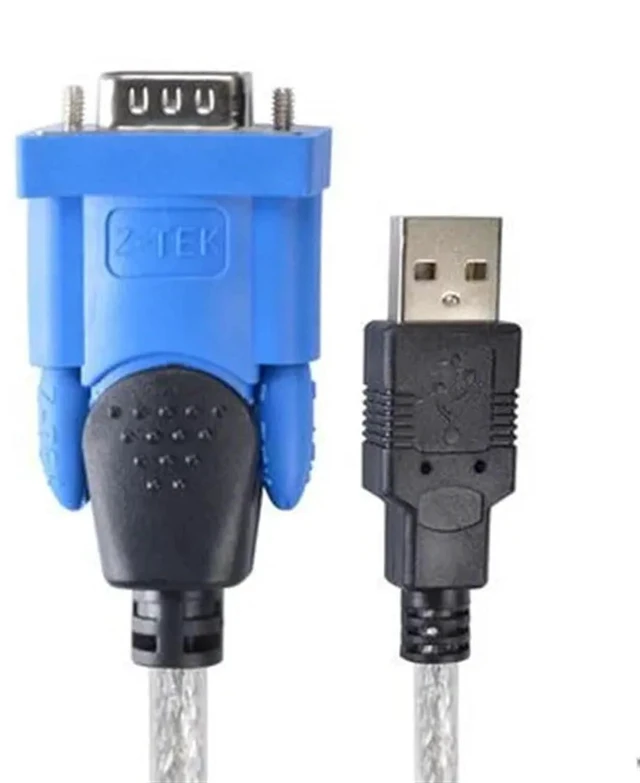
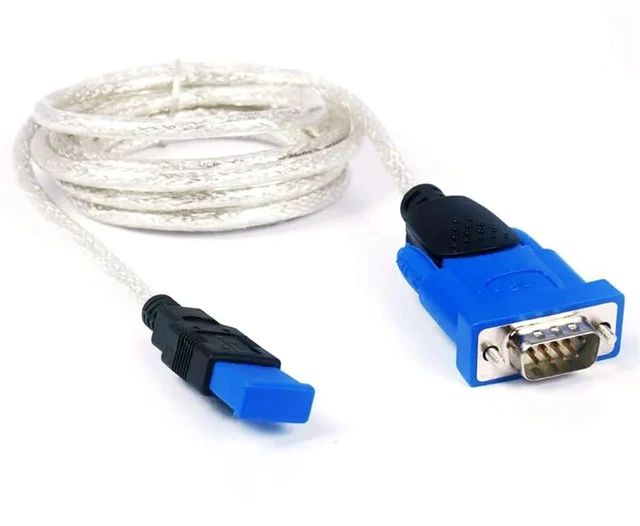
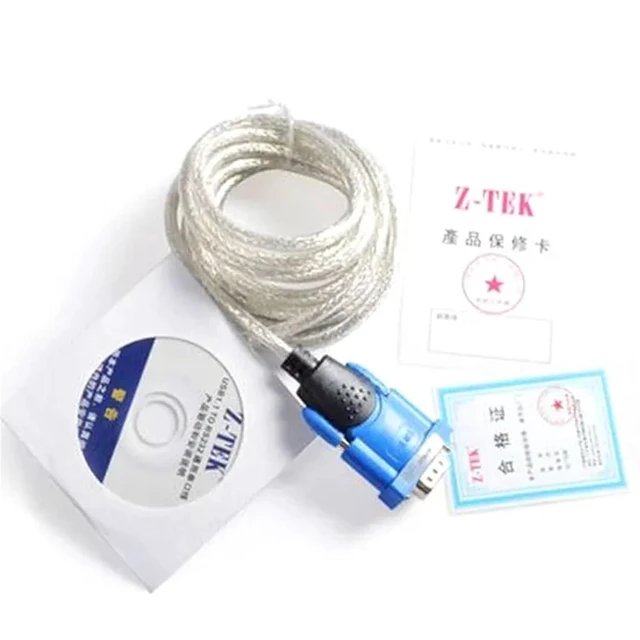
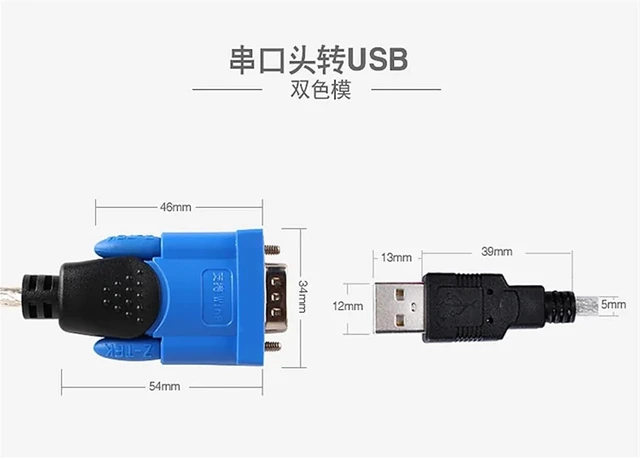


Industrial Grade Conversion Cable USB to RS232 Serial Port Z-TEK Universal Data Programming Download Line USB-232
- Cables
- Industrial Grade Conversion Cable USB To RS232 Serial Port Z-TEK Universal Data Programming Download Line USB-232
+
+
Overview
Specs
Reviews

Any questions? Our AI mode will help you find out quickly.
Try me now
Cables
Use settings
1. First, connect the computer and the machine with the usb cable.
2. Follow the prompts to put the attached CD into the CD drive and install it!
3 After installation, right click My Computer on the desktop and click<; Properties>!
4. In the System Properties dialog box, click Hardware, and then click Device Manager
5. In the Device Manager dialog box, click the port (COM and LPT)
6. In the Device Manager dialog box, right-click USB Serial Port (comX), and then click Properties
7. In the USB Serial Port (comX) property dialog box, click Port Setting, and then click Adjusted!
8. Then change comX to com1 or 2 at COM Port Number
9. Then click OK, and then click OK
10. Finally, after you install the engraver or software, select COM1 or 2 as the output port, and the machine can work normally!
This product adopts PL2303 chip, super compatibility, Lite solemnly promises, no matter the usePLC link, orLED displayOr otherSerial communication equipment
*win 98 se/2000/XP/vista win 7/win 8/win 10 OS v 8.0.
Support for and play and
Designed to connect digital cameras, PDA personal digital assistants and other high-performance devices
Enjoy higher transmission speed
Applicable to RS232 interface, computer is USB interface
It can be used for industrial equipment, programming and connection.
It can be used for vehicle positioning system,
Programming for mobile phones
Data communication through serial port
Production port features: exquisite shape, using three cool black and peach, screws also with Z-TEK , packaging stamping.
*Applicable with RS232 interface, support remote wake-up and power management, faster installation.
*USB port to serial port communication transmission speed can 1 Mbps.
*Application: MODEM machine tool/industrial instrument/instrument/monitoring system/automatic control equipment and notebook
Universal 232 device
Comply with US
Use settings
1. First, connect the computer and the machine with the usb cable.
2. Follow the prompts to put the attached CD into the CD drive and install it!
3 After installation, right click My Computer on the desktop and click<; Properties>!
4. In the System Properties dialog box, click Hardware, and then click Device Manager
5. In the Device Manager dialog box, click the port (COM and LPT)
6. In the Device Manager dialog box, right-click USB Serial Port (comX), and then click Properties
7. In the USB Serial Port (comX) property dialog box, click Port Setting, and then click Adjusted!
8. Then change comX to com1 or 2 at COM Port Number
9. Then click OK, and then click OK
10. Finally, after you install the engraver or software, select COM1 or 2 as the output port, and the machine can work normally!
This product adopts PL2303 chip, super compatibility, Lite solemnly promises, no matter the usePLC link, orLED displayOr otherSerial communication equipment
*win 98 se/2000/XP/vista win 7/win 8/win 10 OS v 8.0.
Support for and play and
Designed to connect digital cameras, PDA personal digital assistants and other high-performance devices
Enjoy higher transmission speed
Applicable to RS232 interface, computer is USB interface
It can be used for industrial equipment, programming and connection.
It can be used for vehicle positioning system,
Programming for mobile phones
Data communication through serial port
Production port features: exquisite shape, using three cool black and peach, screws also with Z-TEK , packaging stamping.
*Applicable with RS232 interface, support remote wake-up and power management, faster installation.
*USB port to serial port communication transmission speed can 1 Mbps.
*Application: MODEM machine tool/industrial instrument/instrument/monitoring system/automatic control equipment and notebook
Universal 232 device
Comply with US
Warranty & Returns
Warranty, Returns, And Additional Information
Warranty
- Please contact the Seller directly for warranty information. Warranty information may also be found on the Manufacturer's website.
- CONTACT
Return Policies
- Return for refund within: 30 days
- Return for replacement within: 30 days
- This item is covered by PartsPro Store Return Policy
Manufacturer Contact Info
- For a directory of all our manufacturers, please click below.
- Manufacturers Directory
LOADING...