

Your Browsing History

Meet Your Seller

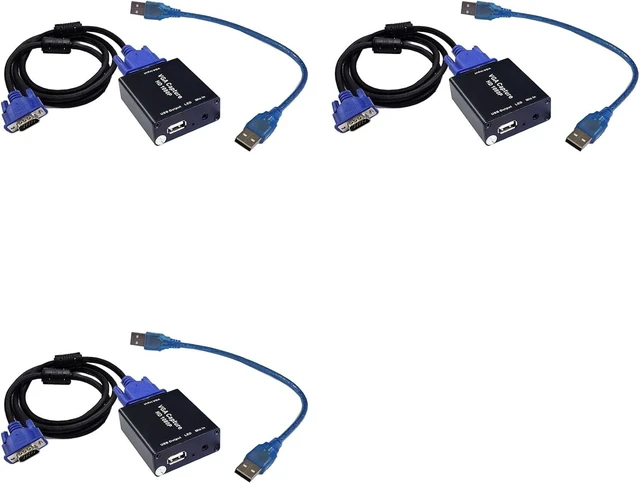
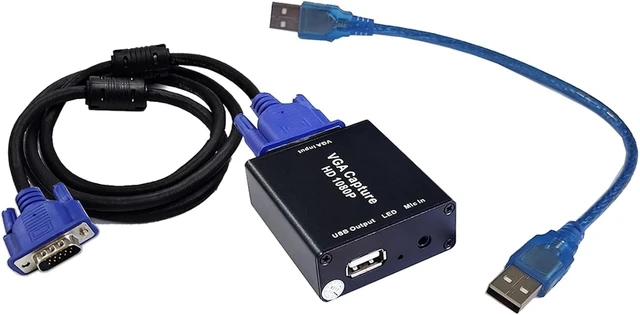


VGA to USB Adapter Medical Capture Linux
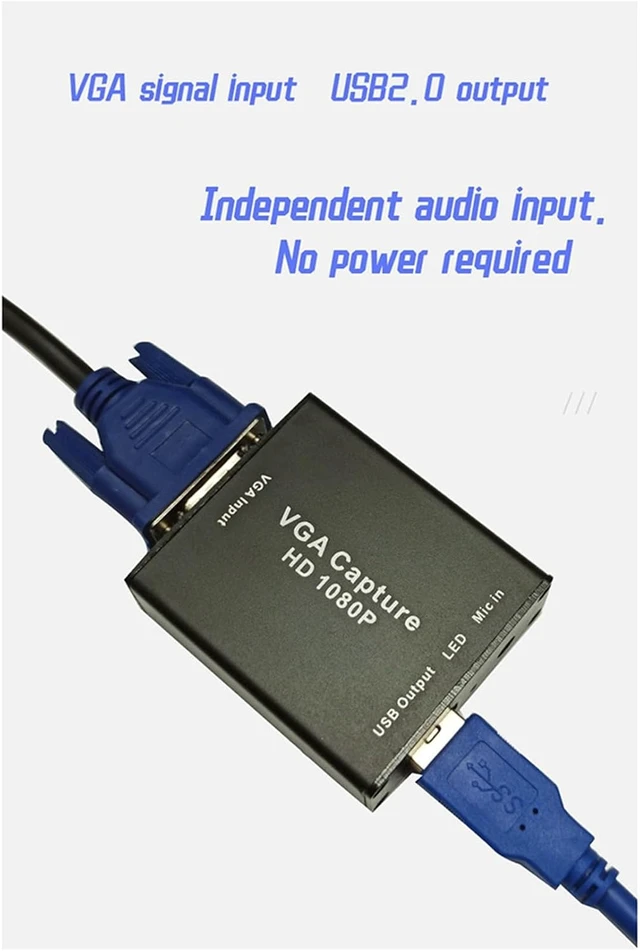
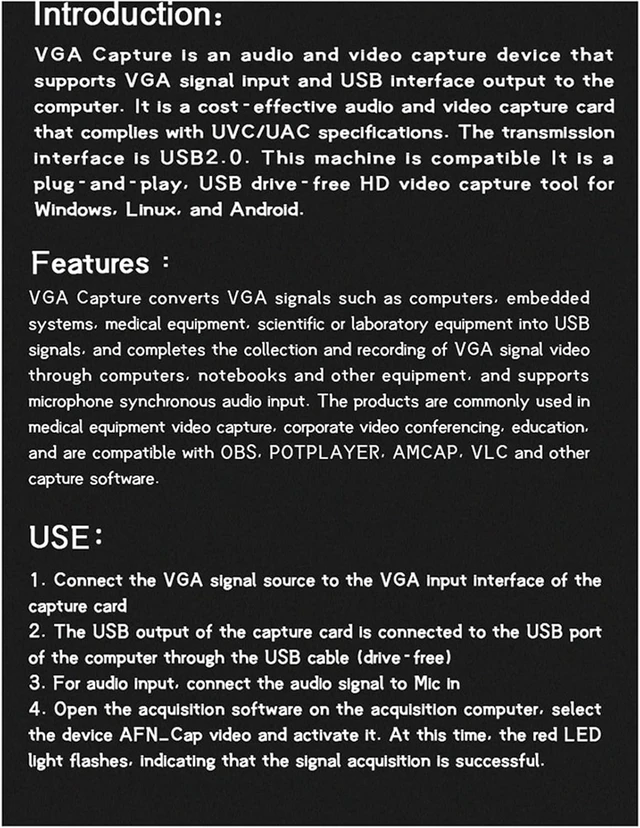
- About VGA capture: VGA Capture is an audio and video capture device which support VGA and USB output. it is support UVC/ standard, transport port is USB2.0, it compatible with Android, and linux system, it is a driver free HD capture also support plug and play.
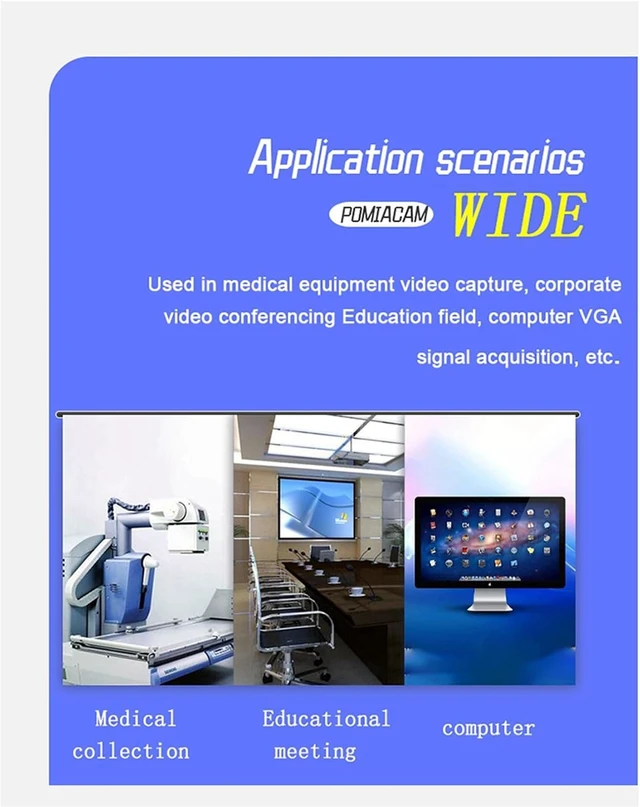
- VGA caputre is convert VGA signal form PC, medical-machine, and expreimental machine to USB signal. it capture and recording the AV signal via computer or laptop. microphone for audio pick up is available also. it is widly used in medical-video capture, cooperation video meeting, education, it compatible with OBS, potplayer, AMCAP, and VLC software.
+
+
Overview
Specs
Reviews

Any questions? Our AI mode will help you find out quickly.
Try me now
Xgsbvgdhw 1. VGA to USB adapter converter
2. Suppoirt audio and video capture
3. 1080P
4. Drive-free
5. High-didinition picture quarity
How to use:
1. Connect VGA signal source to VGA input port.
2. Connect USB output port to computer USB via USB cable . (Driver free)
3. A separate microphone connect to MIC IN , if you need it (The package does not include microphone/voice pickup)
4. Running capture software on computer , selext device "ANF_Cap video" and avtivate it .Res LED light flashing means signal captured.
Sweet tips:Because of size designed , it is normal if the device is hot in working mode.
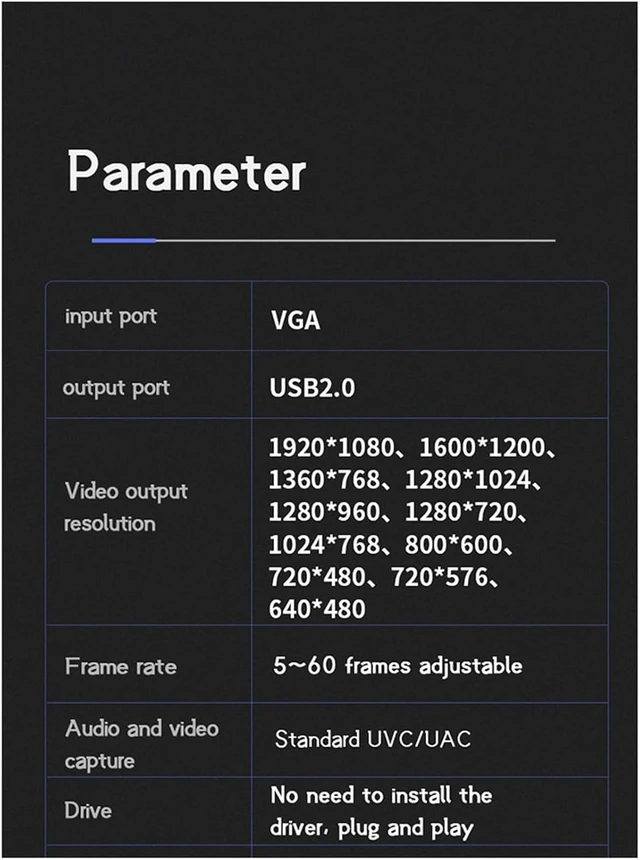
Input:VGA
Output:USB3.0
Video output Resolution:1920 x 1080, 1600 x 1200, 1360 x 768, 1280 x 1024, 1280 x 960, 1280 x 720,1024 x 768, 800 x 600, 720 x 480, 720 x 576, 640 x 480
Frame:5-60 Frame adjustable
Standard:UVC/
Driver:free
Operation system:for /Linux/Android
Capture software:OBS/potplayer ()
Due to different batches of products, there may be some color differences, which does not affect use.
Colour:As Shown
Material:Plastic+Metal
Package Contents:
3 x converter
3 x VGA cable
3 x USB cable
Only the above package content, other products are not included.
Note: Light reflection and different displays may cause the color of the item in the picture a little different from the real thing. The measurement allowed error is +/- 1-3cm.
2. Suppoirt audio and video capture
3. 1080P
4. Drive-free
5. High-didinition picture quarity
How to use:
1. Connect VGA signal source to VGA input port.
2. Connect USB output port to computer USB via USB cable . (Driver free)
3. A separate microphone connect to MIC IN , if you need it (The package does not include microphone/voice pickup)
4. Running capture software on computer , selext device "ANF_Cap video" and avtivate it .Res LED light flashing means signal captured.
Sweet tips:Because of size designed , it is normal if the device is hot in working mode.
Input:VGA
Output:USB3.0
Video output Resolution:1920 x 1080, 1600 x 1200, 1360 x 768, 1280 x 1024, 1280 x 960, 1280 x 720,1024 x 768, 800 x 600, 720 x 480, 720 x 576, 640 x 480
Frame:5-60 Frame adjustable
Standard:UVC/
Driver:free
Operation system:for /Linux/Android
Capture software:OBS/potplayer ()
Due to different batches of products, there may be some color differences, which does not affect use.
Colour:As Shown
Material:Plastic+Metal
Package Contents:
3 x converter
3 x VGA cable
3 x USB cable
Only the above package content, other products are not included.
Note: Light reflection and different displays may cause the color of the item in the picture a little different from the real thing. The measurement allowed error is +/- 1-3cm.
Warranty & Returns
Warranty, Returns, And Additional Information
Warranty
- Please contact the Seller directly for warranty information. Warranty information may also be found on the Manufacturer's website.
- CONTACT
Return Policies
- Return for refund within: 30 days
- Return for replacement within: 30 days
- This item is covered by PartsPro Store Return Policy
Manufacturer Contact Info
- For a directory of all our manufacturers, please click below.
- Manufacturers Directory
LOADING...