

Your Browsing History

Meet Your Seller

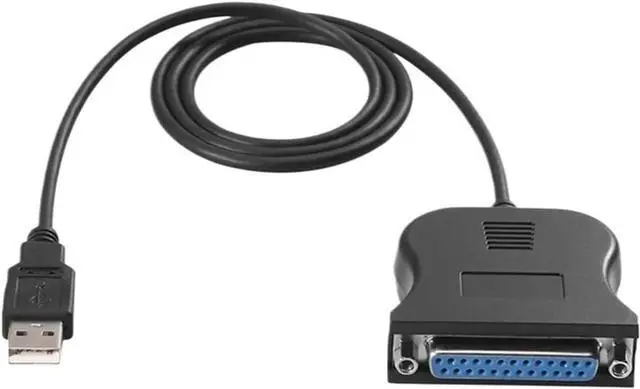
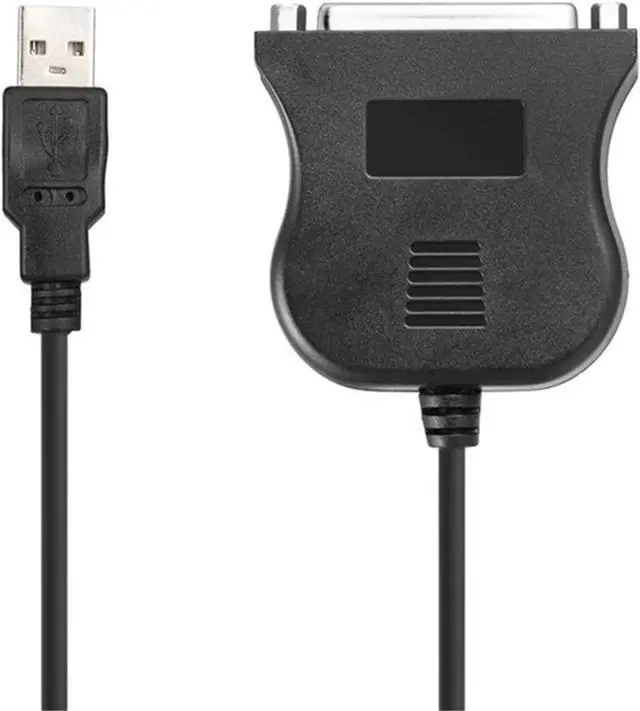
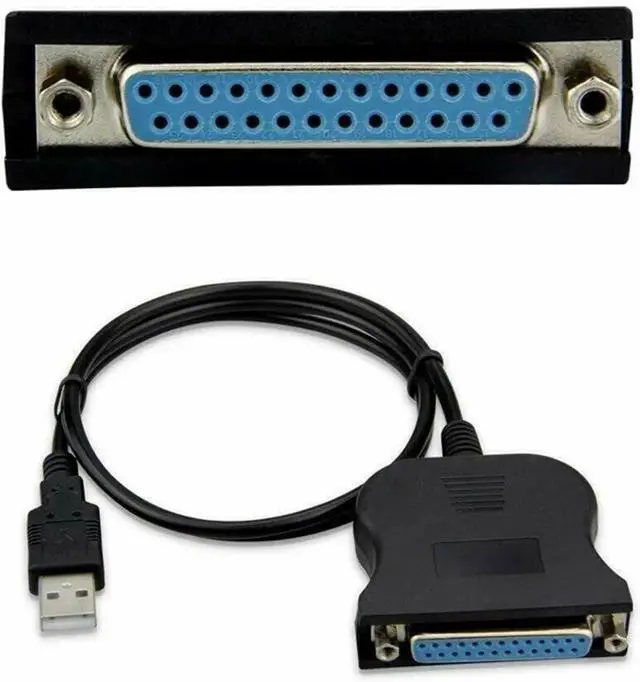
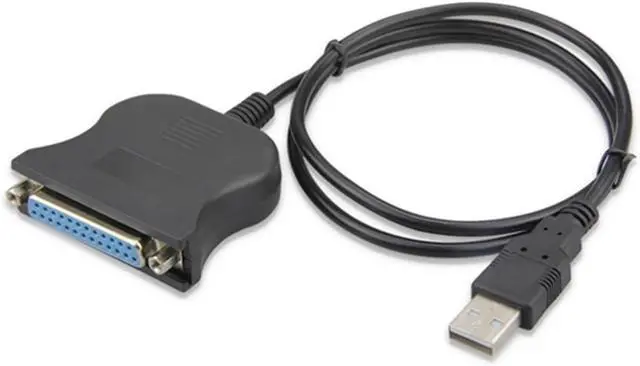


USB to IEEE 1284 DB25 25 Pin Parallel Printer Female Adapter Cable Cord
- USB-to-VGA Adapters
- Versatile Connectivity:Connects USB-equipped computers to parallel printers, enhancing your printing capabilities.
- Bi-directional Data Transfer:Supports USB-to-parallel and parallel-to-USB communication, facilitating faster data transfer rates.
- and Play Convenience:Easy setup with and play functionality, requiring no additional drivers for Windows systems.
- Construction:Constructed with a robust black cable, designed to withstand frequent use and wear.
+
+
Overview
Specs
Reviews

Any questions? Our AI mode will help you find out quickly.
Try me now
USB-to-VGA Adapters
USB to IEEE 1284 DB25 25 Pin Parallel Printer Female Adapter Cable Cord
Feature:
Fully Compliant with USB 2.0 and IEEE 1284 Specifications, Fully compatible with all parallel printers.
The USB to Parallel Printer Converter with bi-directional data transfer easily supports USB-to-parallel and parallel-to-USB communication.
Ideal for connecting USB-equipped desktop or notebook computers to a parallel printer or for adding a DB25 female port, it helps deliver faster data transfer rates than a standard parallel port.
Connectors: USB Type A Male - DB25 Female
Support: Windows 98/SE/ME/2000/XP/Vista
Appearance color: black
Cable length: about 80cm
Applicable system: Windows 95, OSR2.1, windows 98, Windows ME, Windows 2000, Windows Xp, etc.
Usage:
One end is connected to the parallel port of the parallel printer, and the other end is connected to the computer USB port.
Turn on the printer power, insert the USB port of the computer, WINDOWS prompts to find hardware, re-add the printer, please set the port to a USB port, install the printer driver, OK.
Note: When using, please connect the cable before turning on the printer. Do not or unplug the parallel port of the cable with power on, otherwise the adapter chip will be easily damaged and the printer will not work or print garbled characters. Because the chip has a charging process, please print it twice during the first connection printing, and it will be normal afterwards.
==========
Type : IDE Cables
Origin : Mainland
Certification : None
USB to IEEE 1284 DB25 25 Pin Parallel Printer Female Adapter Cable Cord
Feature:
Fully Compliant with USB 2.0 and IEEE 1284 Specifications, Fully compatible with all parallel printers.
The USB to Parallel Printer Converter with bi-directional data transfer easily supports USB-to-parallel and parallel-to-USB communication.
Ideal for connecting USB-equipped desktop or notebook computers to a parallel printer or for adding a DB25 female port, it helps deliver faster data transfer rates than a standard parallel port.
Connectors: USB Type A Male - DB25 Female
Support: Windows 98/SE/ME/2000/XP/Vista
Appearance color: black
Cable length: about 80cm
Applicable system: Windows 95, OSR2.1, windows 98, Windows ME, Windows 2000, Windows Xp, etc.
Usage:
One end is connected to the parallel port of the parallel printer, and the other end is connected to the computer USB port.
Turn on the printer power, insert the USB port of the computer, WINDOWS prompts to find hardware, re-add the printer, please set the port to a USB port, install the printer driver, OK.
Note: When using, please connect the cable before turning on the printer. Do not or unplug the parallel port of the cable with power on, otherwise the adapter chip will be easily damaged and the printer will not work or print garbled characters. Because the chip has a charging process, please print it twice during the first connection printing, and it will be normal afterwards.
==========
Type : IDE Cables
Origin : Mainland
Certification : None
Warranty & Returns
Warranty, Returns, And Additional Information
Warranty
- Please contact the Seller directly for warranty information. Warranty information may also be found on the Manufacturer's website.
- CONTACT
Return Policies
- Return for refund within: 30 days
- Return for replacement within: 30 days
- This item is covered by PartsPro Store Return Policy
Manufacturer Contact Info
- For a directory of all our manufacturers, please click below.
- Manufacturers Directory
LOADING...