


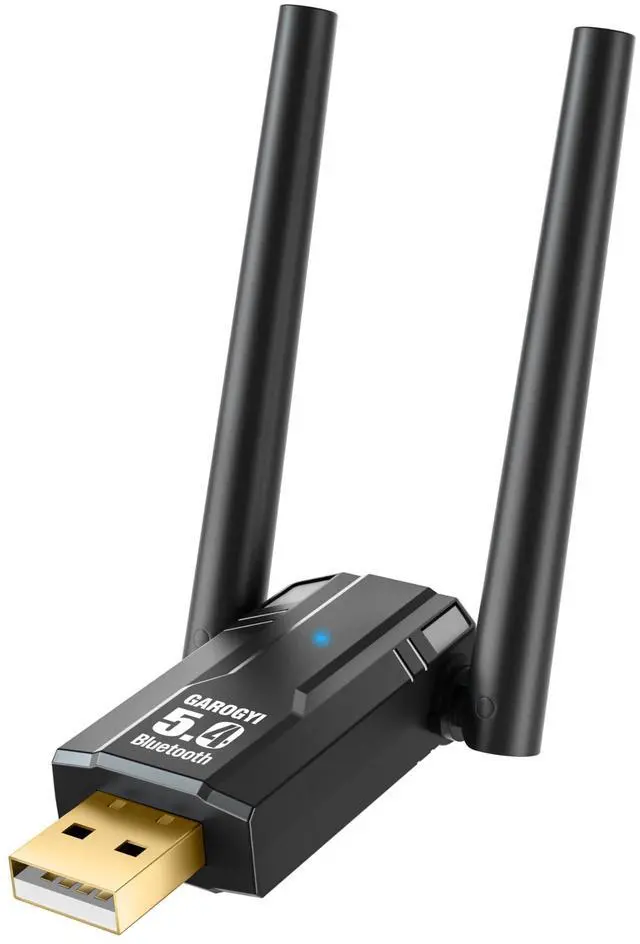

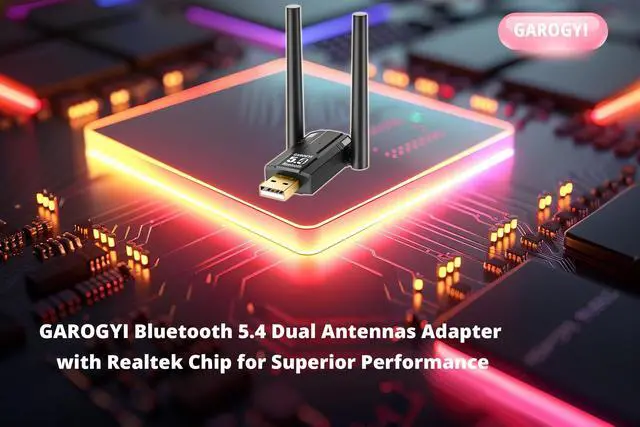


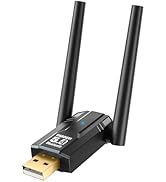
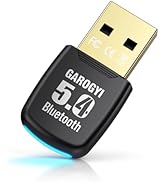
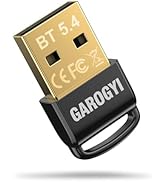
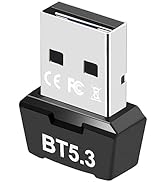
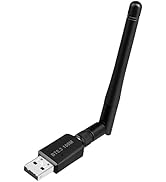
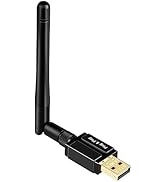
GAROGYI Dual Antenna Bluetooth 5.4 Adapter:Unmatched Performance & Compatibility

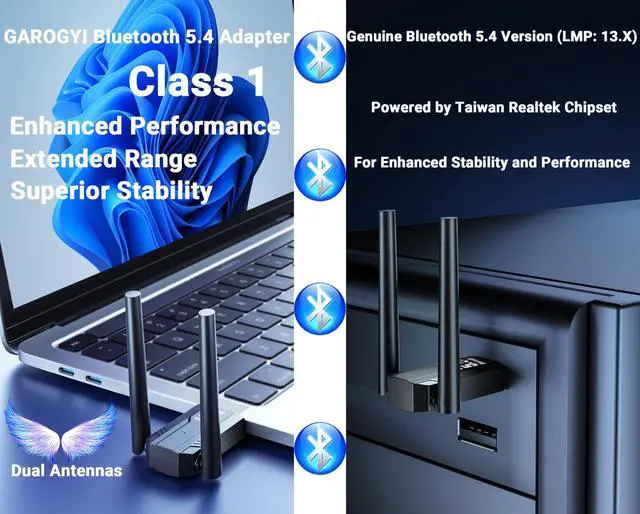
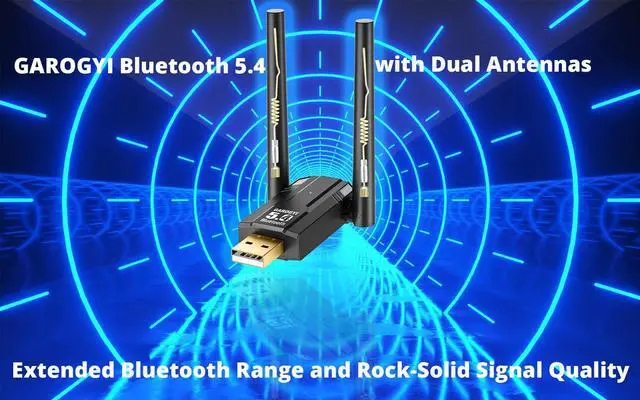
Equipped with dual antennas, this adapter ensures stable signals and extended Bluetooth range. Powered by the Taiwan Realtek 5.4 chipset, it supports dual-mode low-energy transmission, fully complying with Bluetooth 5.4 specifications. Enjoy optimal performance and reliable connectivity.


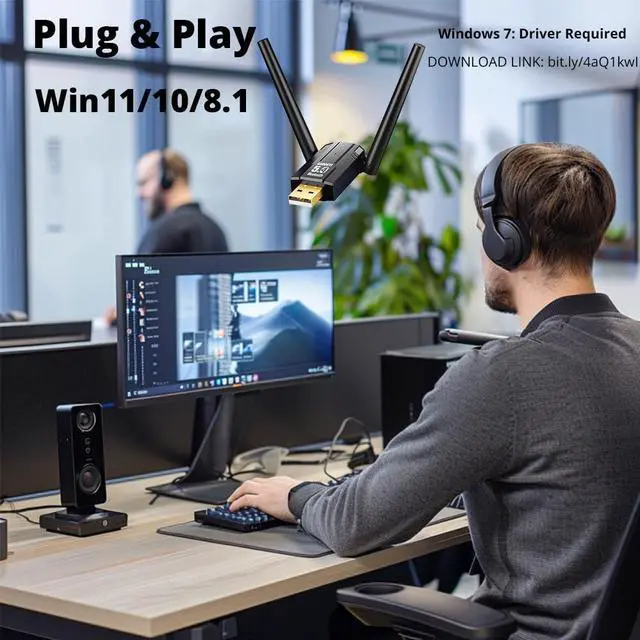
Seamless Connectivity! GAROGYI Dual Antenna Bluetooth 5.4 Adapter – Plug & Play

Easy Installation and Use
Plug-and-Play Simplicity: No drivers needed for Windows 11, 10, and 8.1—just plug it in and start connecting.
Driver Support for Windows 7: Easily download the necessary driver from the GAROGYI website: bit.ly/4aQ1kwI
Dual Antennas
GAROGYI Bluetooth 5.4 USB Adapter Pro Max
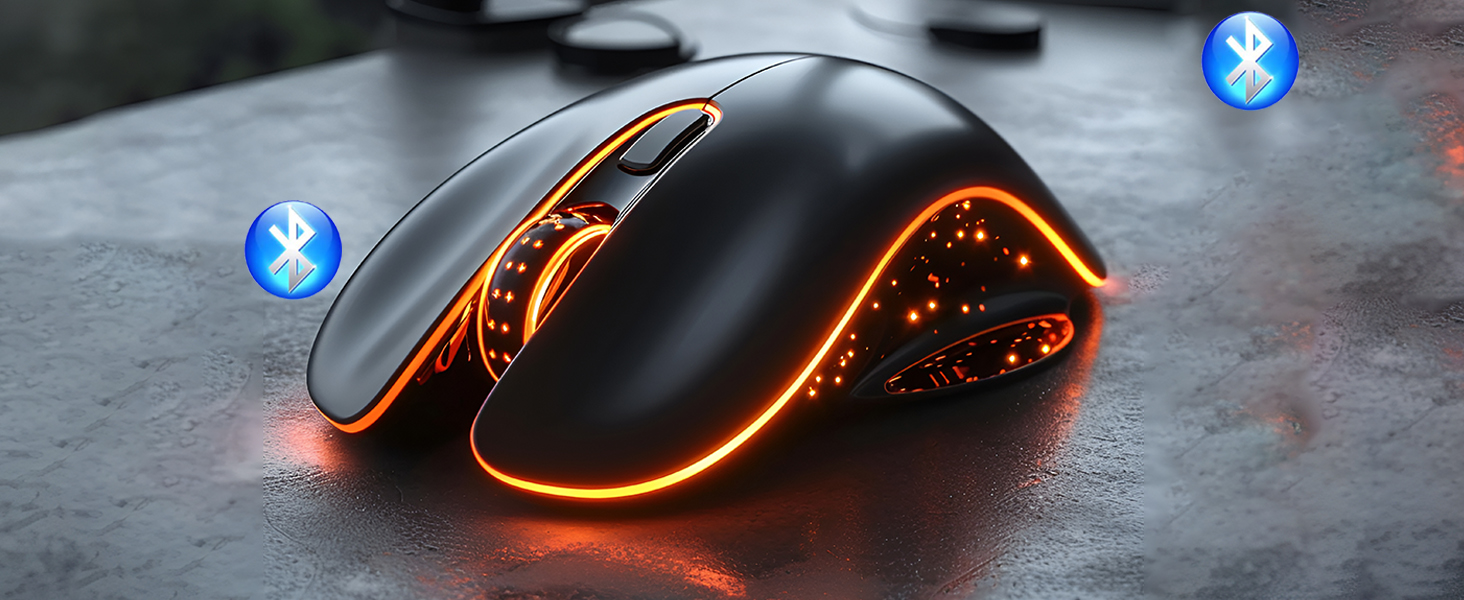
GAROGYI Bluetooth Adapter pairs seamlessly with wireless mouse for hassle-free connection.
Dual Antennas
GAROGYI Bluetooth 5.4 USB Adapter Pro Max
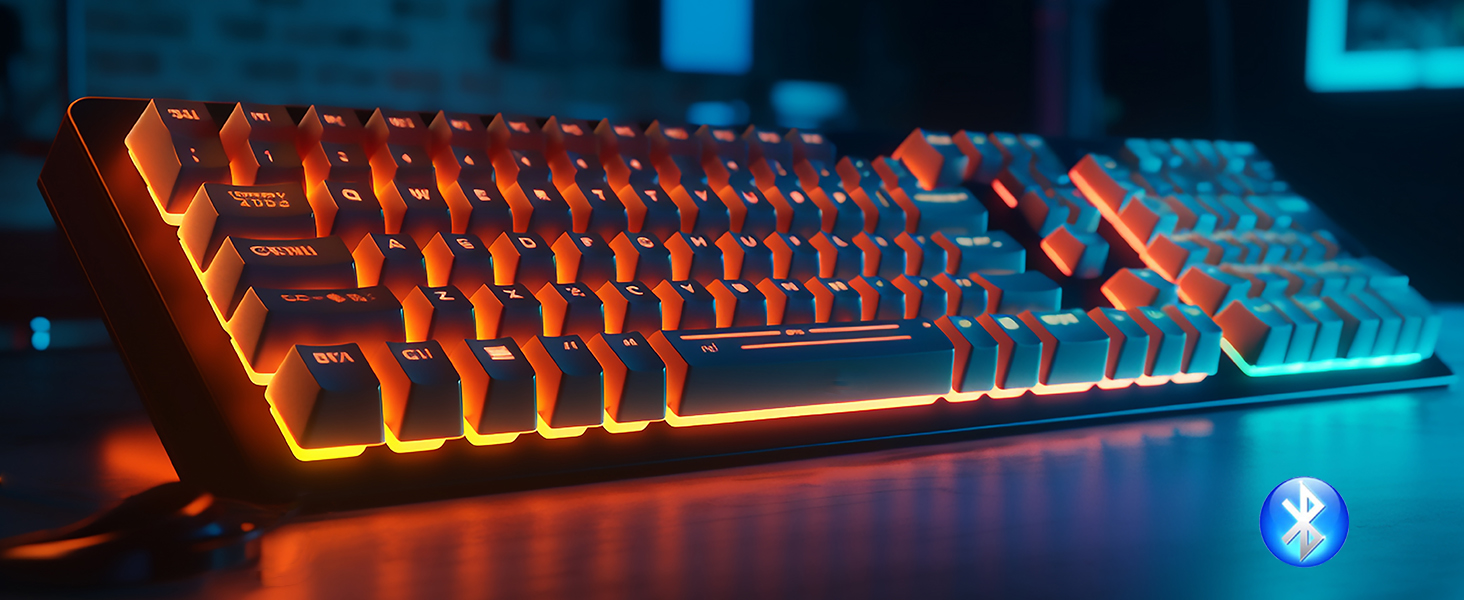
Effortlessly pair your wireless keyboard with GAROGYI Bluetooth Adapter for seamless connectivity.

Dual Antennas
GAROGYI Bluetooth 5.4 USB Adapter Pro Max
Upgrade your sound setup:effortlessly link your sleek Bluetooth speaker to GAROGYI Bluetooth Adapter

Dual Antennas
GAROGYI Bluetooth 5.4 USB Adapter Pro Max
Upgrade your sound setup:effortlessly link your Bluetooth Headphones to GAROGYI Bluetooth Adapter

Dual Antennas
GAROGYI Bluetooth 5.4 USB Adapter Pro Max
Elevate gaming: link your Bluetooth Game Controller to GAROGYI Bluetooth Adapter with ease.


What operating systems are compatible with the GAROGYI 5.4 Bluetooth adapter? And is driver installation necessary?
The GAROGYI 5.4 Bluetooth adapter is compatible with Windows 7, 8.1, 10, and 11. It's plug-and-play for Windows 11, 10, and 8.1, but for Windows 7, manual driver installation may be required,visit: bit.ly/4aQ1kwI for driver updates and installations.
If your computer already has built-in Bluetooth, can you still utilize the GAROGYI Bluetooth 5.4 adapter?
Yes.GAROGYI 5.4 Bluetooth adapter solves the problem of computers without Bluetooth or with outdated Bluetooth versions. If your computer already has Bluetooth, you need to disable the built-in Bluetooth, then insert the GAROGYI 5.4 Bluetooth adapter
If your computer has additional built-in Bluetooth, disable them before using the GAROGYI Bluetooth 5.4 adapter. Steps :
Follow steps:(1)Open the Device Manager on your computer.(2)Locate the Bluetooth section.(3)Disable any other Bluetooth devices listed.(4)Once the other Bluetooth functionalities are disabled, you can proceed to use the GAROGYI Bluetooth 5.4 adapter.
Why doesn't the GAROGYI adapter show the Bluetooth icon when plugged into the computer?
Ensure Bluetooth is enabled on computer.1.Insert GAROGYI Bluetooth adapter. 2. Open computer menu, find "Bluetooth and other devices," enable Bluetooth, go to "Additional Bluetooth settings," check option to show Bluetooth icon in notification area.
Can the adapter handle multiple devices concurrently?
The USB Bluetooth adapter supports various devices simultaneously, including Bluetooth mouse, keyboards, headphones, speakers, game controllers, smart TVs, bluetooth Vision P, smartphones, tablets, and more. Thank you very much.Feel free to reach out
GAROGYI USB Bluetooth Adapter for PC (Partial GAROGYI Product Line)
 GAROGYI Bluetooth 5.4 Ver |  GAROGYI Bluetooth 5.4 Ver |  GAROGYI Bluetooth 5.4 Ver |  GAROGYI Bluetooth 5.3 Ver |  GAROGYI Bluetooth 5.3 Ver |  GAROGYI Bluetooth 5.3 Ver |  GAROGYI Bluetooth 5.3 Ver | |
|---|---|---|---|---|---|---|---|
Customer Reviews | — | — | — | — | — | — | — |
Price | — | — | — | — | — | — | — |
Bluetooth Version | Bluetooth 5.4 USB Adapter | Bluetooth 5.4 USB Adapter | Bluetooth 5.4 USB Adapter | Bluetooth 5.3 USB Adapter | Bluetooth 5.3 USB Adapter | Bluetooth 5.3 USB Adapter | Bluetooth 5.3 USB Adapter |
Supported OS | Windows 11/10/8.1/7 | Windows 11/10/8.1/7 | Windows 11/10/8.1/7 | Windows 11/10/8.1/7 | Windows 11/10/8.1/7 | Windows 11/10/8.1/7 | Windows 11/10/8.1/7 |
Plug and Play OS | Windows 11/10/8.1 | Windows 11/10/8.1 | Windows 11/10/8.1 | Windows 11/10/8.1 | Windows 11/10/8.1 | Windows 11/10/8.1 | Windows 11/10/8.1 |
Interface | USB A | USB A | USB A | USB A | USB A | USB A | USB A |
Entertainment Function | Data & audio transmission,etc. | Data & audio transmission,etc. | Data & audio transmission,etc. | Data & audio transmission,etc. | Data & audio transmission,etc. | Data & audio transmission,etc. | Data & audio transmission,etc. |
Number of Antennas | Dual Antennas | - | - | Dual Antennas | Single Antenna | - | - |
Plug & Play | ? | ? | ? | ? | ? | ? | ? |

GAROGYI
GAROGYI: Where Innovation Meets Connectivity. Our brand is about seamlessly enhancing your tech experience, one connection at a time.
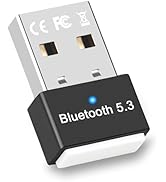
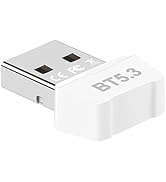
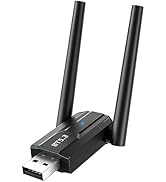
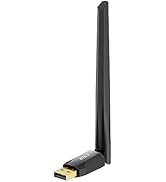
GAROGYI Dual Antenna Bluetooth 5.4 Adapter:Unmatched Performance & Compatibility

Equipped with dual antennas, this adapter ensures stable signals and extended Bluetooth range. Powered by the Taiwan Realtek 5.4 chipset, it supports dual-mode low-energy transmission, fully complying with Bluetooth 5.4 specifications. Enjoy optimal performance and reliable connectivity.
Simultaneously Connect Multiple Devices with the GAROGYI Dual Antenna Bluetooth 5.4 Adapter


Seamless Connectivity! GAROGYI Dual Antenna Bluetooth 5.4 Adapter – Plug & Play

Easy Installation and Use
Plug-and-Play Simplicity: No drivers needed for Windows 11, 10, and 8.1—just plug it in and start connecting.
Driver Support for Windows 7: Easily download the necessary driver from the GAROGYI website: bit.ly/4aQ1kwI
Dual Antennas
GAROGYI Bluetooth 5.4 USB Adapter Pro Max
GAROGYI Bluetooth Adapter pairs seamlessly with wireless mouse for hassle-free connection.
Dual Antennas
GAROGYI Bluetooth 5.4 USB Adapter Pro Max
Effortlessly pair your wireless keyboard with GAROGYI Bluetooth Adapter for seamless connectivity.
Dual Antennas
GAROGYI Bluetooth 5.4 USB Adapter Pro Max
Upgrade your sound setup:effortlessly link your sleek Bluetooth speaker to GAROGYI Bluetooth Adapter
Dual Antennas
GAROGYI Bluetooth 5.4 USB Adapter Pro Max
Upgrade your sound setup:effortlessly link your Bluetooth Headphones to GAROGYI Bluetooth Adapter
Dual Antennas
GAROGYI Bluetooth 5.4 USB Adapter Pro Max
Elevate gaming: link your Bluetooth Game Controller to GAROGYI Bluetooth Adapter with ease.


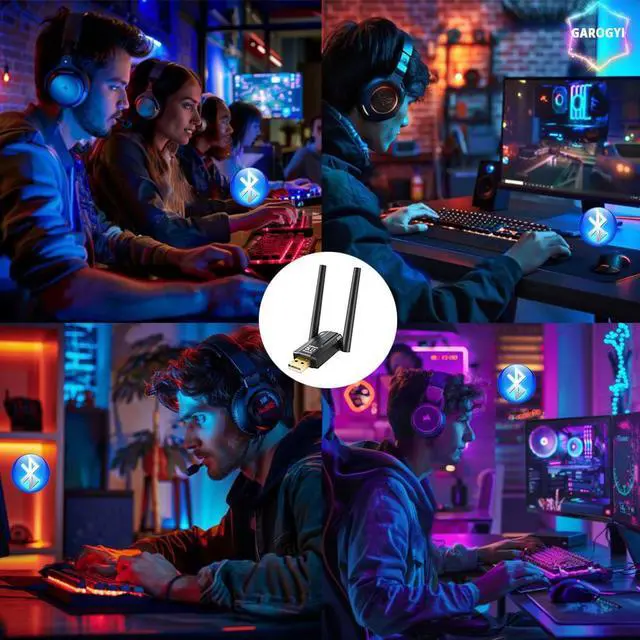
GAROGYI Dual Antenna Bluetooth Adapter ensures flawless headphone connections for work or play
GAROGYI Bluetooth Adapter pairs effortlessly with your Bluetooth speaker.
Streamline your setup with smooth Bluetooth keyboard and mouse connections.


What operating systems are compatible with the GAROGYI 5.4 Bluetooth adapter? And is driver installation necessary?
The GAROGYI 5.4 Bluetooth adapter is compatible with Windows 7, 8.1, 10, and 11. It's plug-and-play for Windows 11, 10, and 8.1, but for Windows 7, manual driver installation may be required,visit: bit.ly/4aQ1kwI for driver updates and installations.
If your computer already has built-in Bluetooth, can you still utilize the GAROGYI Bluetooth 5.4 adapter?
Yes.GAROGYI 5.4 Bluetooth adapter solves the problem of computers without Bluetooth or with outdated Bluetooth versions. If your computer already has Bluetooth, you need to disable the built-in Bluetooth, then insert the GAROGYI 5.4 Bluetooth adapter
If your computer has additional built-in Bluetooth, disable them before using the GAROGYI Bluetooth 5.4 adapter. Steps :
Follow steps:(1)Open the Device Manager on your computer.(2)Locate the Bluetooth section.(3)Disable any other Bluetooth devices listed.(4)Once the other Bluetooth functionalities are disabled, you can proceed to use the GAROGYI Bluetooth 5.4 adapter.
Why doesn't the GAROGYI adapter show the Bluetooth icon when plugged into the computer?
Ensure Bluetooth is enabled on computer.1.Insert GAROGYI Bluetooth adapter. 2. Open computer menu, find "Bluetooth and other devices," enable Bluetooth, go to "Additional Bluetooth settings," check option to show Bluetooth icon in notification area.
Can the adapter handle multiple devices concurrently?
The USB Bluetooth adapter supports various devices simultaneously, including Bluetooth mouse, keyboards, headphones, speakers, game controllers, smart TVs, bluetooth Vision P, smartphones, tablets, and more. Thank you very much.Feel free to reach out
GAROGYI USB Bluetooth Adapter for PC (Partial GAROGYI Product Line)
GAROGYI Bluetooth 5.4 Ver | GAROGYI Bluetooth 5.4 Ver | GAROGYI Bluetooth 5.4 Ver | GAROGYI Bluetooth 5.3 Ver | GAROGYI Bluetooth 5.3 Ver | GAROGYI Bluetooth 5.3 Ver | GAROGYI Bluetooth 5.3 Ver |
|---|---|---|---|---|---|---|
| Customer Reviews | ||||||
| — | — | — | — | — | — | — |
| Price | ||||||
| — | — | — | — | — | — | — |
| Bluetooth Version | ||||||
| Bluetooth 5.4 USB Adapter | Bluetooth 5.4 USB Adapter | Bluetooth 5.4 USB Adapter | Bluetooth 5.3 USB Adapter | Bluetooth 5.3 USB Adapter | Bluetooth 5.3 USB Adapter | Bluetooth 5.3 USB Adapter |
| Supported OS | ||||||
| Windows 11/10/8.1/7 | Windows 11/10/8.1/7 | Windows 11/10/8.1/7 | Windows 11/10/8.1/7 | Windows 11/10/8.1/7 | Windows 11/10/8.1/7 | Windows 11/10/8.1/7 |
| Plug and Play OS | ||||||
| Windows 11/10/8.1 | Windows 11/10/8.1 | Windows 11/10/8.1 | Windows 11/10/8.1 | Windows 11/10/8.1 | Windows 11/10/8.1 | Windows 11/10/8.1 |
| Interface | ||||||
| USB A | USB A | USB A | USB A | USB A | USB A | USB A |
| Entertainment Function | ||||||
| Data & audio transmission,etc. | Data & audio transmission,etc. | Data & audio transmission,etc. | Data & audio transmission,etc. | Data & audio transmission,etc. | Data & audio transmission,etc. | Data & audio transmission,etc. |
| Number of Antennas | ||||||
| Dual Antennas | - | - | Dual Antennas | Single Antenna | - | - |
| Plug & Play | ||||||
| ? | ? | ? | ? | ? | ? | ? |
GAROGYI
GAROGYI: Where Innovation Meets Connectivity. Our brand is about seamlessly enhancing your tech experience, one connection at a time.
GAROGYI Bluetooth Adapter PC
GAROGYI Bluetooth Adapter PC
GAROGYI Bluetooth Adapter PC
GAROGYI Bluetooth Adapter PC
Empowering Your Devices
Elevating Your Audio and Video