



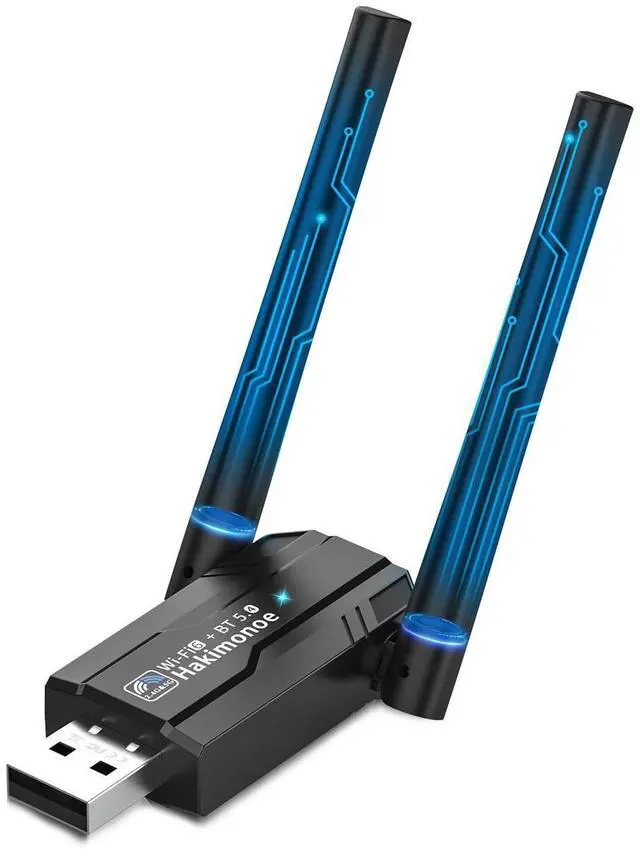
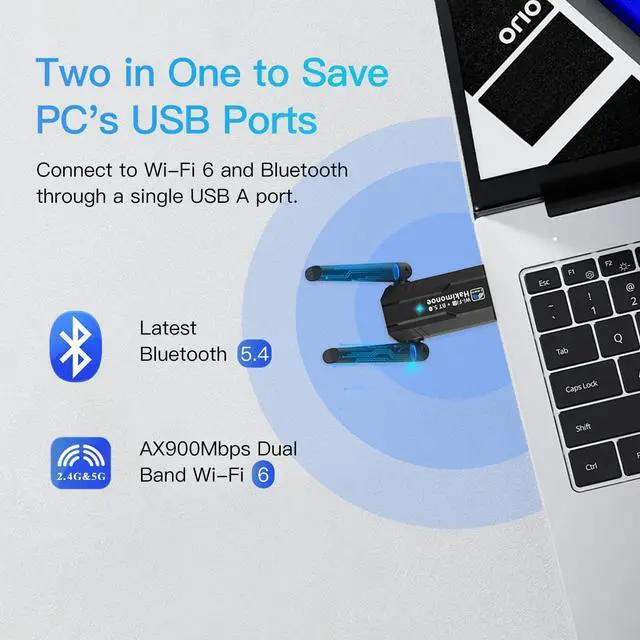


Smart AX918B to Save PC's USB - 2-IN-1 Wi-Fi 6 and Bluetooth 5.4 USB Adapter

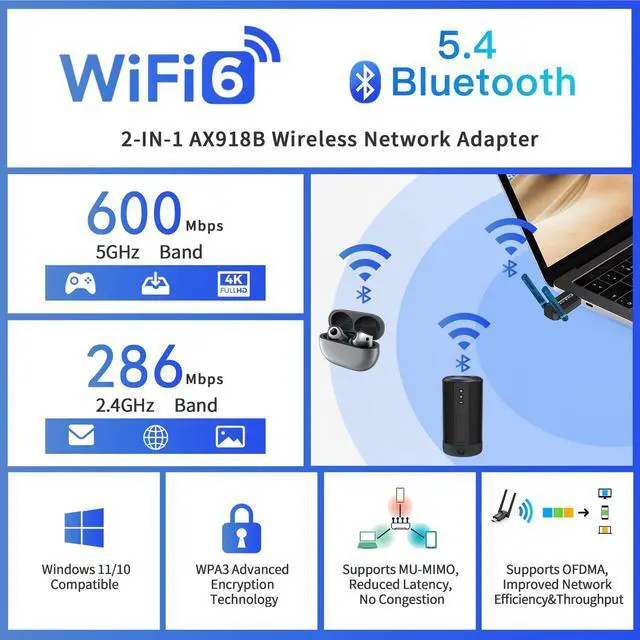
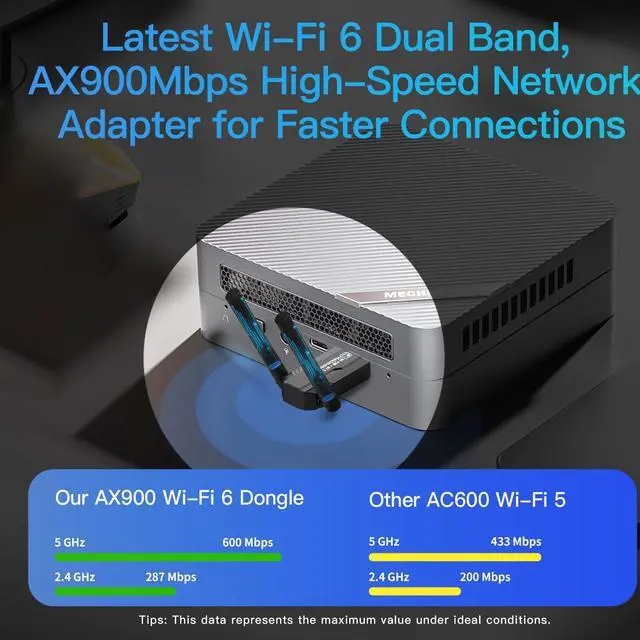
AX918B Adapter Features Wi-Fi 6 Function with High Speed 802.11ax 900Mbps

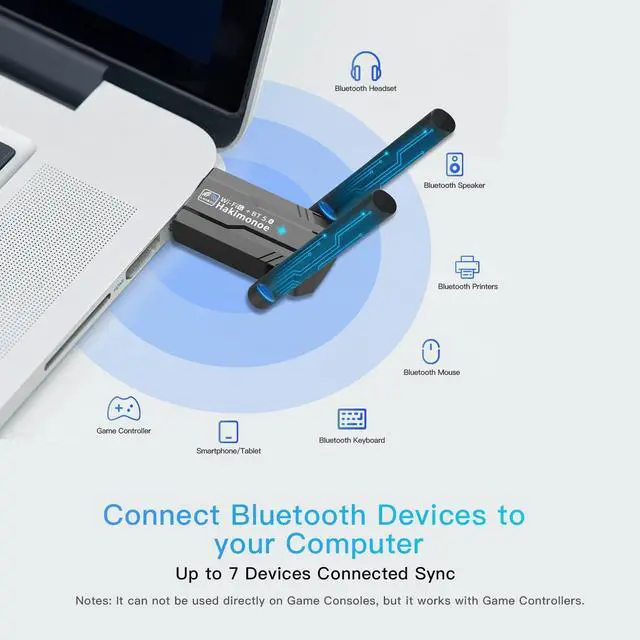
AX918B Adapter Features Latest Bluetooth 5.4 Capacity for Your PC/Laptop/Desktop


What should I do if the AX918B WiFi 6 Bluetooth 5.4 adapter is not detected?
1.Make sure AX918B is securely connected to PC.
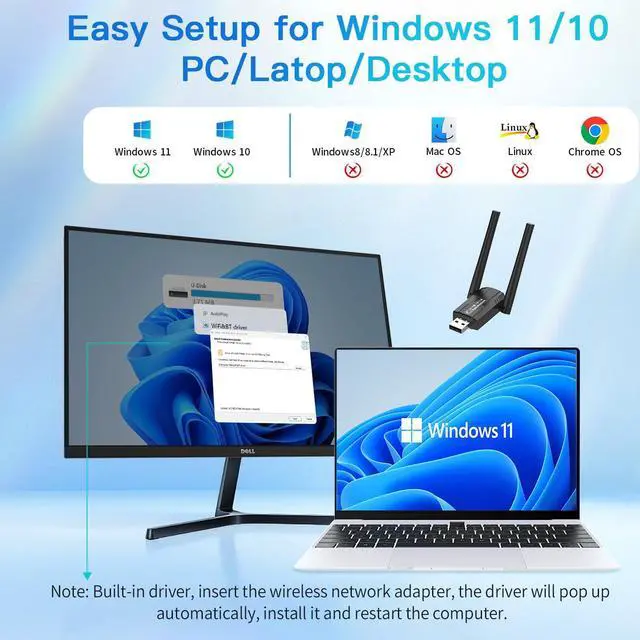
2.Make sure your PC OS is Window 11 or 10, Not for others, such as Mac, TV, Windows 7/8.
3.Try a different USB port on the computer.
4.Make sure you install the driver or uninstall and install it again.
How to check if I have installed the driver for my AX918B Adapter successfully or not?
1.Press "Win+X" to open the "Device Manager" and go to "Network Adapters", then find the AIC adapter, right click it and then go to "Properties";
2.If you can see “This device is working properly.”, you have already installed the driver successfully.
What should I do if the Bluetooth icon doesn’t appear?
1.Make sure you have turned on the Bluetooth in Windows settings.
2.If there is Built-in Bluetooth or 3rd Bluetooth device on PC, please disable it in "Device Manager", then insert the adapter to try it again.
3.Make sure the driver is installed.
Why the adapter is not working with my Bluetooth device?
1.Make sure your device has Bluetooth function, Not work with ordinary 2.4GHz wireless devices.
2.For devices with non-standard Bluetooth protocols, such as Logitech Mouse, there may be some compatibility problems.
3.Disable the built-in Bluetooth.
What operating systems are compatible with the AX918B?
1.System support for only Windows10/11 OS, But Wi-Fi 6 function for Windows 11/10/7 OS.
2.Ensure compatibility with the latest operating systems from Microsoft, offering users access to the most up-to-date features and security enhancements.
Hakimonoe Smart WIFI or Bluetooth Wireless USB Adapter, Will Continue to Update!
 2-1 WiFi 6 BT5.4 AX918B |  2-1 WiFi 6 BT5.4 AX913B |  USB Bluetooth 5.4 BT11 |  USB Bluetooth 5.4 BT548 |  USB Bluetooth 5.4 BT09 |  USB Bluetooth 5.4 BT544 |  Wi-Fi 6 USB Adapter-AX901 | |
|---|---|---|---|---|---|---|---|
Customer Reviews | — | — | — | — | — | — | — |
Price | — | — | — | — | — | — | — |
Nature of Device | Upgraded Wi-Fi 6 Bluetooth 5.4 | Upgraded Wi-Fi 6 Bluetooth 5.4 | Bluetooth 5.4-Enable PC/Laptop | Bluetooth 5.4-Enable PC/Laptop | Bluetooth 5.4-Enable PC/Laptop | Bluetooth 5.4-Enable PC/Laptop | WiFi6 Network-Enable PC/Laptop |
Wireless Connectivity Protocol | Dual Band AX900Mbps and BT5.4 | Dual Band AX900Mbps and BT5.4 | Bluetooth 5.4 BR/EDR+BLE | Bluetooth 5.4 BR/EDR+BLE | Bluetooth 5.4 BR/EDR+BLE | Bluetooth 5.4 BR/EDR+BLE | Dual Band 2.4G+5G AX900Mbps |
Wi-Fi Standard | Wi-Fi 6, Dual Band 802.11ax | Wi-Fi 6, Dual Band 802.11ax | None | None | None | None | Wi-Fi 6, Dual Band 802.11ax |
WiFi Transfer Speed Rate | 5GHz=600Mbps/2.4GHz=286Mbps | 5GHz=600Mbps/2.4GHz=286Mbps | None | None | None | None | 5GHz=600Mbps/2.4GHz=286Mbps |
System Compatibility | ONLY Windows 11/10 | ONLY Windows 11/10 | Only for Windows 11 10 8.1 7 | Only for Windows 11 10 8.1 7 | Only for Windows 11 10 8.1 7 | Only for Windows 11 10 8.1 7 | Only for Windows 11/10/7 |
Plug n Play for Windows OS | Plug n Play Built-in Driver | Plug n Play Built-in Driver | Plug n Play for Win 11 10 8.1 | Plug n Play for Win 11 10 8.1 | Plug n Play for Win 11 10 8.1 | Plug n Play for Win 11 10 8.1 | Plug n Play Built-in Driver |
USB Interface | High Speed USB 2.0 | High Speed USB 2.0 | High Speed USB 2.0 | High Speed USB 2.0 | High Speed USB 2.0 | High Speed USB 2.0 | High Speed USB 2.0 |
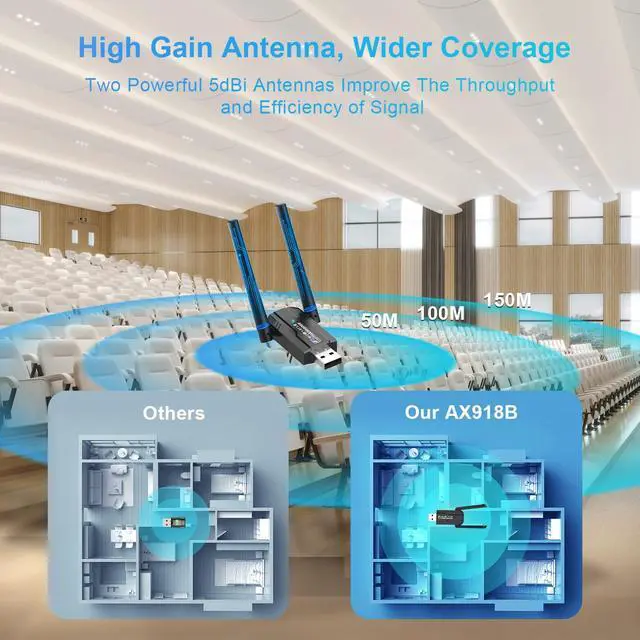
Operating Wireless Range | Class I, Up to 150 Meters | Class II, Up to 20 Meters | Class I, Up to 150 Meters | Class I, Up to 150 Meters | Class I, Up to 150 Meters | Class II, Up to 20 Meters | Class II, Up to 20 Meters |
Advanced Security | Latest WPA3 Security | Latest WPA3 Security | Encrypted Advertising Data | Encrypted Advertising Data | Encrypted Advertising Data | Encrypted Advertising Data | Latest WPA3 Security |
How to Get Driver if necessary | Comes with Preloaded Driver | Comes with Preloaded Driver | Free From Specific Website | Free From Specific Website | Free From Specific Website | Free From Specific Website | Comes with Preloaded Driver |

Our Mission
Now, as the connected lifestyle continues to evolve, we want you to live without the inconvenience and uncertainty.

About Hakimonoe
Hakimonoe helps to make mobile life easier, convenient and more enjoyable! Why have cumbersome wires around you? Use Hakimonoe and kiss goodbye to all these problems and more.
Reliable Certifications
Our products are tested and certified by the strictest labs in the world. We have compliance certification for most products. If you are not just looking for the cheapest but also care about an excellent item, we are the right choice!
Who Are We?
Founded in 2018, is a leading brand in the field of consumer electronics, wireless devices, committed to bringing consumers high-quality, high-value products and excellent after-sales service.
What Do We Do?
We combine “simple design” with “high performance” to create products that make life more connected, convenient and interesting!
Why Do We Do It?
"Simple, Practical, Convenient" is the life concept we pursue.We believe that everyone deserves to enjoy and experience life to the fullest.
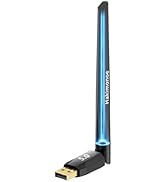
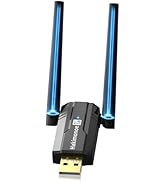
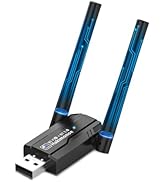
Hot Latest BT5.4 USB Adapter
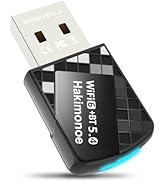
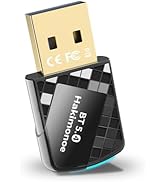
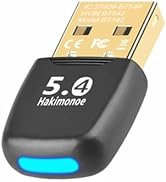
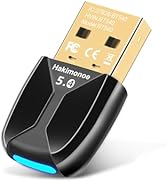
Latest Bluetooth 5.4 Adapter
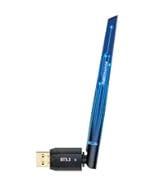
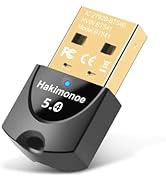
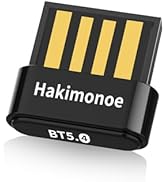
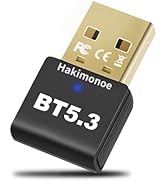
Latest BT 5.4/5.3 Adapter
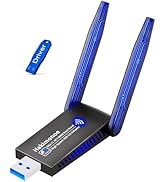
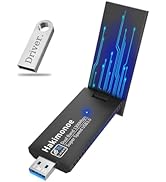
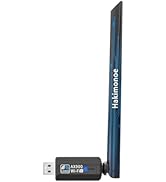
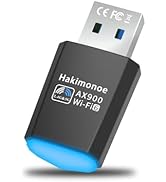
Hot Latest Wi-Fi USB Adapter

7*24 Free Support
We provide telephone, email, and online support. if any problem, you will get Quick Reply within 24-Hours.
Smart AX918B to Save PC's USB - 2-IN-1 Wi-Fi 6 and Bluetooth 5.4 USB Adapter

AX918B Adapter Features Wi-Fi 6 Function with High Speed 802.11ax 900Mbps

AX918B Adapter Features Latest Bluetooth 5.4 Capacity for Your PC/Laptop/Desktop


What should I do if the AX918B WiFi 6 Bluetooth 5.4 adapter is not detected?
1.Make sure AX918B is securely connected to PC.
2.Make sure your PC OS is Window 11 or 10, Not for others, such as Mac, TV, Windows 7/8.
3.Try a different USB port on the computer.
4.Make sure you install the driver or uninstall and install it again.
How to check if I have installed the driver for my AX918B Adapter successfully or not?
1.Press "Win+X" to open the "Device Manager" and go to "Network Adapters", then find the AIC adapter, right click it and then go to "Properties";
2.If you can see “This device is working properly.”, you have already installed the driver successfully.
What should I do if the Bluetooth icon doesn’t appear?
1.Make sure you have turned on the Bluetooth in Windows settings.
2.If there is Built-in Bluetooth or 3rd Bluetooth device on PC, please disable it in "Device Manager", then insert the adapter to try it again.
3.Make sure the driver is installed.
Why the adapter is not working with my Bluetooth device?
1.Make sure your device has Bluetooth function, Not work with ordinary 2.4GHz wireless devices.
2.For devices with non-standard Bluetooth protocols, such as Logitech Mouse, there may be some compatibility problems.
3.Disable the built-in Bluetooth.
What operating systems are compatible with the AX918B?
1.System support for only Windows10/11 OS, But Wi-Fi 6 function for Windows 11/10/7 OS.
2.Ensure compatibility with the latest operating systems from Microsoft, offering users access to the most up-to-date features and security enhancements.
Hakimonoe Smart WIFI or Bluetooth Wireless USB Adapter, Will Continue to Update!
2-1 WiFi 6 BT5.4 AX918B | 2-1 WiFi 6 BT5.4 AX913B | USB Bluetooth 5.4 BT11 | USB Bluetooth 5.4 BT548 | USB Bluetooth 5.4 BT09 | USB Bluetooth 5.4 BT544 | Wi-Fi 6 USB Adapter-AX901 |
|---|---|---|---|---|---|---|
| Customer Reviews | ||||||
| — | — | — | — | — | — | — |
| Price | ||||||
| — | — | — | — | — | — | — |
| Nature of Device | ||||||
| Upgraded Wi-Fi 6 Bluetooth 5.4 | Upgraded Wi-Fi 6 Bluetooth 5.4 | Bluetooth 5.4-Enable PC/Laptop | Bluetooth 5.4-Enable PC/Laptop | Bluetooth 5.4-Enable PC/Laptop | Bluetooth 5.4-Enable PC/Laptop | WiFi6 Network-Enable PC/Laptop |
| Wireless Connectivity Protocol | ||||||
| Dual Band AX900Mbps and BT5.4 | Dual Band AX900Mbps and BT5.4 | Bluetooth 5.4 BR/EDR+BLE | Bluetooth 5.4 BR/EDR+BLE | Bluetooth 5.4 BR/EDR+BLE | Bluetooth 5.4 BR/EDR+BLE | Dual Band 2.4G+5G AX900Mbps |
| Wi-Fi Standard | ||||||
| Wi-Fi 6, Dual Band 802.11ax | Wi-Fi 6, Dual Band 802.11ax | None | None | None | None | Wi-Fi 6, Dual Band 802.11ax |
| WiFi Transfer Speed Rate | ||||||
| 5GHz=600Mbps/2.4GHz=286Mbps | 5GHz=600Mbps/2.4GHz=286Mbps | None | None | None | None | 5GHz=600Mbps/2.4GHz=286Mbps |
| System Compatibility | ||||||
| ONLY Windows 11/10 | ONLY Windows 11/10 | Only for Windows 11 10 8.1 7 | Only for Windows 11 10 8.1 7 | Only for Windows 11 10 8.1 7 | Only for Windows 11 10 8.1 7 | Only for Windows 11/10/7 |
| Plug n Play for Windows OS | ||||||
| Plug n Play Built-in Driver | Plug n Play Built-in Driver | Plug n Play for Win 11 10 8.1 | Plug n Play for Win 11 10 8.1 | Plug n Play for Win 11 10 8.1 | Plug n Play for Win 11 10 8.1 | Plug n Play Built-in Driver |
| USB Interface | ||||||
| High Speed USB 2.0 | High Speed USB 2.0 | High Speed USB 2.0 | High Speed USB 2.0 | High Speed USB 2.0 | High Speed USB 2.0 | High Speed USB 2.0 |
| Operating Wireless Range | ||||||
| Class I, Up to 150 Meters | Class II, Up to 20 Meters | Class I, Up to 150 Meters | Class I, Up to 150 Meters | Class I, Up to 150 Meters | Class II, Up to 20 Meters | Class II, Up to 20 Meters |
| Advanced Security | ||||||
| Latest WPA3 Security | Latest WPA3 Security | Encrypted Advertising Data | Encrypted Advertising Data | Encrypted Advertising Data | Encrypted Advertising Data | Latest WPA3 Security |
| How to Get Driver if necessary | ||||||
| Comes with Preloaded Driver | Comes with Preloaded Driver | Free From Specific Website | Free From Specific Website | Free From Specific Website | Free From Specific Website | Comes with Preloaded Driver |
Our Mission
Now, as the connected lifestyle continues to evolve, we want you to live without the inconvenience and uncertainty.
About Hakimonoe
Hakimonoe helps to make mobile life easier, convenient and more enjoyable! Why have cumbersome wires around you? Use Hakimonoe and kiss goodbye to all these problems and more.
Reliable Certifications
Our products are tested and certified by the strictest labs in the world. We have compliance certification for most products. If you are not just looking for the cheapest but also care about an excellent item, we are the right choice!
Who Are We?
Founded in 2018, is a leading brand in the field of consumer electronics, wireless devices, committed to bringing consumers high-quality, high-value products and excellent after-sales service.
What Do We Do?
We combine “simple design” with “high performance” to create products that make life more connected, convenient and interesting!
Why Do We Do It?
"Simple, Practical, Convenient" is the life concept we pursue.We believe that everyone deserves to enjoy and experience life to the fullest.
Hot Latest BT5.4 USB Adapter
Latest Bluetooth 5.4 Adapter
Latest BT 5.4/5.3 Adapter
Hot Latest Wi-Fi USB Adapter
7*24 Free Support
We provide telephone, email, and online support. if any problem, you will get Quick Reply within 24-Hours.