





What's our original purpose of designing it?
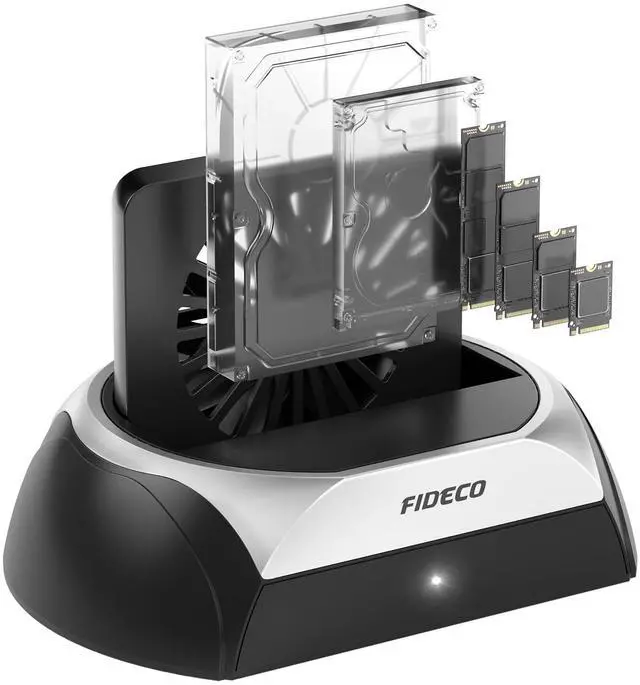
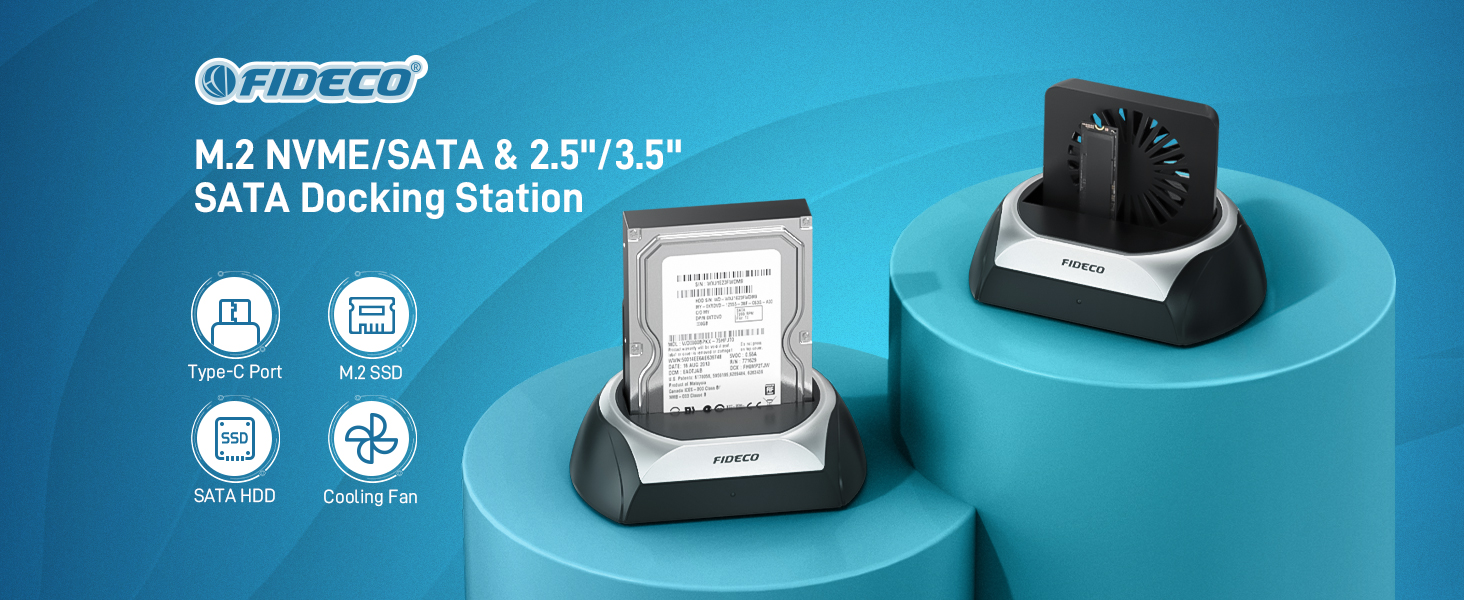
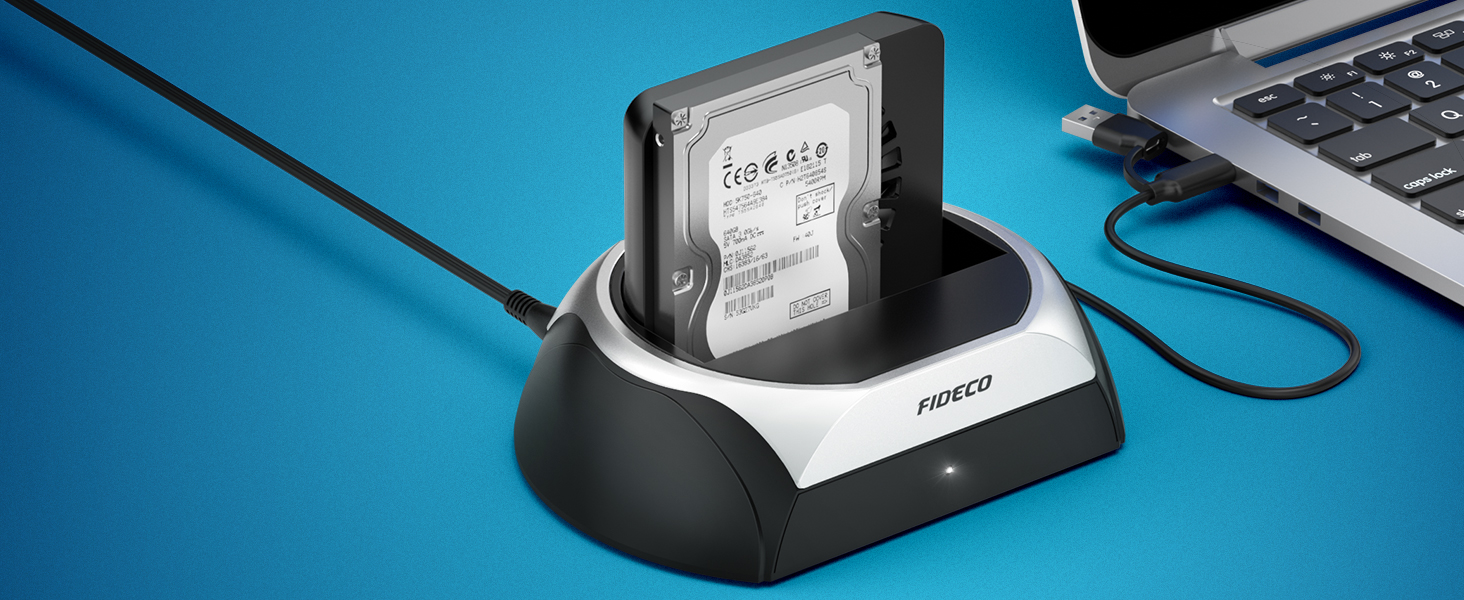
We design this HDD dock, which can fulfill your needs of using different types of hard drives.
Only one dock can handle various hard drives, so to some extent,
this hard drive dock can help reduce waste and promote low carbon to achieve sustainability.
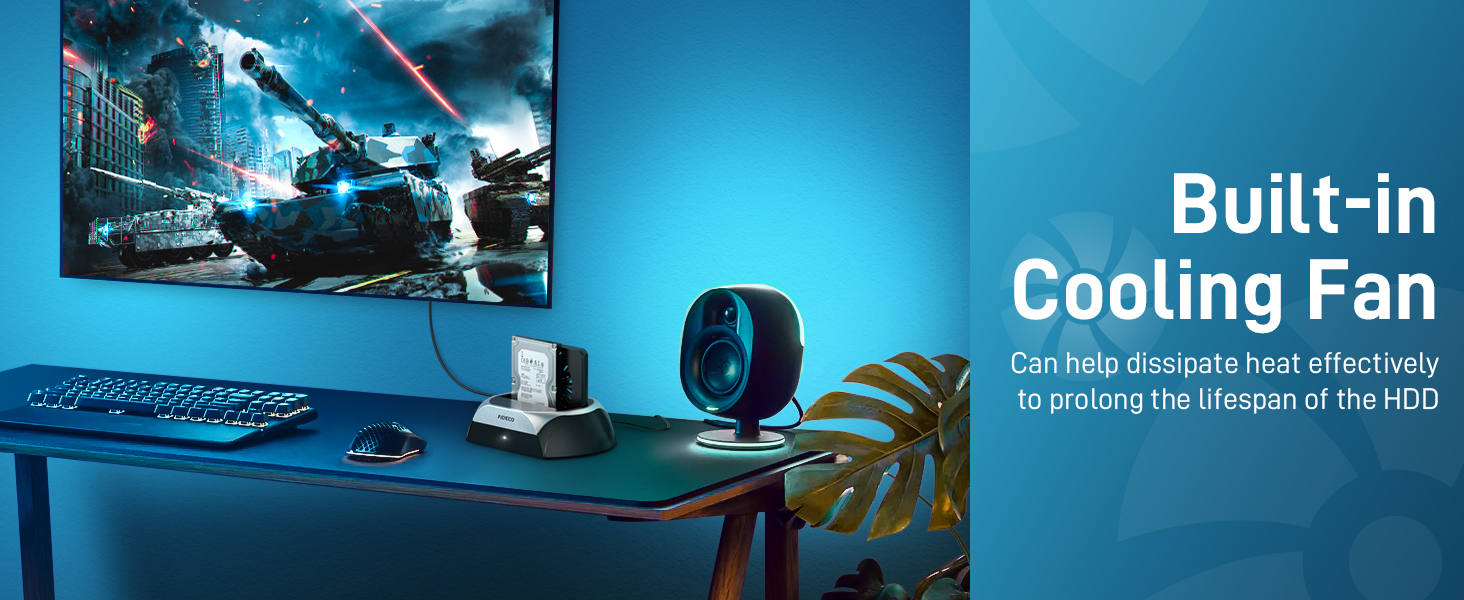
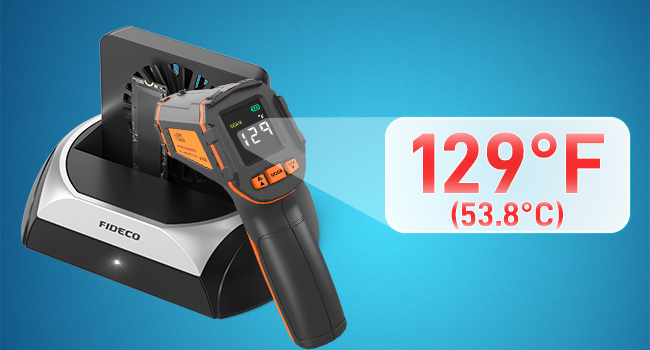
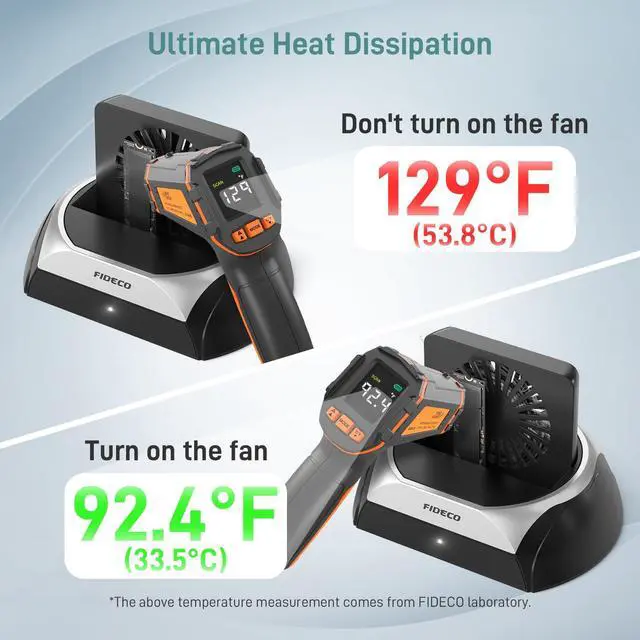
Do not turn on the fan
For M.2 NVME SSD, when it runs, it will generate too much heat, which will affect its performance and does damage to it.
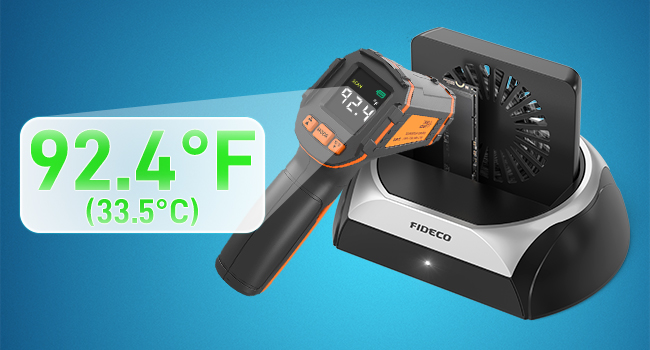
Turn on the fan
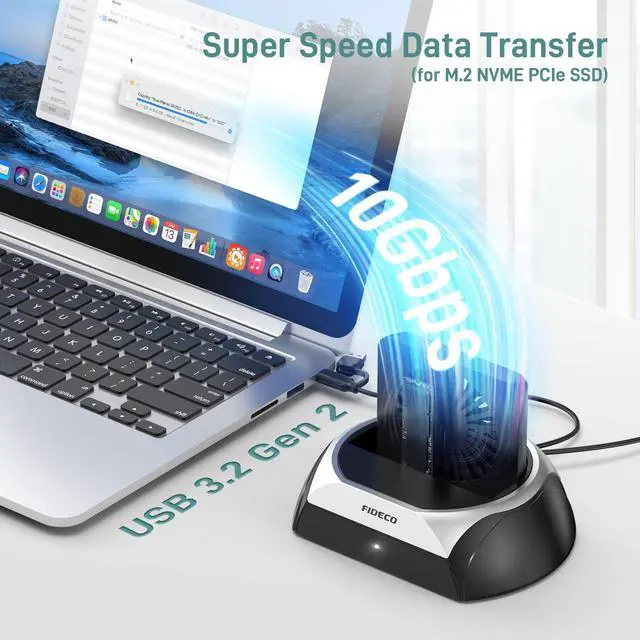
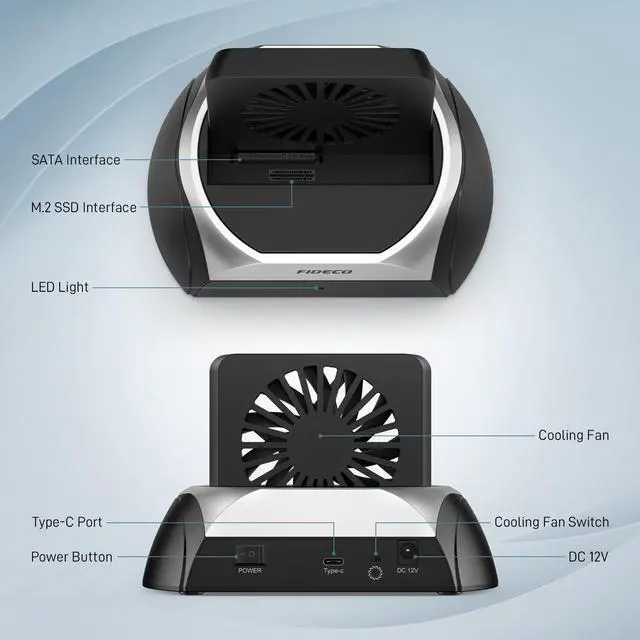
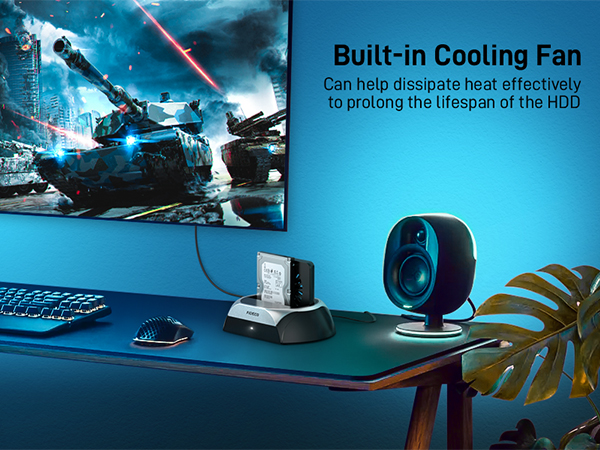
The cooling fan can help protect your hard drives and prolong their lifespan. The cooler operating environment can also ensure a more stable and speedy data transfer in daily use.
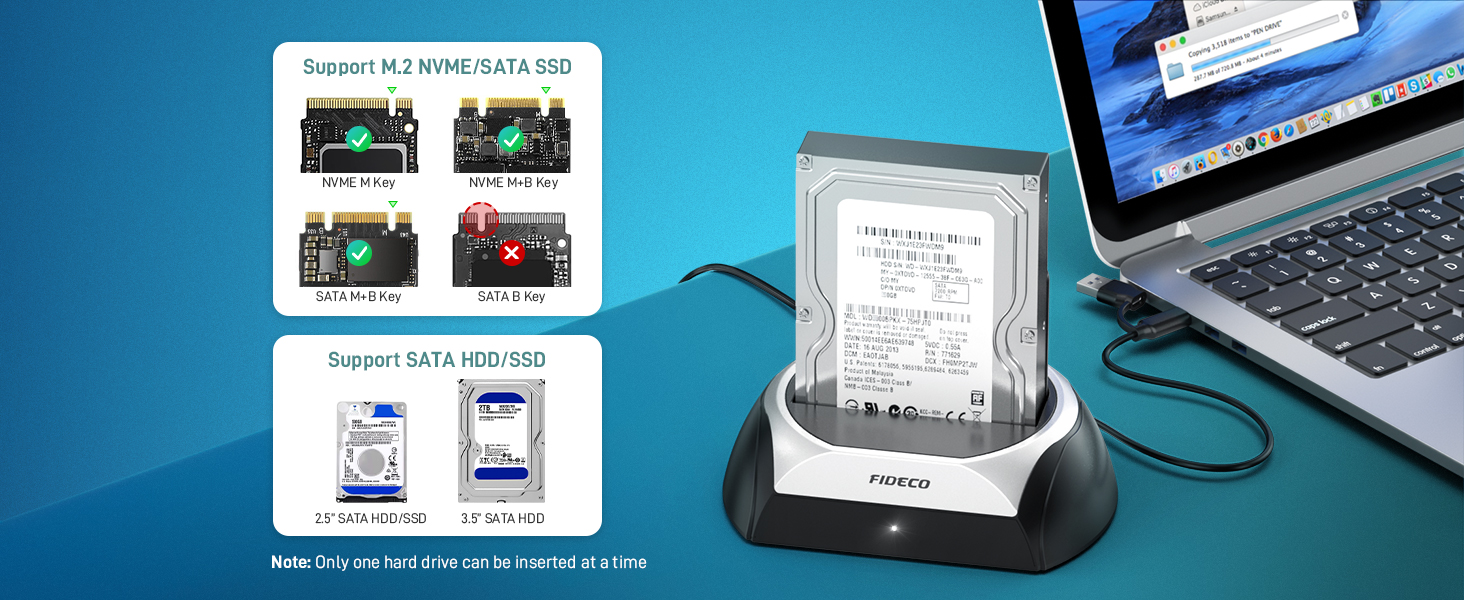
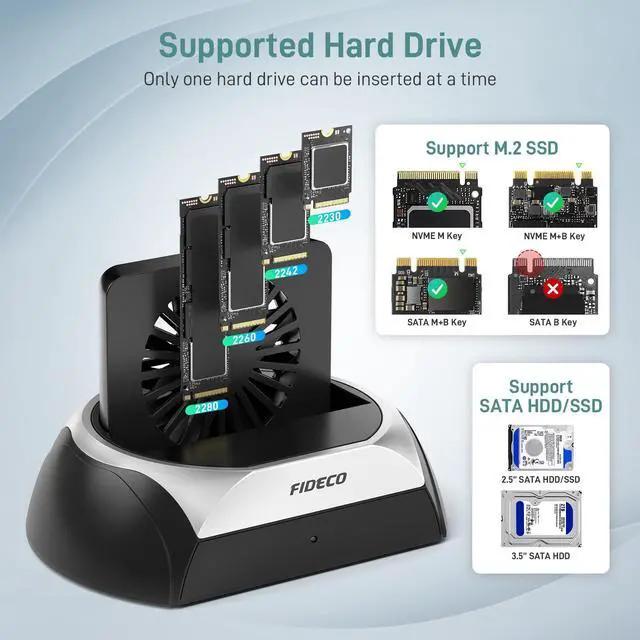
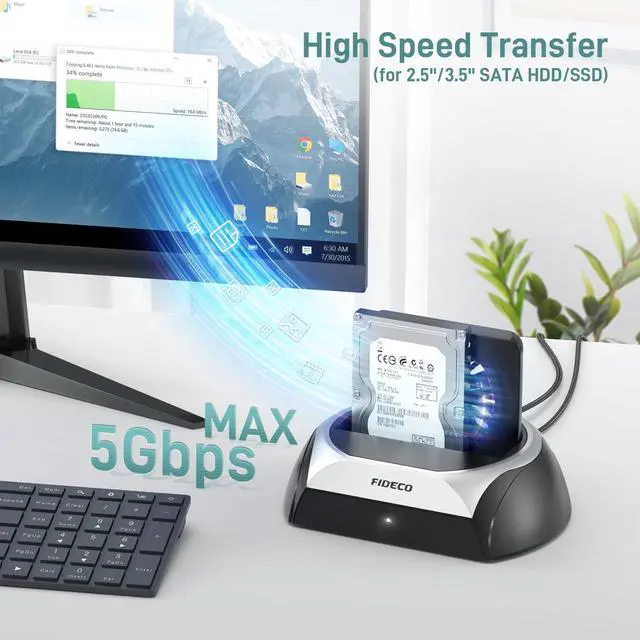
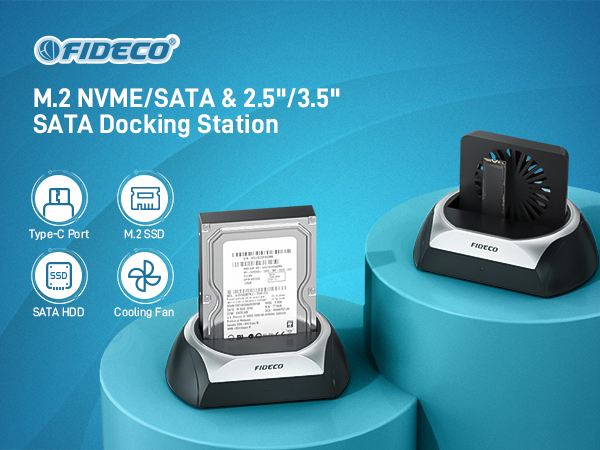
For SATA hard drive: 2.5" SATA SSD, 2.5" SATA HDD, 3.5" SATA HDD
For M.2 SSD: M.2 NVME SSD (M-Key and B+M Key), M.2 SATA SSD (only B+M Key)
For M.2 NVME SATA SSD, the supported SSD sizes are 2230, 2242, 2260, 2280.
Warm Note: Any 2 hard drives cannot be used simultaneously.
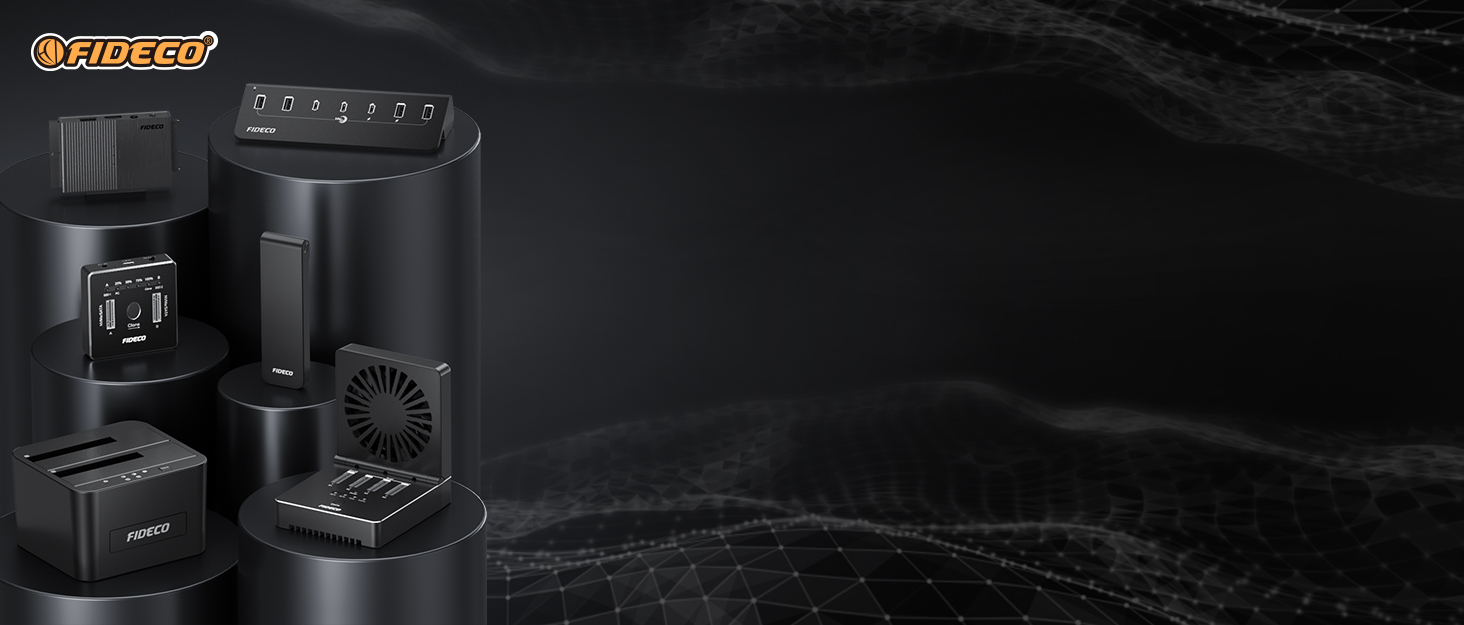

FIDECO Technology has specialized in computer accessories for more than decades. We possess the ability to design & develop hard drive docking station, SATA/IDE adapter M.2 SSD enclosures, NVMe cloner, USB Hub, ect. We believe you can always get one favorite from our store. What we offer is not only the terrific item, but also the best service ever.
FIDECO Computer Accessories
What's our original purpose of designing it?
We design this HDD dock, which can fulfill your needs of using different types of hard drives.
Only one dock can handle various hard drives, so to some extent,
this hard drive dock can help reduce waste and promote low carbon to achieve sustainability.
Do not turn on the fan
For M.2 NVME SSD, when it runs, it will generate too much heat, which will affect its performance and does damage to it.
Turn on the fan
The cooling fan can help protect your hard drives and prolong their lifespan. The cooler operating environment can also ensure a more stable and speedy data transfer in daily use.
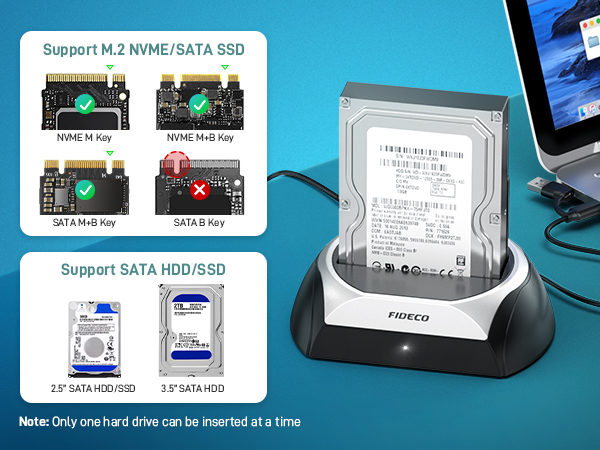
For SATA hard drive: 2.5" SATA SSD, 2.5" SATA HDD, 3.5" SATA HDD
For M.2 SSD: M.2 NVME SSD (M-Key and B+M Key), M.2 SATA SSD (only B+M Key)
For M.2 NVME SATA SSD, the supported SSD sizes are 2230, 2242, 2260, 2280.
Warm Note: Any 2 hard drives cannot be used simultaneously.
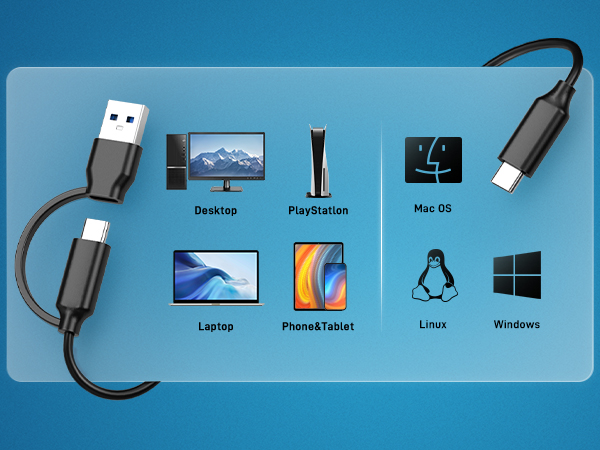
Operation: Step 1
Operation: Step 2
Operation: Step 3
Operation: Step 4
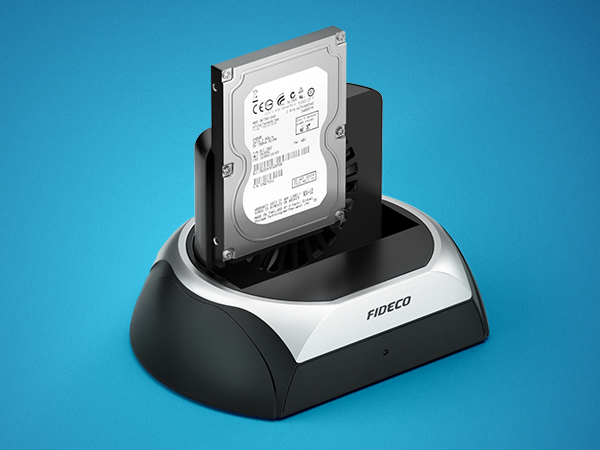
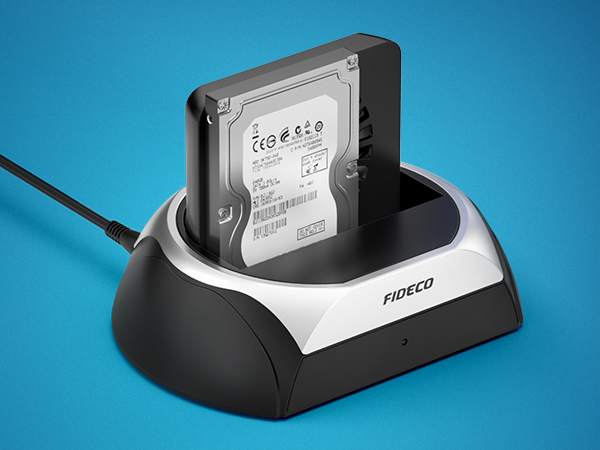
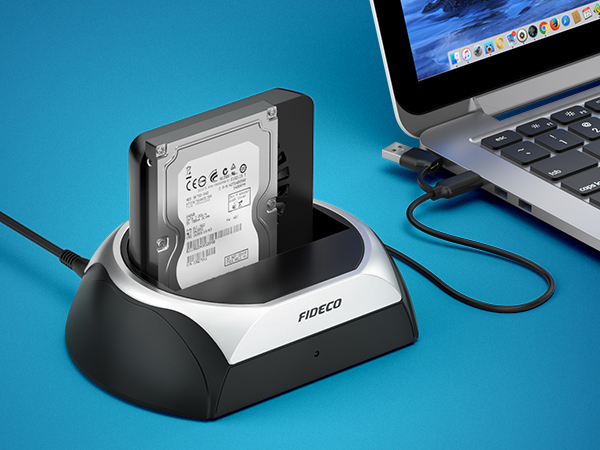
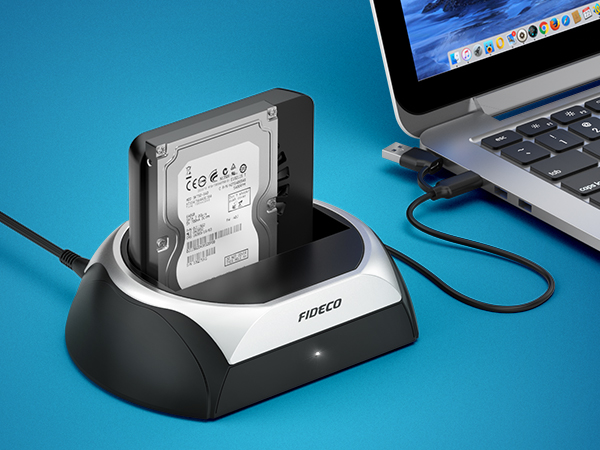
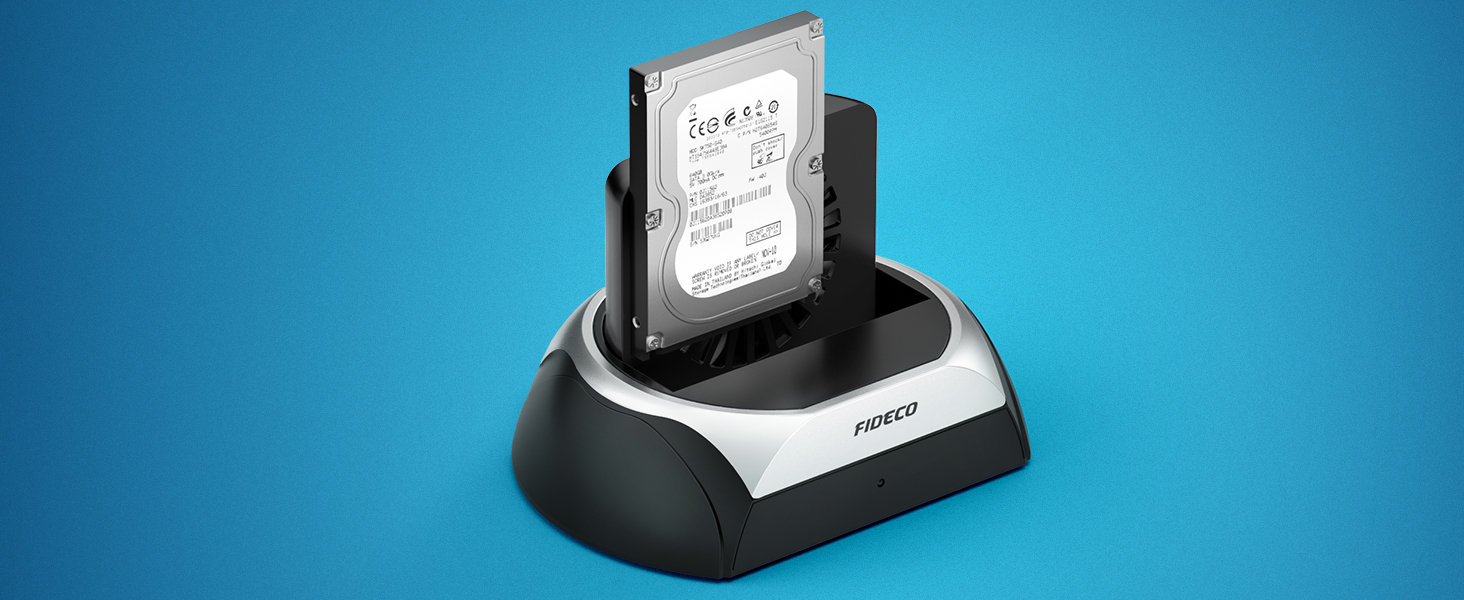
Insert the HDD/SSD into the slot
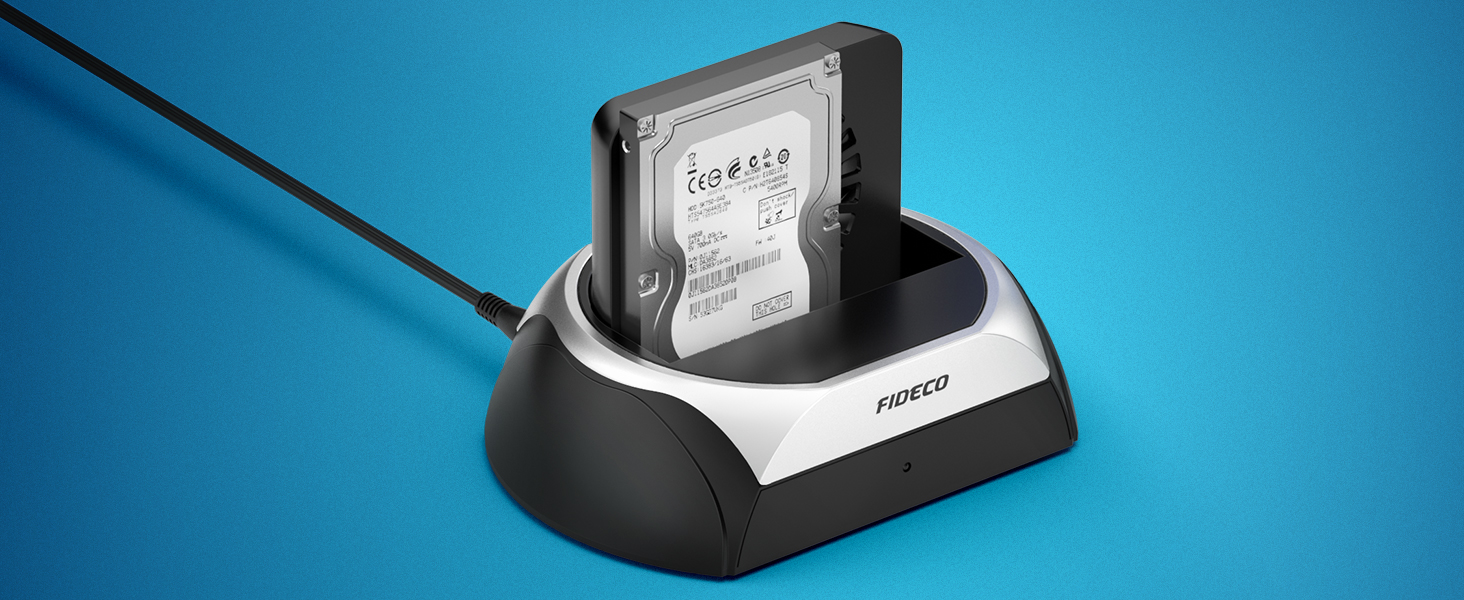
Connect the power adapter
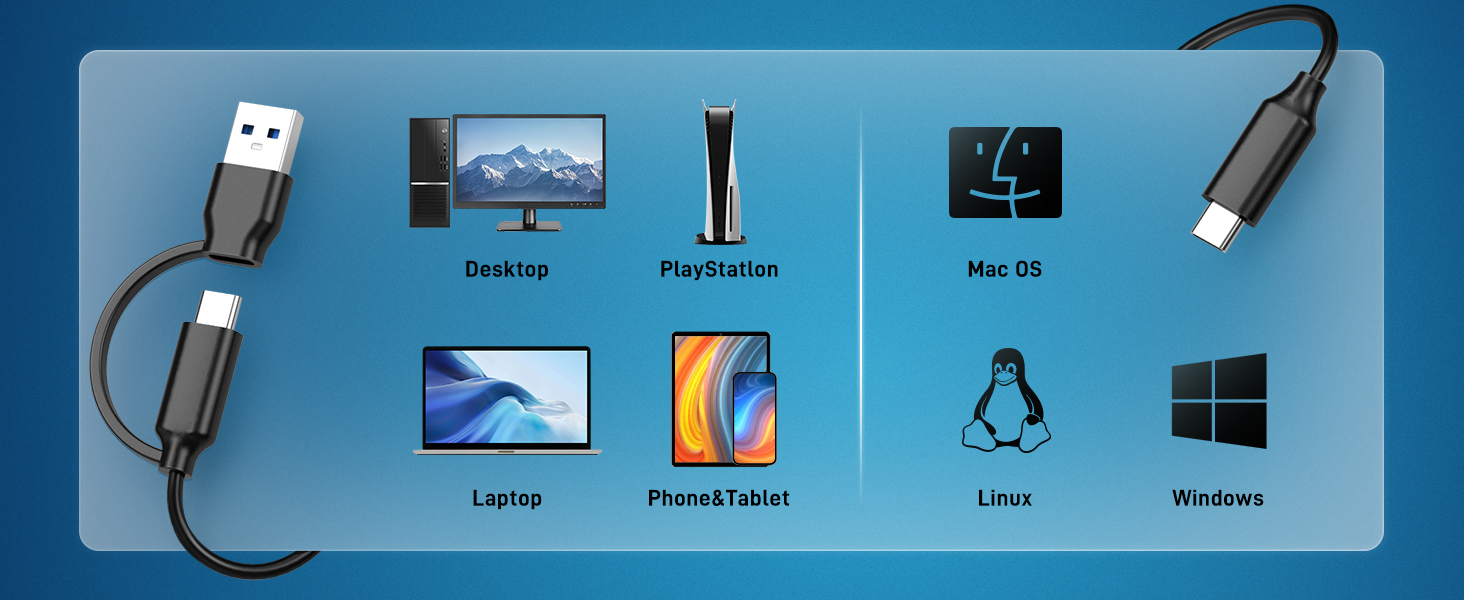
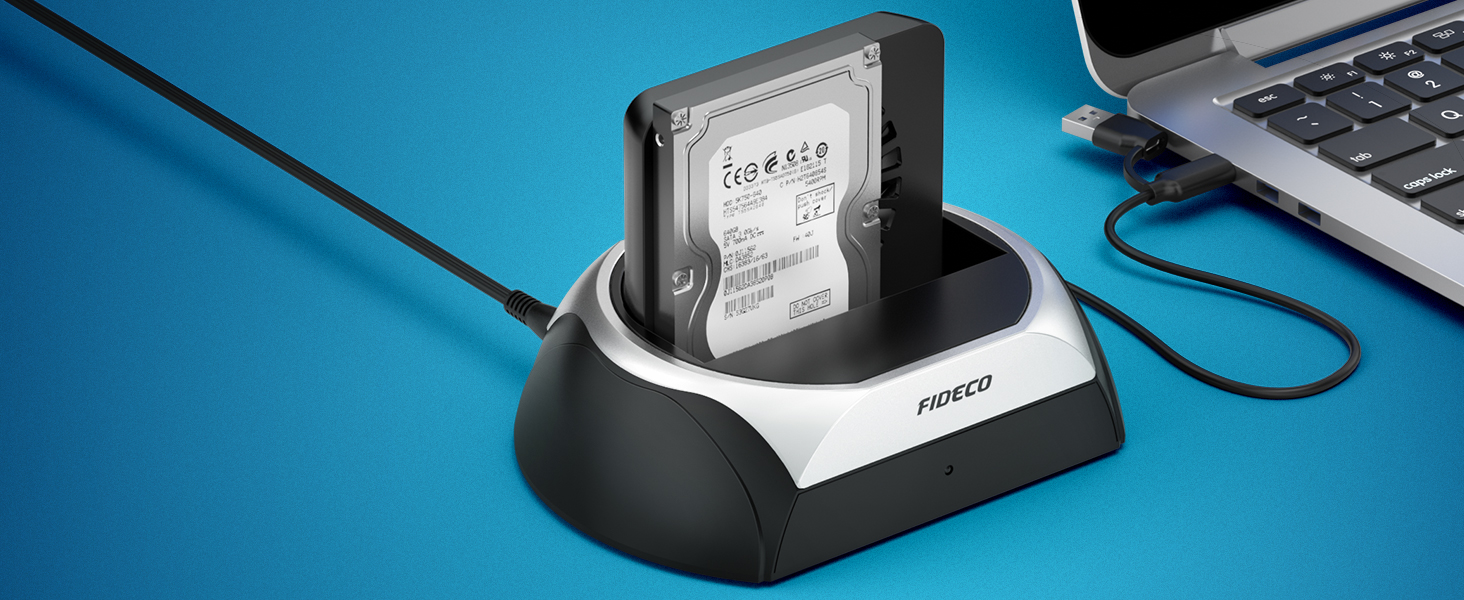
Connect the hard drive docking station to computer
Press the power button to turn on the hard drive dock and the white power light will be on
FIDECO Technology has specialized in computer accessories for more than decades. We possess the ability to design & develop hard drive docking station, SATA/IDE adapter M.2 SSD enclosures, NVMe cloner, USB Hub, ect. We believe you can always get one favorite from our store. What we offer is not only the terrific item, but also the best service ever.
FIDECO Computer Accessories