



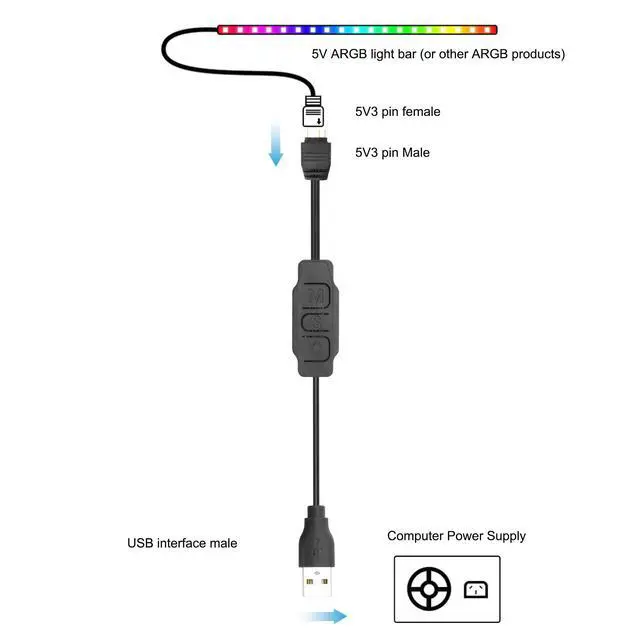

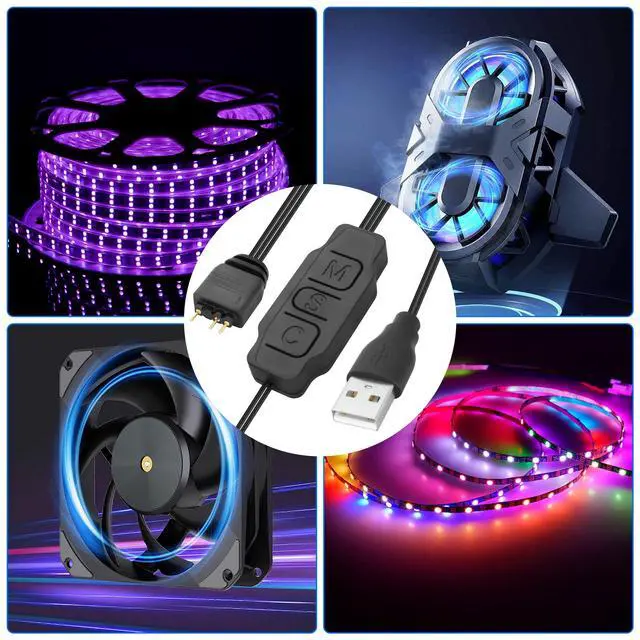




5V 3Pin ARGB Controller USB Power Supply
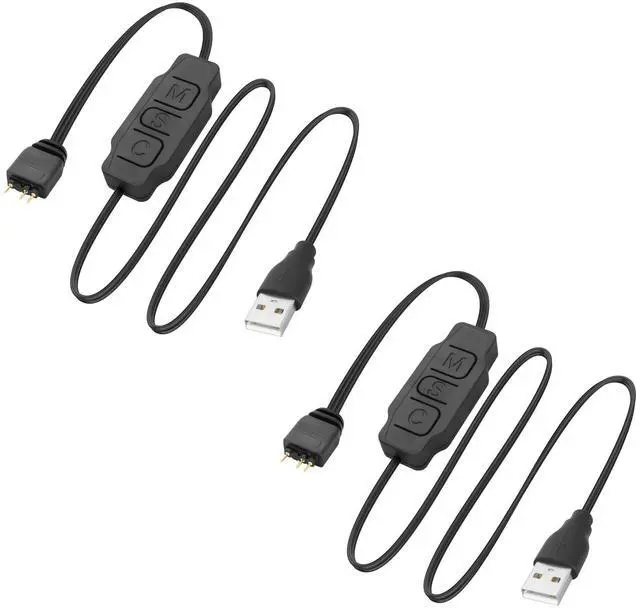
Product name: 5V 3pin ARGB controller USB power supply motherboard ARGB Light controller USB to ARGB controller
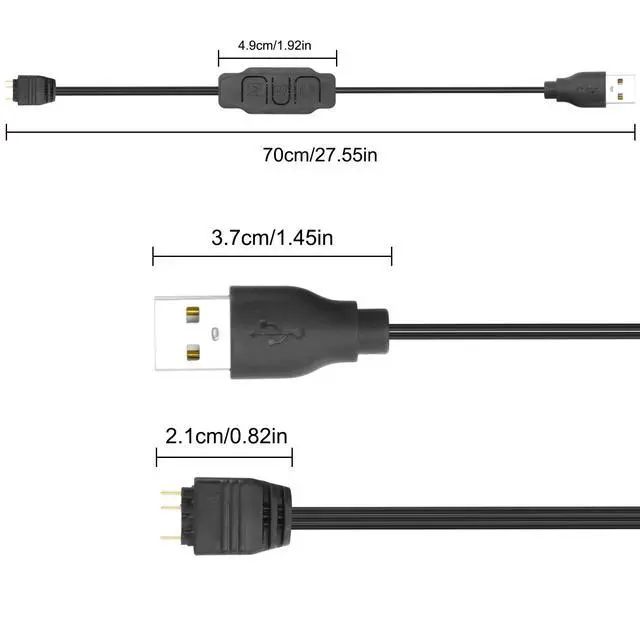
Product length: 0.7M/2.29FT
Conductor material: tinned copper
Wire color: black
Product weight: 16g
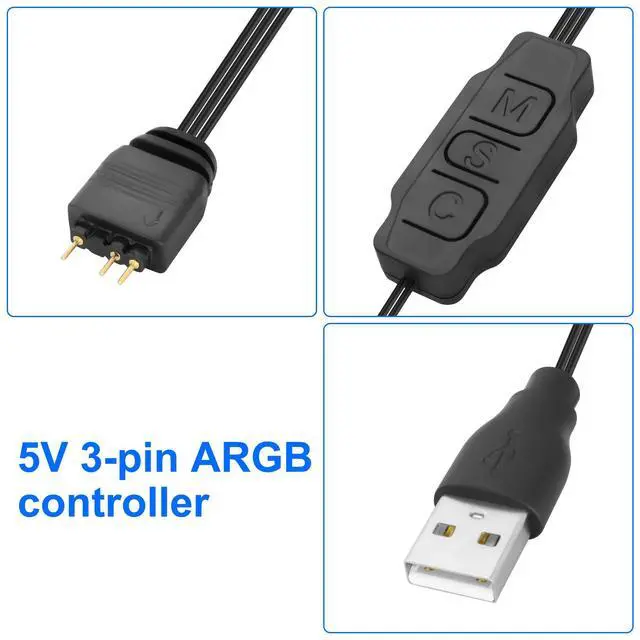
Product interface: USB A male /ARGB 5V 3PIN
Function: Connect the power supply USB power supply, and can control the light effect of ARGB device through the controller, the speed and brightness of the light effect can be freely adjusted, no ARGB interface is required on the motherboard

RGB PC Fan Controller
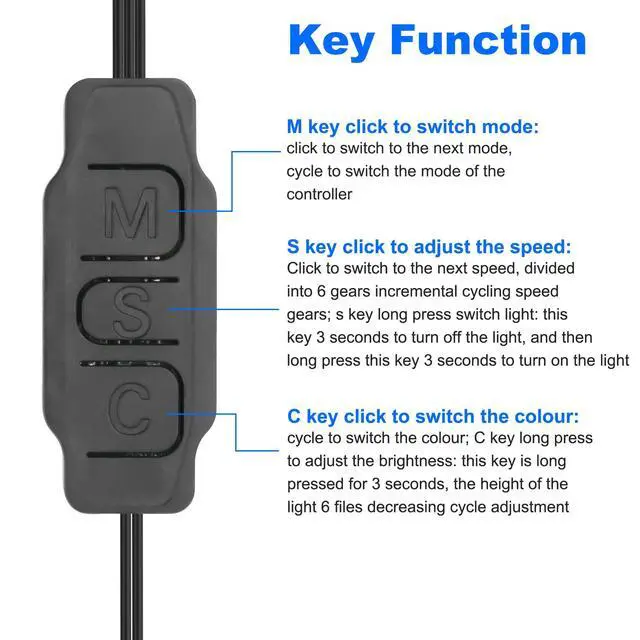
- M Key Click Switch Mode: Click Switch to the next mode to switch the controller mode repeatedly
- S key to adjust the speed: click to cut to the next speed, and increase the cycle speed gear in 6 files; Long press the S key to switch the light: This key is 3 seconds to turn off the light, and then long press this key for 3 seconds to turn on the light.
- C Click to switch colors: Click to switch colors in the same mode; Long press the C key to adjust the brightness; Press and hold this key for 3 seconds, and the height of the light will be adjusted by a descending cycle of 6 levels

LED Light Strip Controller


XMSJSIY focuses on your needs, providing high-quality products to solve small troubles in life. There are a variety of products for you to choose from, such as connection conversion between audio devices, power supply for devices, etc., to enhance your experience.
As a small expert in daily life, simplifies complex and messy work steps with professional products, allowing you to enjoy a comfortable, leisurely and happy life.
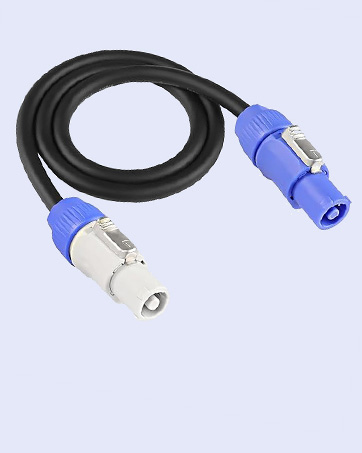
PowerCon Power Cable
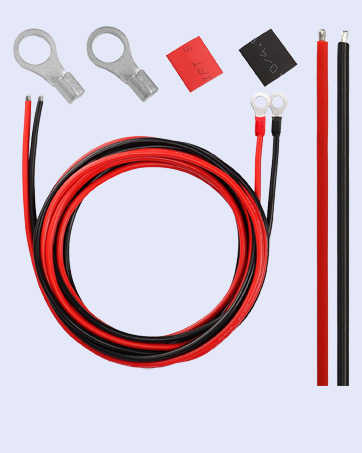
Solar Battery Cables
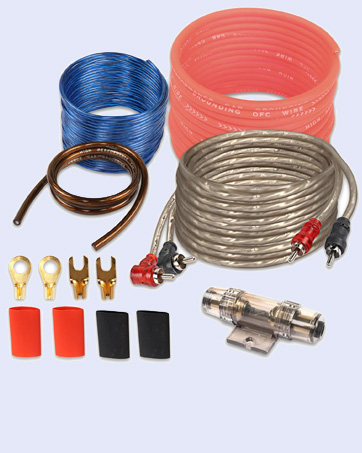
Car Audio Wiring Kit
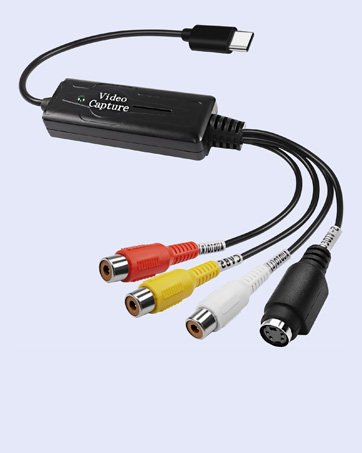
USB C Video Capture
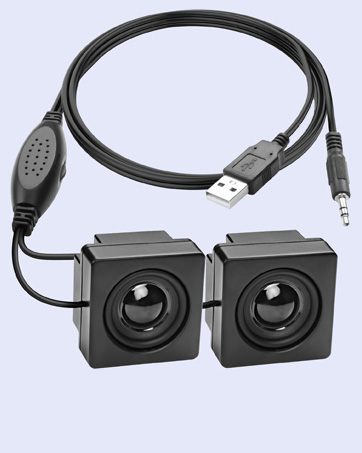
Mini Computer Speaker
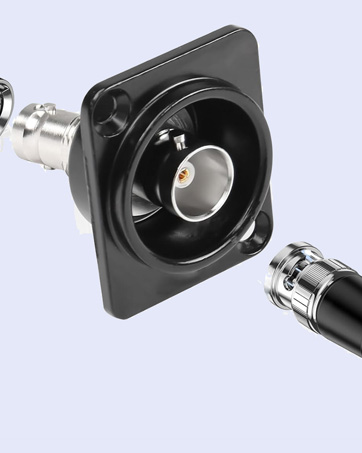
D-Type BNC Connector
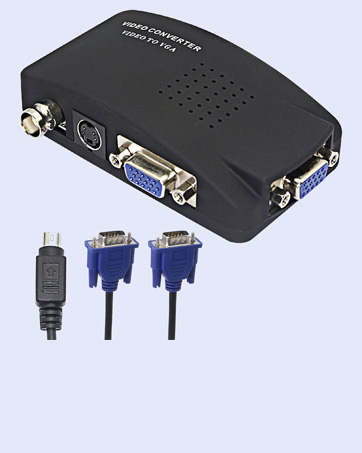
BNC to VGA Video Converter
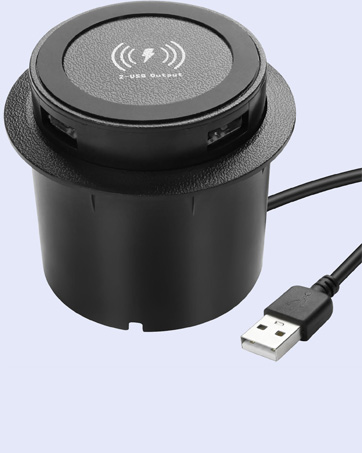
Embedded Wireless Charger
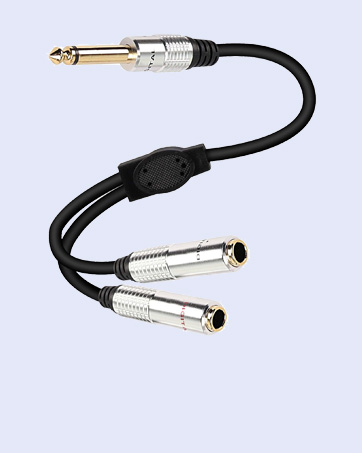
6.35mm TS Y Splitter Cable
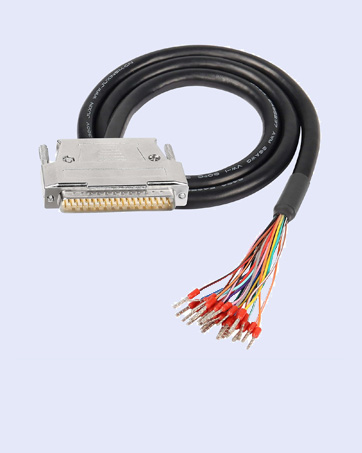
RS232 DB25 Pin Serial Cable
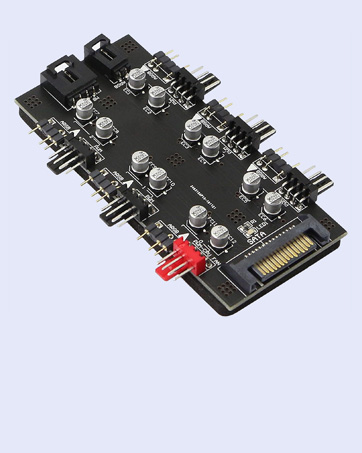
12V 4Pin PWM & 5V 3Pin ARGB
1/4 TRS to Banana
USB Type-C Male Pigtail Cable
5V 3Pin ARGB Controller USB Power Supply
Product name: 5V 3pin ARGB controller USB power supply motherboard ARGB Light controller USB to ARGB controller
Product length: 0.7M/2.29FT
Conductor material: tinned copper
Wire color: black
Product weight: 16g
Product interface: USB A male /ARGB 5V 3PIN
Function: Connect the power supply USB power supply, and can control the light effect of ARGB device through the controller, the speed and brightness of the light effect can be freely adjusted, no ARGB interface is required on the motherboard
RGB PC Fan Controller
- M Key Click Switch Mode: Click Switch to the next mode to switch the controller mode repeatedly
- S key to adjust the speed: click to cut to the next speed, and increase the cycle speed gear in 6 files; Long press the S key to switch the light: This key is 3 seconds to turn off the light, and then long press this key for 3 seconds to turn on the light.
- C Click to switch colors: Click to switch colors in the same mode; Long press the C key to adjust the brightness; Press and hold this key for 3 seconds, and the height of the light will be adjusted by a descending cycle of 6 levels
LED Light Strip Controller
XMSJSIY focuses on your needs, providing high-quality products to solve small troubles in life. There are a variety of products for you to choose from, such as connection conversion between audio devices, power supply for devices, etc., to enhance your experience.
As a small expert in daily life, simplifies complex and messy work steps with professional products, allowing you to enjoy a comfortable, leisurely and happy life.
PowerCon Power Cable
Solar Battery Cables
Car Audio Wiring Kit
USB C Video Capture
Mini Computer Speaker
D-Type BNC Connector
BNC to VGA Video Converter
Embedded Wireless Charger
6.35mm TS Y Splitter Cable
RS232 DB25 Pin Serial Cable
12V 4Pin PWM & 5V 3Pin ARGB
1/4 TRS to Banana
USB Type-C Male Pigtail Cable