




Product Introduction
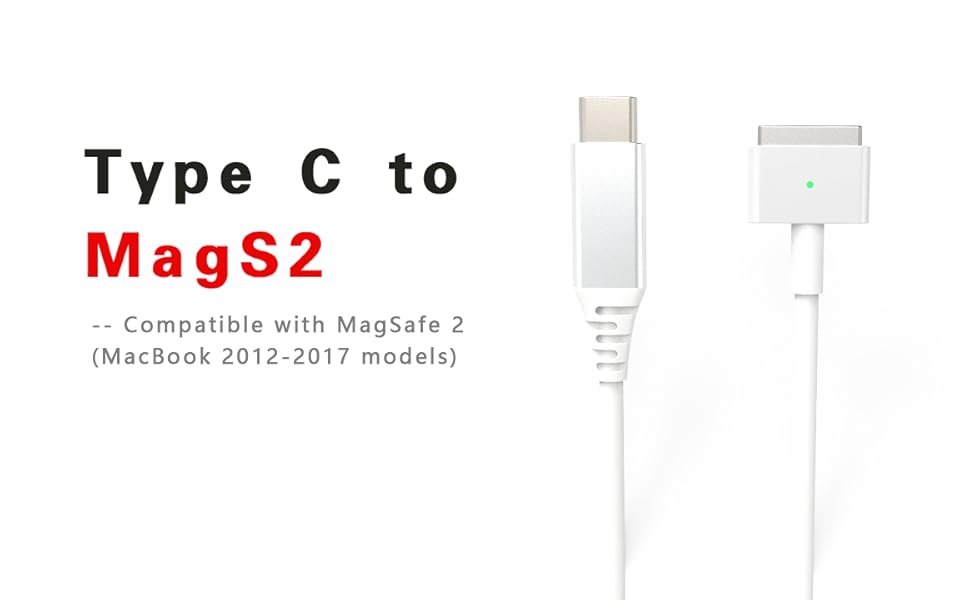
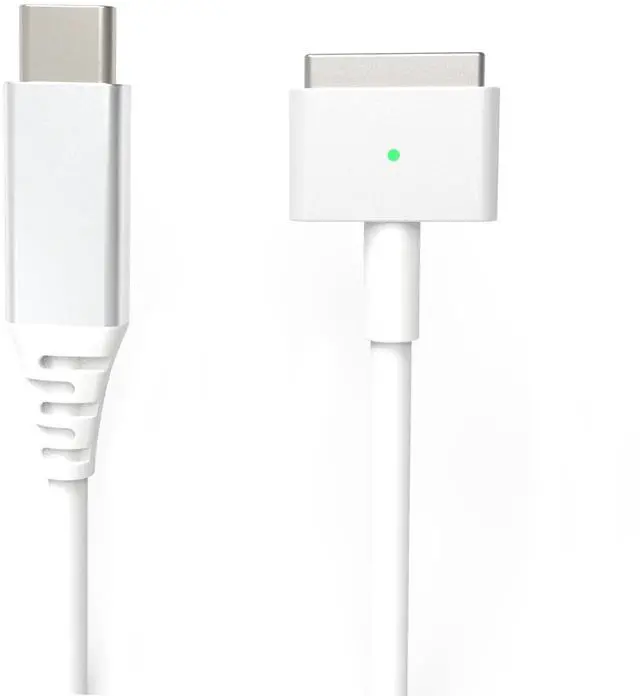
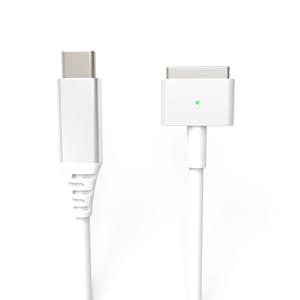
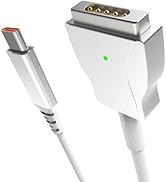
USB C to Magnetic 2
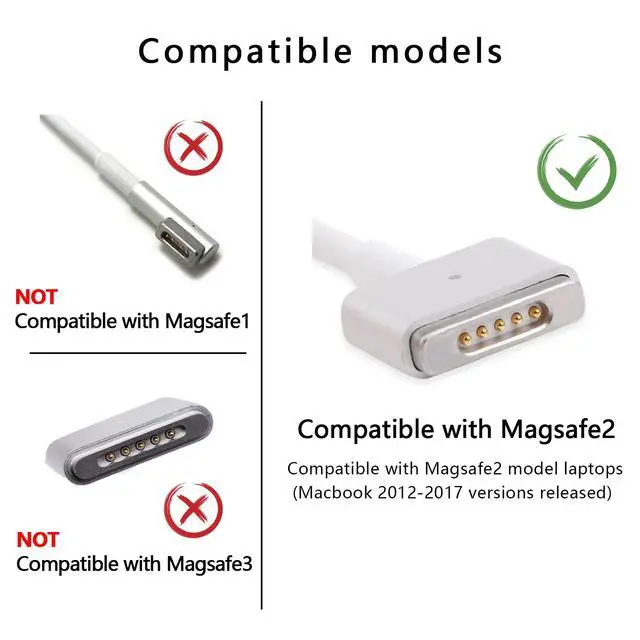
- This product is used to charge MacBook laptops released from 2012 to 2017 and does not have data transmission function.
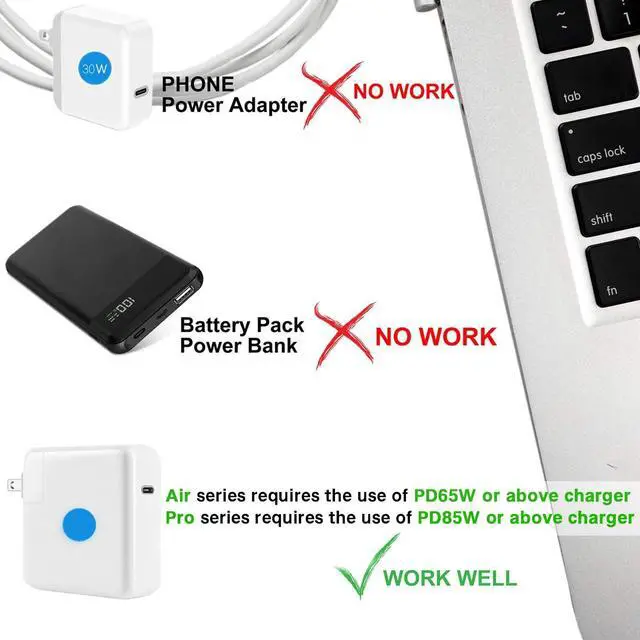
- You cannot use a mobile phone charger, because even if the wattage of the mobile phone charger is sufficient, it will not be able to charge the notebook because there is no PD protocol.

USB C to Magnetic 2
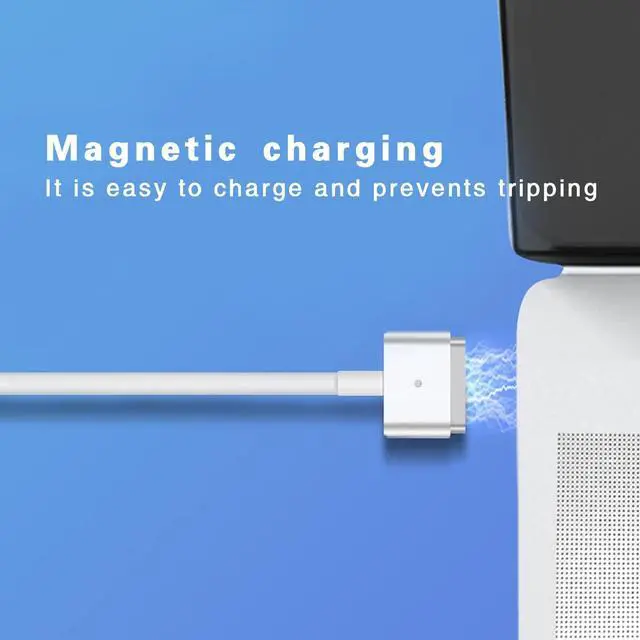
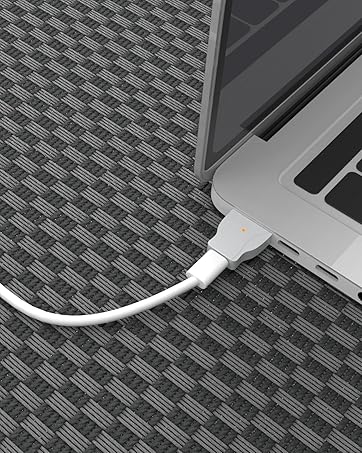
- Magnetic charging, easy to plug and unplug.
Detailed Description
Magnetic 2 model
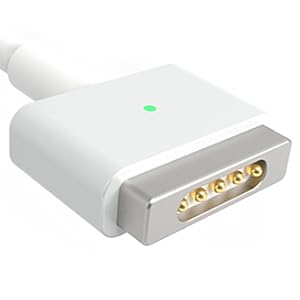
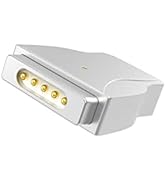
- Compatible with Magsafe2 models only.
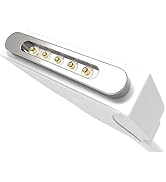
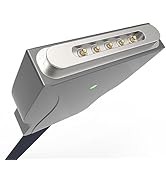
- Gold-plated pins make good charging contacts.
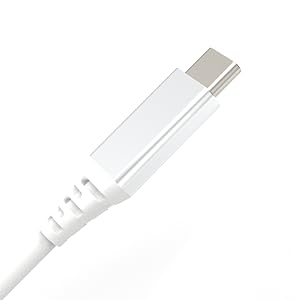
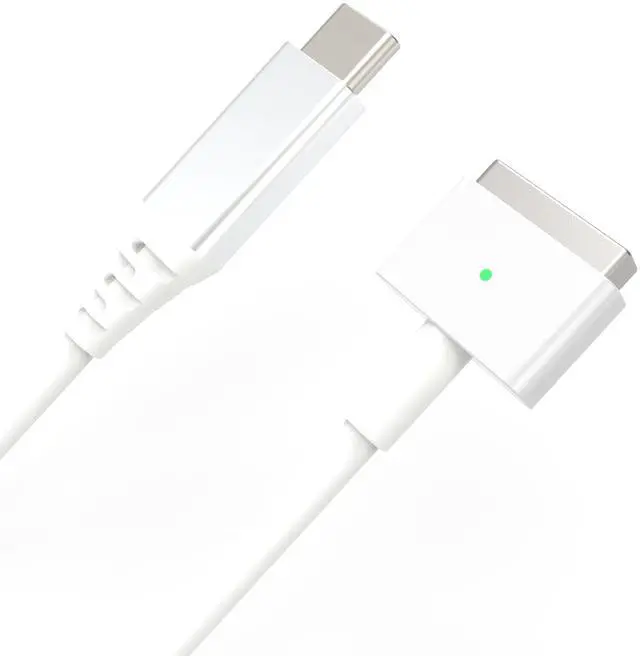
Aluminum case
- The type port cover aluminum shell is durable.
- Aluminum material is light and convenient.
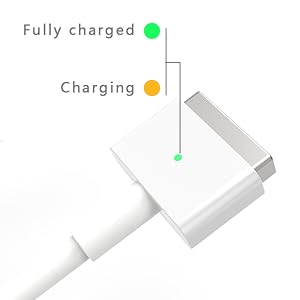
Charging indicator
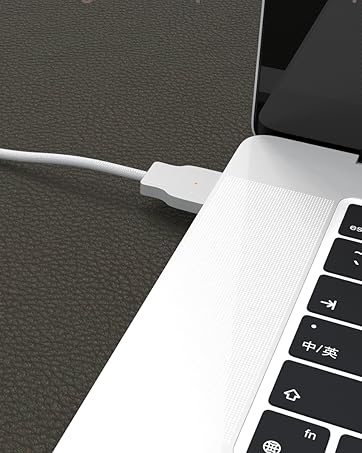
- Lights amber while charging.
- The green light turns on when the laptop is fully charged.
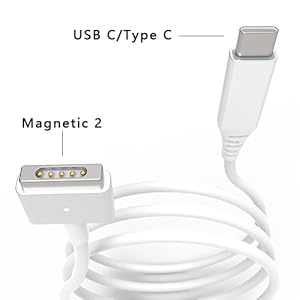
The product only includes a charging cable
This product needs to be used with a USB C charger. Please also note that this product has requirements for the output power of the charger.
- MacBook Air needs to use a charger with PD65W or above;
- MacBook Pro needs to use a charger with PD85W or above.
(Please do not use a charger dedicated to mobile phones. Even if the power is sufficient, it will not be able to stably power the laptop because there is no PD protocol. You can use a power bank with an output of PD65W or above to power the laptop.)
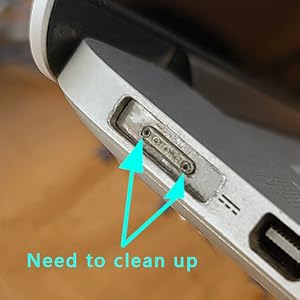
Please check before use.
If the charging is intermittent or cannot be charged, please check whether there are black impurities in the magnetic port of your laptop. (Impurities will affect the contact performance of the laptop, resulting in failure to charge normally.)
- Check whether there are black impurities in your laptop port; (as shown in the picture)
- Please use a cotton swab/alcohol to clean it when the laptop is not powered on;
- After the alcohol is completely evaporated, connect the power supply and try to use it.
Other Information
Compatible model
- macbook pro 2012 to 2015(13/15inch)
- macbook air 2012 to 2017
Compatible Model Numbers
- A1424, A1398 and other 15/17-inch Retina screen series notebooks A1398, MC975, MD506, MC975CH, MC976ZP, MC975, MC976, MD506B/A, MD506LL/A, ME665, ME664
- MD212ZP/A, MD213ZP/A, MD101CH/A, MD102CH/A, ME864CH/A, ME865CH/A, ME866CH/A, ME662CH/A
- A1465, A1466, MD761, MD711, MD223CH/A, MD224CH/A, MD23CH/A, MD232CH/A, MD711ZP/A, MD712ZP/AMD760ZP/A, MD761ZP/A
product information
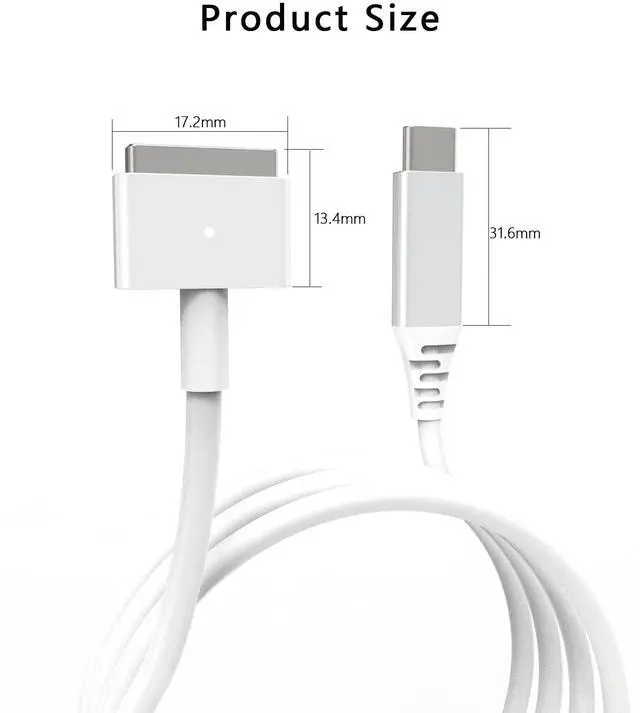
Line length: 1.8M
Package Size:100mm*38mm*28mm
Output power requirement: PD65W/85W or above
Output power: 85W MAX
Output voltage: 20V MAX
Output current: 4.25A MAX
Precautions:
- It is necessary to use a PD charger with sufficient wattage for matching charging, otherwise normal charging may not be possible. (The air series recommends a PD charging head above 65W, and the pro series recommends a PD charging head above 85W.)
- Please pay attention to whether your laptop model is compatible with the magsafe2 charging cable. (macbook released in 2012-2017)


Product Introduction
USB C to Magnetic 2
- This product is used to charge MacBook laptops released from 2012 to 2017 and does not have data transmission function.
- You cannot use a mobile phone charger, because even if the wattage of the mobile phone charger is sufficient, it will not be able to charge the notebook because there is no PD protocol.
USB C to Magnetic 2
- Magnetic charging, easy to plug and unplug.
Detailed Description
Magnetic 2 model
- Compatible with Magsafe2 models only.
- Gold-plated pins make good charging contacts.
Aluminum case
- The type port cover aluminum shell is durable.
- Aluminum material is light and convenient.
Charging indicator
- Lights amber while charging.
- The green light turns on when the laptop is fully charged.
The product only includes a charging cable
This product needs to be used with a USB C charger. Please also note that this product has requirements for the output power of the charger.
- MacBook Air needs to use a charger with PD65W or above;
- MacBook Pro needs to use a charger with PD85W or above.
(Please do not use a charger dedicated to mobile phones. Even if the power is sufficient, it will not be able to stably power the laptop because there is no PD protocol. You can use a power bank with an output of PD65W or above to power the laptop.)
Please check before use.
If the charging is intermittent or cannot be charged, please check whether there are black impurities in the magnetic port of your laptop. (Impurities will affect the contact performance of the laptop, resulting in failure to charge normally.)
- Check whether there are black impurities in your laptop port; (as shown in the picture)
- Please use a cotton swab/alcohol to clean it when the laptop is not powered on;
- After the alcohol is completely evaporated, connect the power supply and try to use it.
Other Information
Compatible model
- macbook pro 2012 to 2015(13/15inch)
- macbook air 2012 to 2017
Compatible Model Numbers
- A1424, A1398 and other 15/17-inch Retina screen series notebooks A1398, MC975, MD506, MC975CH, MC976ZP, MC975, MC976, MD506B/A, MD506LL/A, ME665, ME664
- MD212ZP/A, MD213ZP/A, MD101CH/A, MD102CH/A, ME864CH/A, ME865CH/A, ME866CH/A, ME662CH/A
- A1465, A1466, MD761, MD711, MD223CH/A, MD224CH/A, MD23CH/A, MD232CH/A, MD711ZP/A, MD712ZP/AMD760ZP/A, MD761ZP/A
product information
Line length: 1.8M
Package Size:100mm*38mm*28mm
Output power requirement: PD65W/85W or above
Output power: 85W MAX
Output voltage: 20V MAX
Output current: 4.25A MAX
Precautions:
- It is necessary to use a PD charger with sufficient wattage for matching charging, otherwise normal charging may not be possible. (The air series recommends a PD charging head above 65W, and the pro series recommends a PD charging head above 85W.)
- Please pay attention to whether your laptop model is compatible with the magsafe2 charging cable. (macbook released in 2012-2017)
Aioum was established in 2014 and specializes in laptop charging cables, laptop chargers, switching power supplies, etc. Committed to providing customers with good products and services.
Streamlined Appearance Style
