


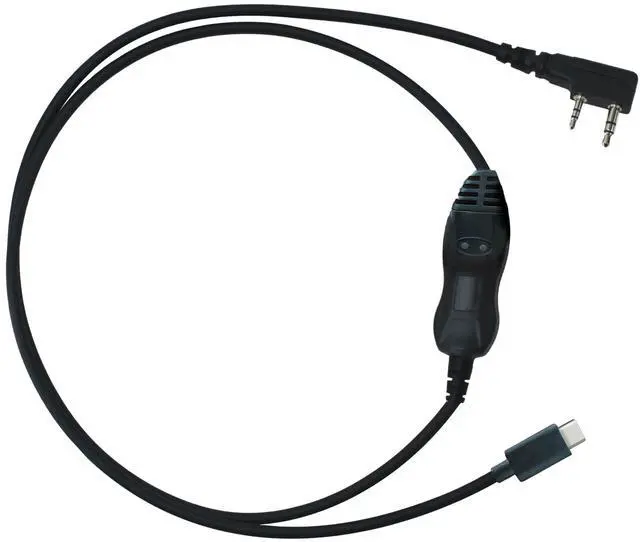


BTECH PC03 (USB-C) FTDI: Universal USB Programming Cable for Two-Way Radios with the K1 Accessory Jack
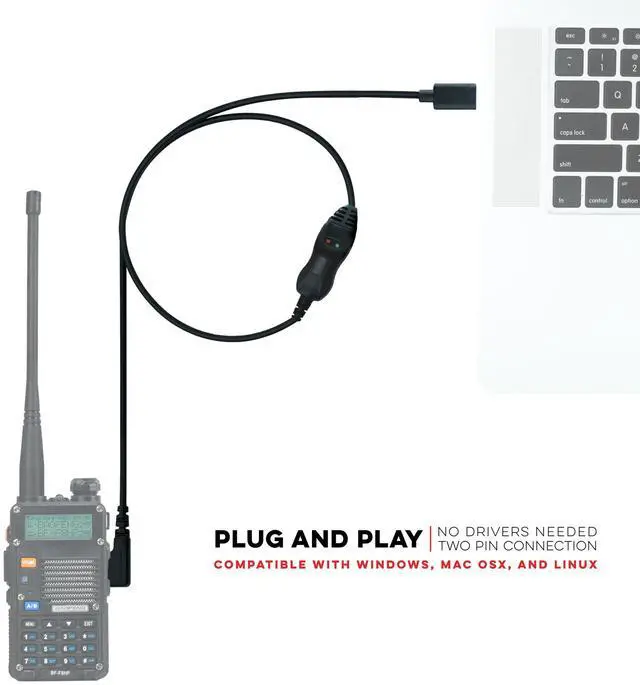
Genuine Plug-&-Play | Kenwood K1 Jack | CHIRP-Ready | Windows • macOS • Linux
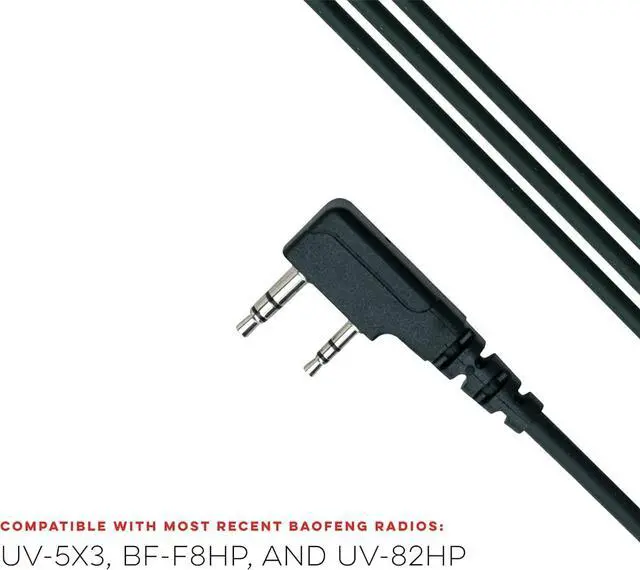
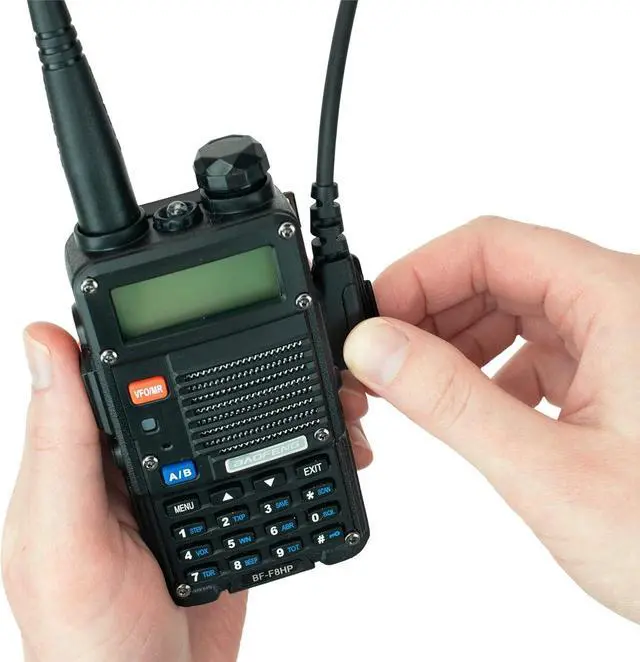
Universal radio programming cable designed for use on the Kenwood K1 Jack standard commonly used on many two way radios including: Baofeng, BTECH, Kenwood, Retevis, TYT, pxton, Tidradio, Kenwood, Wouxun, Radioddity, along with several more brands.
Thousands of hams, preppers, and first-responders have already ditched the 'other' cables for the BTECH PC03 family—join the community that programs right the first time.

Compatible with the Latest Baofeng and BTECH Radios Radios
for BAOFENG radio: BF-F8HP PRO, BF-F8HP, UV-5R, UV5R, UV-32, UV-17R, UV-10R, UV-82/UV-82L, UV-82HP, UV-82C, and many other Baofeng Clones
for BTECH radio: UV-5X3, GMRS-V2, MURS-V2, FRS-B1, FRS-A1
for Kenwood radio: TH-F6,TK-2000/3000 series, Kenwood KPG, Kenwood TH, Kenwood TK radio model series for HYT radio: TC286 386 2685 3865 6685, TC 278 378 388, TC 2100 2088 for Retevis radio: RT-29,H-777,RT-5R,RT-5RV,RT-B6,R888s plus,RT-6S,RT 1,RT 2 for Retevis / TYT / Wouxun / Tidradio / pxton / Radioddity

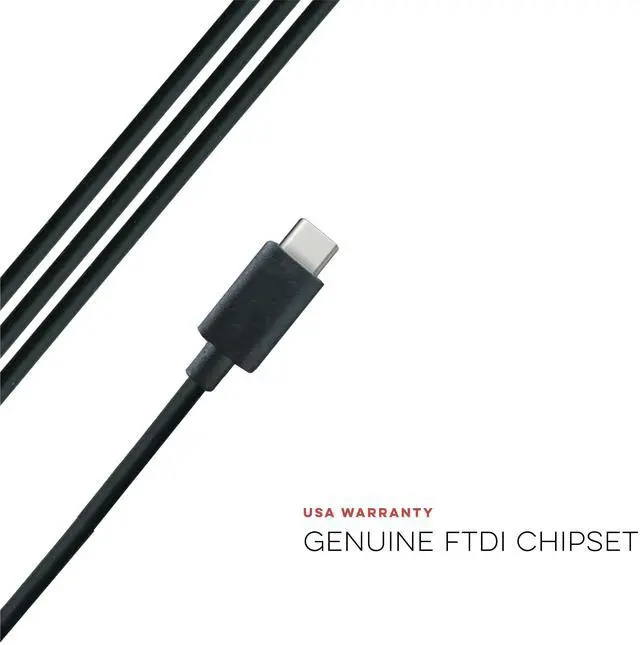
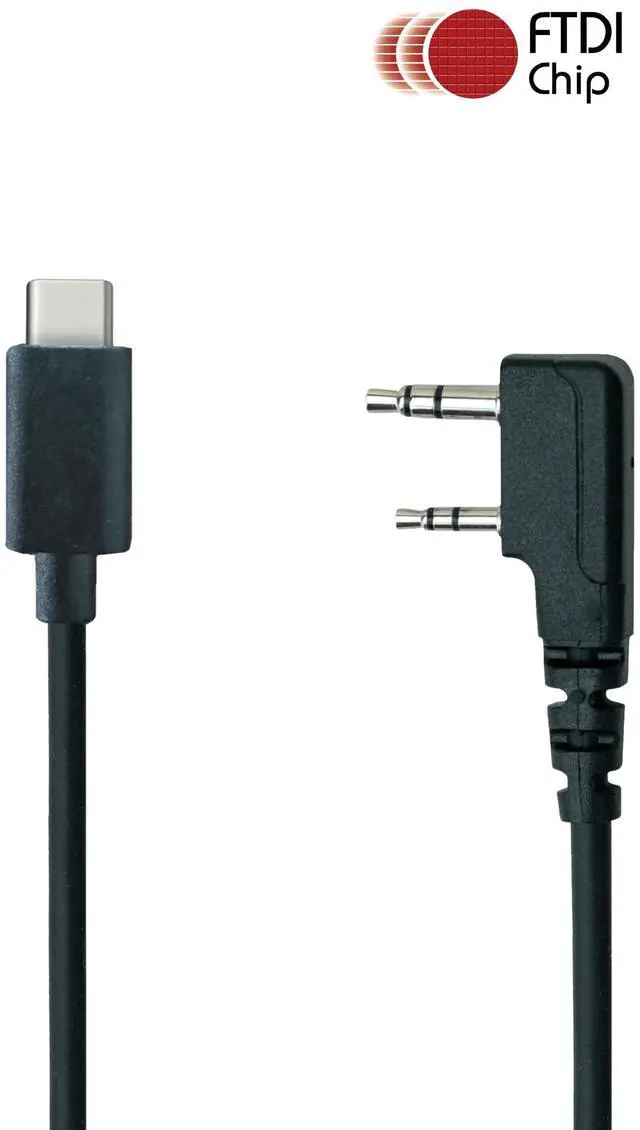
Genuine FTDI FT232RL Chipset
The industry’s gold standard for flawless data transfer. Expect instant driver recognition on Windows 11/10, macOS 14+, and every major Linux distro—no “mystery COM ports” or rollback tricks.
CHIRP & OEM CPS Ready: Clone, edit, and back-up channel lists in minutes. Push repeater pairs, NOAA, GMRS, or custom emergency banks without re-typing the same data twice.

USB-C = Adapter-Free Freedom
Plug straight into today’s laptops, tablets, and mobile workstations—no dongles, no weak links. You’re ready wherever duty calls.
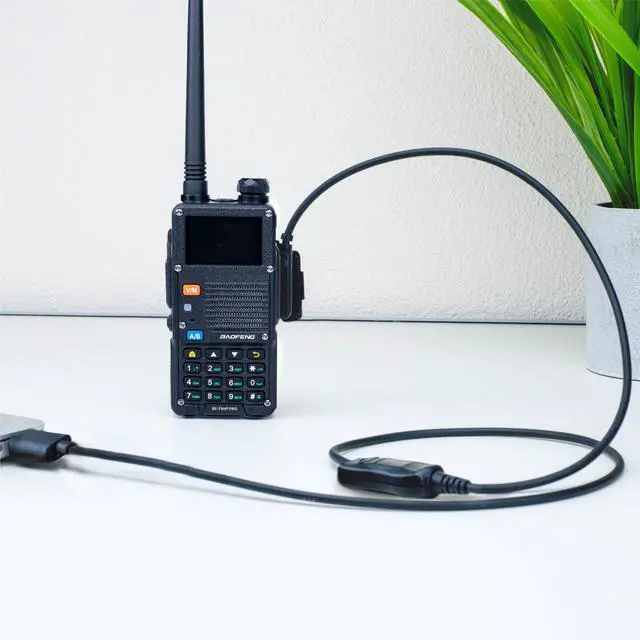
- Plug into your USB-C port.
- Watch the FTDI driver auto-install.
- Launch CHIRP or CPS ? Read radio ? Edit ? Write.
Enjoy quick, clean, uninterrupted data flow

BTECH / Baofeng PC03 USB-C Programming Cable

Why Choose BTECH?
BTECH focuses solely on radio technology—designing, testing, and supporting every product here in the USA. That laser focus means better firmware, better accessories, and faster stateside support when you need it.
What’s in the Box
- BTECH PC03 FTDI USB-C to Kenwood K1 Programming Cable
- Quick-start guide with driver & software links
- Backed by BTECH’s 12-month USA support
Important Note: The drivers should automatically work with your computer, but you still need to download and use the appropriate programming software for your radio.
Common Questions and Answers:
- Q: Do I need special drivers?
- A: Usually no. The genuine FTDI chipset is often recognized automatically. If not, install the latest FTDI VCP driver, then use the correct programming software for your radio.
- Q: My PC didn't auto-install - what now?
- A: Visit FTDI's website and grab the latest VCP driver; installation takes under a minute.
- Q: I need help using the software
- A: Miklor is an excellent resource site for BTECH and BaoFeng FAQs and Software questions.
- Q: Does this work with CHIRP?
- A: Absolutely. Select the correct radio model within CHIRP and begin programming.
BTECH PC03 (USB-C) FTDI: Universal USB Programming Cable for Two-Way Radios with the K1 Accessory Jack
Genuine Plug-&-Play | Kenwood K1 Jack | CHIRP-Ready | Windows • macOS • Linux
Universal radio programming cable designed for use on the Kenwood K1 Jack standard commonly used on many two way radios including: Baofeng, BTECH, Kenwood, Retevis, TYT, pxton, Tidradio, Kenwood, Wouxun, Radioddity, along with several more brands.
Thousands of hams, preppers, and first-responders have already ditched the 'other' cables for the BTECH PC03 family—join the community that programs right the first time.
Compatible with the Latest Baofeng and BTECH Radios Radios
for BAOFENG radio: BF-F8HP PRO, BF-F8HP, UV-5R, UV5R, UV-32, UV-17R, UV-10R, UV-82/UV-82L, UV-82HP, UV-82C, and many other Baofeng Clones
for BTECH radio: UV-5X3, GMRS-V2, MURS-V2, FRS-B1, FRS-A1
for Kenwood radio: TH-F6,TK-2000/3000 series, Kenwood KPG, Kenwood TH, Kenwood TK radio model series for HYT radio: TC286 386 2685 3865 6685, TC 278 378 388, TC 2100 2088 for Retevis radio: RT-29,H-777,RT-5R,RT-5RV,RT-B6,R888s plus,RT-6S,RT 1,RT 2 for Retevis / TYT / Wouxun / Tidradio / pxton / Radioddity
Genuine FTDI FT232RL Chipset
The industry’s gold standard for flawless data transfer. Expect instant driver recognition on Windows 11/10, macOS 14+, and every major Linux distro—no “mystery COM ports” or rollback tricks.
CHIRP & OEM CPS Ready: Clone, edit, and back-up channel lists in minutes. Push repeater pairs, NOAA, GMRS, or custom emergency banks without re-typing the same data twice.
USB-C = Adapter-Free Freedom
Plug straight into today’s laptops, tablets, and mobile workstations—no dongles, no weak links. You’re ready wherever duty calls.
- Plug into your USB-C port.
- Watch the FTDI driver auto-install.
- Launch CHIRP or CPS ? Read radio ? Edit ? Write.
Enjoy quick, clean, uninterrupted data flow
Why Choose BTECH?
BTECH focuses solely on radio technology—designing, testing, and supporting every product here in the USA. That laser focus means better firmware, better accessories, and faster stateside support when you need it.
BTECH / Baofeng PC03 USB-C Programming Cable
What’s in the Box
- BTECH PC03 FTDI USB-C to Kenwood K1 Programming Cable
- Quick-start guide with driver & software links
- Backed by BTECH’s 12-month USA support
Important Note: The drivers should automatically work with your computer, but you still need to download and use the appropriate programming software for your radio.
Common Questions and Answers:
- Q: Do I need special drivers?
- A: Usually no. The genuine FTDI chipset is often recognized automatically. If not, install the latest FTDI VCP driver, then use the correct programming software for your radio.
- Q: My PC didn't auto-install - what now?
- A: Visit FTDI's website and grab the latest VCP driver; installation takes under a minute.
- Q: I need help using the software
- A: Miklor is an excellent resource site for BTECH and BaoFeng FAQs and Software questions.
- Q: Does this work with CHIRP?
- A: Absolutely. Select the correct radio model within CHIRP and begin programming.