


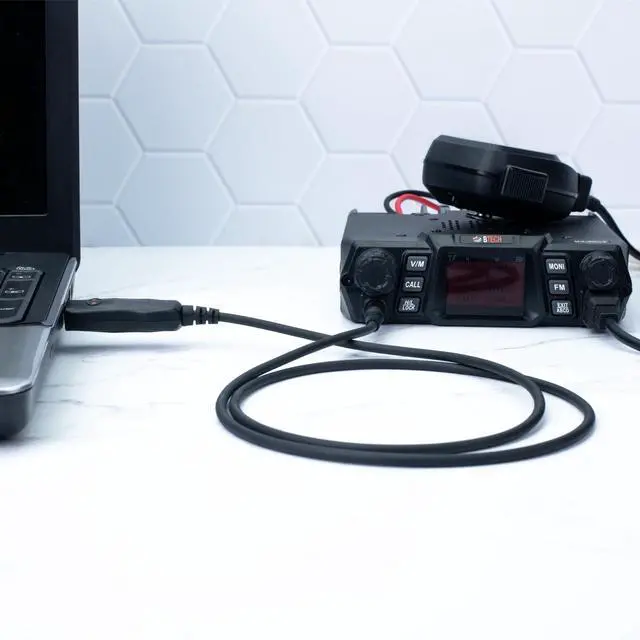
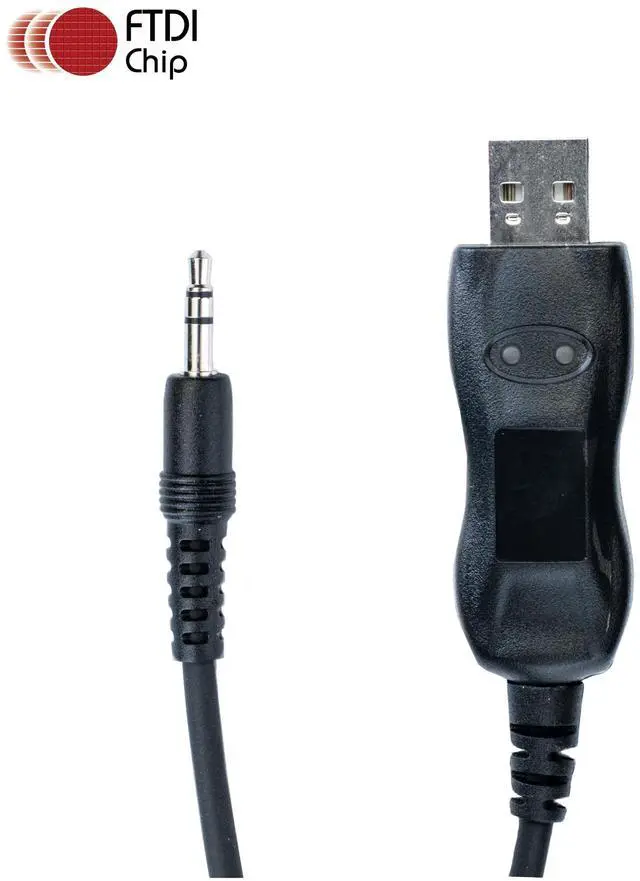


BTECH PC04 FTDI: USB Programming Cable for BTECH Mobile Radios with Single Pin 3.5mm Connection
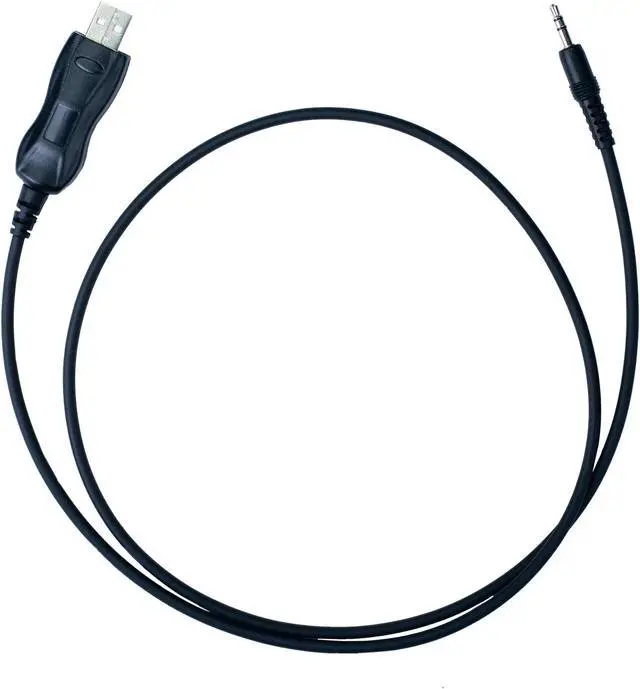
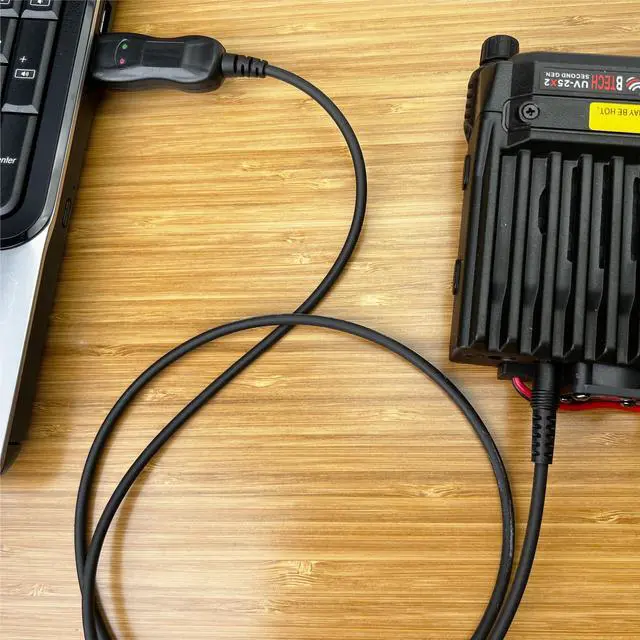
The BTECH PC04 cable is designed to program BTECH Mobile Radios, including UV-50X2, UV-25X2, UV-25X4, GMRS-50V2, and GMRS-20V2 models. With a single pin 3.5mm connection, it's a simple and reliable tool for programming your BTECH mobile units.
CHIRP Compatible:
CHIRP is a free open-source two-way radio programming software that's widely used across various radio brands. This cable fully supports CHIRP, providing an easy and efficient method to program your BTECH Mobile Radios. Whether you're a seasoned professional or just getting started, the PC04 cable offers a user-friendly solution for your programming needs.

Compatible with Various Radios
For BTECH Mobile Radios: UV-50X2, UV-25X2, UV-25X4, GMRS-50V2, GMRS-20V2
For QYT Radios: KT-8900, KT-8900R, KT-8900D, KT-7900D, KT-5800, KT-780 Plus, KT-980 Plus
For Juentai Radios: JI-6188
For ZASTONE Radios: MP-300
And several other Models using the 3.5MM PC04 Standard

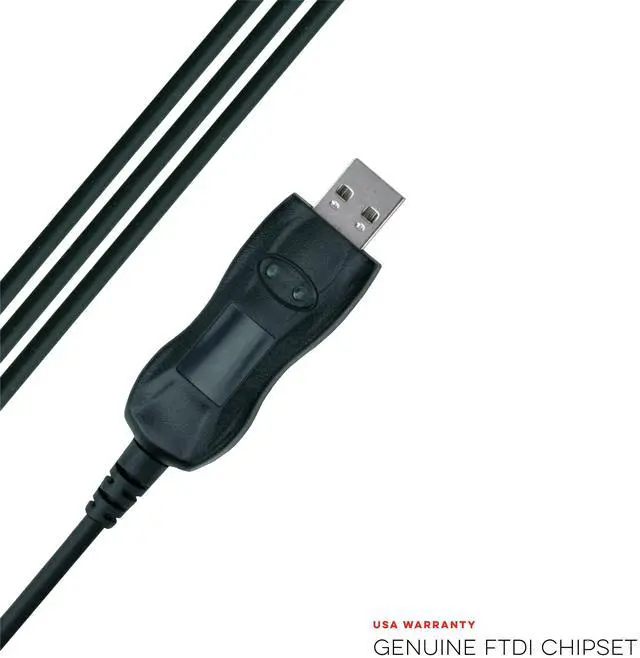
Genuine FTDI Chipset
Unlike common "clone" USB programming cables available on , these cables just work! No need to backdate drivers or deal with frustrating procedures required for other programming cables.
Compatible with the latest FTDI VCP (Virtual COM Port) Drivers that either automatically download to your computer or are available directly from FTDI.

Plug and Play
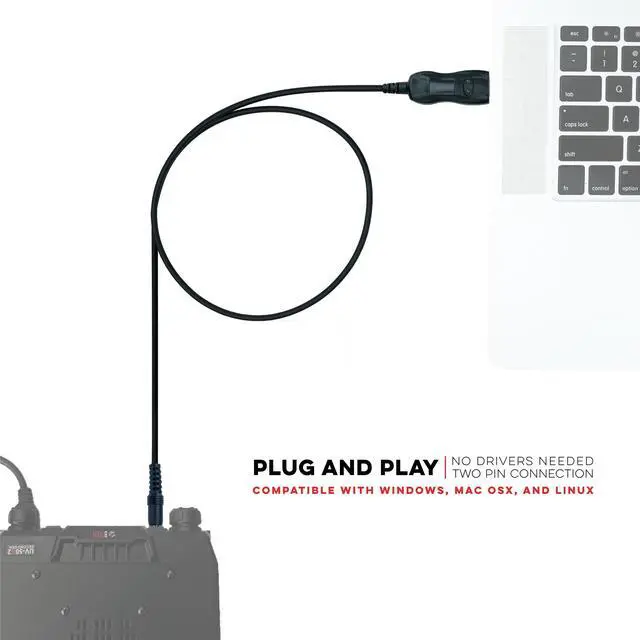
Works with Mac OS X, Windows, Linux, Ubuntu
Most computers install the FTDI drivers automatically unless automatic driver updates are disabled. In the event that your computer does not install the driver you can also manually install the latest VCP drivers direct from FTDI.

BTECH PC04 FTDI USB Programming Cable

BTECH: We are proud to be here in the USA
BTECH radios are designed and supported right here in the USA. A BTECH label means you are getting a radio with real US based support, and development! If you ever have an issue, our team will be prompt, knowledgeable, and supportive to ensure your radio operates exactly as it should.
Common Questions and Answers:
Important Note: The drivers should automatically work with your computer, but you still need to download and use the appropriate programming software for your radio.
- Q: Do I need to “back-date” or install a prolific driver?
- A: NO – those procedures found online are for counterfeit cables. This cable will automatically install with the drivers on your computer.
- Q: My computer did not automatically install the driver – now what?
- A: Download the and update to the latest FTDI VCP driver direct from FTDI
- Q: I need help using the software
- A: Miklor is an excellent resource site for BTECH and BaoFeng FAQs and Software questions.
BTECH PC04 FTDI: USB Programming Cable for BTECH Mobile Radios with Single Pin 3.5mm Connection
The BTECH PC04 cable is designed to program BTECH Mobile Radios, including UV-50X2, UV-25X2, UV-25X4, GMRS-50V2, and GMRS-20V2 models. With a single pin 3.5mm connection, it's a simple and reliable tool for programming your BTECH mobile units.
CHIRP Compatible:
CHIRP is a free open-source two-way radio programming software that's widely used across various radio brands. This cable fully supports CHIRP, providing an easy and efficient method to program your BTECH Mobile Radios. Whether you're a seasoned professional or just getting started, the PC04 cable offers a user-friendly solution for your programming needs.
Compatible with Various Radios
For BTECH Mobile Radios: UV-50X2, UV-25X2, UV-25X4, GMRS-50V2, GMRS-20V2
For QYT Radios: KT-8900, KT-8900R, KT-8900D, KT-7900D, KT-5800, KT-780 Plus, KT-980 Plus
For Juentai Radios: JI-6188
For ZASTONE Radios: MP-300
And several other Models using the 3.5MM PC04 Standard
Genuine FTDI Chipset
Unlike common "clone" USB programming cables available on , these cables just work! No need to backdate drivers or deal with frustrating procedures required for other programming cables.
Compatible with the latest FTDI VCP (Virtual COM Port) Drivers that either automatically download to your computer or are available directly from FTDI.
Plug and Play
Works with Mac OS X, Windows, Linux, Ubuntu
Most computers install the FTDI drivers automatically unless automatic driver updates are disabled. In the event that your computer does not install the driver you can also manually install the latest VCP drivers direct from FTDI.
Common Questions and Answers:
BTECH: We are proud to be here in the USA
BTECH radios are designed and supported right here in the USA. A BTECH label means you are getting a radio with real US based support, and development! If you ever have an issue, our team will be prompt, knowledgeable, and supportive to ensure your radio operates exactly as it should.
BTECH PC04 FTDI USB Programming Cable
Important Note: The drivers should automatically work with your computer, but you still need to download and use the appropriate programming software for your radio.
- Q: Do I need to “back-date” or install a prolific driver?
- A: NO – those procedures found online are for counterfeit cables. This cable will automatically install with the drivers on your computer.
- Q: My computer did not automatically install the driver – now what?
- A: Download the and update to the latest FTDI VCP driver direct from FTDI
- Q: I need help using the software
- A: Miklor is an excellent resource site for BTECH and BaoFeng FAQs and Software questions.