


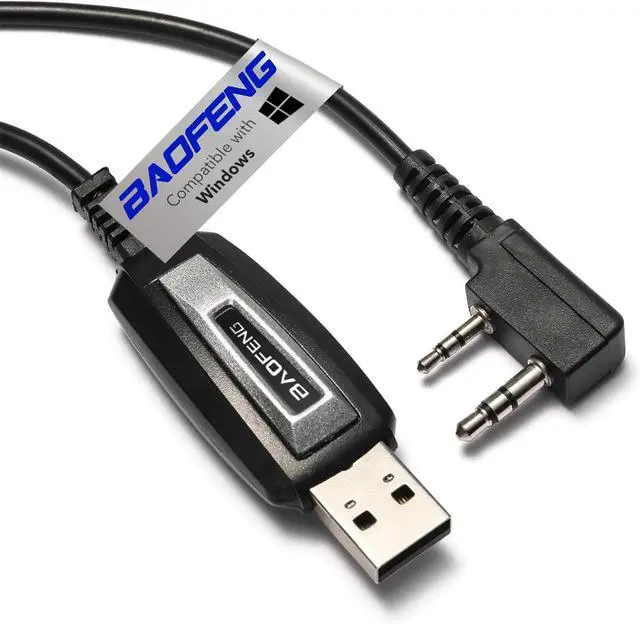
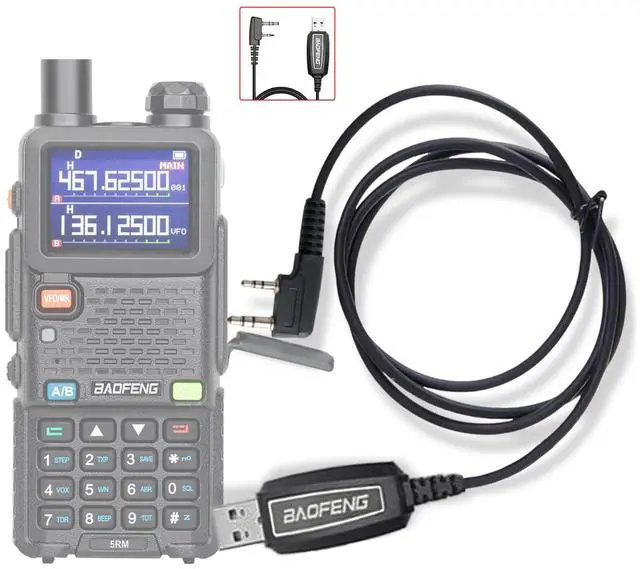
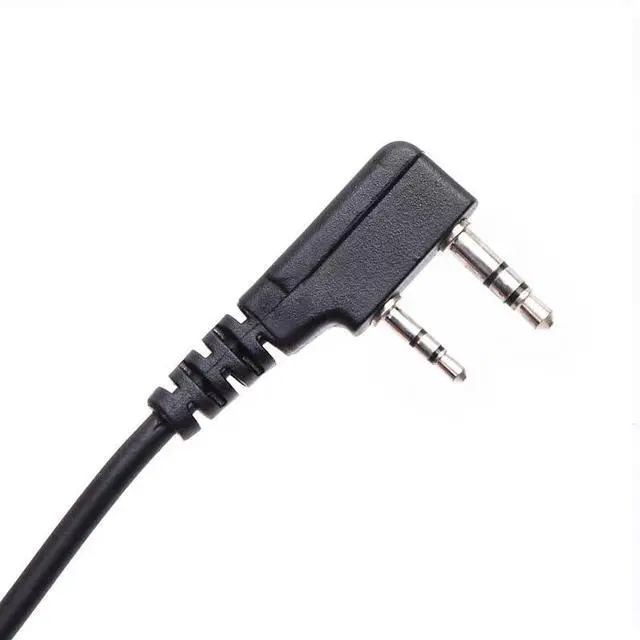
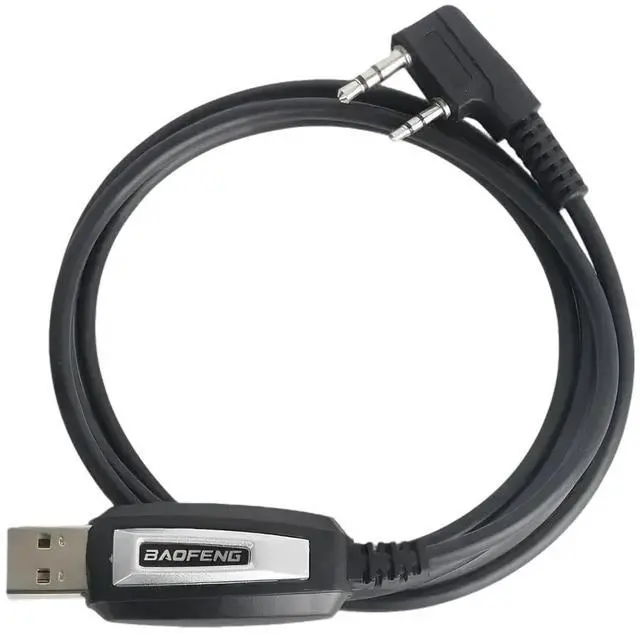


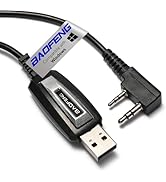
BAOFENG Original USB Programming Cable

- Supports PC connectivity, compatible with most pin-microphone radios.
- Baofeng programming cable use CH340 chip,work with Windows Operation System----64 Bit System
Compatible models:
How To Use A Baofeng Programming Cable
How To Use A Baofeng Programming Cable
Merchant VideoProgramming Cable
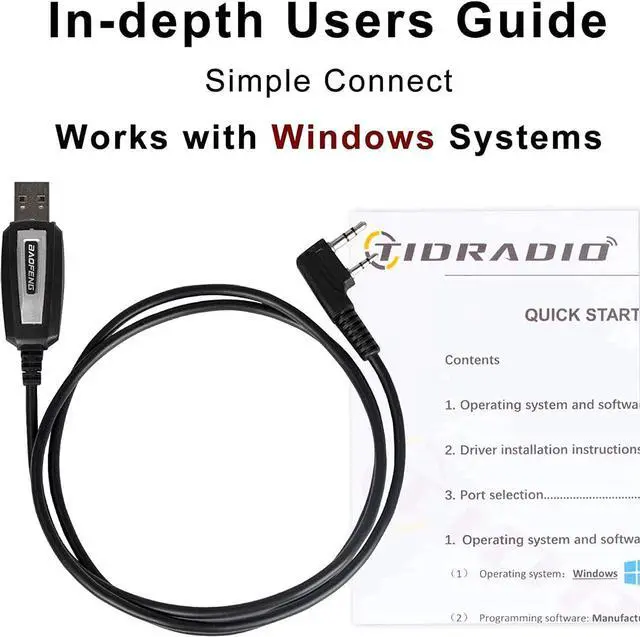
BaoFeng CH340 USB programming cables are exclusive to Windows systems. Before starting the programming process, you need to install the appropriate drivers. Here's how:
- Locate the driver that matches your system.
- Click to initiate the download, then proceed with the installation.
Software Download & Installation
- First, ensure that your computer system meets the Windows system requirements mentioned above.
- Download the corresponding programming software.
- Install the programming software.
- Connect one end of the USB programming cable to your computer and the other end to your radio. Then, power on the radio. It's crucial to have sufficient power during the programming process.
Related Products
 BF-5RH PRO GPS 10W |  BAOFENG UV-5R Ham Radio |  BAOFENG Radio UV-5R 8W |  Ham Radio UV-26 10W |  GMRS Handheld Radios |  Heavy Duty Walkie Talkies |  10W Walkie Talkies | |
|---|---|---|---|---|---|---|---|
Customer Reviews | — | — | — | — | — | — | — |
Price | — | — | — | — | — | — | — |
license | Ham license | Ham license | Ham license | Ham license | GMRS license | License Free | License Free |
Output power | 10W/GPS/APRS | 8W | 8W | 10W | 8W | 10W | 10W |
771 Long Antenna | ? | ? | ? | ? | ? | ? | ? |
Battery capacity | 2500mAh | 3800mAh | 2500mAh | 2500mAh | 2500mAh | 2000mAh | 2000mAh |
programming method | CPS | Chirp | Chirp | Chirp | Chirp | CPS | CPS |

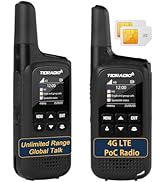
Long range & Licenses-free
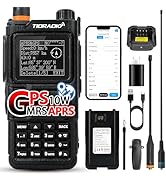
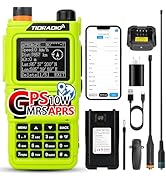
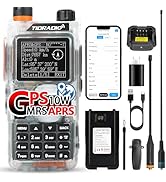
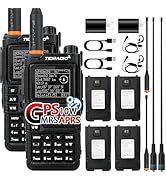
TIDRADIOTD-H9 GPS/APRS
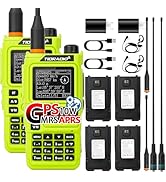
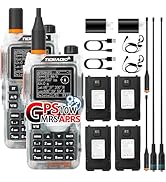
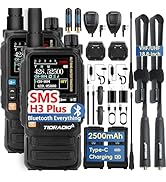
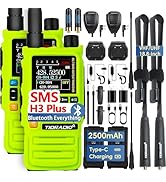
Long Range Walkie Talkies
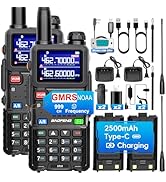
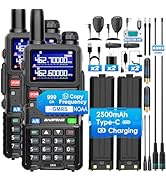
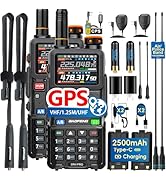
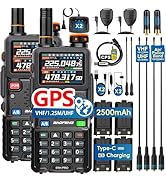
BAOFENG Radio New Upgrade!
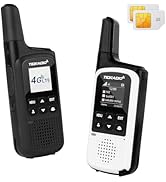
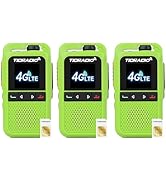
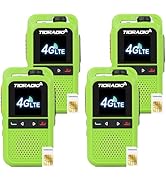
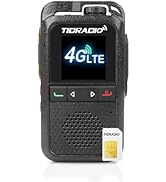
Long range & Licenses-free
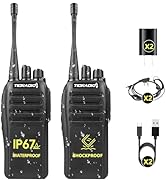
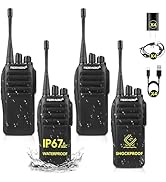
![[Compatible with TD-M15] TIDRADIO TD-M2 POC Radios Unlimited Range Global walkie talkies with SIM...](//c1.neweggimages.com/sellingpilot/modules/product/a-plus/01f00f10b5aa7af027166b0d347ff722b6d417a7677742d94e4ce3351be9d30e.jpg)
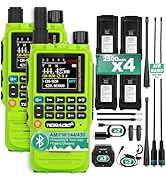
Long Range/TD-H3
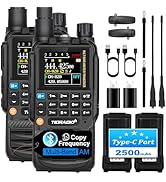
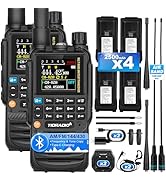
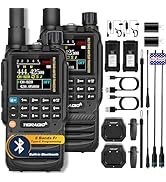
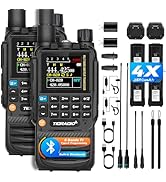
H3 GMRS all you need in Here!!
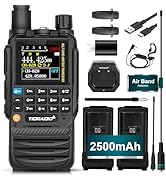
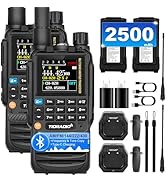
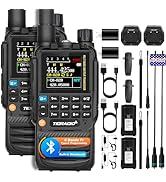
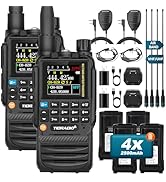
H3 HAM all you need in Here!!
FRS-Hot Radio
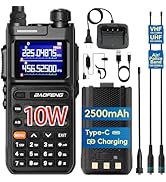
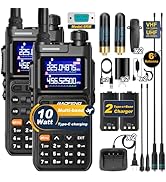
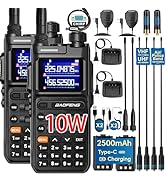
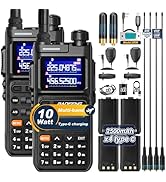
2025 10W Hot Radio
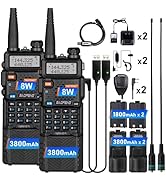
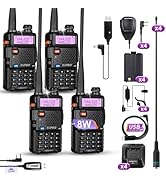
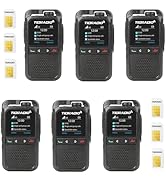
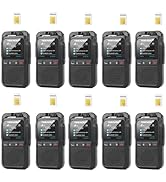
Rapid Unlimited Range
BAOFENG Accessories
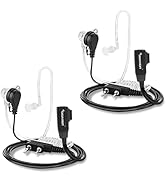
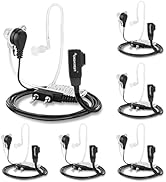
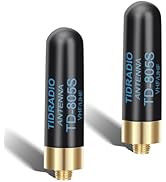
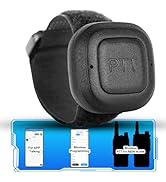
TIDRADIO Accessories
![[Compatible with TD-M15] TIDRADIO TD-M2 POC Radios Unlimited Range Global walkie talkies with SIM...](http://c1.neweggimages.com/sellingpilot/modules/product/a-plus/01f00f10b5aa7af027166b0d347ff722b6d417a7677742d94e4ce3351be9d30e.jpg)
BAOFENG Original USB Programming Cable

- Supports PC connectivity, compatible with most pin-microphone radios.
- Baofeng programming cable use CH340 chip,work with Windows Operation System----64 Bit System
Compatible models:
| Hot Radios | BAOFENG BF-F8HP Pro, UV-5G Plus/GM-5RH/5RM GMRS,UV-5R Mini/5RM/AR-5RM/UV-5RM/UV26, GM-15 Pro, UV-21R, UV-17R, K5PLUS, UV-5RH, UV-5RX, UV-17Pro GPS,UV-25,UV-32, DM-32 |
|---|---|
| For BAOFENG | UV-25, UV-5R, AR-152, UV-82 series, UV-S9, UV-82L, UV-5X(UV-5G), UV-5RA, UV-5RE, BF-F8GP, BF-F8TD, BF-F8, BF-F8+, GT-3, BF-888s, BF-88A, UV-13, UV-13 Pro, UV-9R Pro, UV-5RE+, UV+Plus. AlterVer |
| For Retevis | RT22, RT22S, RT21, H777, RT68, RT17, RT15, RT46, RT19, RT27, H777S |
| For Pxton | PX-888S |
| For Radioddtiy | UV-5G Plus, UV-5G, GA-510 |
| TIDRADIO | TD-H8, TD-H3, TD-H5, TD-H6, TD-M8, TD-M8s, TD-V2, TD-GM5R, TD-UV5R, TD-H6, TD-777Pro, TD-777S, TD-M2, TD-M11 |
How To Use A Baofeng Programming Cable
How To Use A Baofeng Programming Cable
Merchant VideoProgramming Cable
BaoFeng CH340 USB programming cables are exclusive to Windows systems. Before starting the programming process, you need to install the appropriate drivers. Here's how:
- Locate the driver that matches your system.
- Click to initiate the download, then proceed with the installation.
Software Download & Installation
- First, ensure that your computer system meets the Windows system requirements mentioned above.
- Download the corresponding programming software.
- Install the programming software.
- Connect one end of the USB programming cable to your computer and the other end to your radio. Then, power on the radio. It's crucial to have sufficient power during the programming process.
Related Products
BF-5RH PRO GPS 10W | BAOFENG UV-5R Ham Radio | BAOFENG Radio UV-5R 8W | Ham Radio UV-26 10W | GMRS Handheld Radios | Heavy Duty Walkie Talkies | 10W Walkie Talkies |
|---|---|---|---|---|---|---|
| Customer Reviews | ||||||
| — | — | — | — | — | — | — |
| Price | ||||||
| — | — | — | — | — | — | — |
| license | ||||||
| Ham license | Ham license | Ham license | Ham license | GMRS license | License Free | License Free |
| Output power | ||||||
| 10W/GPS/APRS | 8W | 8W | 10W | 8W | 10W | 10W |
| 771 Long Antenna | ||||||
| ? | ? | ? | ? | ? | ? | ? |
| Battery capacity | ||||||
| 2500mAh | 3800mAh | 2500mAh | 2500mAh | 2500mAh | 2000mAh | 2000mAh |
| programming method | ||||||
| CPS | Chirp | Chirp | Chirp | Chirp | CPS | CPS |
Long range & Licenses-free
TIDRADIOTD-H9 GPS/APRS
Long Range Walkie Talkies
BAOFENG Radio New Upgrade!
Long range & Licenses-free
Long Range/TD-H3
H3 GMRS all you need in Here!!
H3 HAM all you need in Here!!
FRS-Hot Radio
2025 10W Hot Radio
Rapid Unlimited Range
BAOFENG Accessories
TIDRADIO Accessories