





7*24 Hours After-Sales Service
- 7*24H Professional Customer Support
- Hassle-free Replace/Return
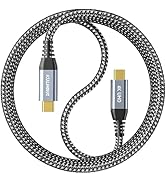
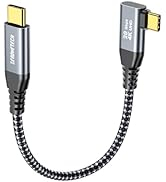
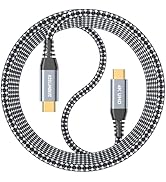
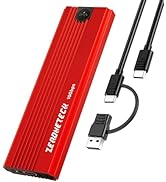
USB C Cord 4K & Nvme Enclosure
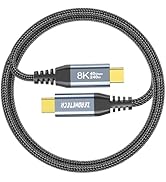
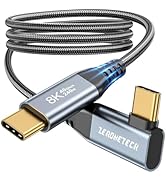
![40Gbps USB 4 Cable for Thunderbolt 4 [Red, 3.3Ft, Durable], High-Speed Data Transfer, USB C Monit...](//c1.neweggimages.com/sellingpilot/modules/product/a-plus/d7af807b7c06c927a0ffac287999f2a5444b154b9dc2a19f593736a7de52ce53.jpg)
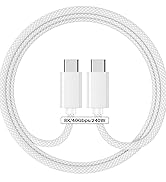
USB4 8K@60Hz & 40Gbps & 240W
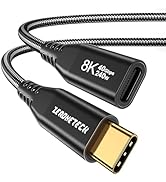
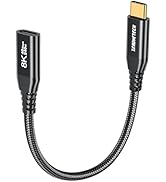
![USB C Monitor Cable 3.3FT [8K@60Hz/Dual 4K@60Hz] Video Output, 40Gbps High Speed Data Transfer, U...](//c1.neweggimages.com/sellingpilot/modules/product/a-plus/972e133405e67585426464f3feecae59d7c94a0ca9f5a54b0626c28e58c01629.jpg)
USB 4 cable male or female
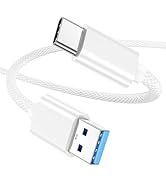
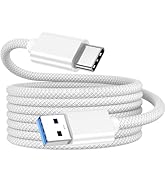
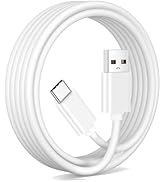
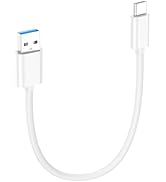
car carplay USB to C 10Gbps
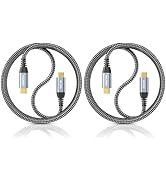
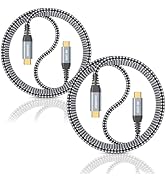
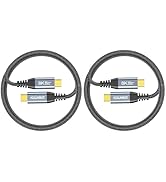
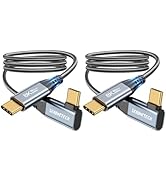
USB C Monitor Cable Multi Pack
![USB C to USB C Video Cable for Monitor 3.3FT, [8K@60Hz/4K@144Hz]Display Cable,40Gbps High Speed D...](//c1.neweggimages.com/sellingpilot/modules/product/a-plus/6053439d953b7af7ec123aeb055e8a43909ef97b74eb41ef5b1785a2b41eca52.jpg)
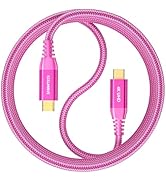
colorful USB C Monitor Cable

Mature Production Plant
- Mature production with high standards of quality control to produce the best products and deliver them to customers who trust us.

Shipping-Low Carbon Action
Considering global carbon emissions, we give preference to modes of transport with lower carbon emissions, such as shipping and rail.

Efficient Warehouse Management
- An efficient management system ensures that every product is delivered to you in perfect condition
![40Gbps USB 4 Cable for Thunderbolt 4 [Red, 3.3Ft, Durable], High-Speed Data Transfer, USB C Monit...](http://c1.neweggimages.com/sellingpilot/modules/product/a-plus/d7af807b7c06c927a0ffac287999f2a5444b154b9dc2a19f593736a7de52ce53.jpg)
![USB C Monitor Cable 3.3FT [8K@60Hz/Dual 4K@60Hz] Video Output, 40Gbps High Speed Data Transfer, U...](http://c1.neweggimages.com/sellingpilot/modules/product/a-plus/972e133405e67585426464f3feecae59d7c94a0ca9f5a54b0626c28e58c01629.jpg)
![USB C to USB C Video Cable for Monitor 3.3FT, [8K@60Hz/4K@144Hz]Display Cable,40Gbps High Speed D...](http://c1.neweggimages.com/sellingpilot/modules/product/a-plus/6053439d953b7af7ec123aeb055e8a43909ef97b74eb41ef5b1785a2b41eca52.jpg)


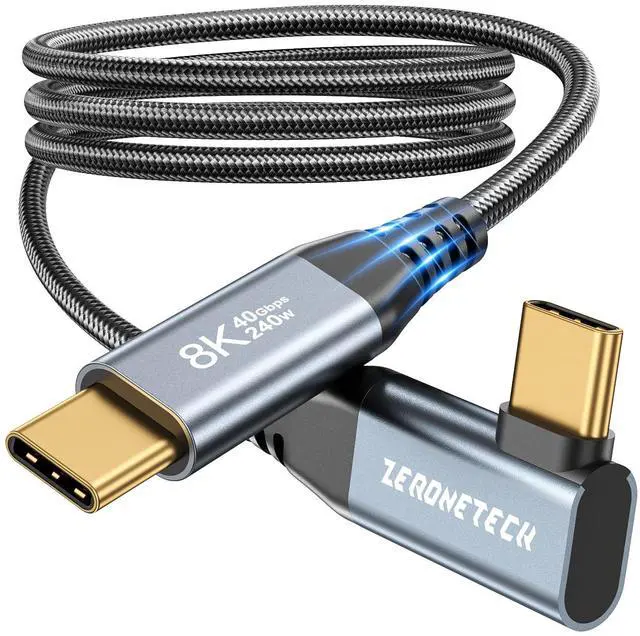
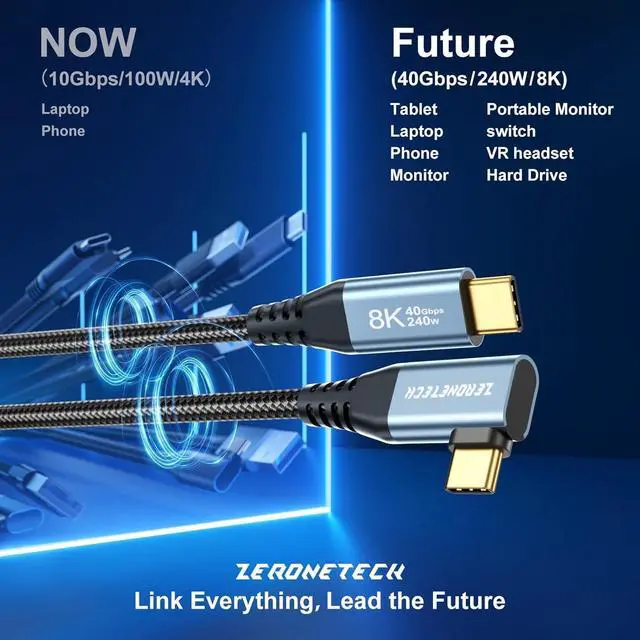
Latest Right Angle USB C 3.2 Gen 2x2 cable (Perfectly for Thunderbolt 4)
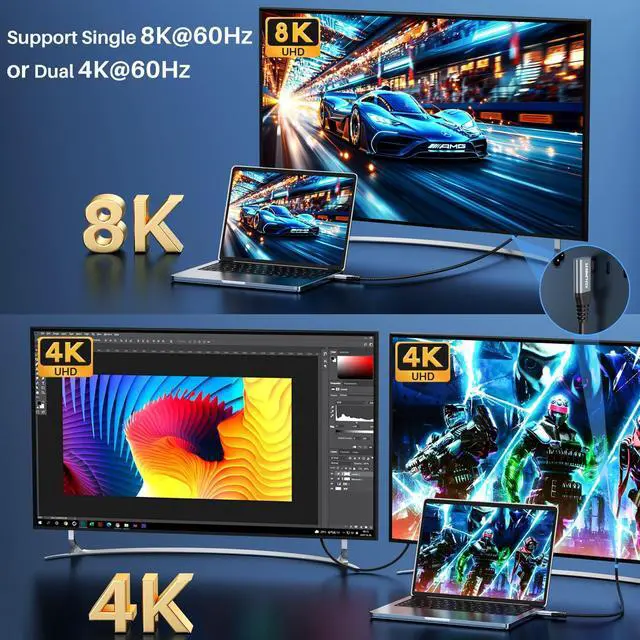
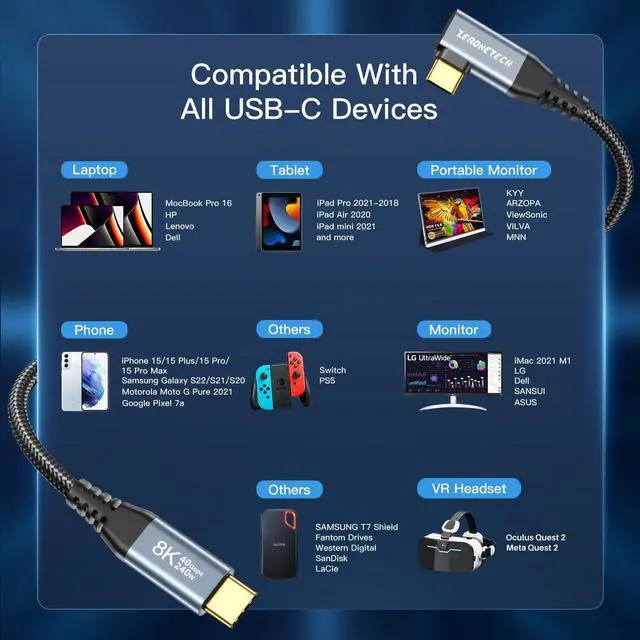
- 8K@60Hz &4K video output, Mirroring and Expanding Screens.
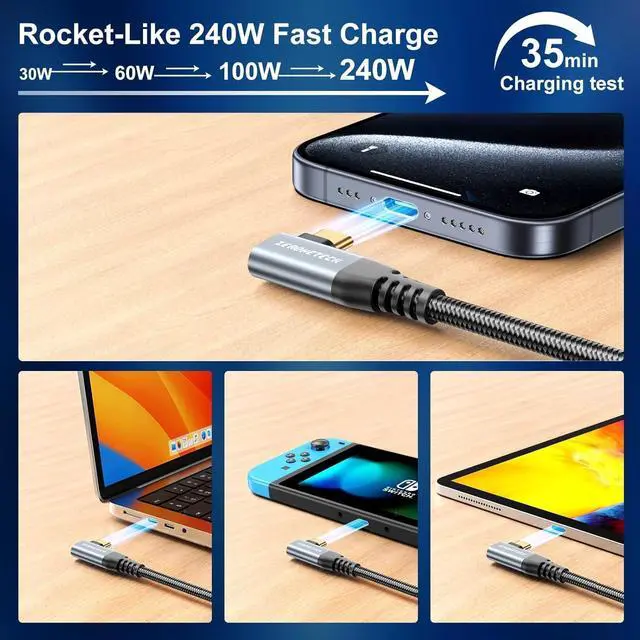
- 240W PD charging, faster than 100W.
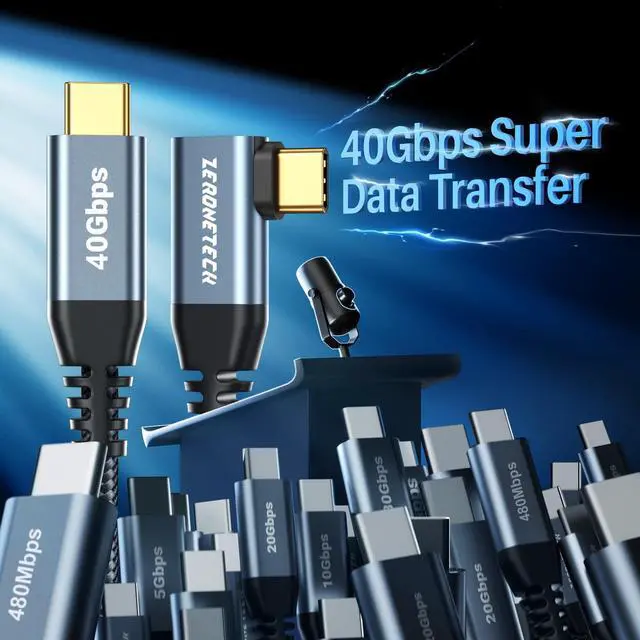
- 40Gbps data transfer, 2x faster than 20Gbps.
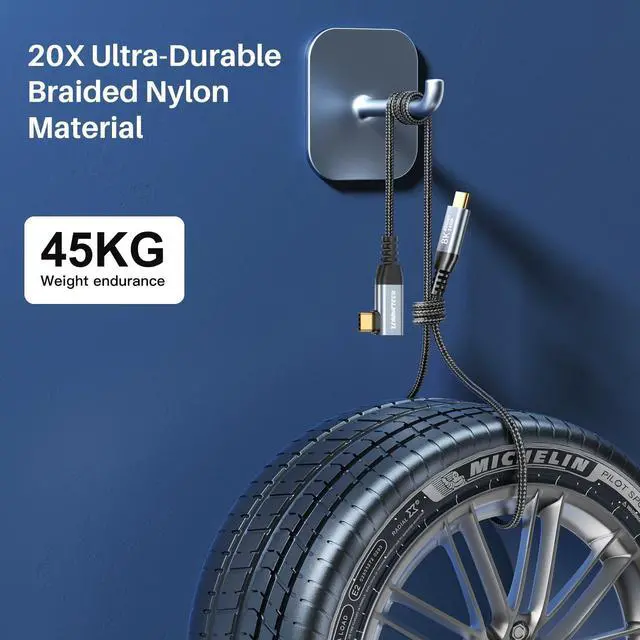
- Gold-plated connector; Nylon Braided.
- E-mark chip adopted.
- All performance better than USB C 3.2.
Why is my portable monitor not reaching 4K@144Hz?
To output 8K/5K@60Hz or 4K@144Hz, both your laptop and portable monitor must support DisplayPort Alt Mode with DP 2.0/2.1 (typically via USB4 or Thunderbolt 3/4/5 ports). Also, make sure your device and monitor drivers are up to date.
Why can’t I get 40Gbps transfer speed?
40Gbps requires both your host device (laptop) and accessory (SSD, docking station) to support USB4 or Thunderbolt 3/4/5. If either side only supports 20Gbps, 10Gbps, or 5Gbps, speed will automatically downgrade to match the lower standard.
Why is my device charging slowly?
For fast charging, use a charger supporting USB PD 3.1 EPR whose output power meets or exceeds your device’s requirement. This cable supports up to 240W, but actual charging speed depends on your charger and device.
What length should I choose?
0.5ft/0.15m: Compact for power banks & travel
1ft/0.3m: Fits car consoles & tight spaces
3.3ft/1m: Ideal for daily use, desks & regular connections
6ft/1.8m: Great for sofas & long-reach setups
How to prevent loose connection issues?
1. Fully insert the connector (check for thick phone cases blocking insertion)
2. Avoid sharp bending or pulling while in use
3. Confirm port and device size before use, especially for right-angle cables
4. Keep ports clean and free of dust or debris


Latest Right Angle USB C 3.2 Gen 2x2 cable (Perfectly for Thunderbolt 4)
- 8K@60Hz &4K video output, Mirroring and Expanding Screens.
- 240W PD charging, faster than 100W.
- 40Gbps data transfer, 2x faster than 20Gbps.
- Gold-plated connector; Nylon Braided.
- E-mark chip adopted.
- All performance better than USB C 3.2.
Why is my portable monitor not reaching 4K@144Hz?
To output 8K/5K@60Hz or 4K@144Hz, both your laptop and portable monitor must support DisplayPort Alt Mode with DP 2.0/2.1 (typically via USB4 or Thunderbolt 3/4/5 ports). Also, make sure your device and monitor drivers are up to date.
Why can’t I get 40Gbps transfer speed?
40Gbps requires both your host device (laptop) and accessory (SSD, docking station) to support USB4 or Thunderbolt 3/4/5. If either side only supports 20Gbps, 10Gbps, or 5Gbps, speed will automatically downgrade to match the lower standard.
Why is my device charging slowly?
For fast charging, use a charger supporting USB PD 3.1 EPR whose output power meets or exceeds your device’s requirement. This cable supports up to 240W, but actual charging speed depends on your charger and device.
What length should I choose?
0.5ft/0.15m: Compact for power banks & travel
1ft/0.3m: Fits car consoles & tight spaces
3.3ft/1m: Ideal for daily use, desks & regular connections
6ft/1.8m: Great for sofas & long-reach setups
How to prevent loose connection issues?
1. Fully insert the connector (check for thick phone cases blocking insertion)
2. Avoid sharp bending or pulling while in use
3. Confirm port and device size before use, especially for right-angle cables
4. Keep ports clean and free of dust or debris
7*24 Hours After-Sales Service
- 7*24H Professional Customer Support
- Hassle-free Replace/Return
USB C Cord 4K & Nvme Enclosure
USB4 8K@60Hz & 40Gbps & 240W
USB 4 cable male or female
car carplay USB to C 10Gbps
USB C Monitor Cable Multi Pack
colorful USB C Monitor Cable
Mature Production Plant
- Mature production with high standards of quality control to produce the best products and deliver them to customers who trust us.
Shipping-Low Carbon Action
Considering global carbon emissions, we give preference to modes of transport with lower carbon emissions, such as shipping and rail.
Efficient Warehouse Management
- An efficient management system ensures that every product is delivered to you in perfect condition