Your Browsing History
Meet Your Seller
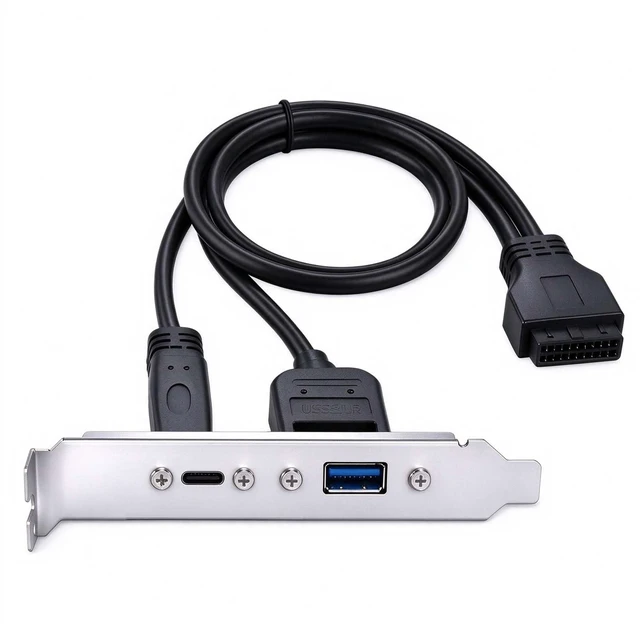
USB 3.0 Front Panel Header 19/20Pin to USB C & USB A | Female Chassis Back Panel Port Extension Cable, with PCIe Bracket for Desktop PC Motherboard(Type-A and Type-C)
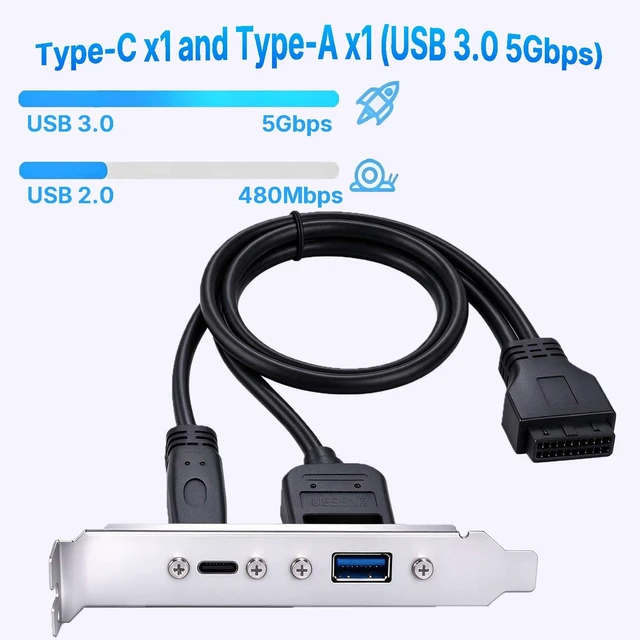
- Expansion Ports: Use this USB 3.0 female back panel bracket to add two rear ports to your desktop computer. It connects directly to the standard 19-pin header on the motherboard, converting unused internal ports into two USB female ports mounted on a PCI bracket
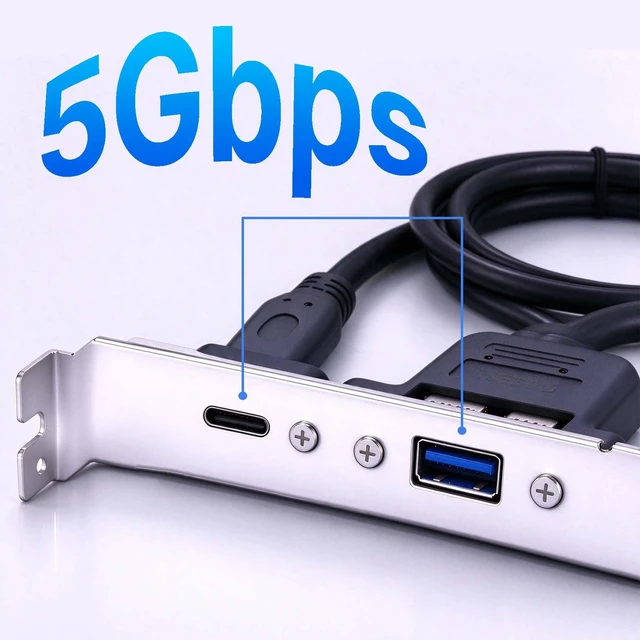
- Dual USB 3.0 Ports: The USB-C Front Panel Adapter provides two standard USB 3.0 ports (Type-C and Type-A), each with a maximum data transfer rate of 5 Gbps. It offers convenient front-panel connectivity for keyboards, mice, USB flash drives, and other USB devices
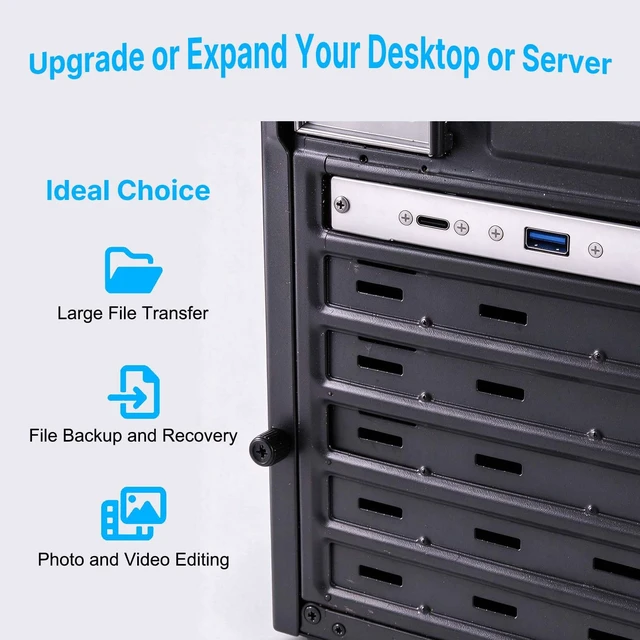
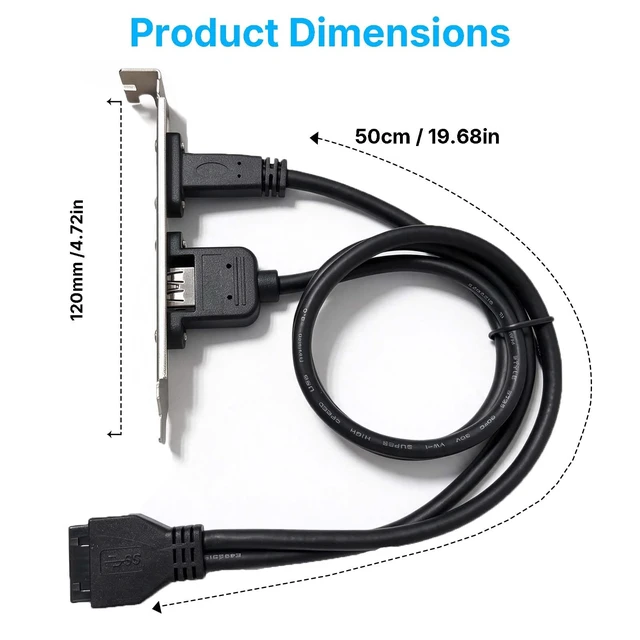
- PCIe Bracket: The USB-C Front Panel Adapter comes with a sturdy PCIe bracket and a motherboard header extension cable, allowing the USB ports to be securely mounted on the rear panel of the computer case. This bracket is compatible with standard PC cases that have an available PCIe slot opening
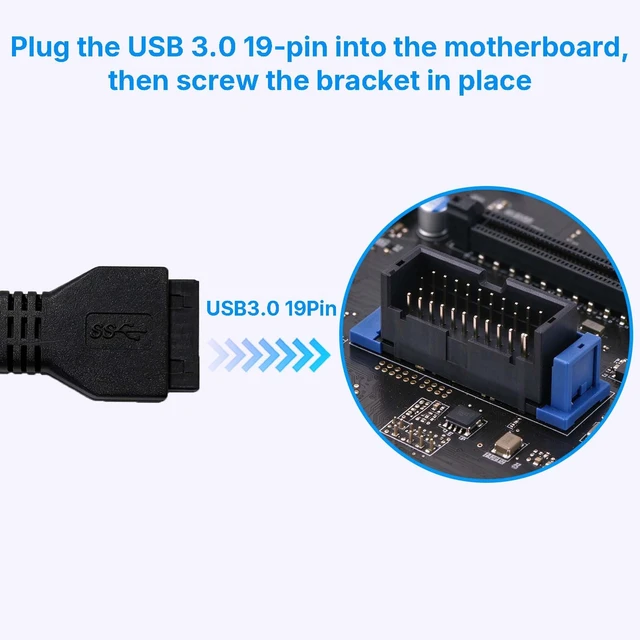
- Plug and Play Installation: The USB 3.0 front panel adapter requires no additional drivers or software. Simply connect the USB 3.0 19-pin header cable to the motherboard and secure the bracket using the included screws
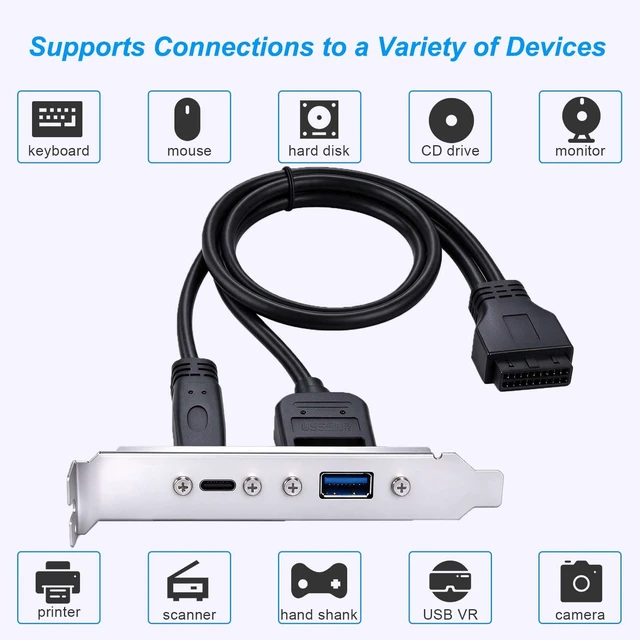
- Wide Compatibility: The panel-mounted USB-C and USB female connectors allow you to connect all USB-enabled devices, such as smartphones, tablets, USB flash drives, mice, hubs, and other USB-C peripherals.
+
+
Overview
Specs
Reviews
Any questions? Ask CelesteSM will help you find out quickly.
Try me now
2 Ports USB 3.0 Female Back Panel, with PCI Slot Plate Bracket
Warranty & Returns
Warranty, Returns, And Additional Information
Warranty
- Please contact the Seller directly for warranty information. Warranty information may also be found on the Manufacturer's website.
- CONTACT
Return Policies
- Return for refund within: 30 days
- Return for replacement within: 30 days
- This item is covered by YOUCAILI Return Policy
Manufacturer Contact Info
- For a directory of all our manufacturers, please click below.
- Manufacturers Directory
LOADING...