Your Browsing History
- Free 30-day Returns
$288.99
Meet Your Seller
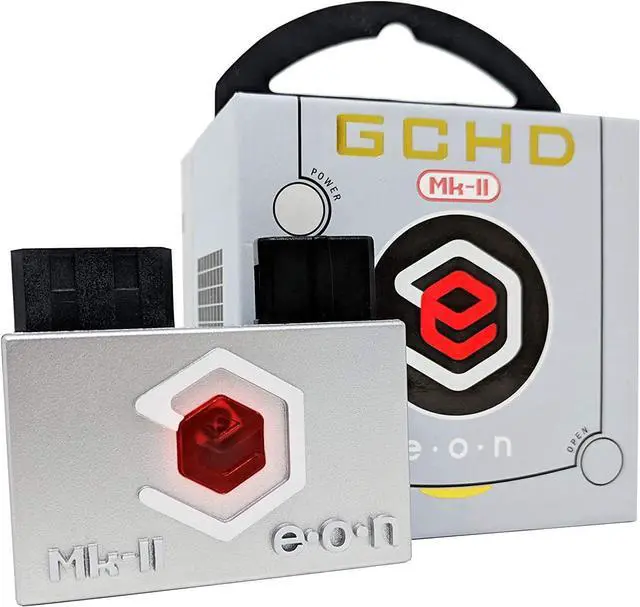
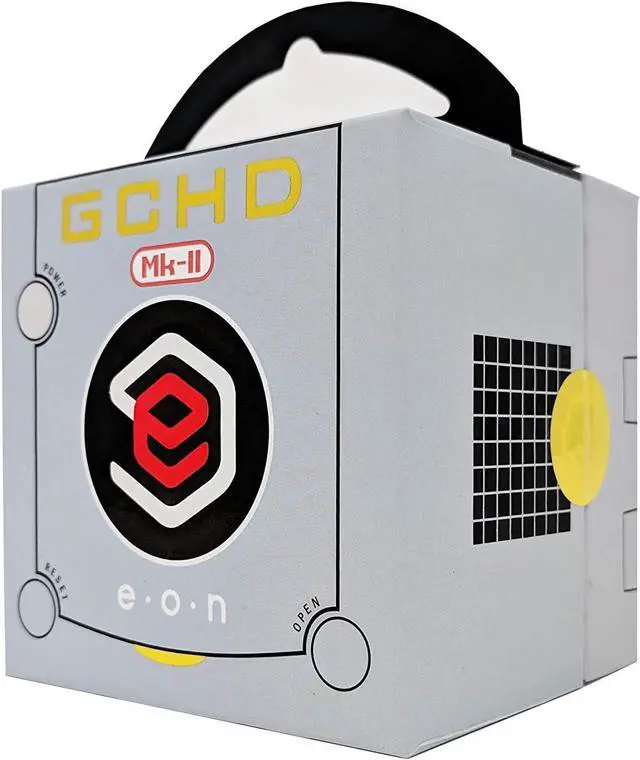
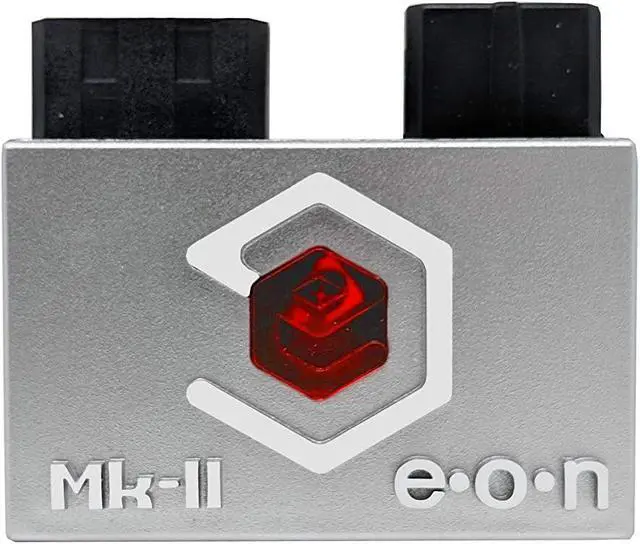
E E·O·N GCHD Mk-II | Gamecube HD Adapter (Platinum)
- Plug and Play
- Digital Out
- Component Video out
- Aux/MiniTOSLINK audio out
- Custom Firmware
+
+
Overview
Specs
Reviews
Any questions? Our AI beta will help you find out quickly.
Try me now
MK-II Features:
A) Analog and optical digital audio
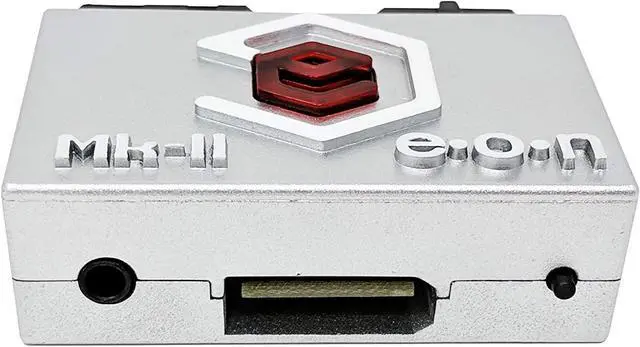
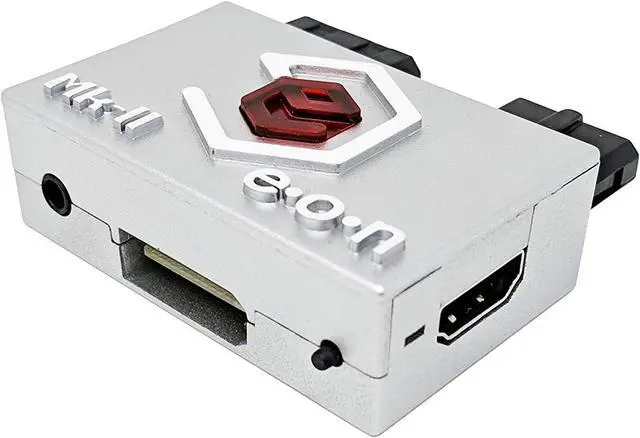
The Mk-II includes a 3.5mm jack with analog and optical digital audio output. To output audio directly from GameCube, simply connect the 3.5mm auxiliary cable or Mini TOSLINK fiber optic connector. With EON's custom firmware, the GCHD Mk-II is the most comprehensive solution for GameCube audio and video needs.
B) Wii Components and SCART Ports
Mk II also supports high quality analog video output in YPbPr or RGB format. To use, simply connect the Wii component or Scart cable.
Supported video formats: Ypbpr, RGBS, RGSB
Note: Upgradable firmware GCHD Mk-II firmware can be upgraded via SPI. However, this is not recommended. Selecting firmware changes will void the warranty. F
How to connect GCHD MK-II:
The GCHD Mk-II only works with GameCube of DOL-001 (1st Generation)
Make sure GameCube has a digital AV output port.
Setup Instructions:
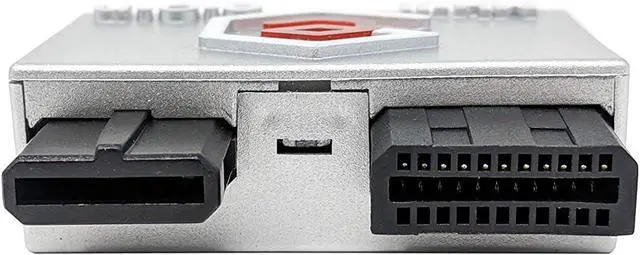
Step 1: Insert the GCHD Mk-II securely into both the digital AV port and analog AV port.
Step 2: Connect the GCHD Mk-II to your TV with the desired cable (HDMI or Wii Component/SCART).
Step 3: Connect the power to the GameCube
Enable progressive scan mode (480p mode)
Step 4: Press "B" while the game activates to activate progressive scanning mode.
Step 5: Enjoy HD play with the highest resolution.
About IR Sensor:
Customize with GCHD MK-II IR menu.

A) Analog and optical digital audio
The Mk-II includes a 3.5mm jack with analog and optical digital audio output. To output audio directly from GameCube, simply connect the 3.5mm auxiliary cable or Mini TOSLINK fiber optic connector. With EON's custom firmware, the GCHD Mk-II is the most comprehensive solution for GameCube audio and video needs.
B) Wii Components and SCART Ports
Mk II also supports high quality analog video output in YPbPr or RGB format. To use, simply connect the Wii component or Scart cable.
Supported video formats: Ypbpr, RGBS, RGSB
Note: Upgradable firmware GCHD Mk-II firmware can be upgraded via SPI. However, this is not recommended. Selecting firmware changes will void the warranty. F
How to connect GCHD MK-II:
The GCHD Mk-II only works with GameCube of DOL-001 (1st Generation)
Make sure GameCube has a digital AV output port.
Setup Instructions:
Step 1: Insert the GCHD Mk-II securely into both the digital AV port and analog AV port.
Step 2: Connect the GCHD Mk-II to your TV with the desired cable (HDMI or Wii Component/SCART).
Step 3: Connect the power to the GameCube
Enable progressive scan mode (480p mode)
Step 4: Press "B" while the game activates to activate progressive scanning mode.
Step 5: Enjoy HD play with the highest resolution.
About IR Sensor:
Customize with GCHD MK-II IR menu.
Warranty & Returns
Warranty, Returns, And Additional Information
Warranty
- Please contact the Seller directly for warranty information. Warranty information may also be found on the Manufacturer's website.
- CONTACT
Return Policies
- Return for refund within: 30 days
- Return for replacement within: 30 days
- This item is covered by CITY BUSINESS Official Return Policy
Manufacturer Contact Info
- For a directory of all our manufacturers, please click below.
- Manufacturers Directory
LOADING...