

Your Browsing History
- Free 30-day Returns
$90.99

Meet Your Seller


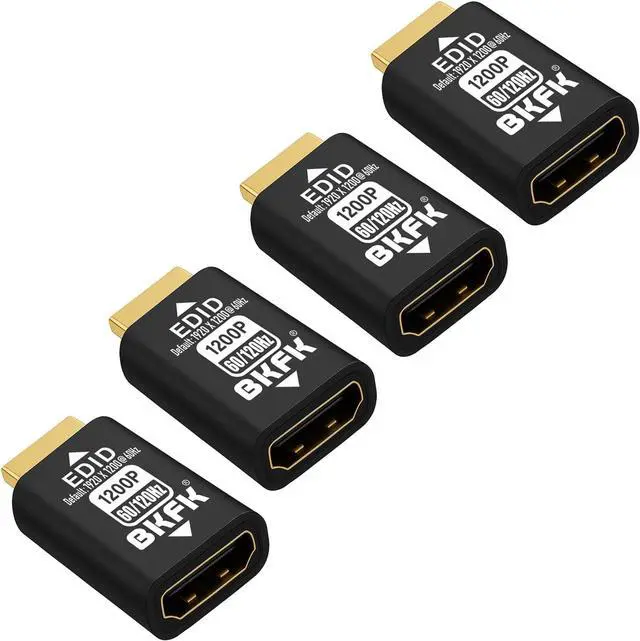
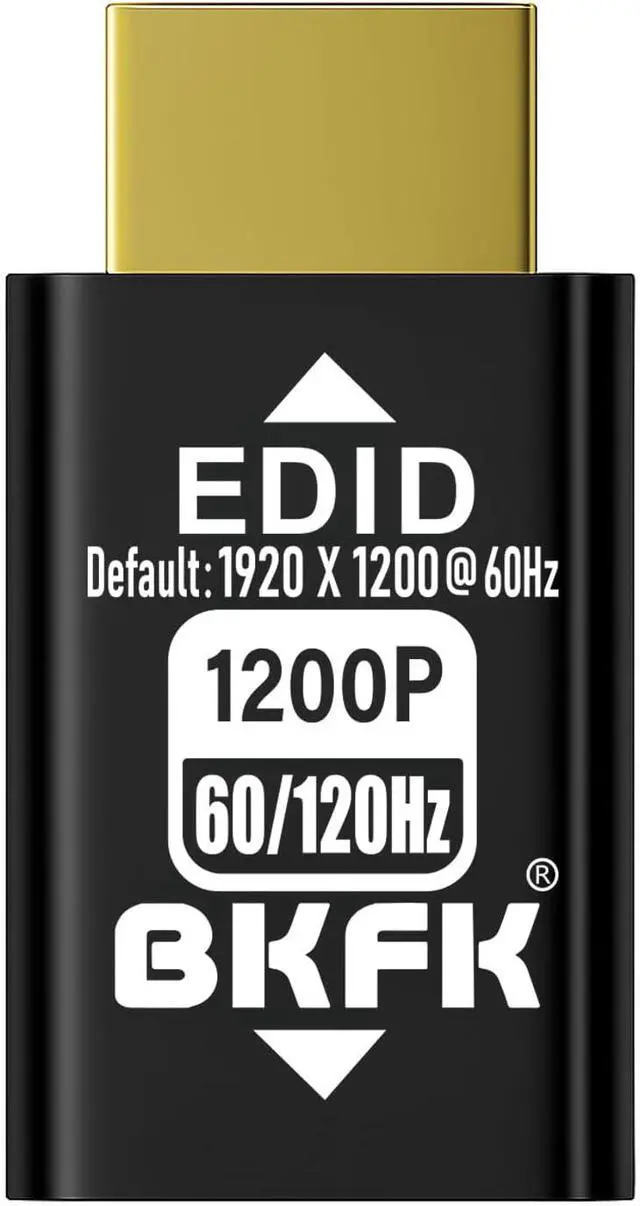
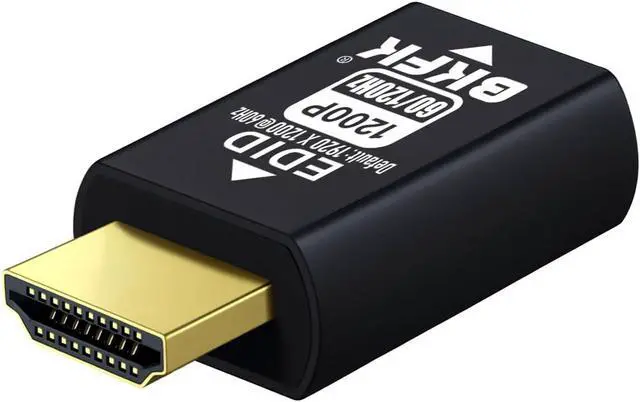
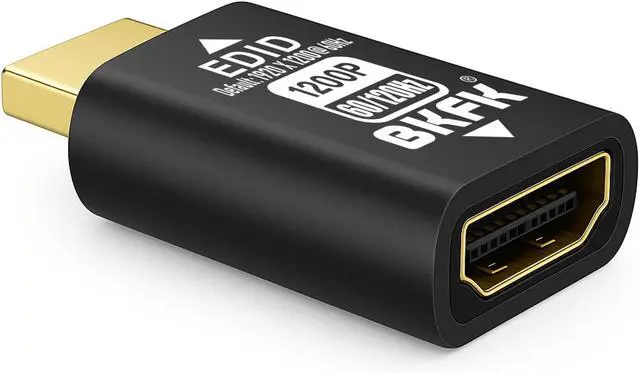


HDMI EDID Emulator, Passthrough Display Adapter, Default Resolution Dummy Plug, Headless Ghost for HDMI Switches, Extenders, AV Receivers, Video Splitters(1920X1200@60/120-HDR-4P)
- EDID Emulation and Signal Stability--HDMI EDID Emulator Adapter simulates the EDID of a display, ensuring that even when no display device is connected, the source device (such as a DVD player, gaming console, or PC) can still output a signal.ures that regardless of whether the display is on or off, the source device continues to output stable video and audio signals, preventing signal loss or display errors.
- Multi-Device Compatibility--This device is especially suitable for environments with multiple displays or devices, such as home theater systems, AV receivers, and video splitters. It resolves compatibility issues caused by mismatched EDID information between devices, ensuring that each device can correctly recognize and receive signals from the source device, thus avoiding image errors or connection failures due to device differences.
- High Resolution and Audio Support--HDMI EDID Emulator supports high resolutions and various audio formats. It simulates the EDID information requ
+
+
Overview
Reviews

Any questions? Our AI mode will help you find out quickly.
Try me now
Product IntroductionThis HDMI virtual plug is a type of display emulator (also known as a virtual plug or virtual display adapter). When plugged into a computer's HDMI port, the system automatically detects it as a virtual display and activates the GPU output, enabling high-resolution display and graphics acceleration.It works without a physical monitor, keeping the GPU active at all times. This makes it especially suitable for remote desktop control, server maintenance, GPU mining, video rendering, virtual reality (VR), and more.Compared to traditional monitors, it is more affordable, compact, and energy-efficient, making it an ideal solution for server rooms, SOHO setups, VR users, and remote workers.Supported resolution range: From 800×600@60Hz up to 3840×2160@60Hz (4K)
1. Smooth Remote Operation Prevents black/white screen or low resolution issues when no display is connected during remote desktop use. Enables smooth remote control.
2.Keeps GPU Active Some GPUs disable or throttle performance without a connected display. This plug keeps the GPU fully active, ensuring maximum performance.
3. Prevents GPU Shutdown During Mining Avoids situations where the GPU stops working during cryptocurrency mining due to lack of a display connection.
4.Standalone VR Headset Usage Some VR setups require a connected monitor to function. This plug acts as a display substitute, allowing VR headsets to run independently.
5. Remote Control with Screen Off Allows you to remotely control a computer with no physical display connected or while the monitor is turned offsaving power and extending hardware lifespan.
6.Fixes Resolution Lock Issues Mini PCs and embedded systems may default to very low resolutions (e.g., 640x480) when no monitor is connected. This plug unlocks high-resolution options.
7.Plug and Play, Fully Compatible No drivers, no software, no power, and no setup required. Supports hot swapping. Compatible with Windows (11/10/8/7/XP), macOS, Linux, and more.
Supported Resolutions4096 x2160@60Hz-----3840 x2160@60Hz-----2880 x1800@60Hz2560 x1600@60Hz-----2560 x1440@60Hz-----1920 x1200@60Hz 1920x1080@60/119.88/120Hz(Default Resolution) 1680 x1050@60/119.88/120Hz----1600 x1024@60/119.88/120Hz1600 x 900@60/119.88/120Hz-----1440 x1080@60/119.88/120Hz 1440 x900@60/119.88/120Hz-----1366 x768@60/119.88/120Hz1360x768@60/119.88/120Hz -----1280x1024@60/119.88/120Hz 1280 x960@60/119.88/120Hz-----1280 x800@60/119.88/120Hz1280 x768@60/119.88/120Hz-----1280x720@60/119.88/120Hz 1176 x664@60/119.88/120Hz-----1152x864@60/119.88/120Hz1024x768@60/119.88/120Hz-----800 x600@60/119.88/120Hz
HDMI Virtual Display Plug Virtual Display Emulator What Problems Can It Solve?
1. Smooth Remote Operation Prevents black/white screen or low resolution issues when no display is connected during remote desktop use. Enables smooth remote control.
2.Keeps GPU Active Some GPUs disable or throttle performance without a connected display. This plug keeps the GPU fully active, ensuring maximum performance.
3. Prevents GPU Shutdown During Mining Avoids situations where the GPU stops working during cryptocurrency mining due to lack of a display connection.
4.Standalone VR Headset Usage Some VR setups require a connected monitor to function. This plug acts as a display substitute, allowing VR headsets to run independently.
5. Remote Control with Screen Off Allows you to remotely control a computer with no physical display connected or while the monitor is turned offsaving power and extending hardware lifespan.
6.Fixes Resolution Lock Issues Mini PCs and embedded systems may default to very low resolutions (e.g., 640x480) when no monitor is connected. This plug unlocks high-resolution options.
7.Plug and Play, Fully Compatible No drivers, no software, no power, and no setup required. Supports hot swapping. Compatible with Windows (11/10/8/7/XP), macOS, Linux, and more.
Supported Resolutions4096 x2160@60Hz-----3840 x2160@60Hz-----2880 x1800@60Hz2560 x1600@60Hz-----2560 x1440@60Hz-----1920 x1200@60Hz 1920x1080@60/119.88/120Hz(Default Resolution) 1680 x1050@60/119.88/120Hz----1600 x1024@60/119.88/120Hz1600 x 900@60/119.88/120Hz-----1440 x1080@60/119.88/120Hz 1440 x900@60/119.88/120Hz-----1366 x768@60/119.88/120Hz1360x768@60/119.88/120Hz -----1280x1024@60/119.88/120Hz 1280 x960@60/119.88/120Hz-----1280 x800@60/119.88/120Hz1280 x768@60/119.88/120Hz-----1280x720@60/119.88/120Hz 1176 x664@60/119.88/120Hz-----1152x864@60/119.88/120Hz1024x768@60/119.88/120Hz-----800 x600@60/119.88/120Hz
HDMI Virtual Display Plug Virtual Display Emulator What Problems Can It Solve?
Warranty & Returns
Warranty, Returns, And Additional Information
Warranty
- Please contact the Seller directly for warranty information. Warranty information may also be found on the Manufacturer's website.
- CONTACT
Return Policies
- Return for refund within: 30 days
- Return for replacement within: 30 days
- This item is covered by CITY BUSINESS Official Return Policy
Manufacturer Contact Info
- For a directory of all our manufacturers, please click below.
- Manufacturers Directory
LOADING...