

Your Browsing History

Meet Your Seller

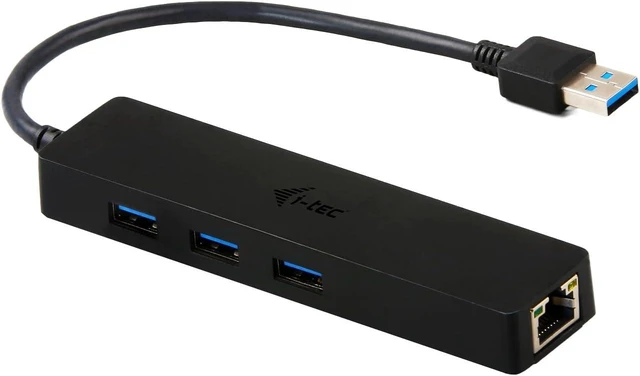
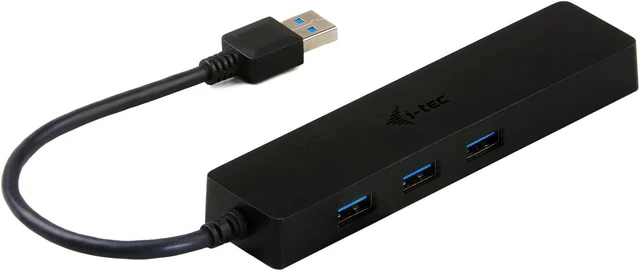

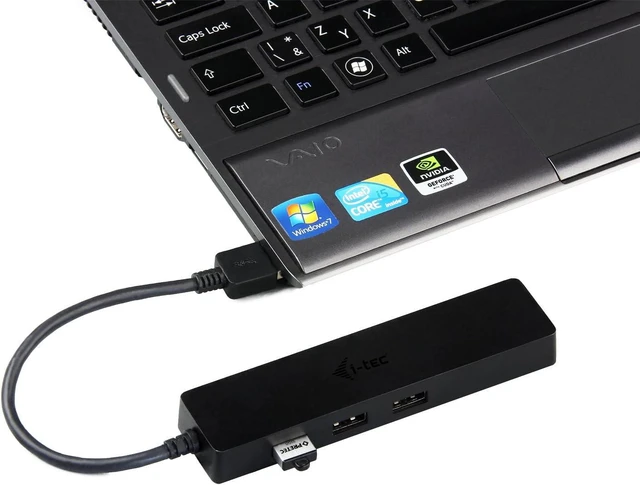
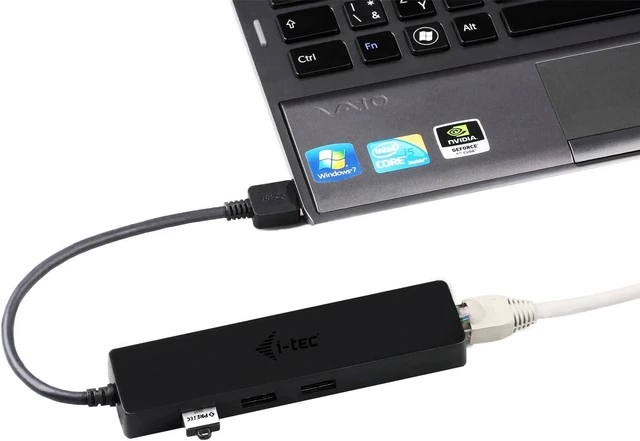
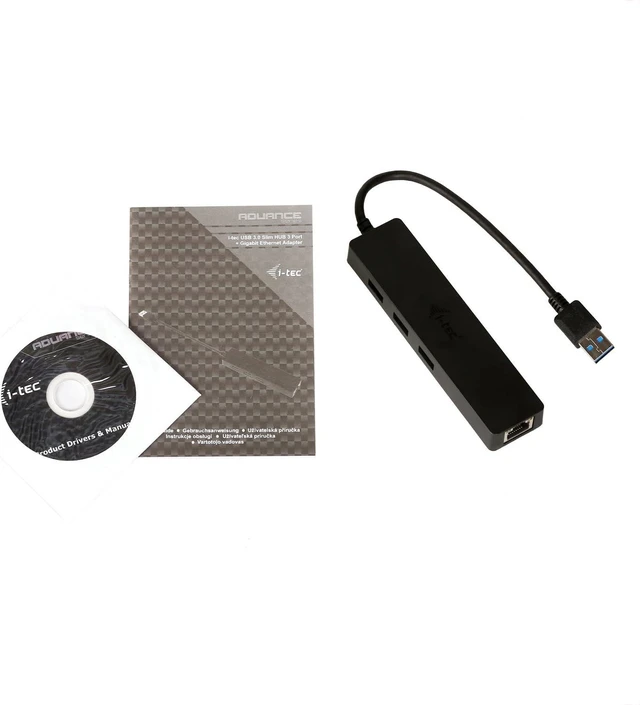
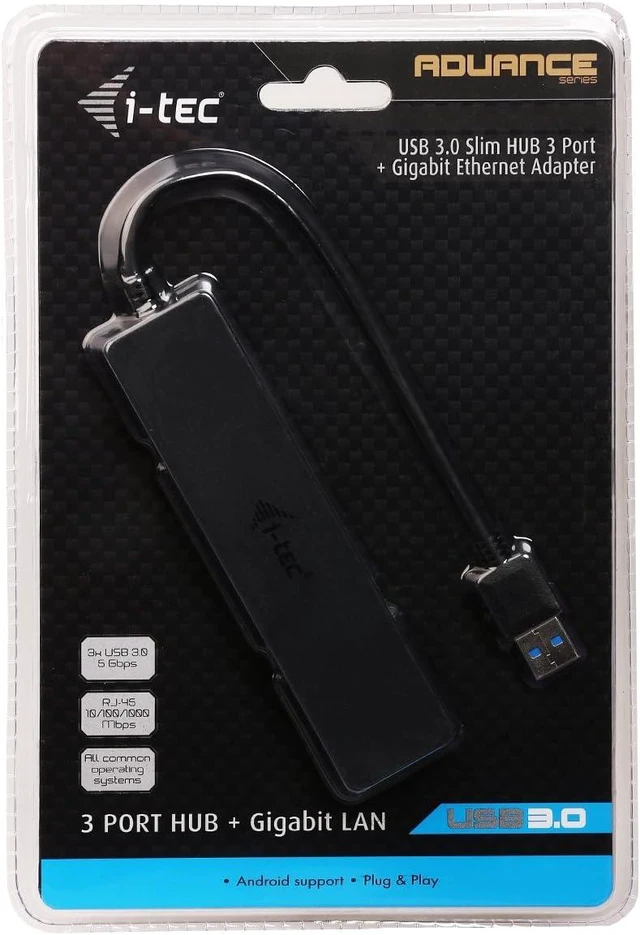


i-tec USB 3.0 Slim HUB 3 Port + Gigabit Ethernet Adapter
- U3GL3SLIM
- Combination of passive USB 3.0 HUB with Gigabit Ethernet adapter, for easy and fast connection of your favorite USB peripherals to your notebook / tablet / PC using a single USB cable, and for fast network and Internet access with Gigabit Ethernet connection
- 3x USB 3.0 port for connecting the USB equipment and high speed data transfer (5 Gbps)
- 1x Ethernet GLAN RJ-45 port, supports 10 / 100 / 1000 Mbps speeds
- Interface USB 3.0, backward compatible with USB 2.0
+
+
Overview
Specs
Reviews

Any questions? Our AI mode will help you find out quickly.
Try me now
Combination of passive USB 3.0 HUB with Gigabit Ethernet adapter, for easy and fast connection of your favorite USB peripherals to your notebook, tablet or PC using a single USB cable, and for fast network and Internet access with Gigabit Ethernet connection. Thanks to its compact dimensions and low weight it is an ideal accessory when traveling.
It offers three USB 3.0 ports with the Plug & Play function and standard USB charging the HUB will automatically detect connected equipment for USB charging. The USB 3.0 interface is important mainly for data transfers from USB 3.0 memory cards and flash disks which will use its high transfer speed most. This HUB is powered from the USB bus and it has a built in overcurrent protection of your computer in case of short connection on the peripheries. The interface is compatible with USB 2.0.
The Gigabit Ethernet port allows fast network and Internet access with Gigabit Ethernet connection. You no need to purchase an extra Gigabit network card and share a PCI/PCIe or Express/CardBus slot. With compliance with USB 3.0 specification, this adapter ensures true 10/100/1000 Mbps network speed without any compromise. The network connection can also be used in the Android system. However, the support of this function must be included by the manufacturer directly in the particular Android device. You can easily check this support in Network Connection Settings Other Networks, which must include Ethernet.
It offers three USB 3.0 ports with the Plug & Play function and standard USB charging the HUB will automatically detect connected equipment for USB charging. The USB 3.0 interface is important mainly for data transfers from USB 3.0 memory cards and flash disks which will use its high transfer speed most. This HUB is powered from the USB bus and it has a built in overcurrent protection of your computer in case of short connection on the peripheries. The interface is compatible with USB 2.0.
The Gigabit Ethernet port allows fast network and Internet access with Gigabit Ethernet connection. You no need to purchase an extra Gigabit network card and share a PCI/PCIe or Express/CardBus slot. With compliance with USB 3.0 specification, this adapter ensures true 10/100/1000 Mbps network speed without any compromise. The network connection can also be used in the Android system. However, the support of this function must be included by the manufacturer directly in the particular Android device. You can easily check this support in Network Connection Settings Other Networks, which must include Ethernet.
Warranty & Returns
Warranty, Returns, And Additional Information
Warranty
- Please contact the Seller directly for warranty information. Warranty information may also be found on the Manufacturer's website.
- CONTACT
Return Policies
- Return for refund within: 30 days
- Return for replacement within: 30 days
- This item is covered by PartsPro Store Return Policy
Manufacturer Contact Info
- For a directory of all our manufacturers, please click below.
- Manufacturers Directory
LOADING...