

Your Browsing History

Meet Your Seller

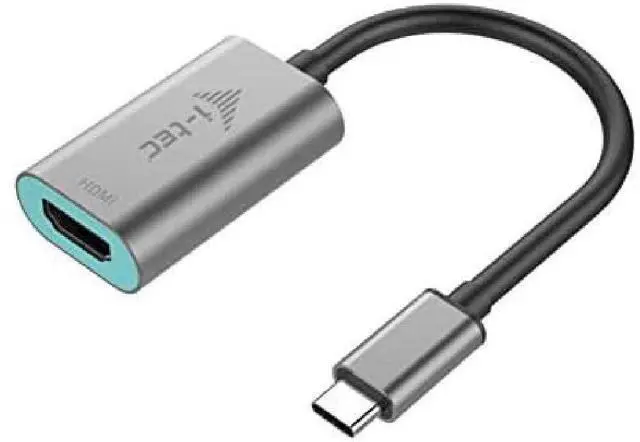
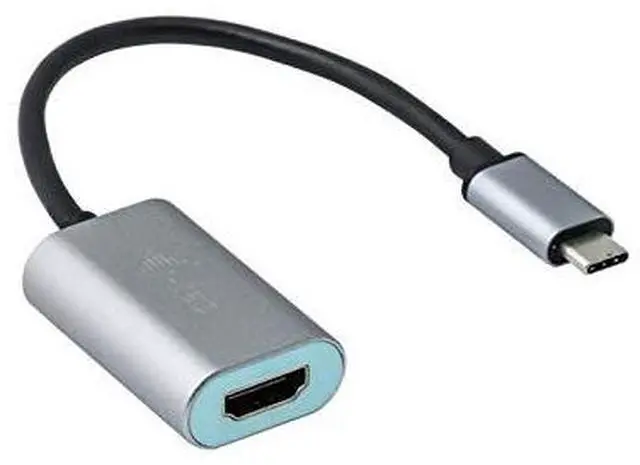
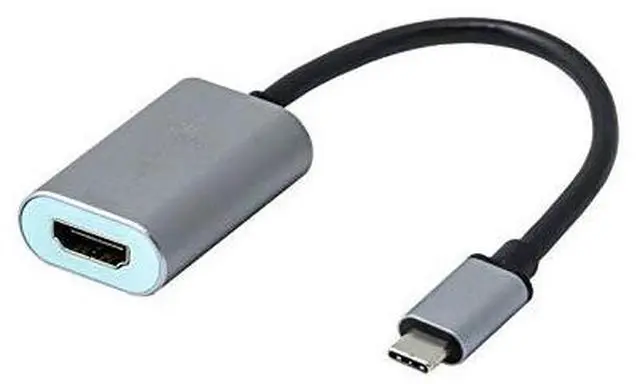
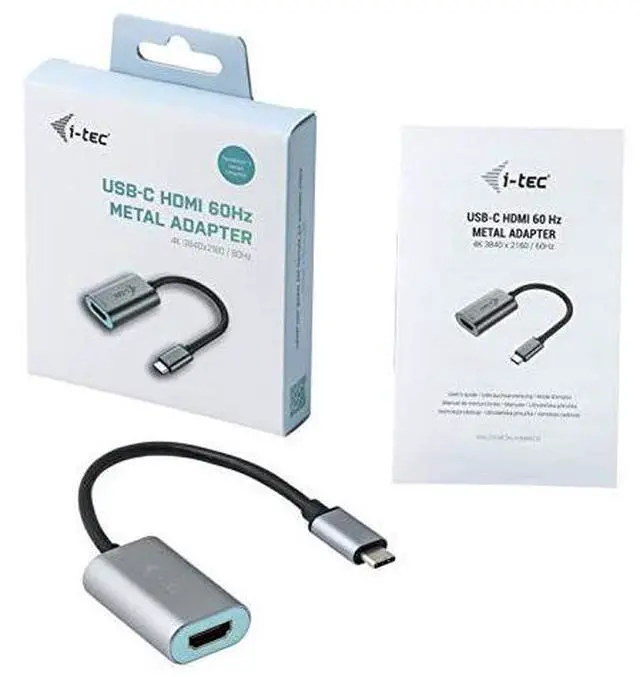


i-tec USB-C to HDMI Metal Adapter 1x HDMI 4K 60Hz for Windows MacOS ChromeOS Thunderbolt 3 Compatible
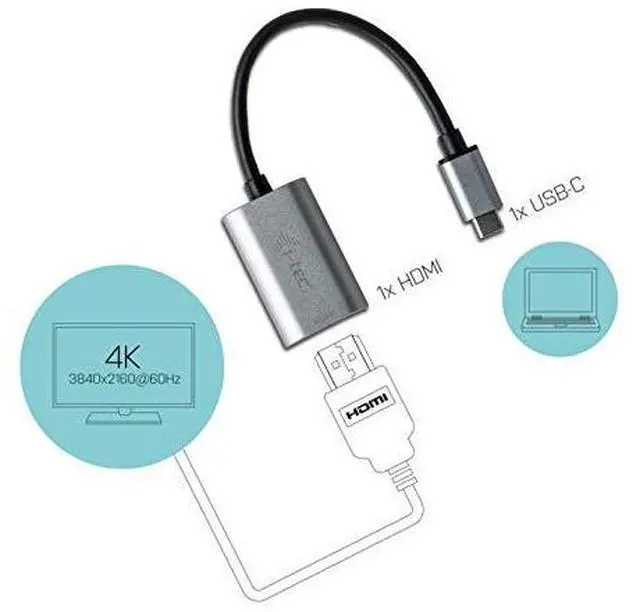
- Expand your desktop to external HDMI monitor or connect projector or television with HDMI interface via new USB-C or Thunderbolt 3 connector, the adapter allows you to transfer video with 4K Ultra HD resolution and stereo sound
- 1x USB-C 3.1 connector, transfer rate up to 10 Gbps
- 1x HDMI (spec. 2.0b), max. 3840 x 2160 / 60Hz. Mode: Extend, Mirror and Primary Display. Chipset: VL100 & PS176
- Powered through USB bus, no power adapter is needed
- Requires USB-C interface with DisplayPort Alternate Mode support (not all devices/systems with USB-C interface supports the standard) or Thunderbolt 3 port Windows 10 32/64bit, Mac OS X, Chrome OS (Google)
+
+
Overview
Specs
Reviews

Any questions? Our AI mode will help you find out quickly.
Try me now
Expand your desktop to external HDMI monitor or connect projector or television with HDMI interface to your notebook, tablet or PC via new USB-C or Thunderbolt 3 connector. The adapter supports 4K Ultra HD video with resolution up to 4096 x 2160 @60Hz and stereo sound.
The adapter is suitable for use with Chromebook Pixel 2015, Acer Switch Alpha 12, Dell XPS 13, HP EliteBook Folio G1 and other devices with the USB-C connector. The USB-C connector has many advantages, it is smaller, symmetrical and allows easy connection because now you need not take care of the rotation of the connector.
The adapter is the excellent choice for designers, graphic designers, gamers, and other users working with more than one screen simultaneously. Using the Extend and Mirror modes you can work for example with applications on two monitors (e.g., wide spreadsheets), or you can work on the first screen and search for information on the Internet on the second screen, you can compare several documents simultaneously without constant switching among the open windows, you can display panoramic images on two screens without the need to have another computer etc.
Using is very simple, just plug the adapter into the USB-C or Thunderbolt 3 port on your computer, connect it to a display device via HDMI cable and you can immediately start using. Driver installation is automatic from the system.
The adapter is suitable for use with Chromebook Pixel 2015, Acer Switch Alpha 12, Dell XPS 13, HP EliteBook Folio G1 and other devices with the USB-C connector. The USB-C connector has many advantages, it is smaller, symmetrical and allows easy connection because now you need not take care of the rotation of the connector.
The adapter is the excellent choice for designers, graphic designers, gamers, and other users working with more than one screen simultaneously. Using the Extend and Mirror modes you can work for example with applications on two monitors (e.g., wide spreadsheets), or you can work on the first screen and search for information on the Internet on the second screen, you can compare several documents simultaneously without constant switching among the open windows, you can display panoramic images on two screens without the need to have another computer etc.
Using is very simple, just plug the adapter into the USB-C or Thunderbolt 3 port on your computer, connect it to a display device via HDMI cable and you can immediately start using. Driver installation is automatic from the system.
Warranty & Returns
Warranty, Returns, And Additional Information
Warranty
- Please contact the Seller directly for warranty information. Warranty information may also be found on the Manufacturer's website.
- CONTACT
Return Policies
- Return for refund within: 30 days
- Return for replacement within: 30 days
- This item is covered by PartsPro Store Return Policy
Manufacturer Contact Info
- For a directory of all our manufacturers, please click below.
- Manufacturers Directory
LOADING...