




 here!
I’m your shopping assistant for PC builds, upgrades, and everything tech.
Got questions? Ask away!
Start a conversation
here!
I’m your shopping assistant for PC builds, upgrades, and everything tech.
Got questions? Ask away!
Start a conversation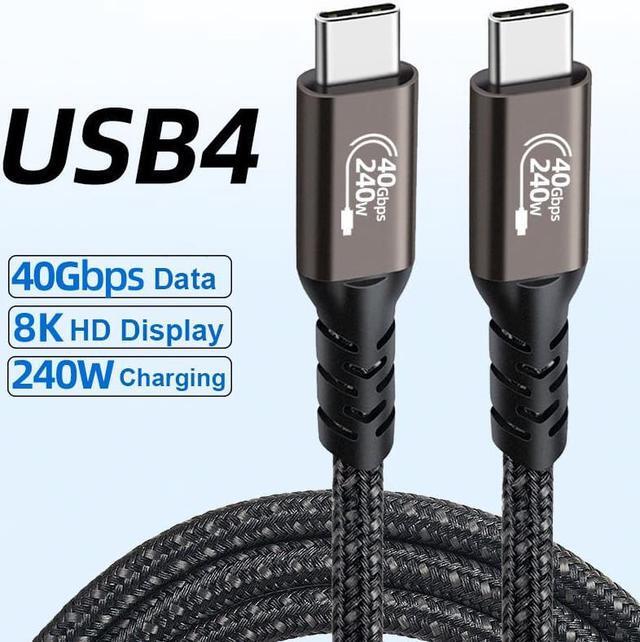



Any questions? Ask CelesteSM will help you find out quickly.


Features:
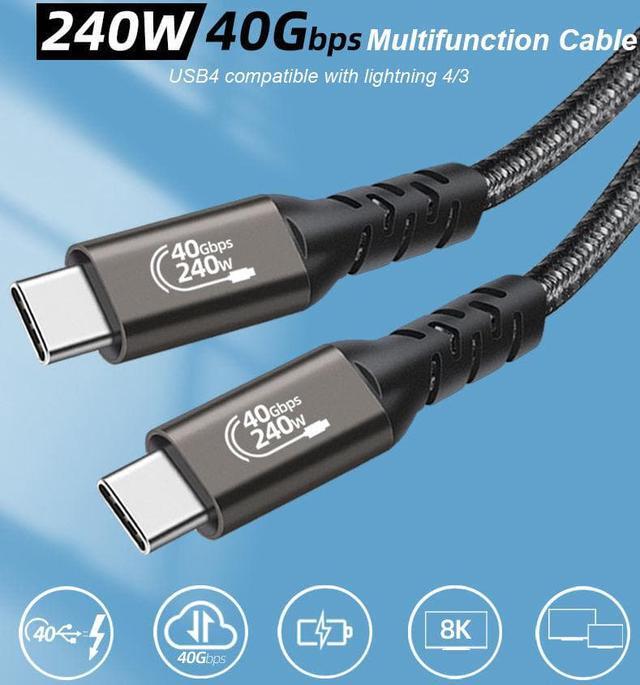
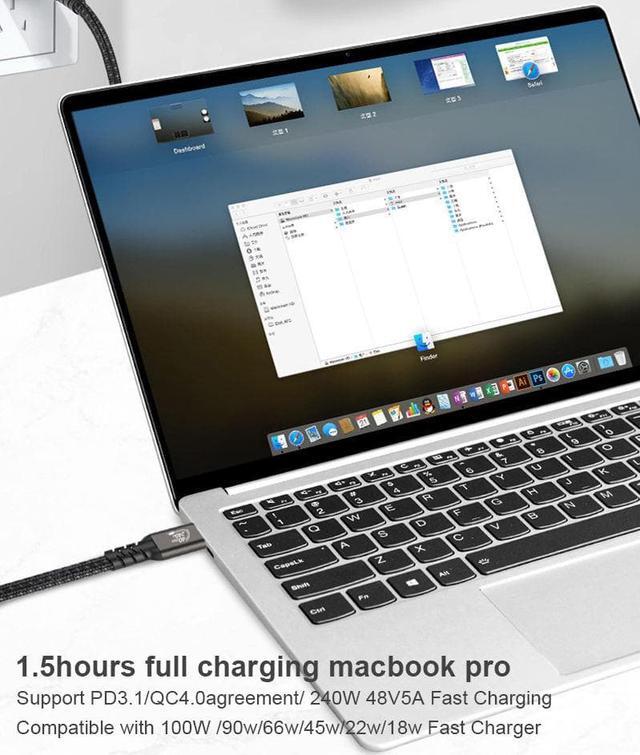
1. PD240W (48V 5A) Power Delivery Charge
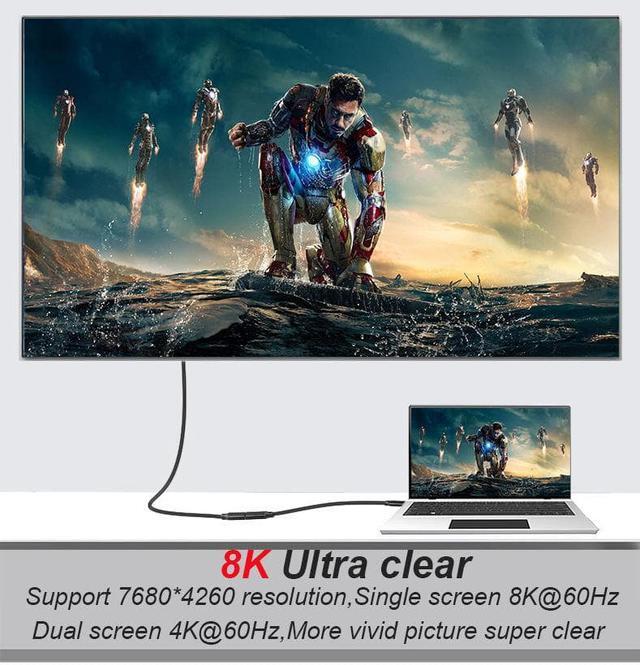
2. Dual 4K@60Hz video resolution outputs
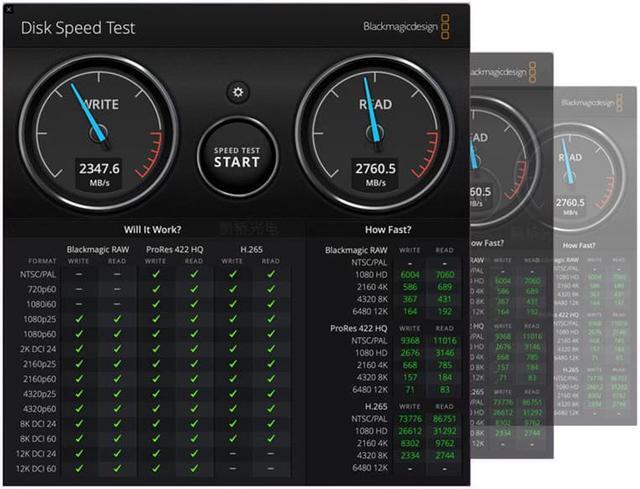
3. Supports up to 40Gbps transfer over USB4 hosts and devices
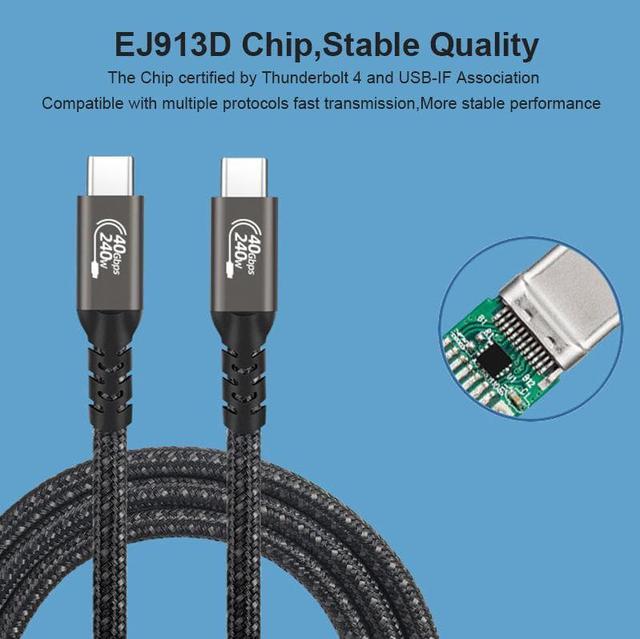
4. Compatible Thunderbolt3/4/DP/PCle devices including docking stations, external graphics cards, and displays.
Cable length:0.5m/1.6ft 1m/3.3ft 1.5m/5ft
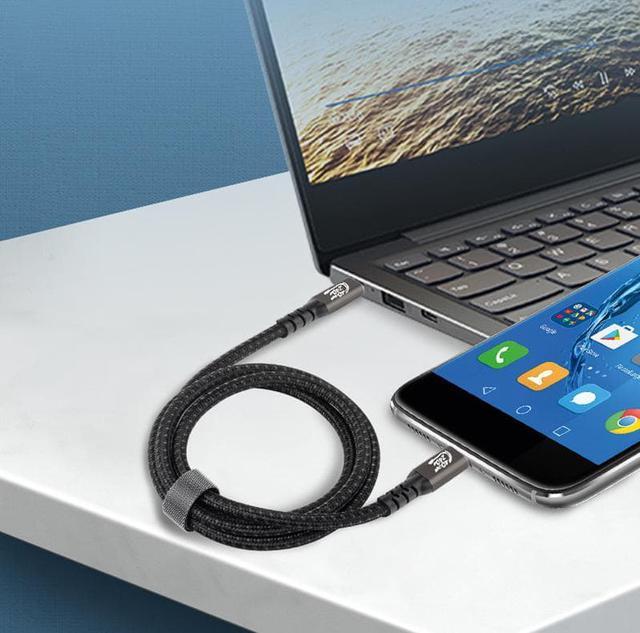
Cable supports all USB generations; USB 1.1, 2.0, 3.0 and USB 3.2 Gen 1/Gen 2 USB4 Compatibility list for laptops/Smartphones(Not a full list): MacBook Pro 2016/2017/2018/2019 iMac compatible with Thunderbolt 3 port Microsoft Surface Book, Google Chromebook Pixel, Dell XPS,mDell Precision 5510,mDell Inspiration 15 7000, HP Spectre, Chromebook 13 G1,New Acer Switch Alpha 12, Acer Spin All Type C mobile phones such as Samsung Galaxy S8/S9/S10, Note8/Note9/Note10, Huawei, LG,OnePlus,Xiaomi,ZUK etc


The Hannord USB4 USB-C to USB-C cable is designed for high-speed connections between compatible computers, docks, hubs, and peripherals, supporting up to 40Gbps data transfer, 240W charging, and 8K single-monitor output. It is suitable for MacBook, iPad Pro, Thunderbolt 3/4, and other USB-C users who need one versatile cable.
| Attribute | Value |
|---|---|
| Best For | USB-C to USB-C connections between compatible computers, tablets, hubs, and docks |
| Connector And Compatibility | USB-C to USB-C connector configuration for compatible USB-C devices |
| Physical Design | Space gray finish |
Q: Is the Hannord USB4 cable better than a standard USB-C 20Gbps cable?
A: Choose the Hannord cable when your computer, dock, or SSD supports USB4 at 40Gbps and you want higher bandwidth for fast storage or docking. A USB 3.2 20Gbps cable can be sufficient for ordinary peripherals and costs less, but its maximum data rate is half the 40Gbps rate claimed for the Hannord cable. Actual performance remains limited by the slowest host, device, or dock in the connection.
Q: Should I buy the Hannord cable or a certified Thunderbolt 4 cable?
A: Choose the Hannord cable if its short 0.5-meter length and claimed USB4 40Gbps, 8K, and 240W capabilities meet your needs. Choose a certified Thunderbolt 4 cable when you want the stronger assurance of Thunderbolt certification and defined compatibility for Thunderbolt docks, storage, and displays. The Hannord PDP describes Thunderbolt 4 compatibility, but it does not provide independent certification evidence, so buyers who need predictable Thunderbolt behavior should verify certification before purchase.
Q: Is the Hannord USB4 cable suitable for a dock and dual monitors?
A: It can be a practical choice for a USB4 or Thunderbolt dock when the host, dock, monitors, and video outputs support the required modes. The PDP claims support for one 8K display or two 4K displays, but display resolution and refresh rate depend on the connected computer, dock, monitor configuration, and available DisplayPort bandwidth. For business-critical multi-monitor setups, a certified Thunderbolt 4 cable offers more clearly defined compatibility requirements.
Q: Should I choose the Hannord 0.5m cable or a longer Thunderbolt 4 cable?
A: Choose the Hannord cable for portable setups, short connections between a laptop and dock, or compact desktop cable management. Choose a longer Thunderbolt 4 cable when the dock, monitor, or external drive sits farther from the computer. The longer option provides more placement flexibility, while the Hannord cable is easier to carry and is less likely to leave excess cable on a desk.
Q: Is the Hannord cable worth choosing for 240W charging?
A: Choose it for 240W charging only if the cable, charger, computer, and connected device all support USB Power Delivery Extended Power Range at the required wattage. The Hannord PDP claims up to 240W, but USB4 and USB Power Delivery are separate capabilities, and USB-IF recommends checking the cable's certified power and data markings. For high-power laptops, confirm the cable's certification or labeling before relying on the full 240W rating.
Q: Does this cable support external monitors, including 8K displays?
A: Yes. The cable supports video output up to 8K for one monitor or up to dual 4K displays when the connected computer, dock, monitor, and USB-C ports support the required display mode. Dual-monitor use requires two cables.
Q: Will this cable work with Thunderbolt 3 and Thunderbolt 4 devices?
A: Yes. It is designed to work with Thunderbolt 3 and Thunderbolt 4 devices as well as USB-C devices. Actual charging speed, data rate, and display resolution depend on the capabilities of the connected devices and accessories.
Q: Is this cable suitable for a USB-C dock, external SSD, or high-speed workstation setup?
A: Yes. Its advertised 40Gbps USB4 bandwidth makes it suitable for compatible high-speed storage, docking stations, and other demanding USB-C connections. The connected device, dock, and computer must also support USB4 or Thunderbolt speeds; otherwise, performance will fall back to the slower standard.
Q: Can this cable charge a laptop at up to 240W?
A: The cable supports up to 240W charging when used with a compatible USB Power Delivery charger and device. It does not force a laptop or tablet to draw 240W; the actual charging rate is negotiated by the connected charger and device.
Q: Is the 1.64-foot length practical for travel or desk use?
A: The 1.64-foot length is best for compact desk connections, laptops to docks, hubs, external drives, or nearby monitors. It reduces cable clutter and is easy to pack, but it may be too short when devices are positioned far apart or when routing cables behind a desk.



