here!
here!
I’m your shopping assistant for PC builds, upgrades, and everything tech.
Got questions? Ask away!
Start a conversation
here!
I’m your shopping assistant for PC builds, upgrades, and everything tech.
Got questions? Ask away!
Start a conversation



Any questions? Ask CelesteSM will help you find out quickly.
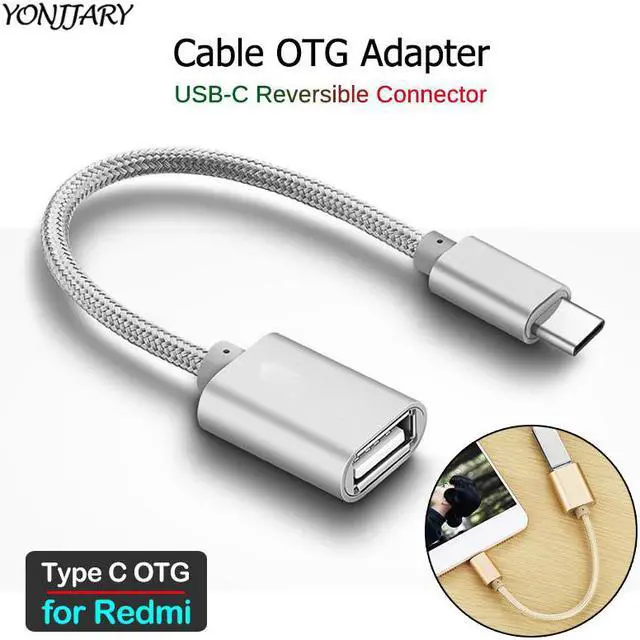
OTG Cable
for Redmi( Plug)
_______
About USB OTG
How to Check if Your Device Supports USB OTG?
USB On-The-Go (OTG) is a standardized specification that allows a device to read from a USB device without requiring a PC. The device basically acts as a USB host , enabling it to power and control other USB peripherals such as keyboards/mice, game controllers, and much more. But how do you find out whether your Android phone supports USB OTG?
Method 1: Look at the box it came in, or the manufacturers website. Youll see USB OTG listed in the specifications.
Method 2: Install USB OTG Checker, a simple app to check whether your phone supports USB OTG or not.
What You Need to Use USB OTG?
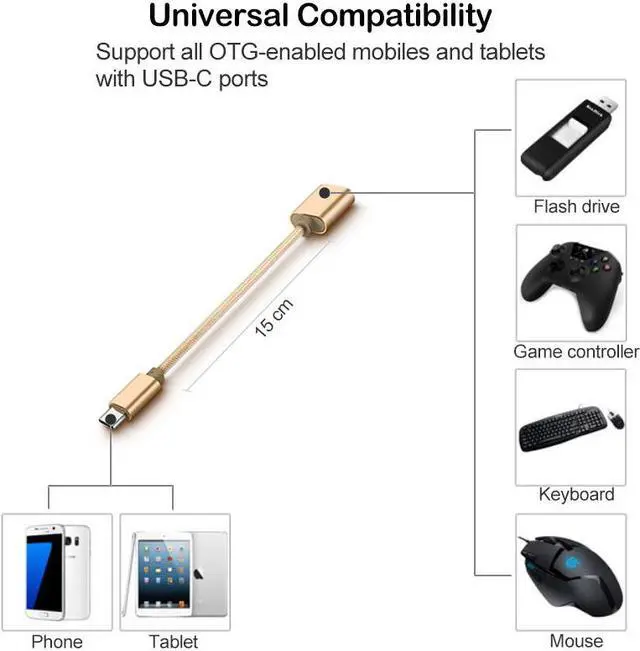
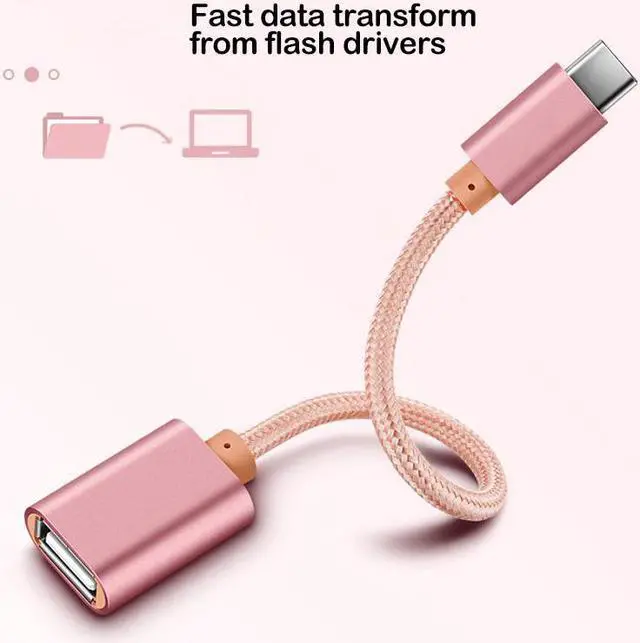
1. Connect Flash Drives and External Hard Drives;
2. Play With Video Game Controllers;
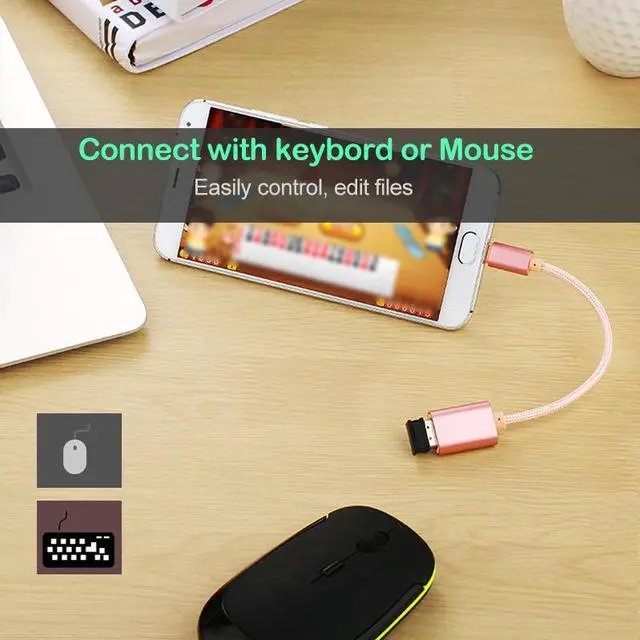
3. Control Android With Keyboard and Mouse;
4. Print Directly From a Printer;
5. Control Your Camera;
_______
Compatible with:
We can not guarantee that the list is 100% correct.
Please double check: port & OTG supported.
Redmi 8
Redmi 8A
Redmi 8A Pro
Redmi K20
Redmi K20 Pro
Redmi K30
Redmi K30 5G
Redmi K30 Pro
Redmi Note 7S
Redmi Note 7
Redmi Note 7 Pro
Redmi Note 8
Redmi Note 8 Pro
Redmi Note 8T
Redmi Note 9S
Redmi Note 9 Pro
Redmi Note 9 Pro Max
_______
Features:
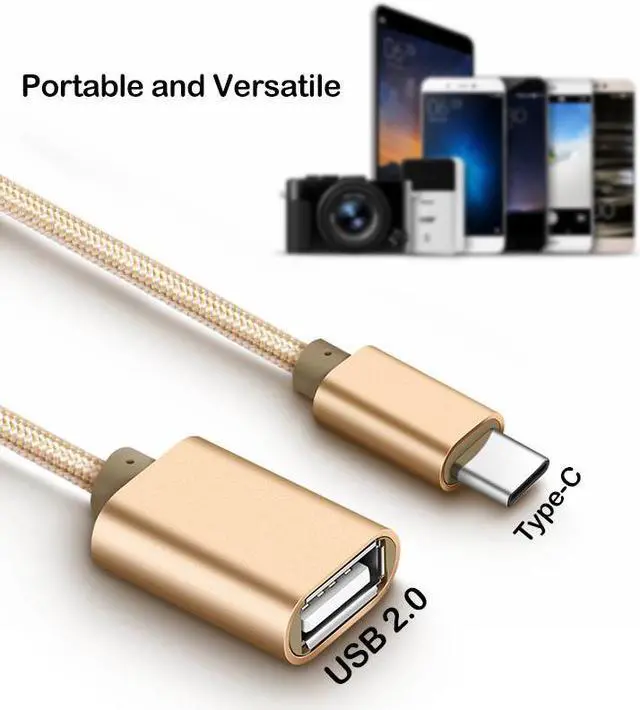
High Compatility: Compatible with all USB flash drives, smart phones/tablet PC with OTG function and Type-C port.
_______