

Your Browsing History
- Free 30-day Returns
$77.99

Meet Your Seller


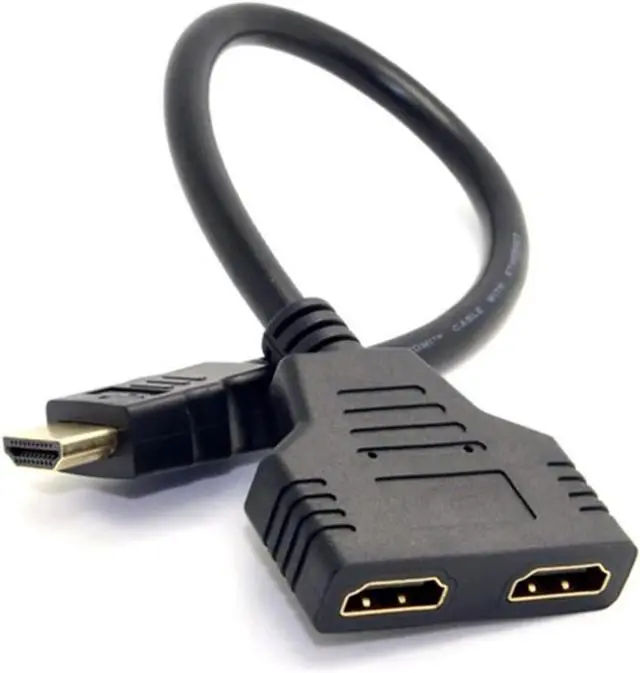
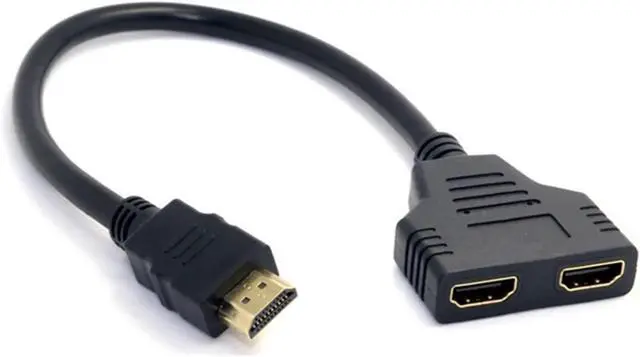
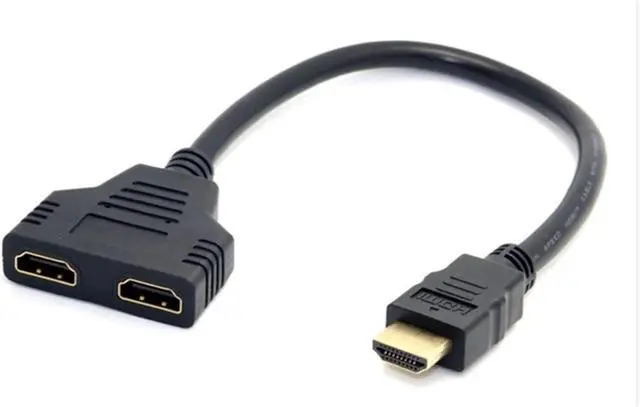
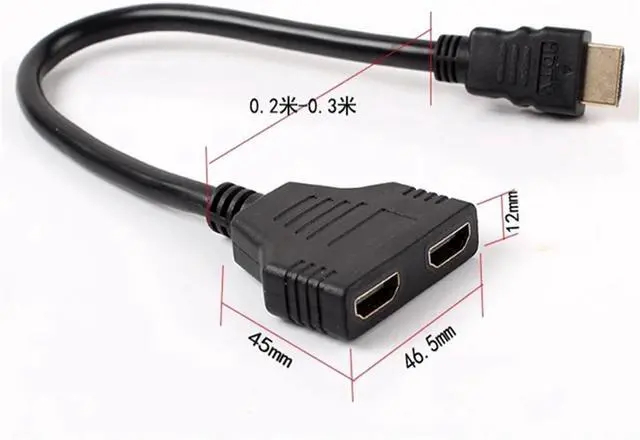


Cable HDMI Compatible Splitter Cable 1 Plug to HDTV 2 Socket y Splitter Adapter on HDMI high-Definition L*/ED LCD TV 30cm
- Only 1-output device should be active at all times, unless both of the two display devices have the same size and model.
- This HDMI splitter cable is ideal for connecting an HDMI-compatible device (, Blueray, DVD player, P>S#3) to two visual output devices. It records a signal from a device such as a Bluray player and is routed to ON/E of two output devices attached to it.
- This product can act as a signal router, for example, you can have a TV in two separate rooms, you can have a TV held in ON/E room and if you want to change the room and continue watching the TV, you just need to turn off ON/E TV and turn on the other TV. And then the signal is forwarded to the TV in the other room.
+
+
Overview
Specs
Reviews

Any questions? Our AI mode will help you find out quickly.
Try me now
Only 1-output device should be active at all times, unless both of the two display devices have the same size and model.
This HDMI splitter cable is ideal for connecting an HDMI-compatible device (, Blueray, DVD player, P>S#3) to two visual output devices. It records a signal from a device such as a Bluray player and is routed to ON/E of two output devices attached to it.
This product can act as a signal router, for example, you can have a TV in two separate rooms, you can have a TV held in ON/E room and if you want to change the room and continue watching the TV, you just need to turn off ON/E TV and turn on the other TV. And then the signal is forwarded to the TV in the other room.
This HDMI splitter cable is ideal for connecting an HDMI-compatible device (, Blueray, DVD player, P>S#3) to two visual output devices. It records a signal from a device such as a Bluray player and is routed to ON/E of two output devices attached to it.
This product can act as a signal router, for example, you can have a TV in two separate rooms, you can have a TV held in ON/E room and if you want to change the room and continue watching the TV, you just need to turn off ON/E TV and turn on the other TV. And then the signal is forwarded to the TV in the other room.
Warranty & Returns
Warranty, Returns, And Additional Information
Warranty
- Please contact the Seller directly for warranty information. Warranty information may also be found on the Manufacturer's website.
- CONTACT
Return Policies
- Return for refund within: 30 days
- Return for replacement within: 30 days
- This item is covered by Deep Source Trading Shop Return Policy
Manufacturer Contact Info
- For a directory of all our manufacturers, please click below.
- Manufacturers Directory
LOADING...