

Your Browsing History
- Free 30-day Returns
$83.99

Meet Your Seller


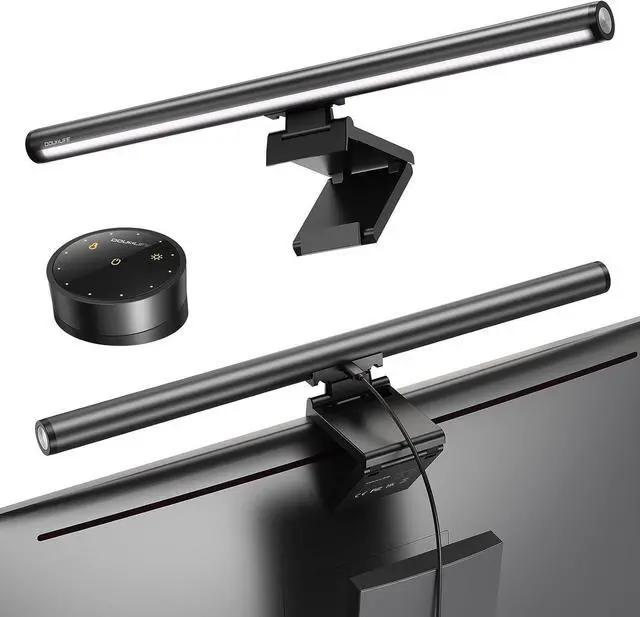
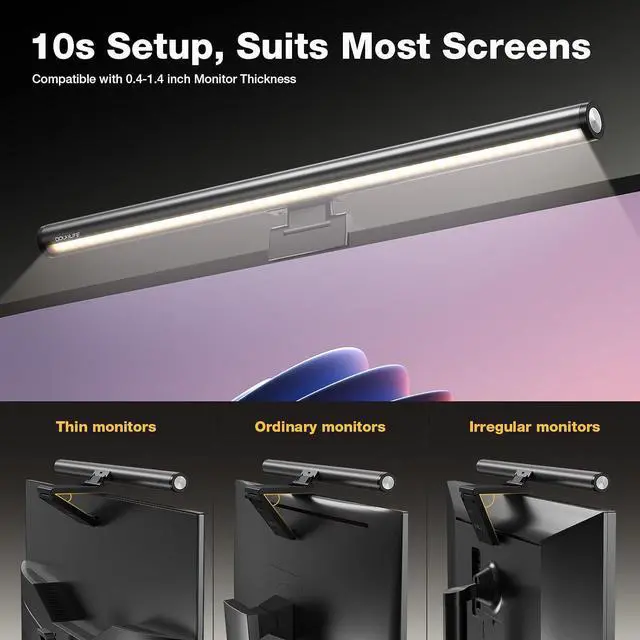
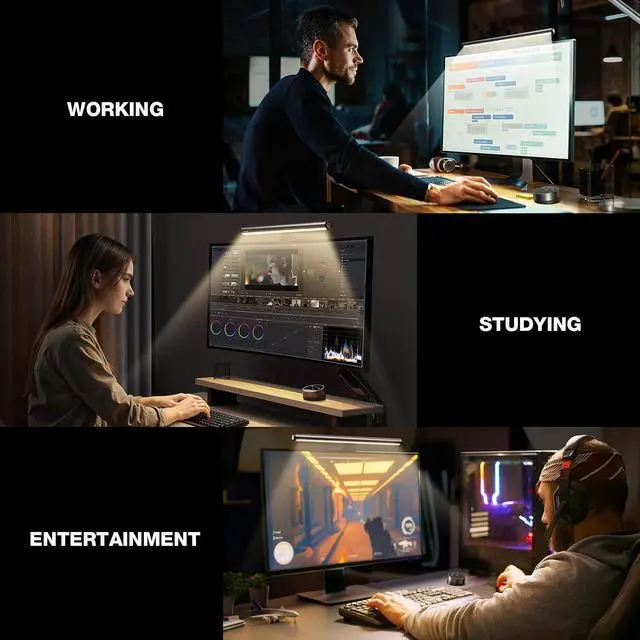


Douxlife Monitor Light Bar with Visual Wireless Remote & Touch Dual Control, Eye-Care Computer Monitor Lamp with Asymmetrical Optical Design, Stepless Dimming Screenbar for Home Office Gaming, Gray
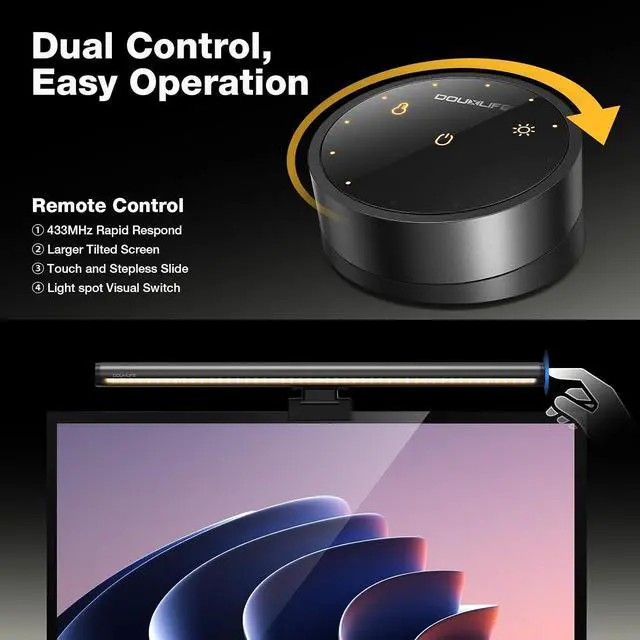
- Dual Control with Visual Remote: Adjust lighting via the sensitive touch switch or ergonomic wireless remote. Unique among competitors, the remote features visual indicator dots showing brightness and color levels in real-time. Includes a low-battery alert for timely replacements, ensuring seamless operation.
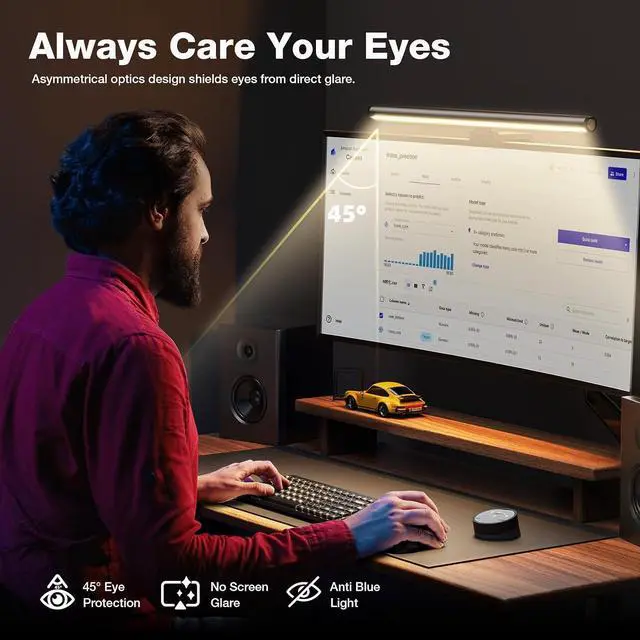
- Asymmetrical Eye-Care Optics: The advanced asymmetrical design directs light onto your desk, not the screen, effectively eliminating glare and flicker. It reduces eye fatigue and blocks harmful blue light. High CRI ensures vivid colors, making it perfect for long hours of working or gaming.
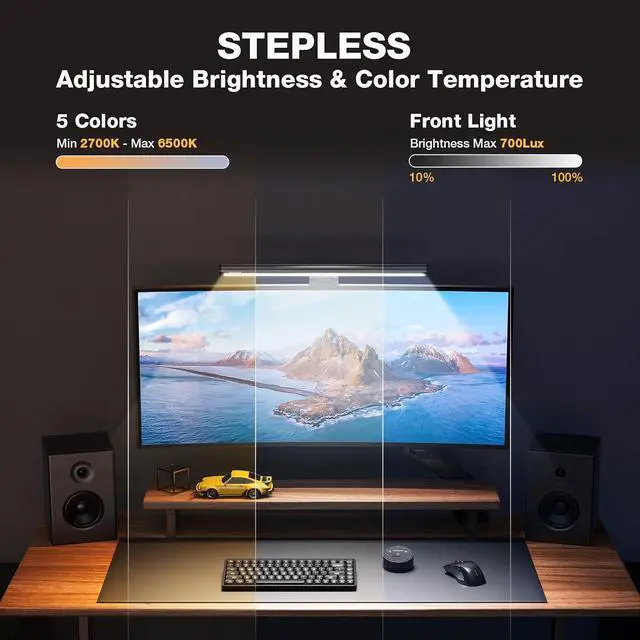
- Stepless Dimming & Memory: Customize lighting with stepless brightness (20%-100%) and color temp (3000K-6500K). Switch from warm to cool light easily. The memory function saves your last settings automatically, removing the need to readjust every time you power on.
- Multi-Light Sync Technology: Ideal for dual-monitor setups, a single remote can control multiple light bars simultaneously. Syn
+
+
Overview
Reviews

Any questions? Our AI mode will help you find out quickly.
Try me now
Once you hear a click, it means its installed correctly.
Place it on your computer screen.
Adjust the angle and connect the USB cable.
Disconnect the left light (the one to be paired).
When the device is powered on, press and hold the power button and brightness button on the remote control simultaneously for 35 seconds within 30 seconds. The light will blink three times, indicating a successful pairing.
Finally, reconnect the left light to the USB port.
How to Adjust Brightness and Color Temperature with the Remote Control Monitor Light Bar Monitor Light Bar How to Assemble Quickly? Monitor Light Bar How to Pair the Remote Control with the Light?
Warranty & Returns
Warranty, Returns, And Additional Information
Warranty
- Please contact the Seller directly for warranty information. Warranty information may also be found on the Manufacturer's website.
- CONTACT
Return Policies
- Return for refund within: 30 days
- Return for replacement within: 30 days
- This item is covered by Deep Source Trading Shop Return Policy
Manufacturer Contact Info
- For a directory of all our manufacturers, please click below.
- Manufacturers Directory
LOADING...