

Your Browsing History

Meet Your Seller

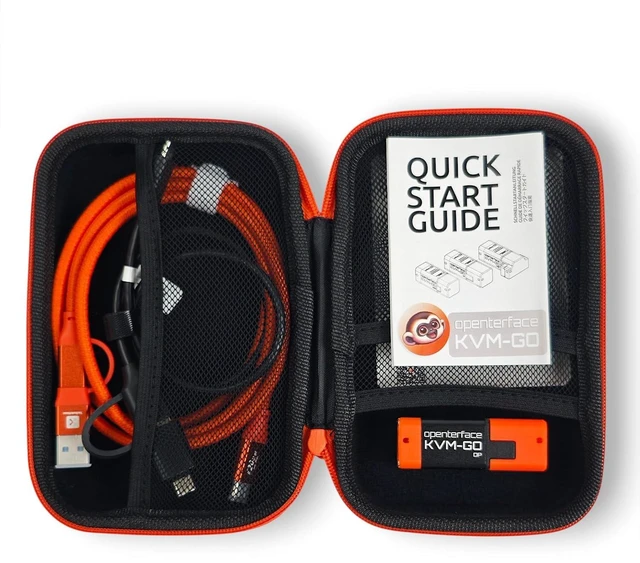
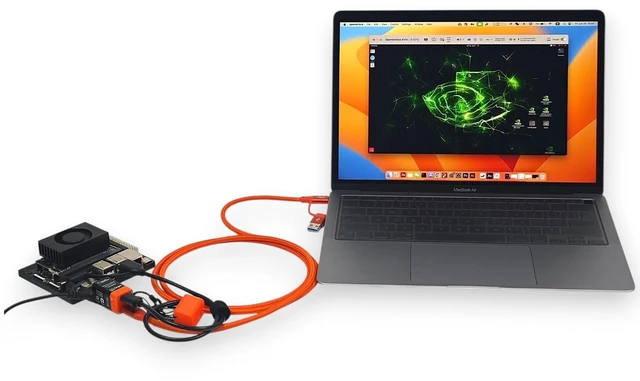
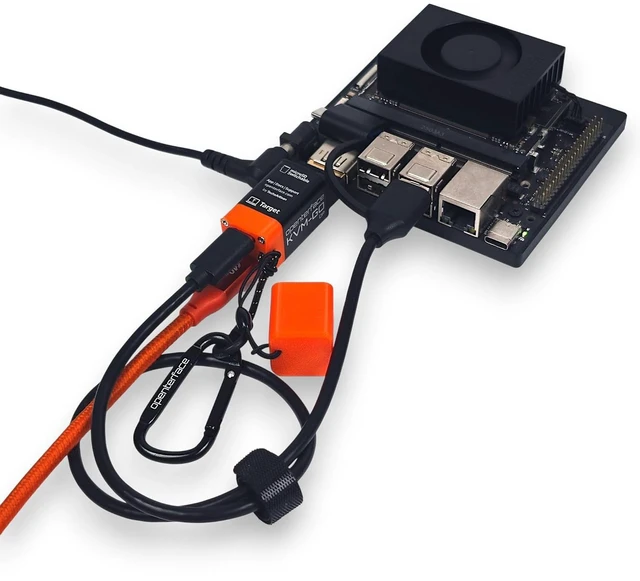
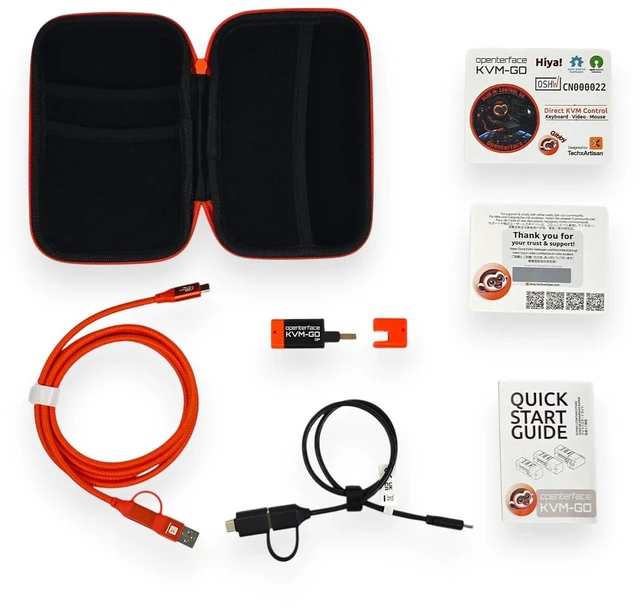
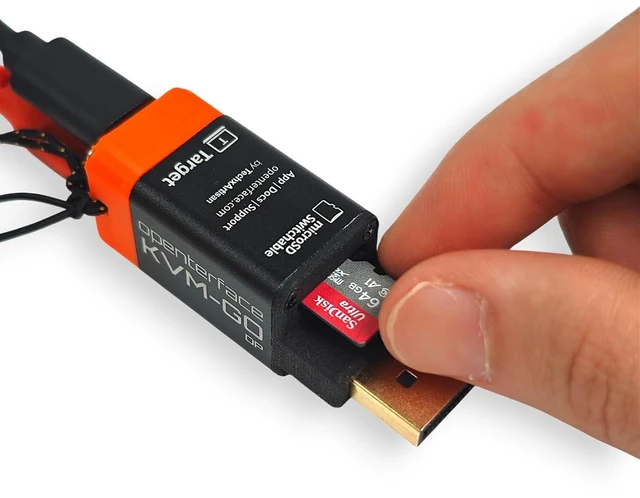
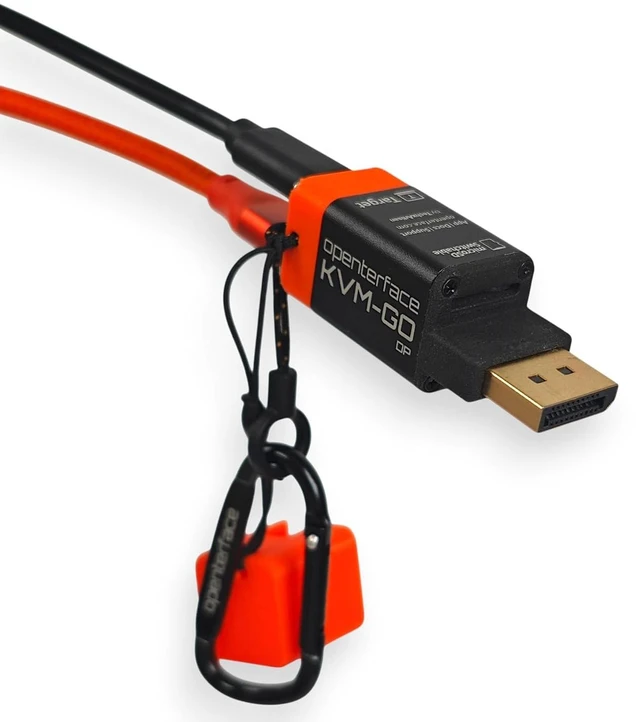


KVM-GO Portable USB KVM Switch DisplayPort Toolkit, BIOS Access, Keyboard Mouse Control, microSD File Transfer for Workstations and Servers
- DISPLAYPORT USB KVM: Built for DP-equipped workstations, servers, mini PCs, desktops, and troubleshooting environments that need compact local KVM access.
- BIOS ACCESS: Provides keyboard, mouse, and video access for BIOS/UEFI setup, boot menus, OS installation, recovery, and system maintenance.
- NO TARGET DRIVER NEEDED: The target device recognizes KVM-GO as standard USB HID keyboard and mouse input, so no driver installation is required on the controlled machine.
- NO NETWORK REQUIRED: Uses direct DisplayPort video and USB control without Wi-Fi, Ethernet, cloud services, or remote desktop software.
- microSD STORAGE UTILITY: Built-in microSD slot supports storage and file transfer workflows for OS images, tools, and maintenance files.
+
+
Overview
Specs
Reviews

Any questions? Our AI mode will help you find out quickly.
Try me now
Which video input interfaces are supported by KVM-GO?
KVM-GO is available in HDMI, DisplayPort, and VGA versions, allowing compatibility with a wide range of target devices, including modern computers, servers, industrial equipment, and legacy systems.
Can KVM-GO access BIOS or boot screens before the operating system starts?
Yes. KVM-GO provides direct hardware-level keyboard, mouse, and video access, allowing users to enter BIOS, configure boot settings, and troubleshoot systems before the operating system loads.
How does KVM-GO emulate keyboard and mouse input?
KVM-GO uses USB HID technology to provide direct keyboard and mouse control of the target device. No software installation is required on the target system, making it suitable for systems with restricted access or no operating system.
How does KVM-GO switch microSD access between host and target devices?
The built-in microSD card switch allows the same microSD card to be accessed by either the host or target device. Users can switch access with a button press, making file transfer and system deployment more efficient.
Which operating systems support KVM-GO control software?
KVM-GO control software supports Windows, macOS, and Linux systems, providing cross-platform control for different development, testing, and IT management environments.
Which video input interfaces are supported by KVM-GO?
Can KVM-GO access BIOS or boot screens before the operating system starts?
How does KVM-GO emulate keyboard and mouse input?
How does KVM-GO switch microSD access between host and target devices?
Which operating systems support KVM-GO control software?
Warranty & Returns
Warranty, Returns, And Additional Information
Warranty
- Please contact the Seller directly for warranty information. Warranty information may also be found on the Manufacturer's website.
- CONTACT
Return Policies
- Return for refund within: 30 days
- Return for replacement within: 30 days
- This item is covered by FluffyNest Return Policy
Manufacturer Contact Info
- For a directory of all our manufacturers, please click below.
- Manufacturers Directory
LOADING...