

Your Browsing History

Meet Your Seller

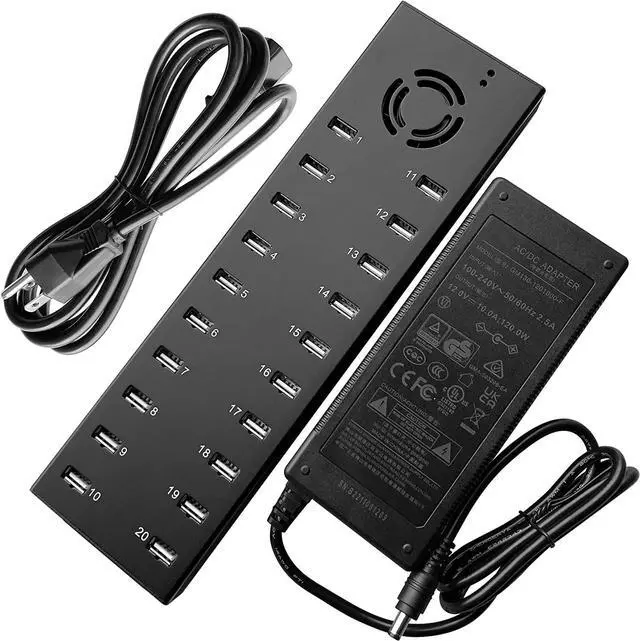
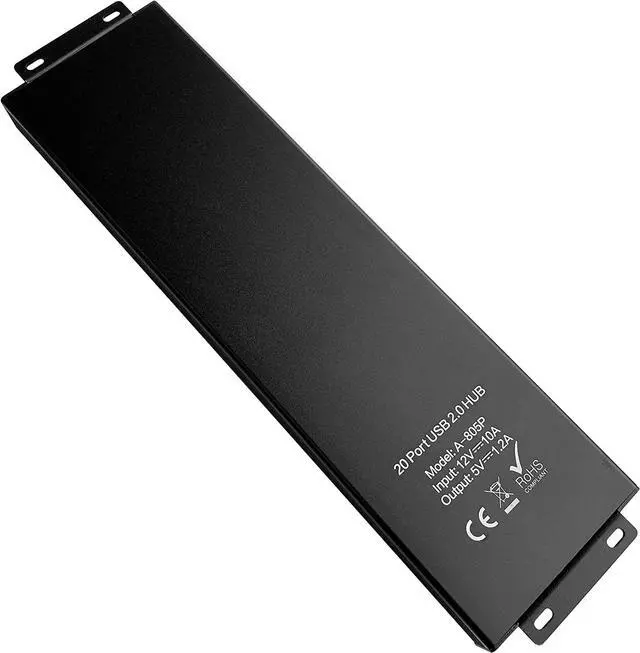
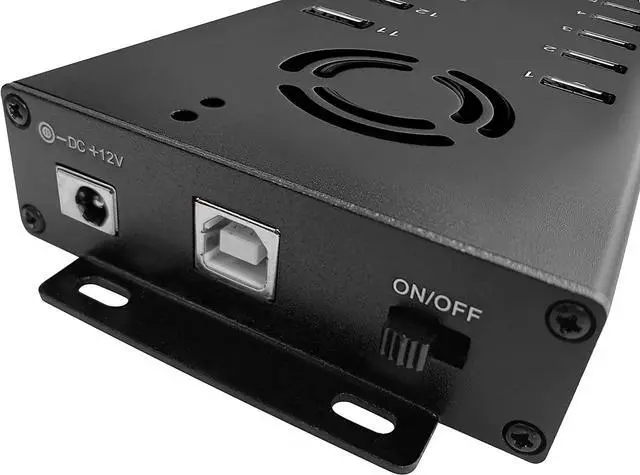
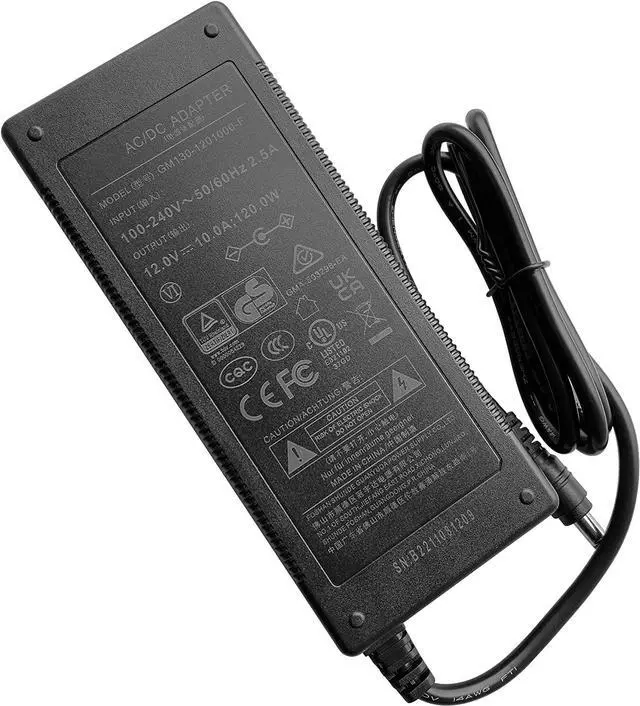
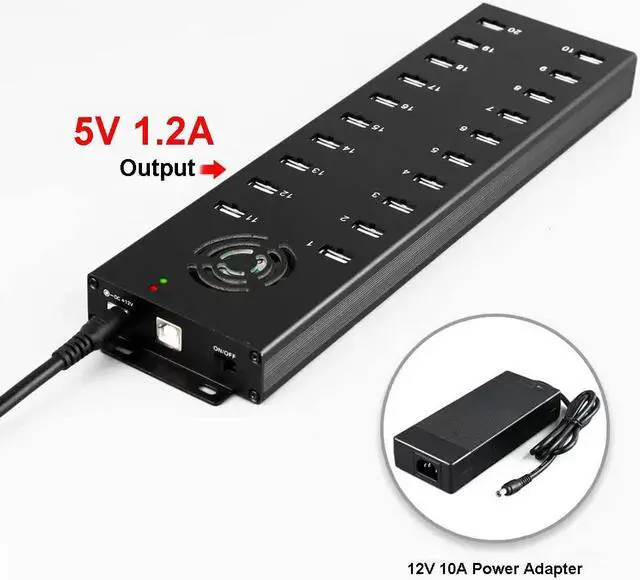


UHPPOTE Industrial USB Hub 20 Port USB2.0 for Smartphone Data Sync
- Ultra Fast : Data transfer of up to 480Mbps. (Not equipped with charging function)
- Professional Design: Solid black matel frame, make the products durable for a long time. All ports on one side, to make clean your desk, and save your space. The mounting bracket allows you to fix the product. With some entilation holes, the hub never gets hot.
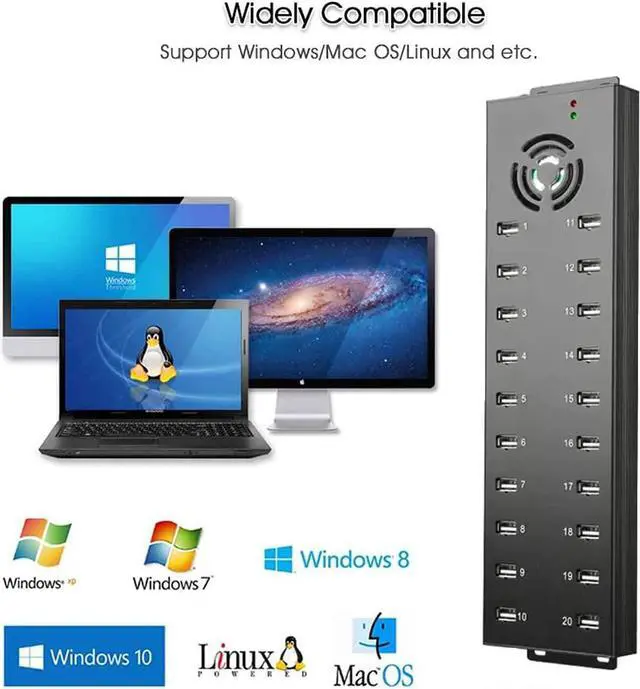
- Compatible Operating System: Windows XP/Vista/7/8/10; Mac OS; Linux. The drive installation is automatic and no need software.Just connect the USB hub with your PC, and then you can connect any USB devices with the 20-Port of USB 2.0.
- Perfect Function: Latest generation USB HUB controller; Maximum output of 0.9A per USB port; Data sync image for 20pcs tablets/Phone/Pad/mobile phone at the same time.
- Hidden LED design, USB port working status can be clearly visible.
+
+
Overview
Specs
Reviews

Any questions? Our AI mode will help you find out quickly.
Try me now
High quality LED, each LED corresponds to the corresponding USB working status.
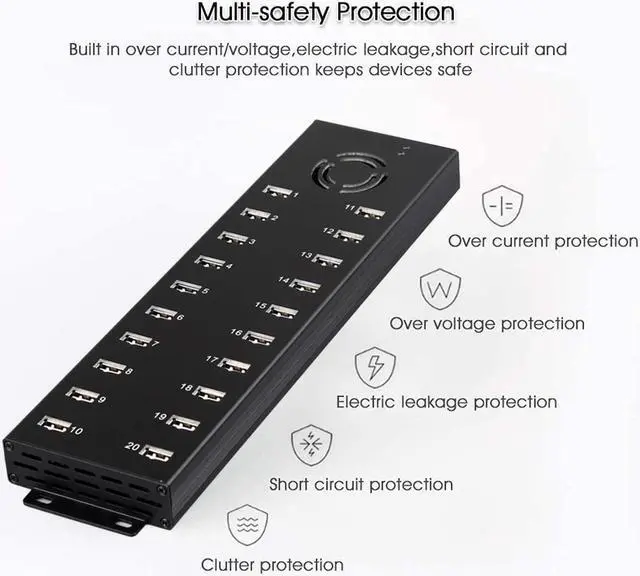
Constructed of high quality aluminum alloy shell, ensuring effectively cooling and improve product anti-interference ability.
20-Port USB Hub Station syncs up to 20 tablets, smart phones and other USB-equipped devices at the same time.
Each individual port capable of delivering up to 5V/1200mA.
Fully compatible with USB 1.1 and USB 2.0, support hot-swappable, no drive, easy to use and carry.
Support Win7, Window Vista, Windows XP Professional/Home Edition, Window98/ME/2000 Professional/Home Edition, MACOS 9.0 and higher editions.
Enclosure Material Metal Port 20 Ports Input USB 2.0 Type-A Power Supply 120W (12V 10A desktop power supply) Max Each Output 5V/1200mA Support System Windows XP/Vista/7/8 & Mac with USB support LED Light Color Blue Dimensions (LxWxH) 11-13/16"x3-11/64"x59/64" (300x80.5x23.5mm) Net Weight 15.87oz (450g) 1 x 20 Ports USB2.0 Hub
1 x USB Cable
1 x Power Adapter
1 x Power Line
Through the computer to add the fans, post messages etc. on the phones at the same time.
All the phones display on the screen and chat with different clients or friends.
Keep the marketing safety, avoiding blocking.
Connect the phones to install and move the software.
Connect the AC cord to the 12VDC/10A power adapter, and then connect to the power outlet.
Connect the USB cables to computer and Hub.
The AC power line connects to the Hub, makes sure the power switch is ON, and the power LED light indicates Red. At this point each USB port outputs 5V, and you can read and write.
After use, please store them properly.
How to Synchronzie ('sync') all attached devices
Connect the computer to the hub with original USB2.0 Cable.
Connect the devices to the USB ports begin go data sync.
Open the Syncing software (e.g. iTunes Configurator) on the connected computer and wait until you can see all deviced listed.
Sync the devices.
See More Describe Specifications
Warranty & Returns
Warranty, Returns, And Additional Information
Warranty
- Please contact the Seller directly for warranty information. Warranty information may also be found on the Manufacturer's website.
- CONTACT
Return Policies
- Return for refund within: 30 days
- Return for replacement within: 30 days
- This item is covered by FluffyNest Return Policy
Manufacturer Contact Info
- For a directory of all our manufacturers, please click below.
- Manufacturers Directory
LOADING...