

Your Browsing History

Meet Your Seller

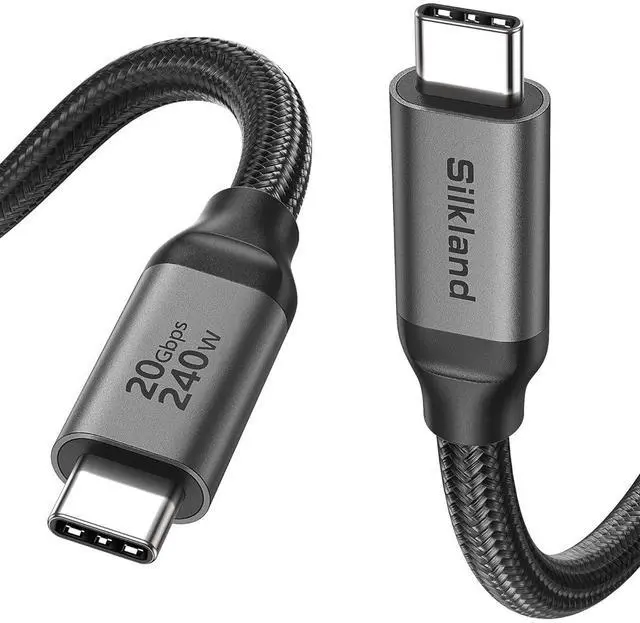


Silkland USB C Monitor Display Cable 15FT, 8K@30Hz, 4K@144Hz/120Hz, 4K@60Hz
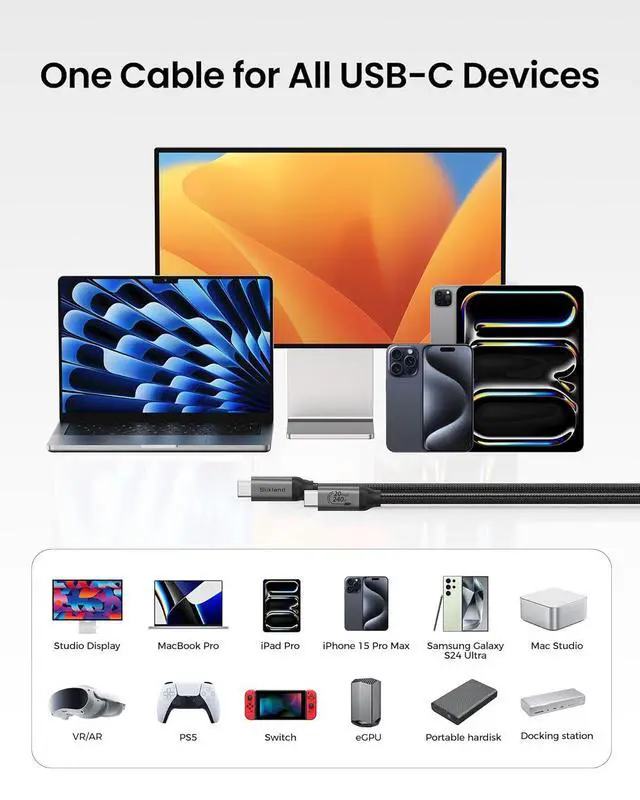
- 8K/5K/4K for USB C Monitors Silkland usb c display cable supports 8K@30Hz, 5K@60Hz and 4K@144Hz, 1080p@240Hz resolution video output from USB C laptops to USB C monitorcompatible for LG 4k, HP EliteDisplay, Dell USB-C Monitors U2520D, S2719DC, U2421HE, P2419HC, and HP E273d, E27d G4 and more.
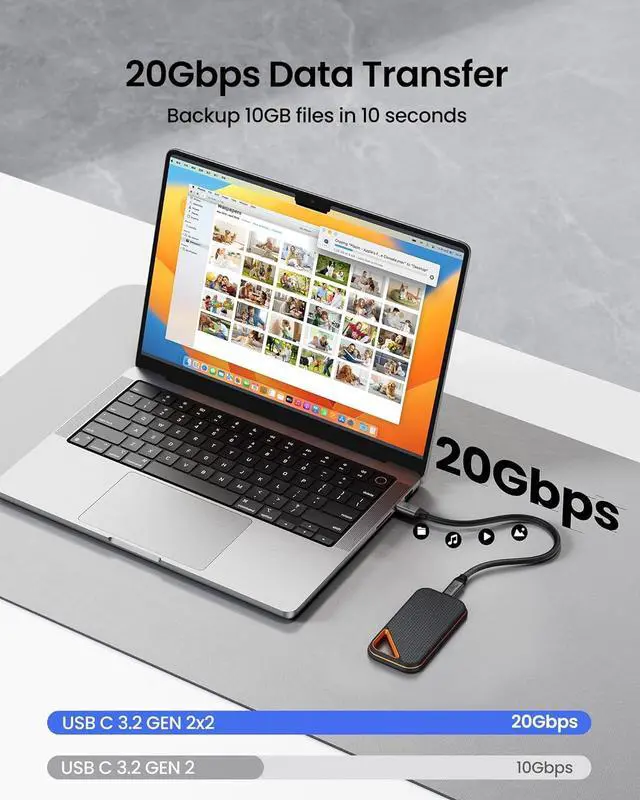
- USB C 3.2 for USB C Laptops The usb c 3.2 gen 2 cable fits virtually all USB-C/Thunderbolt 4/3 Laptops, such as MacBook 2016/2017/2018, MacBook Air 2018/2019, MacBook Pro 13'' /15'' /16'', Dell XPS 15 and the Dell Precision 17, Aspire V15, S5-391-6419 Nitro / V17 Nitro, Predator 17, ROG G752VL / GX700VO / ZenBook Pro UX501VW, Clevo P870DM, ThinkPad P70, MSI GT80 , VAIO S11 and more. NOTE: The video function only works for devices with USB-C ports that support DP Alt Mode.
- Excellent for Portable MonitorsThis USB C video cable works with most usb c portable monitors, support output 4K@60/30Hz and full HD 1080P. Compatible for KYY, MNN, ARZOPA, InnoView, ViewSonic, ZenScreen MB16AC or AOC i
+
+
Overview
Specs
Reviews

Any questions? Our AI mode will help you find out quickly.
Try me now
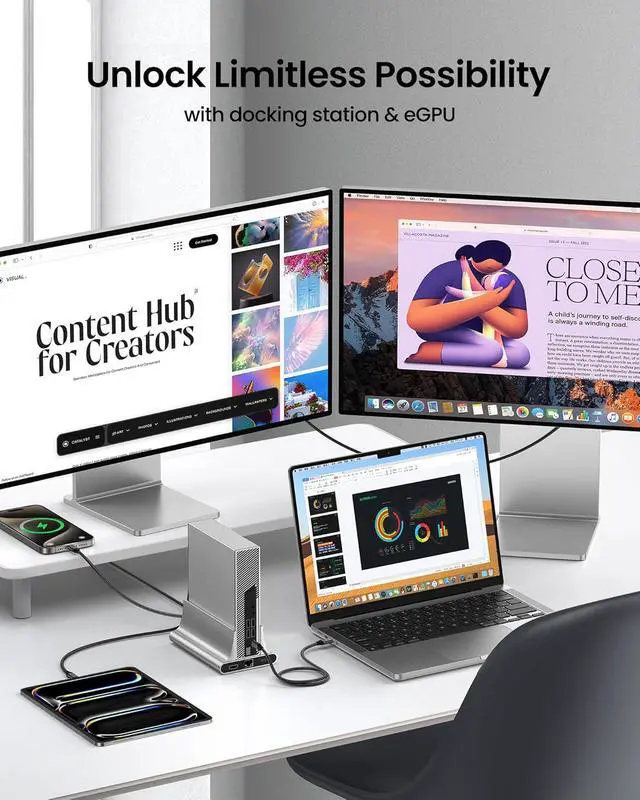
1Portable Monitor2Multi-screen38K/4K Video4With eGPUs1For Smartphone2For Tablet3For Laptop1Ergonomic Design2USB-C Ports Compared3Current Matching Shopping Tips:
Port Type: USB C to USB C, Male to Male
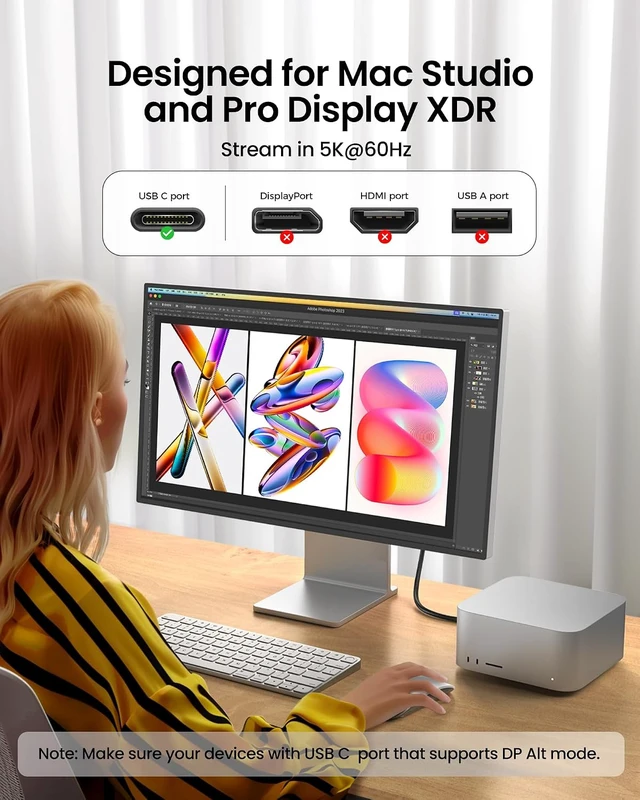
Not compatible with DP, HDMI, USB A, Type B ports
If the product is used for a monitor, to avoid port incompatibility, please confirm whether the monitor has a USB C port that supports DP Alt mode
What length should I choose?
1-1.6ft: Ideal for portable SSDs, power banks & tight spaces
3.3-5ft: Ideal for daily use, close-range desk monitor & PC setups
6.6-10ft: Great for sofas &small meeting room, long-reach setups
15ft: Fits office display walls &podium connected devices
Why is my monitor not compatible?
Confirm the source USB-C port has a DP or Thunderbolt icon, and the monitor's USB-C port has upstream markings like "PC IN" or "Computer". If not, check the official website for DP Alt Mode support. If flickering occurs, try to reduce the resolution.
Why doesn't the monitor's video output reach 4K or 8K?
The USB C port of your devices must support DisplayPort Alt Mode. 4K@60Hz is widely supported. 8K is also supported, but only if both your laptop and monitor need DP 1.4 with DSC compression. The cable is capable, but the devices set the limit.
Why is it not charging or charging slowly?
Compare the port with the diagram above to check. If the USB-C port is data-only, charging will not work.
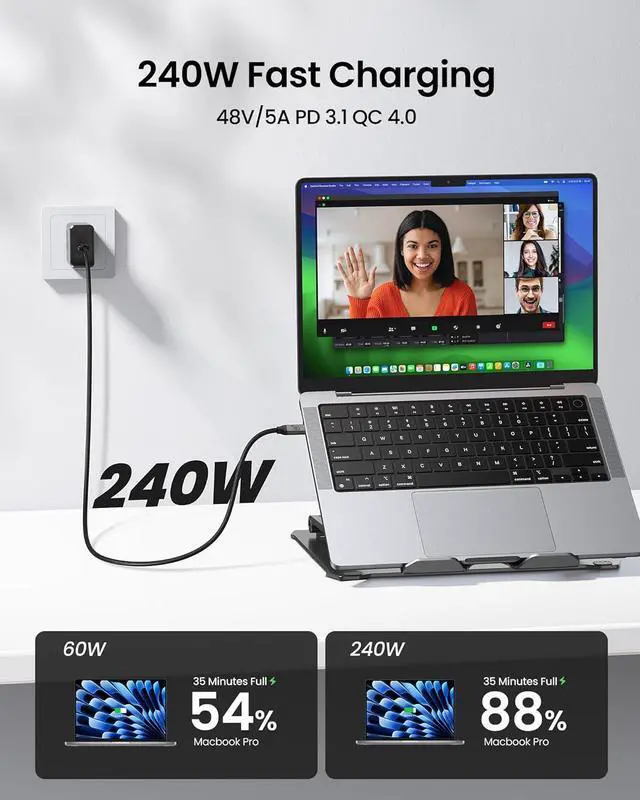
For fast charging, you need an adapter that supports PD 3.1 EPR, and its maximum output power must meet or exceed your device's requirements.
Shopping Tips:
What length should I choose?
Why is my monitor not compatible?
Why doesn't the monitor's video output reach 4K or 8K?
Why is it not charging or charging slowly?
Port Type: USB C to USB C, Male to Male
Not compatible with DP, HDMI, USB A, Type B ports
If the product is used for a monitor, to avoid port incompatibility, please confirm whether the monitor has a USB C port that supports DP Alt mode
What length should I choose?
1-1.6ft: Ideal for portable SSDs, power banks & tight spaces
3.3-5ft: Ideal for daily use, close-range desk monitor & PC setups
6.6-10ft: Great for sofas &small meeting room, long-reach setups
15ft: Fits office display walls &podium connected devices
Why is my monitor not compatible?
Confirm the source USB-C port has a DP or Thunderbolt icon, and the monitor's USB-C port has upstream markings like "PC IN" or "Computer". If not, check the official website for DP Alt Mode support. If flickering occurs, try to reduce the resolution.
Why doesn't the monitor's video output reach 4K or 8K?
The USB C port of your devices must support DisplayPort Alt Mode. 4K@60Hz is widely supported. 8K is also supported, but only if both your laptop and monitor need DP 1.4 with DSC compression. The cable is capable, but the devices set the limit.
Why is it not charging or charging slowly?
Compare the port with the diagram above to check. If the USB-C port is data-only, charging will not work.
For fast charging, you need an adapter that supports PD 3.1 EPR, and its maximum output power must meet or exceed your device's requirements.
Shopping Tips:
What length should I choose?
Why is my monitor not compatible?
Why doesn't the monitor's video output reach 4K or 8K?
Why is it not charging or charging slowly?
Warranty & Returns
Warranty, Returns, And Additional Information
Warranty
- Please contact the Seller directly for warranty information. Warranty information may also be found on the Manufacturer's website.
- CONTACT
Return Policies
- Return for refund within: 30 days
- Return for replacement within: 30 days
- This item is covered by FluffyNest Return Policy
Manufacturer Contact Info
- For a directory of all our manufacturers, please click below.
- Manufacturers Directory
LOADING...