

Your Browsing History
- Free 30-day Returns
$16.43
Ships from Hong Kong.


Meet Your Seller

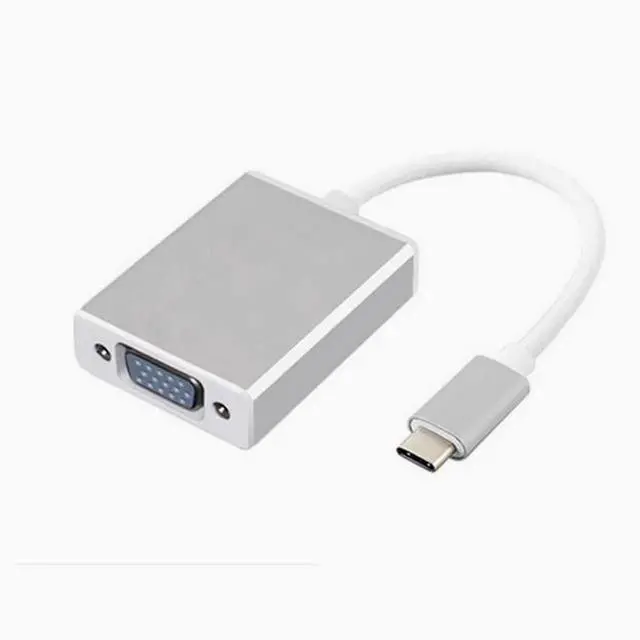
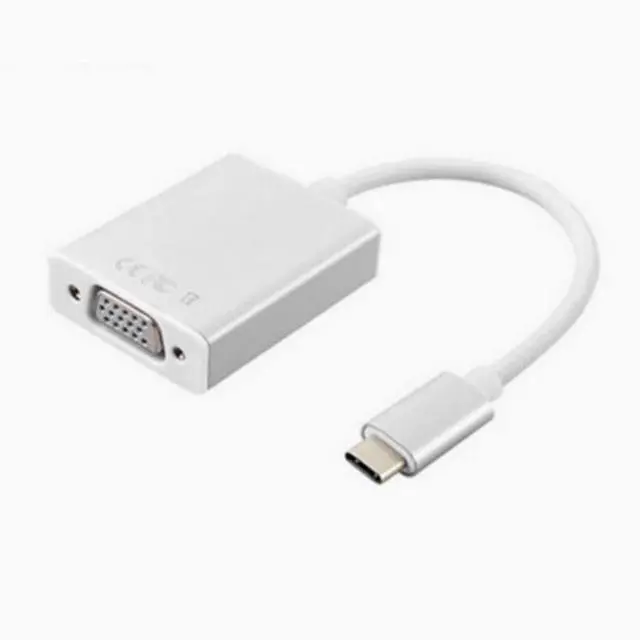
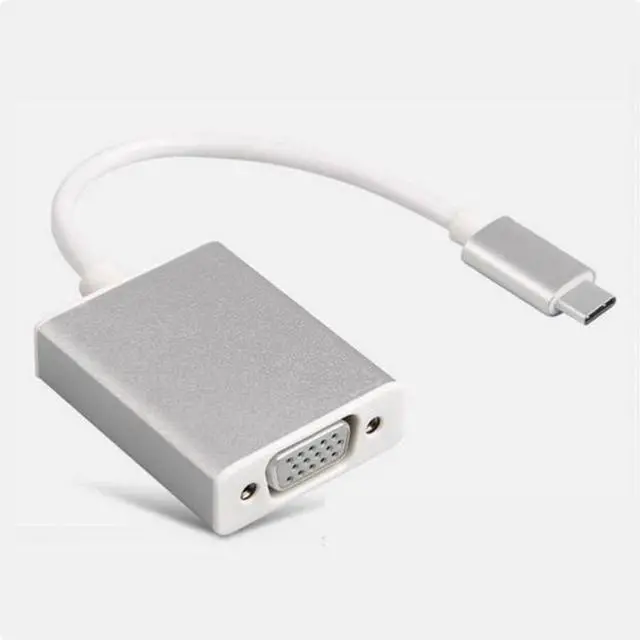


USB 3.1 TYPE-C to VGA cable Macbook Air 3.1 to VGA HD cable
Limited time offer, ends 10/14 By E-tech
- USB3.1type-c video cable, USB3.1 Type-c To VGA female video conversion cable
- Type: USB3.1 Interface type: type-c VGA
- Version: 3.1, 1080P support,
- Plug Type-c male, USB3.0, VGA nickel-plated head
- Wire material: tinned copper OD4.0MM 24AWG aluminum magnesium wire braid
- Appearance: Aluminum alloy housing
- Product use:
- Msi motherboard computer, Apple MacBook Type-c, HP computer, Google computer mainly for lighter, slimmer devices video output.
+
+
Overview
Specs
Reviews

Any questions? Our AI mode will help you find out quickly.
Try me now
Comprehensive features:
USB 3.1 TYPE-C to VGA HD cable
Macbook Air 12 "USB 3.1 to HDMI cable
1.
Input interface: Use the latest USB 3.1 Type-C interface
2. The data transmission rate can reach USB 3.10G bps
3. Ultra-thin design, mini size
4 Aluminum alloy shell, stylish high-end design
5.
Output interface: external
HD VGA device such as: display projector TV with HD equipment
It is used to connect the 12-inch USB 3.1 output of the Macbook Air to an external HD VGA device
Such as: display projector TV with HD VGA signal external equipment
Product features:
1.1080P HD resolution
2.10G bps high-speed transmission rate
3. Compatible with multiple systems
4. The interface can be inserted on both sides
5. Aluminum alloy shell
6. The signal is intact
7. Plug and Play
8. High-performance chips
9. Nickel-plated interface
Matters needing attention
1, connecting Type c to VGA to VGA projection directly does not display the main reason is that the device is incompatible, some type c converters in the production of the chip scheme version is different, resulting in this phenomenon.
2, connect Type c to VGA after only display wallpaper to the projection, only display wallpaper because you choose "screen extension", change the mode to "projection" will display the content
USB 3.1 TYPE-C to VGA HD cable
Macbook Air 12 "USB 3.1 to HDMI cable
1.
Input interface: Use the latest USB 3.1 Type-C interface
2. The data transmission rate can reach USB 3.10G bps
3. Ultra-thin design, mini size
4 Aluminum alloy shell, stylish high-end design
5.
Output interface: external
HD VGA device such as: display projector TV with HD equipment
It is used to connect the 12-inch USB 3.1 output of the Macbook Air to an external HD VGA device
Such as: display projector TV with HD VGA signal external equipment
Product features:
1.1080P HD resolution
2.10G bps high-speed transmission rate
3. Compatible with multiple systems
4. The interface can be inserted on both sides
5. Aluminum alloy shell
6. The signal is intact
7. Plug and Play
8. High-performance chips
9. Nickel-plated interface
Matters needing attention
1, connecting Type c to VGA to VGA projection directly does not display the main reason is that the device is incompatible, some type c converters in the production of the chip scheme version is different, resulting in this phenomenon.
2, connect Type c to VGA after only display wallpaper to the projection, only display wallpaper because you choose "screen extension", change the mode to "projection" will display the content
Warranty & Returns
Warranty, Returns, And Additional Information
Warranty
- Please contact the Seller directly for warranty information. Warranty information may also be found on the Manufacturer's website.
- CONTACT
Return Policies
- Return for refund within: 30 days
- Return for replacement within: non-replaceable
- This item is covered by E-tech Return Policy
Manufacturer Contact Info
- For a directory of all our manufacturers, please click below.
- Manufacturers Directory
LOADING...