• $21.39
  • Free 30-day Returns
  • Ships from China.
    Price alert
    Shop it at NeweggBusiness.

    Meet Your Seller

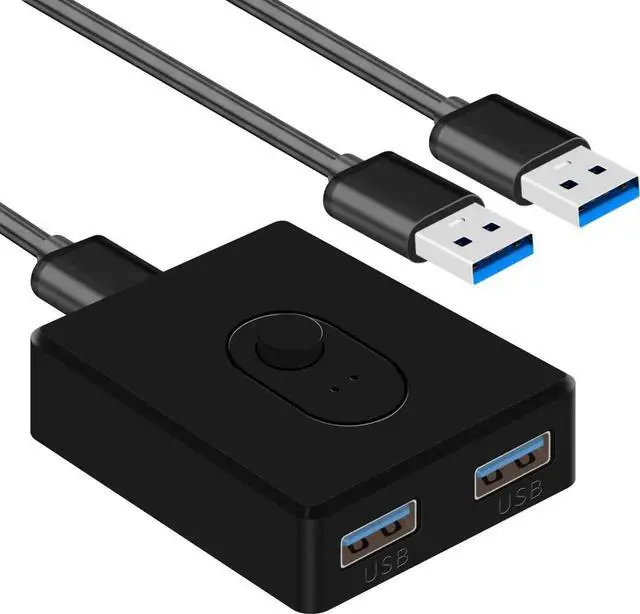
    Aomoproing USB 3.0 Bi-Directional Switcher 2 in 1 Out (1 in 2 Out), Keyboard Mouse Switcher for 2 Computers Share 1 Device with 2 USB Cables

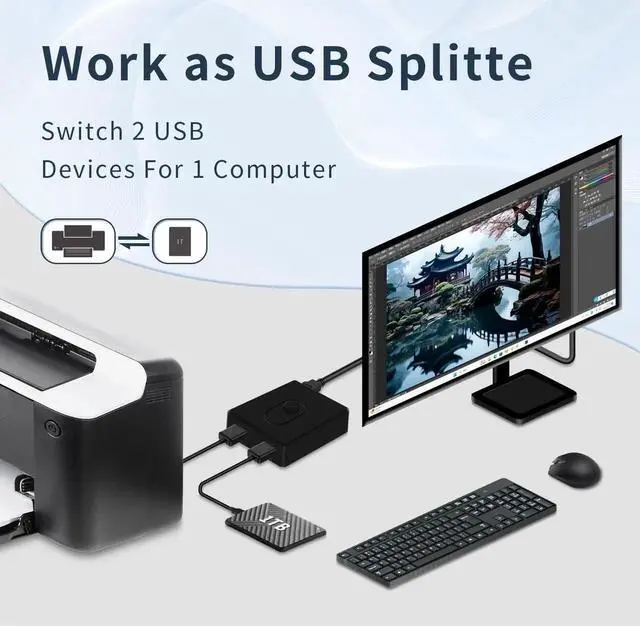
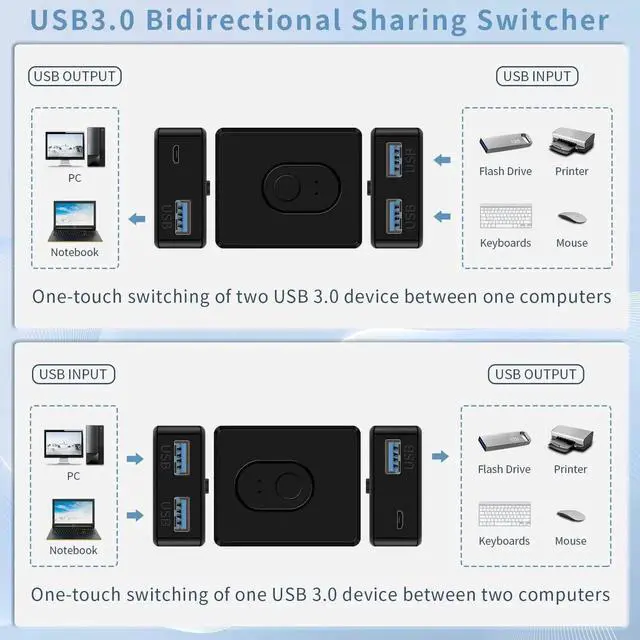
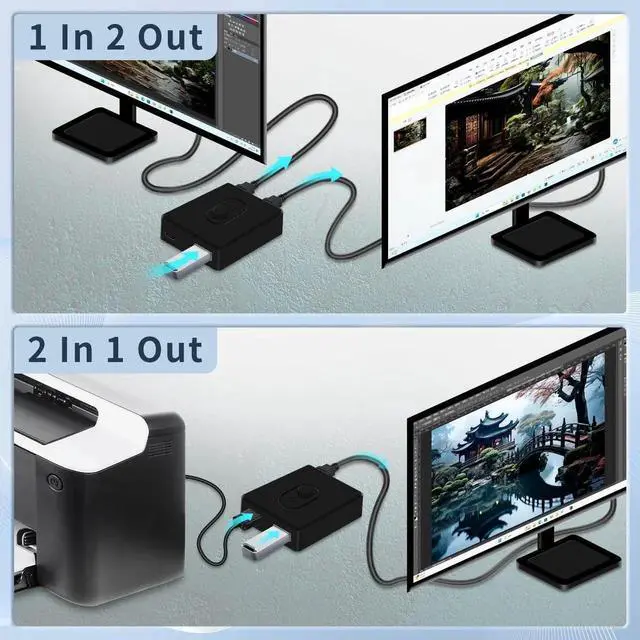
    • Bi-Directional 2 in 1 Out / 1 in 2 Out Design - This Aomoproing USB switcher features a flexible bi-directional design, supporting both 2 in 1 Out and 1 in 2 Out modes. It allows 2 computers to share 1 USB peripheral (printer, keyboard, mouse) or 1 computer to connect 2 USB devices, solving the trouble of frequent plugging and unplugging, greatly improving work efficiency.
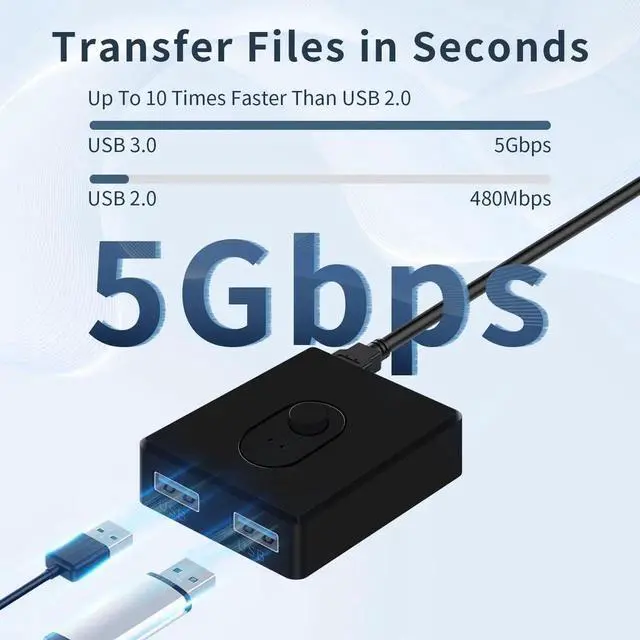
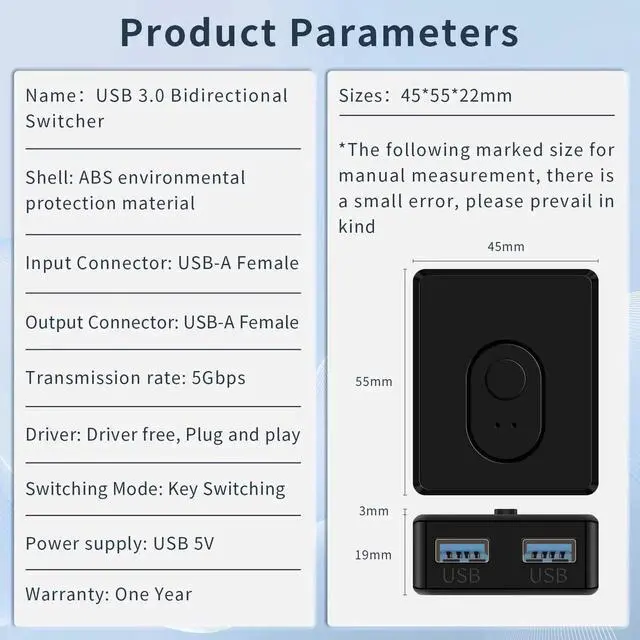
    • USB 3.0 High-Speed Transmission - Compliant with USB 3.0 standard, this switch selector supports up to 5Gbps ultra-fast data transfer, ensuring stable and quick transmission of files, data, and signals between computers and USB devices. It is backward compatible with USB 2.0 and 1.1 devices, ensuring wide compatibility with various USB peripherals.
    • All-in-One Package with Easy Operation - The package includes 2pcs USB cables, no additional accessories neededplug and play, no drivers or software required. With a simple switch button, you can easily switch between devices in seconds, suitable for home, office, and gaming setups. It is compact and portable, saving desktop space while providing a convenient connectivity solution.
    +
    +
    Overview
    Specs
    Reviews
    avatar

    Any questions? Our AI beta will help you find out quickly.

    1. USB 3.0 Bidirectional Switcher This USB switcher allows to share and switch one USB device between two computers or two USB devices to one computer. Examples of USB devices include printers, USB stereos, keyboards, card readers, removable hard disks, and more.
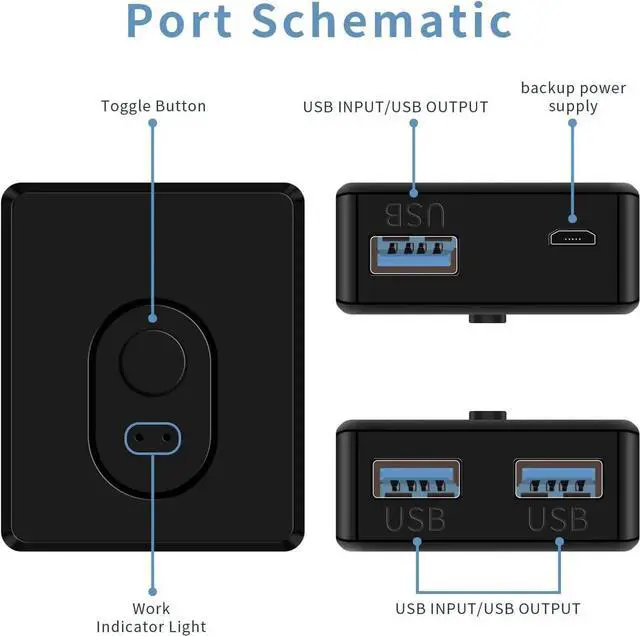
    2. With Power Supply InterfaceThis USB switcher provides a micro USB 5V 2A power supply interface, which allows you to use more stable and reliable when connecting high-power USB devices, such as hard disk drives, etc. Note: The kit only includes the USB charging cable, not the adapter.


    Warranty & Returns

    Warranty, Returns, And Additional Information

    Warranty

    • Please contact the Seller directly for warranty information. Warranty information may also be found on the Manufacturer's website.
    • CONTACT

    Return Policies

    Manufacturer Contact Info

    LOADING...