

Your Browsing History
- Free 30-day Returns
$16.70
Ships from China.

Meet Your Seller

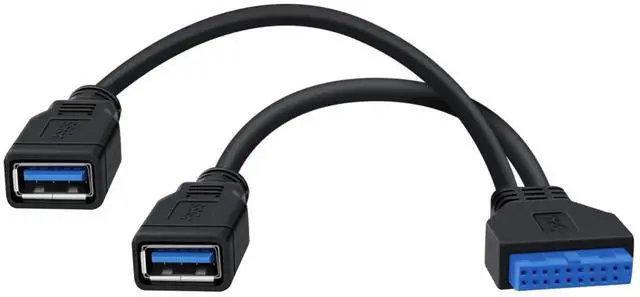
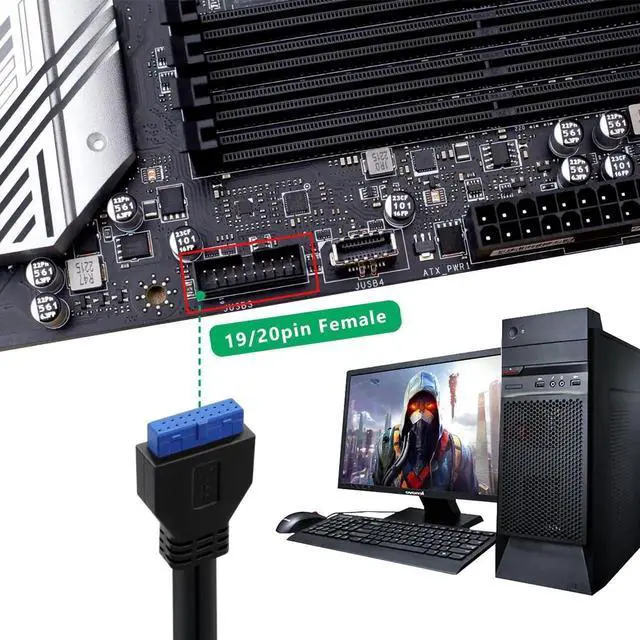
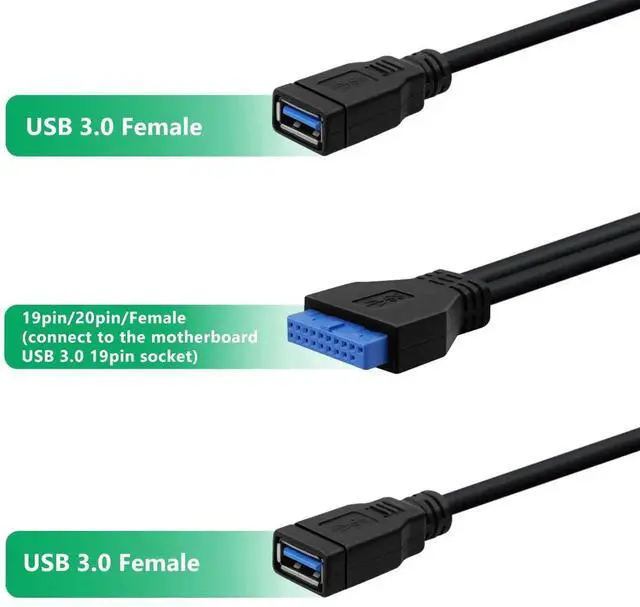


Aomoproing 2 Port USB 3.0 Female to Motherboard 19/20pin Y Splitter Cable, USB 3.0 Front Panel Extension Cable, 1FT for Desktop PC
Limited time offer, ends 10/09 By Aomoproging
- 2 Port USB 3.0 Female Design Y splitter design expands 1 motherboard 19/20pin header to 2 USB 3.0 female ports, effectively increasing desktop USB connectivity.
- 19/20pin Motherboard Compatibility Standard 19/20pin connector, perfectly fits most desktop motherboards with USB 3.0 header, seamless front panel port extension.
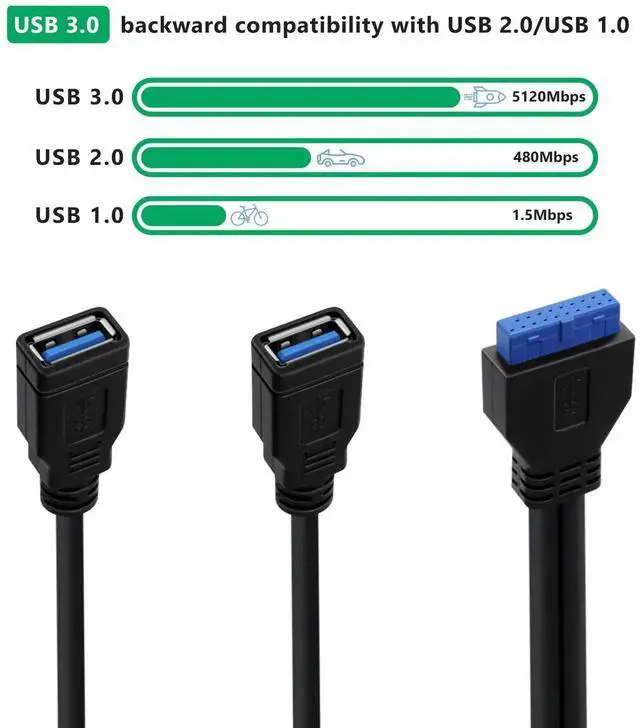
- USB 3.0 5Gbps High-Speed Supports up to 5Gbps fast data sync, efficient for transferring large files, photos and videos via the extended USB ports.
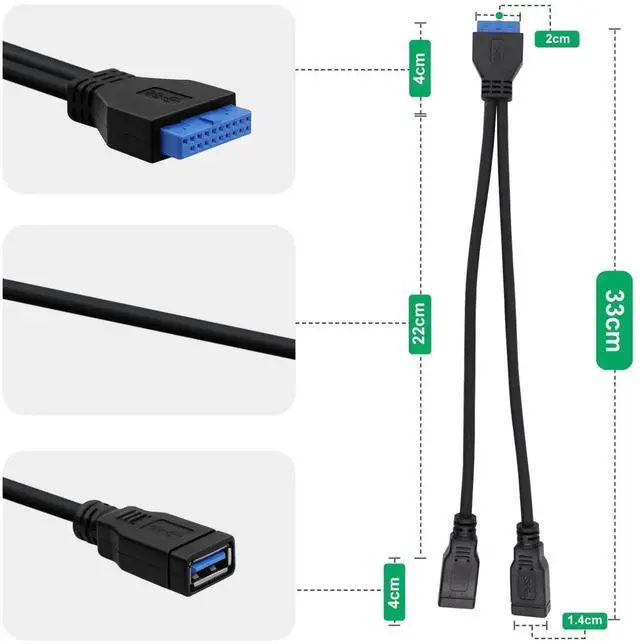
- 1FT (30cm) Compact Length Ideal for internal PC wiring, flexible routing to keep the case tidy, no signal loss during data transmission.
- Front Panel & Y Splitter Dual Function Suitable for PC front panel USB port extension, Y splitter design meets multi-device connection needs, plug-and-play, no extra drivers.
+
+
Overview
Specs
Reviews

Any questions? Our AI mode will help you find out quickly.
Try me now
Dual USB 3.0 type A to 19/20 pin header cable
Product Specifications:
Connector A: USB 3.0 19/20 pin female
Connector B: 2 USB 3.0 Type-A port
Length: 1FT
Weight: 45g
Characteristic:
Compatibility: Backward compatibility with USB 2.0
Data Transfer Speed: 5Gbps
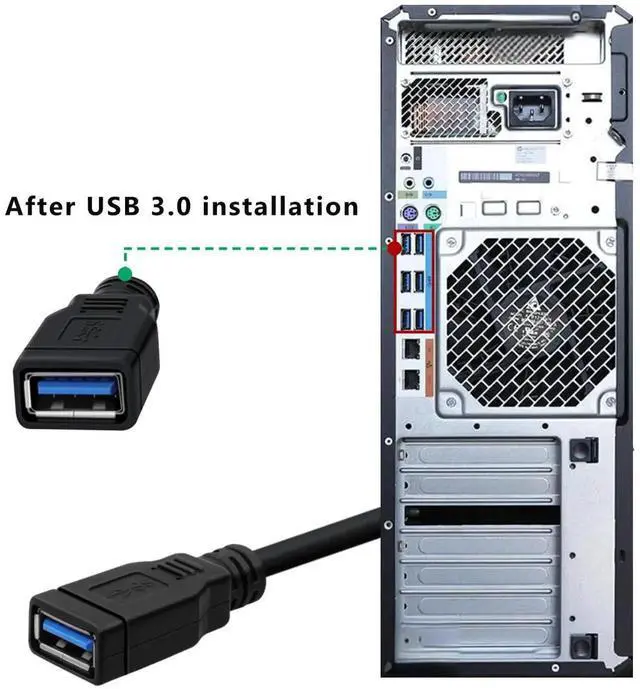
For motherboards with limited USB ports, the USB 3.0 front panel splitter cable is an ideal choice. It can convert a 19/20-pin motherboard line female header into two USB 3.0 Type-A ports, providing you with more choices for connecting external devices
USB 3.0 female front panel cable, Perfect for USB 3.0 expansion slot holder card,USB3.0 external hard drives and flash memory
- Easy Installation: USB 3.0 y cable splitter motherboard.No additional power supply or complex installation steps are required. Just connect the 19/20 pins to the internal motherboard, and then insert the connected device into the converted port
Warranty & Returns
Warranty, Returns, And Additional Information
Warranty
- Please contact the Seller directly for warranty information. Warranty information may also be found on the Manufacturer's website.
- CONTACT
Return Policies
- Return for refund within: 30 days
- Return for replacement within: 30 days
- This item is covered by Aomoproging Return Policy
Manufacturer Contact Info
- For a directory of all our manufacturers, please click below.
- Manufacturers Directory
LOADING...