

Your Browsing History
- Free 30-day Returns
$17.70
Ships from China.

Meet Your Seller

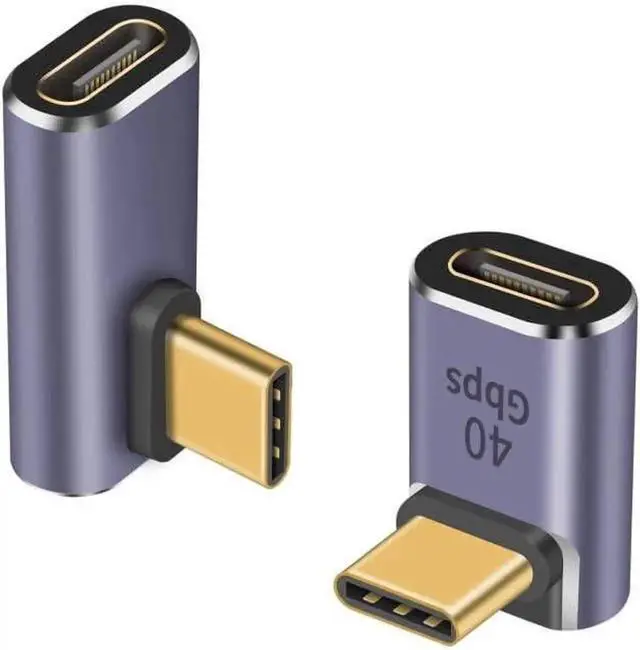
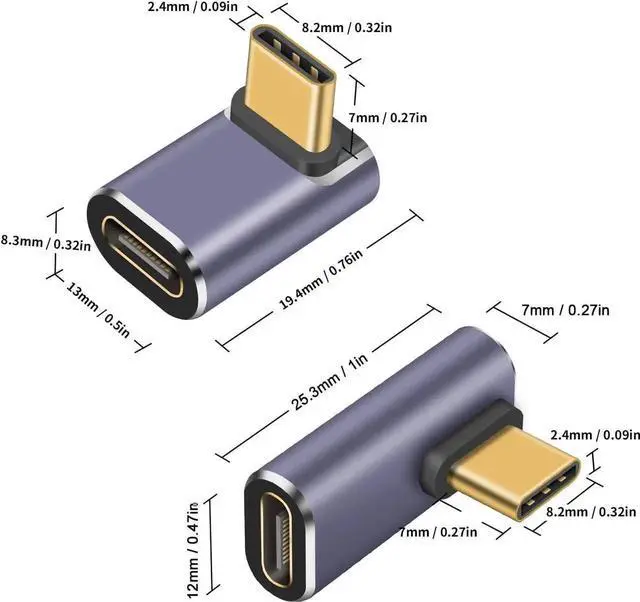
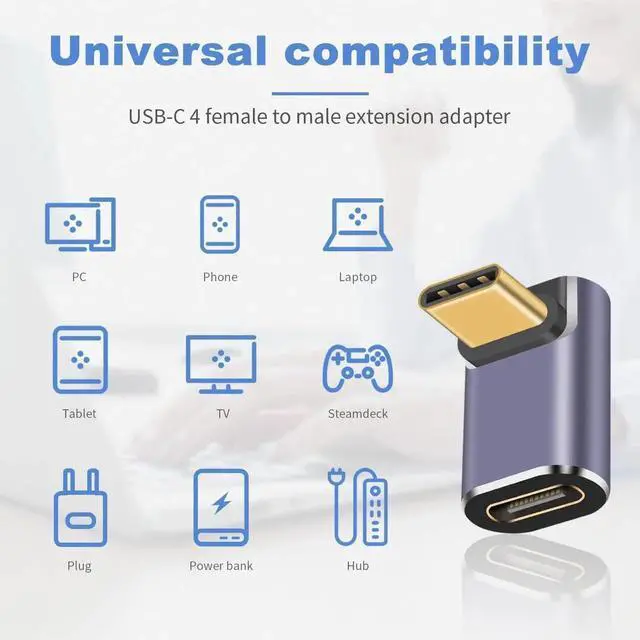
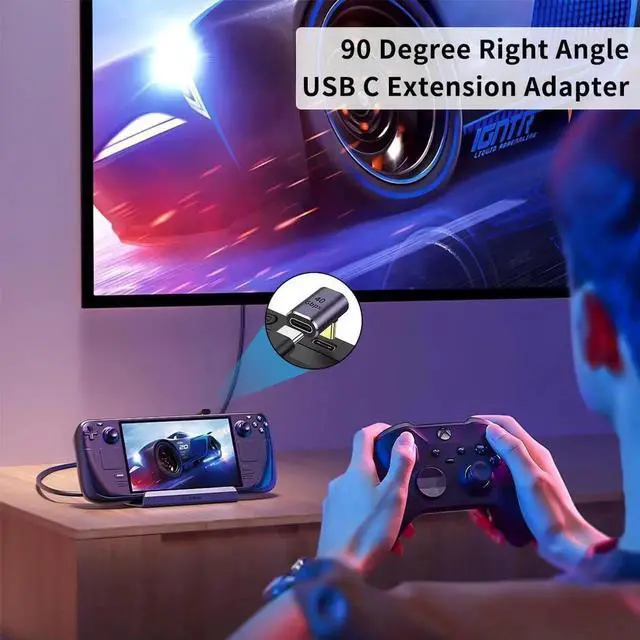


Aomoproing 90 Degree USB C Adapter, 40Gbps High-Speed Data Transfer, 100W PD Fast Charging, Compatible with Thunderbolt 4/3, Steam Deck, iPhone 15, Switch and Type-C Devices
Limited time offer, ends 10/09 By Aomoproging
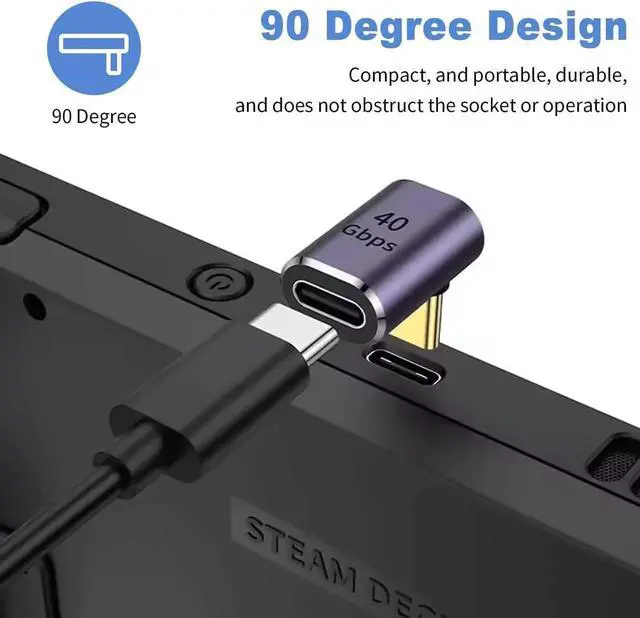
- 90° Right Angle Design: Perfect for tight spaces (e.g., Steam Deck, small device ports), reduces cable bending stress, avoids port damage, and saves desktop space.
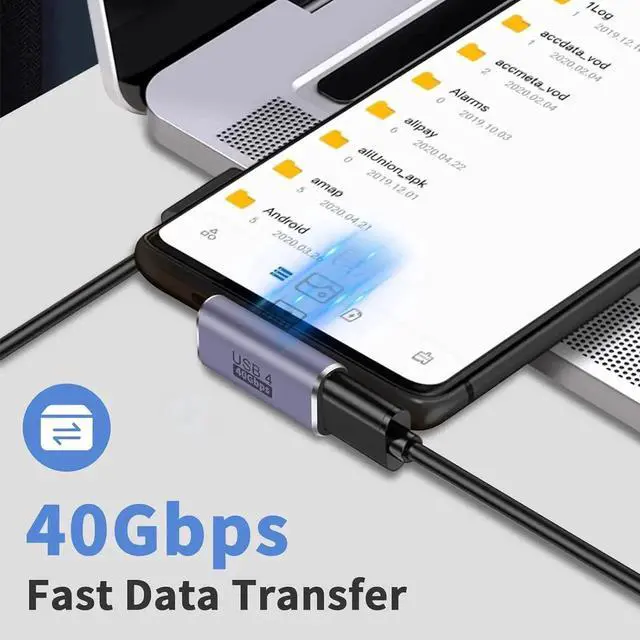
- 40Gbps High-Speed Transmission: Supports ultra-fast data sync, no lag when transferring files, compatible with Thunderbolt 4/3 devices.
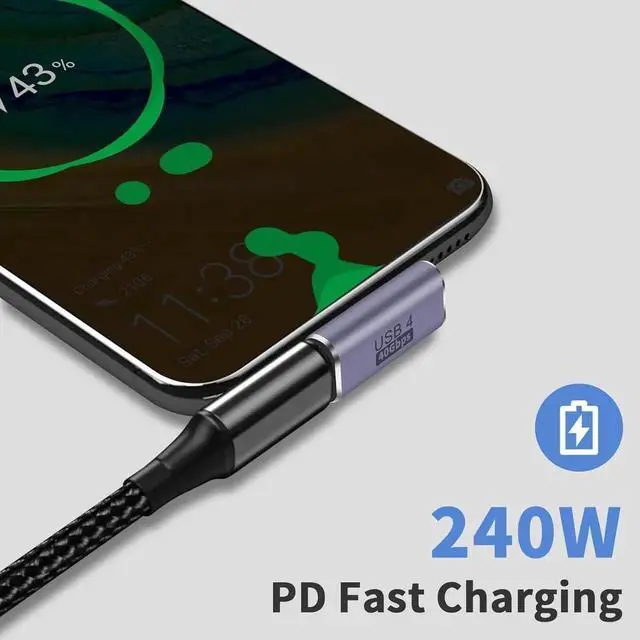
- 100W PD Fast Charging: Stable power supply, suitable for high-power devices, meets daily charging needs of phones, tablets and laptops.
- Wide Compatibility: Fully compatible with Thunderbolt 4/3, Steam Deck, iPhone 15, Switch and all Type-C devices, plug-and-play.
- Multi-Scene Application: Ideal for home, office and travel, solves the problem of inconvenient cable connection in narrow spaces.
+
+
Overview
Specs
Reviews

Any questions? Our AI mode will help you find out quickly.
Try me now
Product description:
Support 40Gbps data transmission
Support 8K@60hz video transfer
Up to 100W Charging and 20V 5A Current
Thunderbolt 3 Extended Connector is workable.
PD Support USB C 3.1 Gen2 Female to Male Extender
Features:
This 90 degree adapter allows the cable to have a suitable extension direction, which can avoid the wear of the cable and the input port of the device and you can simply stick them onto the ends of devices, and not worry about losing your adapter
Wide compatibility:
Widely work with most USB C devices. For Nintendo Switch, Steam Deck, MacBook Pro, Surface Book 2, Samsung Galaxy S21 S20, S10, Note20 10, LG G7 V20, Google pixel, Chromebook, etc.
When you hook up a USB-C 2.0 peripheral to this USB-C 3.1 adapter, if it doesn't work as you expected, please flip the connector over and try once more.
Because it happens as a result of the compatibility issue of USB-C protocols and you need to connect a USB-C 2.0 peripheral to a USB-C 3.1 port in a specific direction.
Please find a USB-C or Thunderbolt 3 port on your device that supports video output because not all USB-C ports are able to carry a video signal.
Warranty & Returns
Warranty, Returns, And Additional Information
Warranty
- Please contact the Seller directly for warranty information. Warranty information may also be found on the Manufacturer's website.
- CONTACT
Return Policies
- Return for refund within: 30 days
- Return for replacement within: 30 days
- This item is covered by Aomoproging Return Policy
Manufacturer Contact Info
- For a directory of all our manufacturers, please click below.
- Manufacturers Directory
LOADING...