• $12.48
  • Free 30-day Returns
  • Ships from China.
    Price alert
    Shop it at NeweggBusiness.

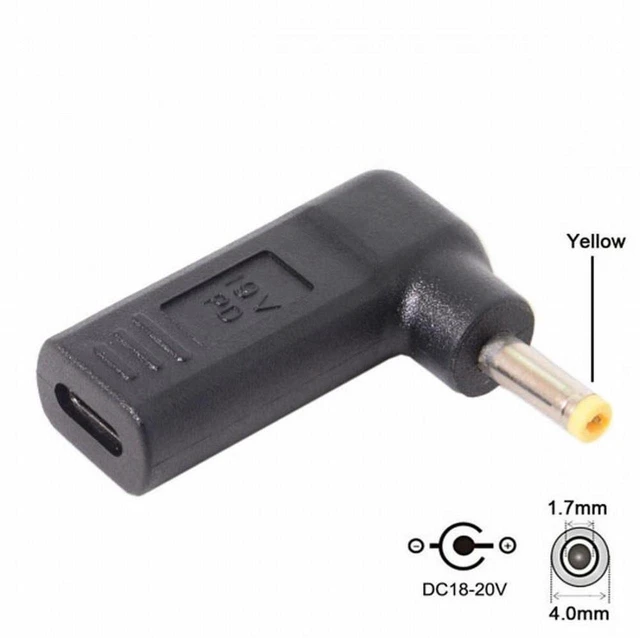
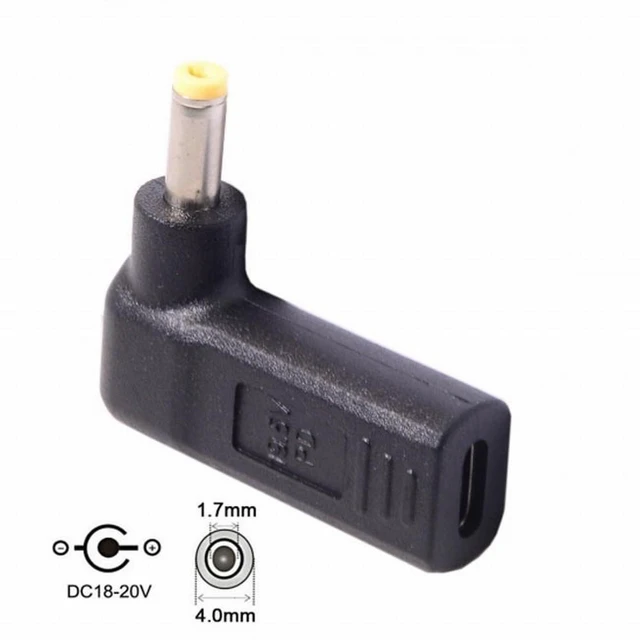
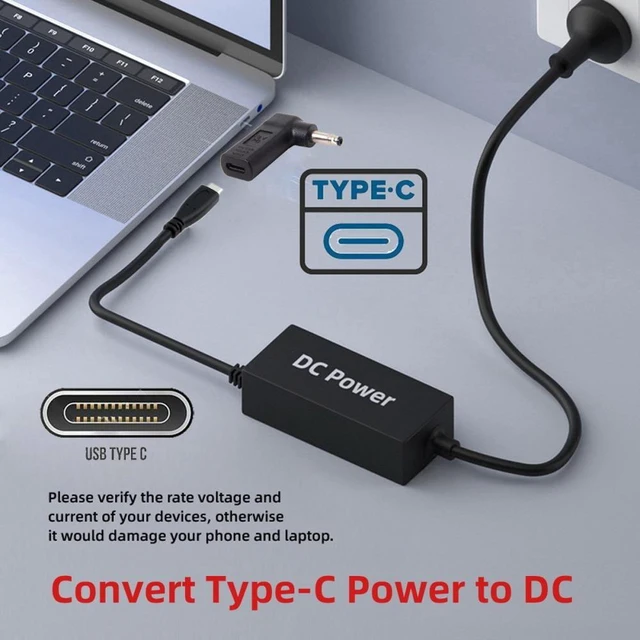
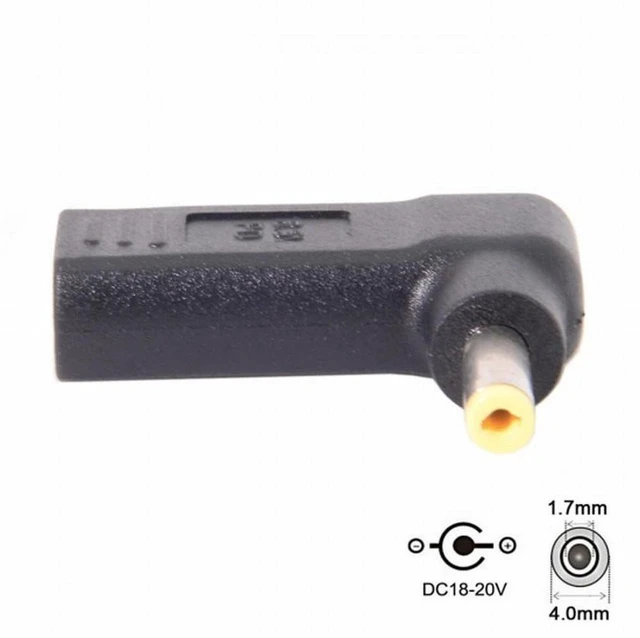
    Aomoproing 90 Degree Angled USB3.1 Type-C PD Emulator Trigger Adapter, USB-C Female to DC 19V 4.0*1.7mm Male Power Converter, 65W PD Trigger for Laptop, Portable Monitor, Router

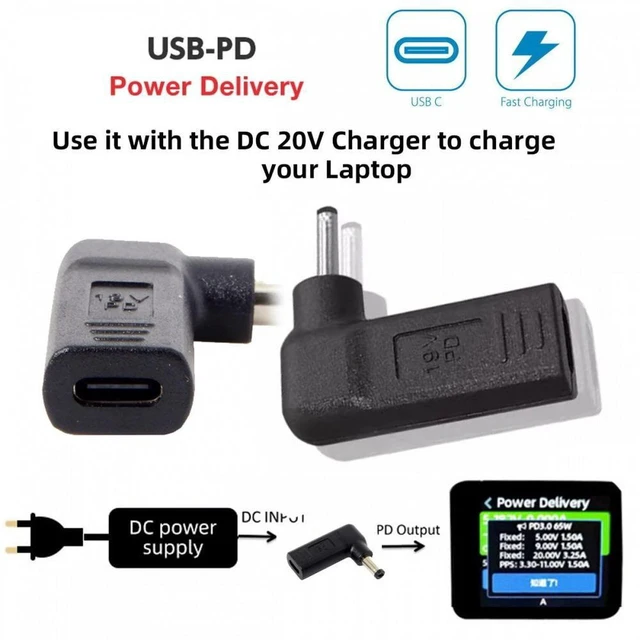
    • - Built-in PD emulator trigger, stably negotiates 19V fixed output from PD USB-C charger
    • - 90-degree right angle DC plug, saves space and prevents cable bending damage
    • - DC 4.0x1.7mm barrel tip, widely compatible with many laptops and small devices
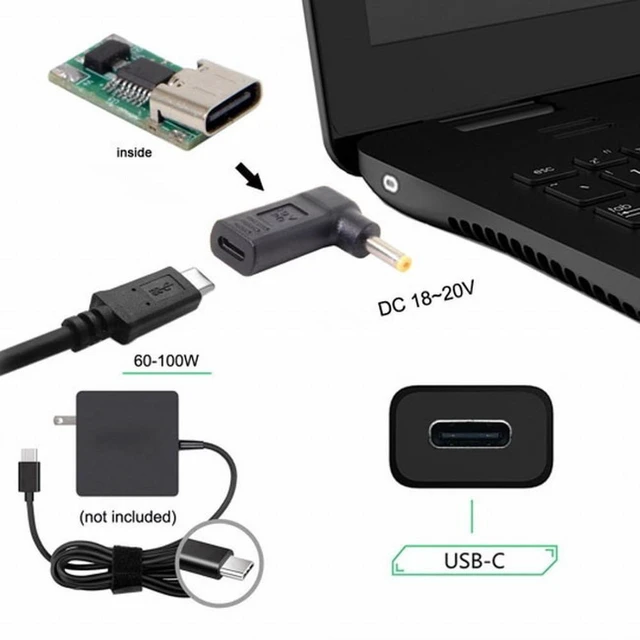
    • - Supports up to 65W power, works with 65W/100W USB-C PD power adapters and power banks
    • - Compact plug-and-play design, no driver required for travel and desktop power replacement
    +
    +
    Overview
    Specs
    Reviews

    Any questions? Ask CelesteSM will help you find out quickly.

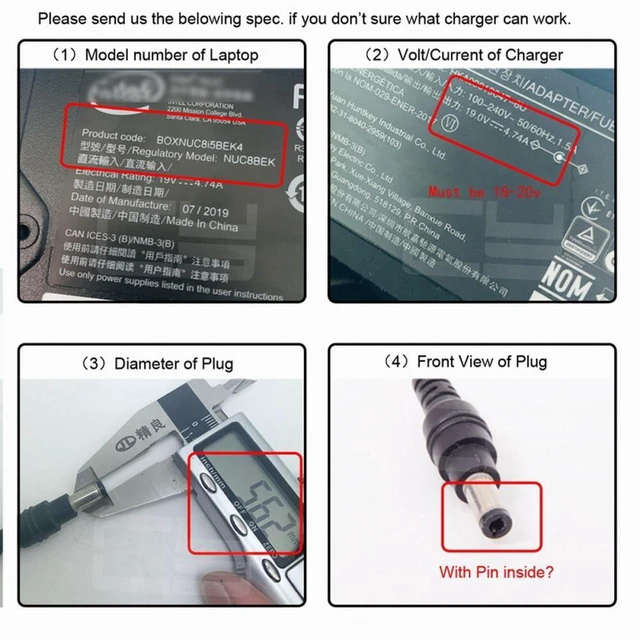
    Aomoproing PD trigger adapter converts USB-C PD power input into fixed 19V DC output via a 4.0*1.7mm DC barrel connector. The built-in emulator chip automatically requests 19V from PD power sources. The 90-degree angled shape fits tight gaps around laptops and monitors, avoiding cable strain. It is a handy replacement solution for original DC power adapters, suitable for laptops, portable displays, routers and other devices that run on 19V DC 4.0x1.7mm power. It only transfers power and does NOT support data transfer or video signal. Please confirm your PD charger supports 19V PD profile before use.


    Specifications

    1. Brand: Aomoproing
    2. Input: USB-C Female (PD Charger Required)
    3. Output: DC 19V Male, 4.0mm x 1.7mm
    4. Max Power: 65W
    5. Angle: 90 Degree Right Angled DC Plug
    6. Chip: PD Emulator Trigger Chip
    7. Function: Power Trigger & Conversion
    8. Data Transfer: Not Supported
    9. Video Output: Not Supported
    10. Compatible Devices: 19V Laptops, Portable Monitor, Router, Small DC Equipment
    11. Installation: Plug and Play
    12. Requirement: USB-C charger must support PD 19V profile


    Warranty & Returns

    Warranty, Returns, And Additional Information

    Warranty

    • Please contact the Seller directly for warranty information. Warranty information may also be found on the Manufacturer's website.
    • CONTACT

    Return Policies

    Manufacturer Contact Info

    LOADING...